I'm not able to add a new hard disk with xen orchestra.
-
Hello.
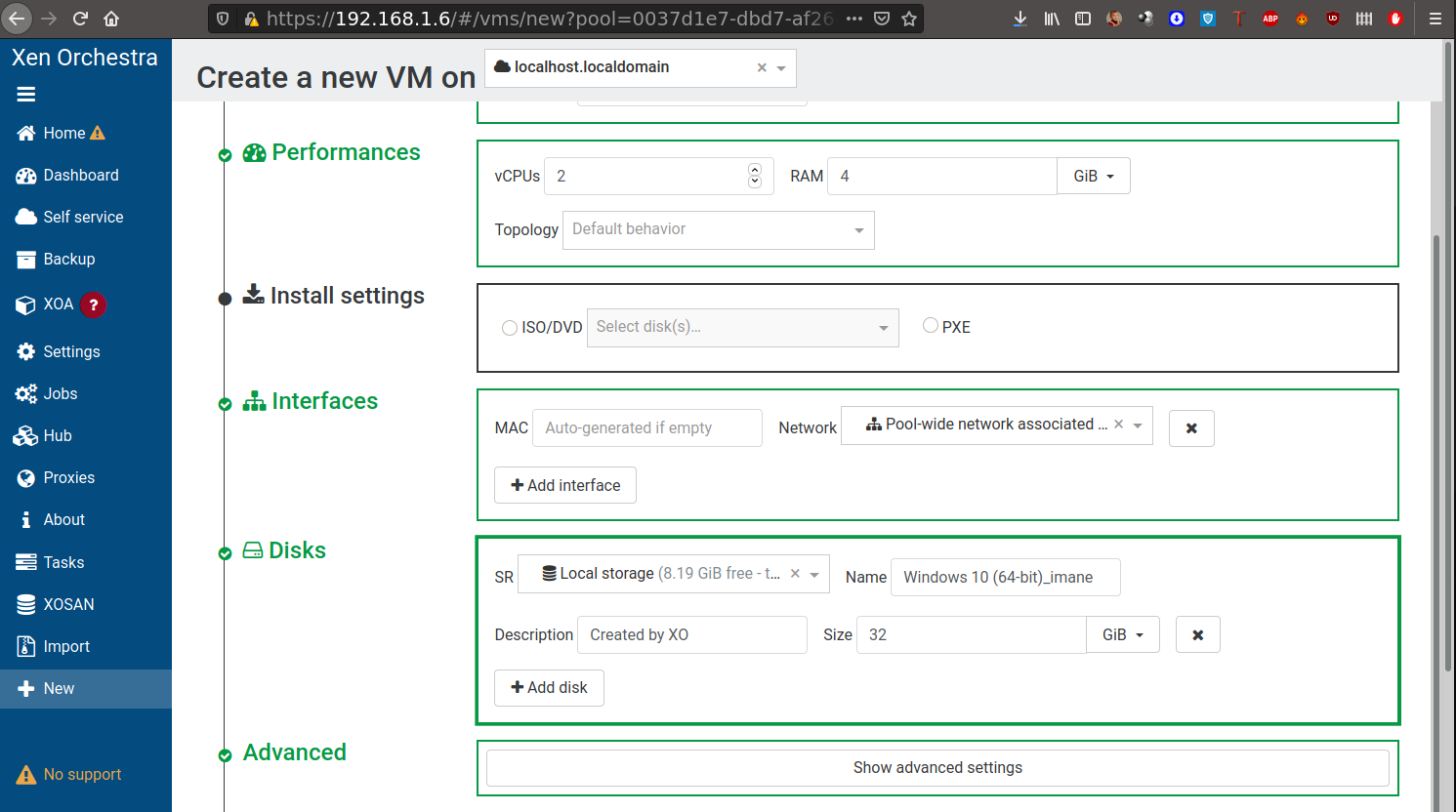
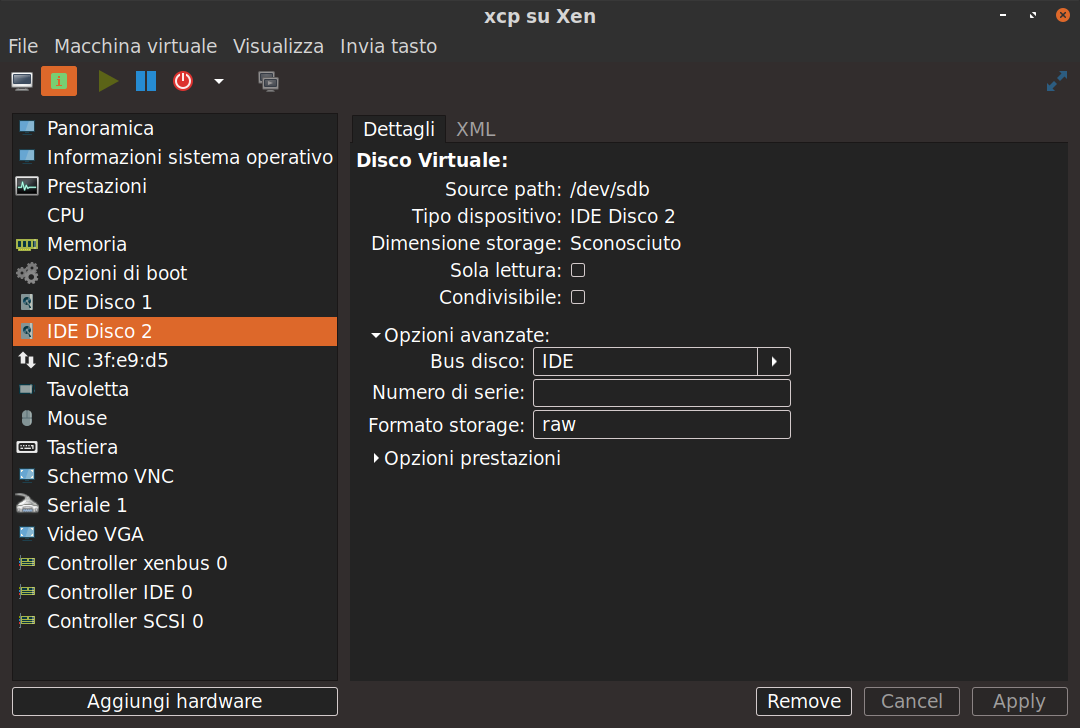
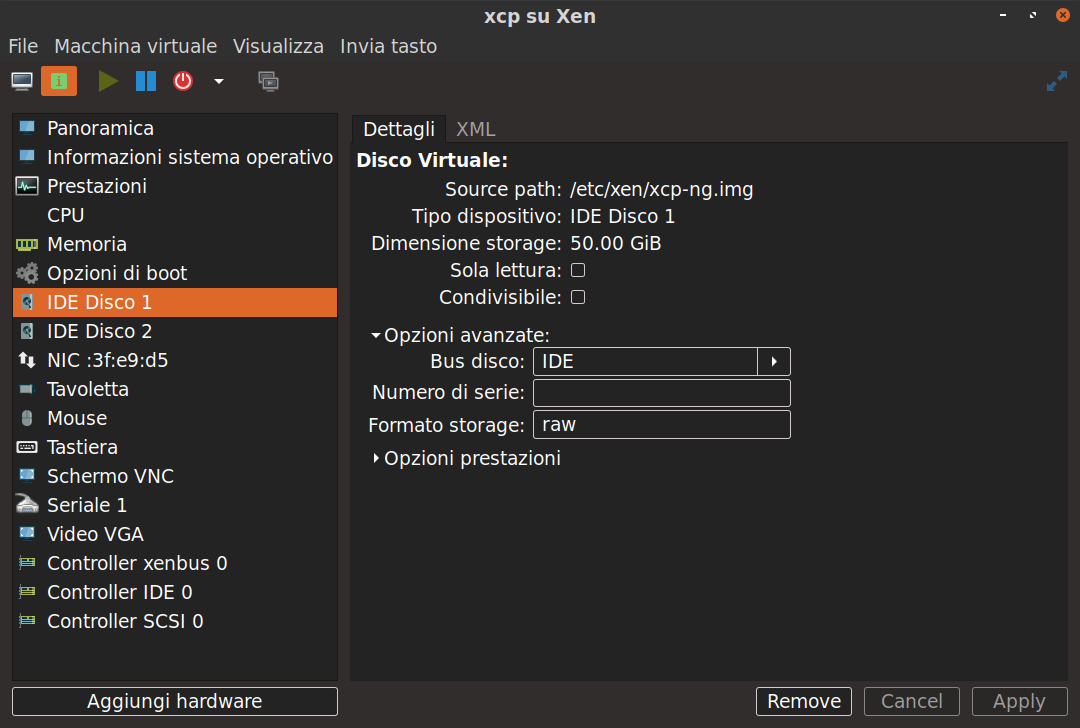
I'm trying to add a new hard disk (/dev/sdb) to a vm in xen orchestra,but I'm not able to find it. Let's see that I'm running xcp-ng nested with xen-hypervisor and libvirt. When I go in the xen orchestra management,in the disk section,I don't see the disk sdb that I have added in xen + virt-manager + libvirt. Check the images below :
thanks.
-
Can you explain your setup again? Which hypervisor / os are you running on bare metal? You are running XCP-ng nested under libvert? XO is running under libvert or XCP-ng?
-
Do you see the new drive when you do an
lsblkin the xcp-ng host? -
On baremetal there is xen 4.10 + ubuntu 20.04. I'm running a domain 0 on a xen enabled kernel. On top of this I created a new vm with libvirt with the iso image of XCP-ng. When I do "lsblk" I see one only disk : the xcp-ng.img IDE DISK 1
-
Is your XO running from xen inside libvirt? Or is it running from inside XCP-ng?
Also from the screen shot, your IDE 1 is to a file path "/etc/xen/xcp-ng.img" with a size of 50GB, but your IDE 2 is to a device "/dev/sdb" with "Sconosciuto" size (no idea what that means), may be try mounting the device to a mount point and pass that in to XCP-ng instead?
-
No. Xen orchestra is installed on the host OS. And on top of the host OS I have installed libvirt + xen + virt manager and I have created a virtual machine of 50 gb with the xcp-ng iso image. How can I pass /dev/sdb as a mount point in XCP-ng ? this is what I'm not able to do.
dimensione storage = sconosciuto --> size of the storage = unknown.
-
First thing you need to check if the problem is with passing the drive to XCP-ng VM, like @Biggen said, try lsblk inside xcp-ng VM (there is an option to go to shell in the installation menu if you haven't installed XCP-ng. If the XCP-ng VM only sees 1 device then it is a libvert/virt manager issue.
Hello! It looks like you're interested in this conversation, but you don't have an account yet.
Getting fed up of having to scroll through the same posts each visit? When you register for an account, you'll always come back to exactly where you were before, and choose to be notified of new replies (either via email, or push notification). You'll also be able to save bookmarks and upvote posts to show your appreciation to other community members.
With your input, this post could be even better 💗
Register Login