ACL Permissions to CPU Topology on Self-Service Resource Set
-
Hi
Anyone already tried to review why Users with User permission cannot have the topology menu to edit on their Self-Service resource page? the have admin permission on their self service resource set but cannot edit this setting:
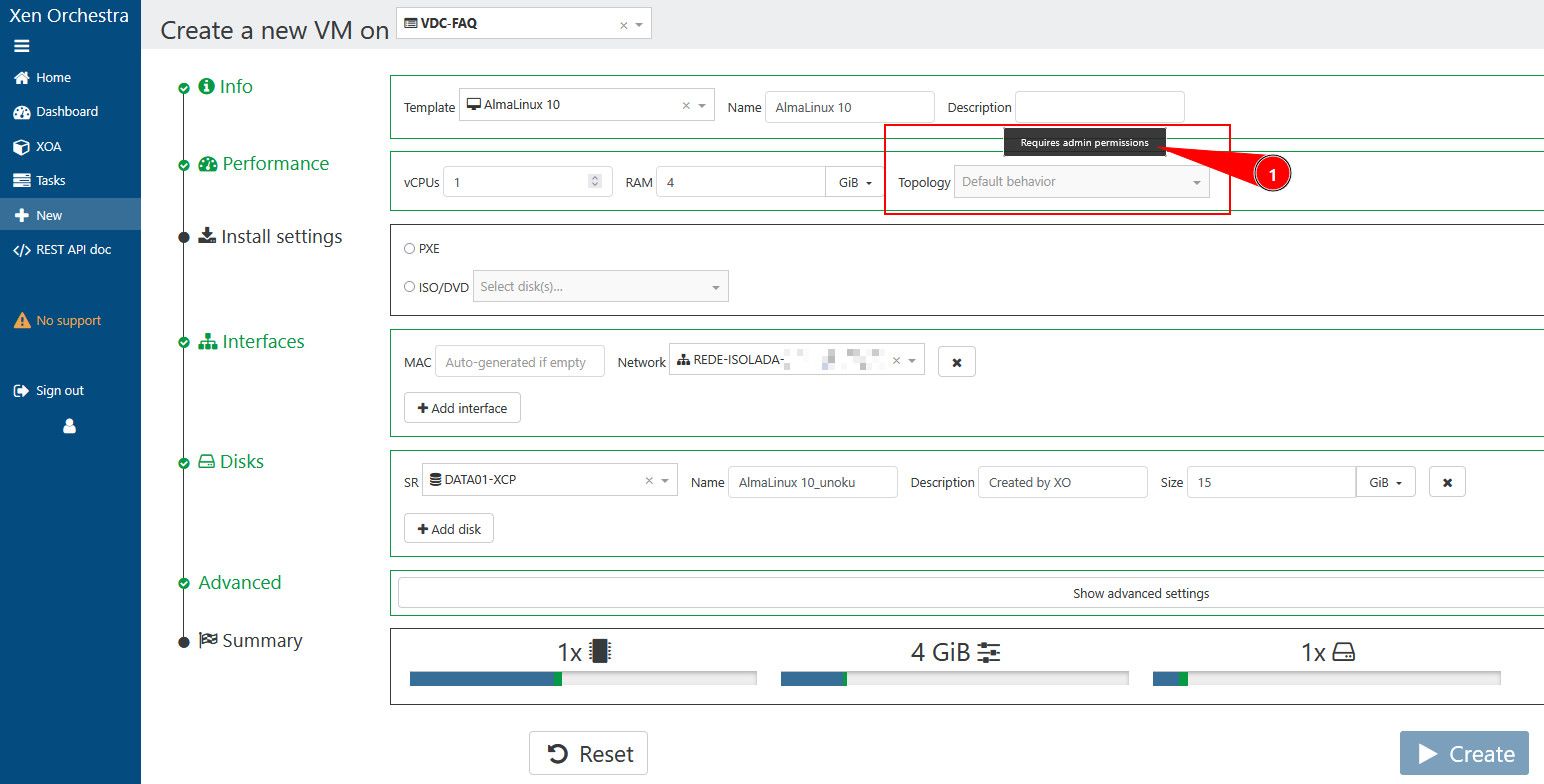
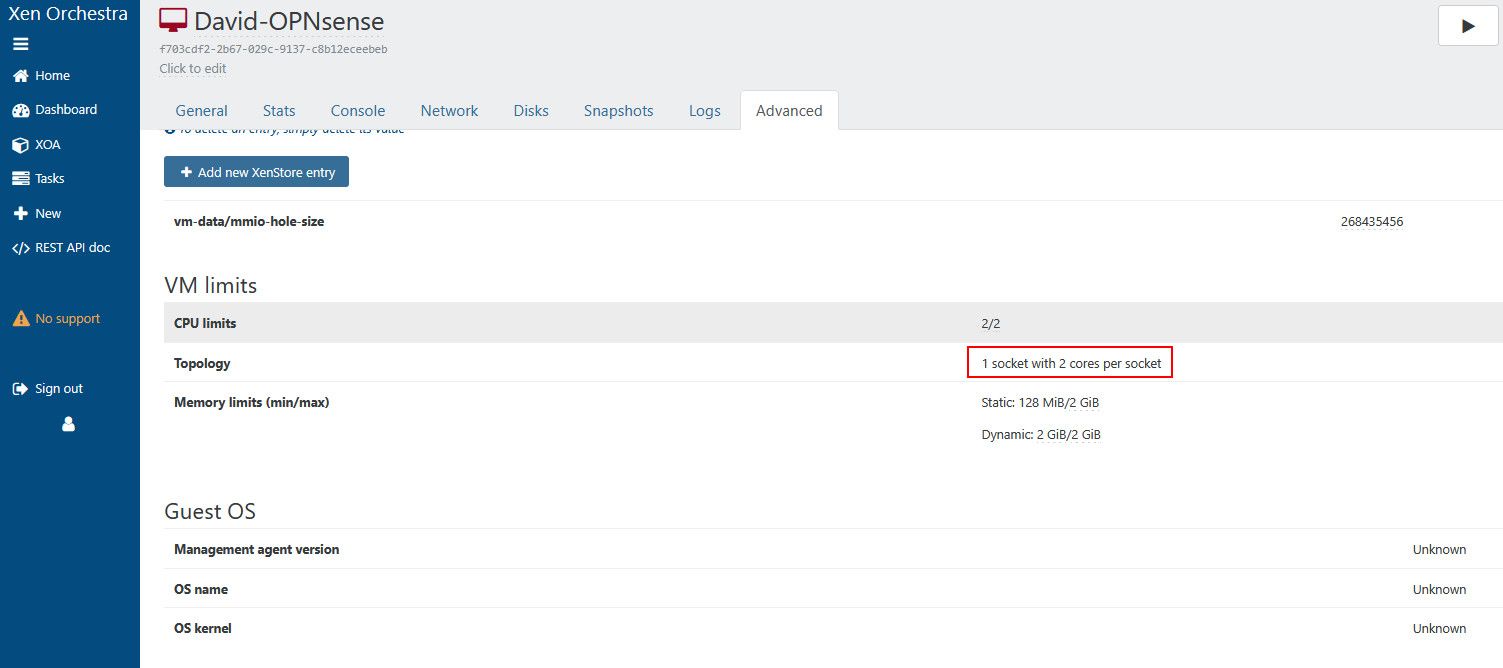
If i log with and full admin account on Xen Orchestra it can be edited:
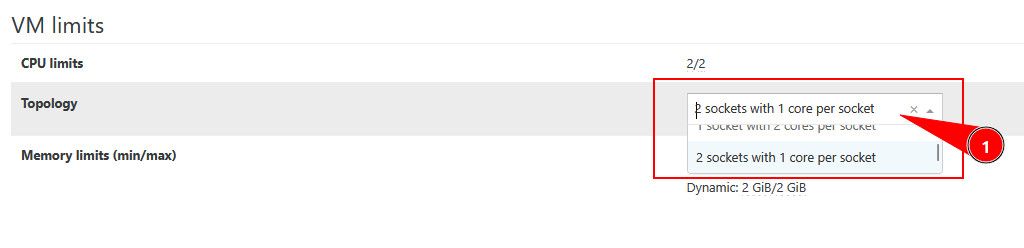
We are using an HA Pool with 2 hosts to LAB for our NOC/SOC team.
I already tried to create an ACL with user/tag/group with advanced permission but it release a full permission on the pool and it cannot be delivered to the team.
if anyone know a workaround to fix it.. I appreciate that.
-
Hi
Anyone already tried to review why Users with User permission cannot have the topology menu to edit on their Self-Service resource page? the have admin permission on their self service resource set but cannot edit this setting:
If i log with and full admin account on Xen Orchestra it can be edited:
We are using an HA Pool with 2 hosts to LAB for our NOC/SOC team.
I already tried to create an ACL with user/tag/group with advanced permission but it release a full permission on the pool and it cannot be delivered to the team.
if anyone know a workaround to fix it.. I appreciate that.
As RBAC ACL is implemented for Xen Orchestra 6 you’ll likely find this more possible than currently on Xen Orchestra 5.

Hello! It looks like you're interested in this conversation, but you don't have an account yet.
Getting fed up of having to scroll through the same posts each visit? When you register for an account, you'll always come back to exactly where you were before, and choose to be notified of new replies (either via email, or push notification). You'll also be able to save bookmarks and upvote posts to show your appreciation to other community members.
With your input, this post could be even better 💗
Register Login