• adding a new VIF in XO doesn't UP the the interface on Debian13

    5
    0 Votes
    5 Posts
    27 Views
    D
    @bvitnik Thanks for giving more details. I will give a try with each of them (netplan, ..etc)
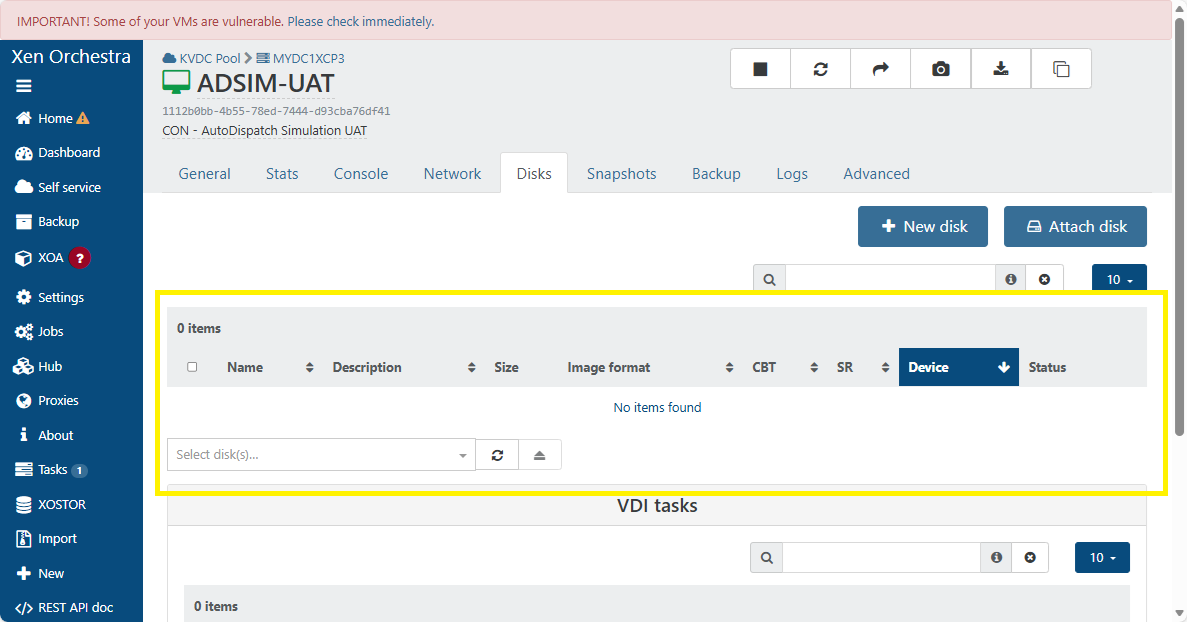
  • VDI not showing in XO 5 from Source.

    Unsolved
    12
    2
    0 Votes
    12 Posts
    250 Views
    olivierlambertO
    @anthoineb or someone from the @team-storage, you might want to take a look (IDK if it's a known problem internally)
  • Network Management lost, No Nic display Consol

    7
    0 Votes
    7 Posts
    915 Views
    nikadeN
    @acebmxer It's not pretty, but its failsafe. The proceedure looked like this in our case: Disable HA in the "old pool" Put a host in the "old pool" into maintenance mode Reinstall that host and connect it to XOA and then patch it Create a "new pool" from that host Create a new LUN or NFS share in the SAN for "new pool" and attach it to "new pool" Live migrate VM's over from "old pool" to "new pool" Once you've freed up another host you repeate step 2 and 3 and then join that host to "new pool". It is important that you patch it before joining it to the pool, that is done by going to Settings -> Servers in XOA and connect to it manually. And then just continue untill you're done. Live migration is pretty reliable now days, so this works pretty good and since we had 10G network its not taking as long as it used to do with 1G network. We did this after a major incident on our primary production site where 2 out of 4 hosts in a pool "suddenly" lost their NIC's after updating them. Since then we never updated the pools again. Standalone hosts are fine tho, they never did this. Luckily we had 2 other pools where we could migrate the VM's to, but we couldn't realy trust the updating after that.
  • VM Pool To Pool Migration over VPN

    20
    3
    0 Votes
    20 Posts
    89 Views
    A
    @olivierlambert thank for that. Just to be clear the vm was not runing but shut down if that makes a difference. @ph7 Both firewalls are Unifi Enterprise fortress gateways. - https://techspecs.ui.com/unifi/cloud-gateways/efg?subcategory=all-cloud-gateways Both sites are setup with Site Magic VPN. So should be full 1.1gbps if accurate. [image: 1767705099263-screenshot-2026-01-06-081123.png]
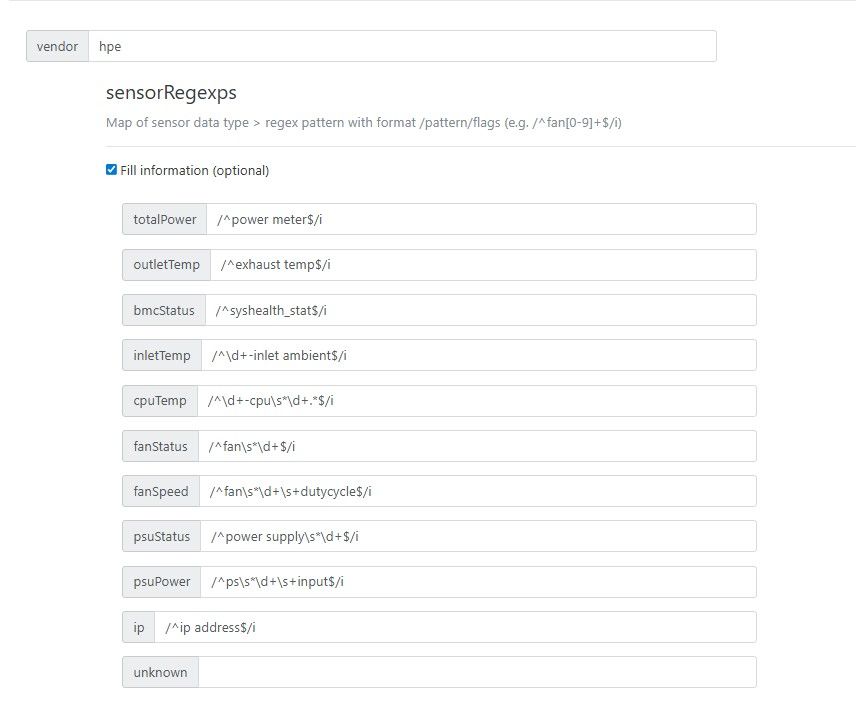
  • How to Setup IPMI in XO

    18
    0 Votes
    18 Posts
    870 Views
    nikadeN
    Cool, thnx for the info!
  • Cloud init FAIL: no local data found from DataSourceNoCloud

    2
    0 Votes
    2 Posts
    60 Views
    Mang0MusztardaM
    And my cloud config: #cloud-config hostname: {name}% Network config: network: version: 1 config: - type: physical name: enX0 subnets: - type: static address: 172.1.1.2 netmask: 255.255.255.0 gateway: 172.1.1.1
  • HUB is bugged ?

    4
    1
    0 Votes
    4 Posts
    90 Views
    P
    @pierrebrunet thanks for quick insight/fix, got back to stable to deploy templates, it is working
  • This topic is deleted!

    1
    0 Votes
    1 Posts
    1 Views
    No one has replied
  • Site outage. pfSense VM offline after pool master reboot

    9
    2
    0 Votes
    9 Posts
    380 Views
    M
    @itservices Thanks Marc
  • GPU Virtualization

    4
    0 Votes
    4 Posts
    164 Views
    olivierlambertO
    Not until we can have our own piece of code doing it. Right now, it's a binary that's not Open Source made by Citrix, we cannot legally re-distribute it.
  • License no longer registered after upgrade

    11
    0 Votes
    11 Posts
    185 Views
    F
    Thank you guys! Problem temporarily fixed by Vates support,
  • IMPORTANT! Some of your VMs are vulnerable.

    5
    3
    0 Votes
    5 Posts
    186 Views
    D
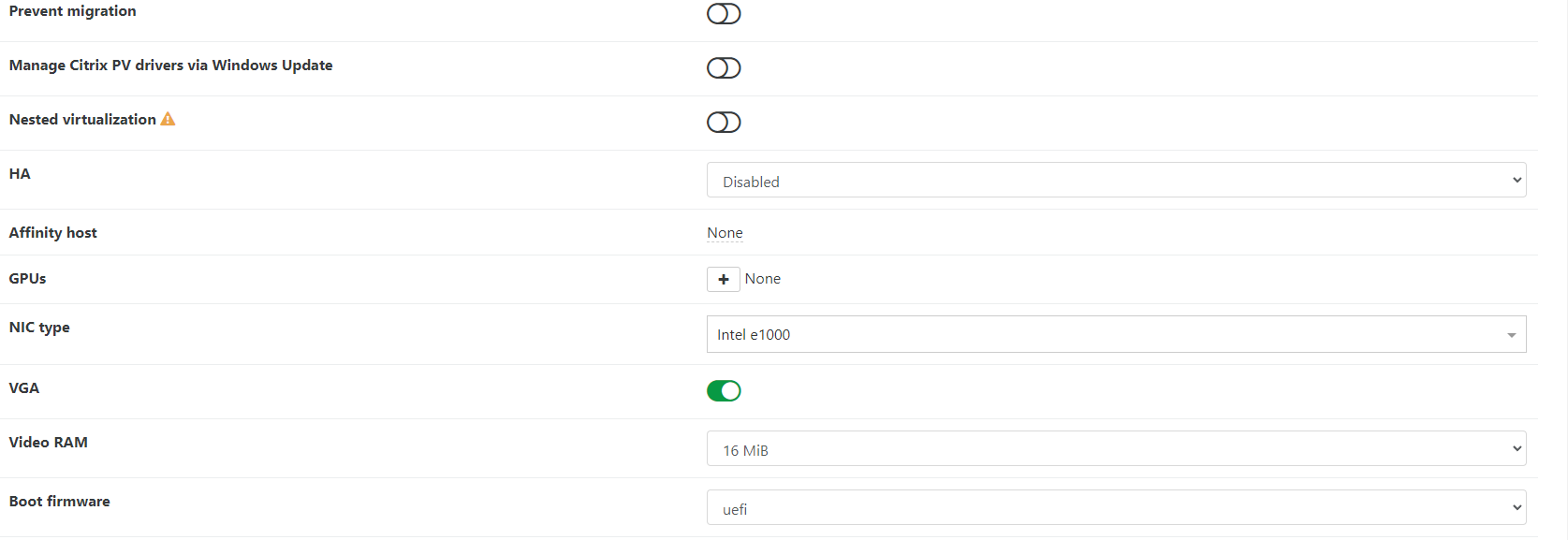
    @McHenry Turning off the Manage via Windows update first + tools uninstall + reinstall should take care of it.
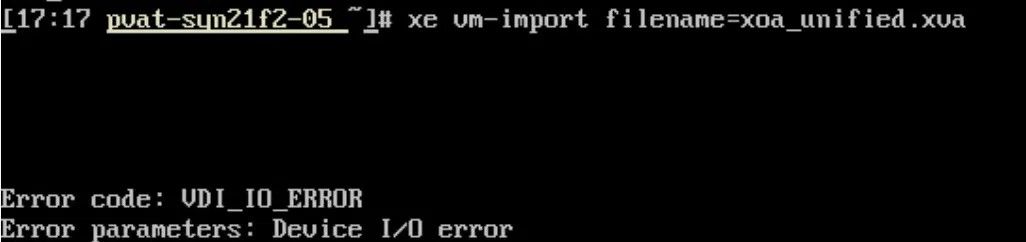
  • NOT_SUPPORTED_DURING_UPGRADE()

    18
    0 Votes
    18 Posts
    811 Views
    P
    In case anyone wonders how this played out. At the end of the day, I shutdown the host with the running workloads on it, kept it at BIOS boot so the 8.3 installer would upgrade it cleanly, and then booted it back up. For reasons related to my particular setup, the down time was more than 60 minutes. But that's not related to XCP-ng. The XCP-ng installer was maybe 10 of that. 20 of that was 3 reboots on a server that takes ages to boot. One thing that is a bit difficult is that the 8.3 installer doesn't notice ZFS volumes or help with ZFS. So after the upgrade, I have to follow a modified set of these instructions (modified because the package names have changed over time) to install ZFS and its components into the system. So the sequence is: Shutdown Install via ISO Reboot to single user mode Run yum update to pull in all the updates Run the ZFS commands to install ZFS on the host Reboot again Run normally Of course, I ended up rebooting more than just those 2 times, because I forgot that I would need to install ZFS (even though I did it on 2 different hosts already ) So now the pool is fully upgraded, everybody is happy. I'm now working on creating shared storage across the nodes. It's amateur hour over here. I appreciate all the help.
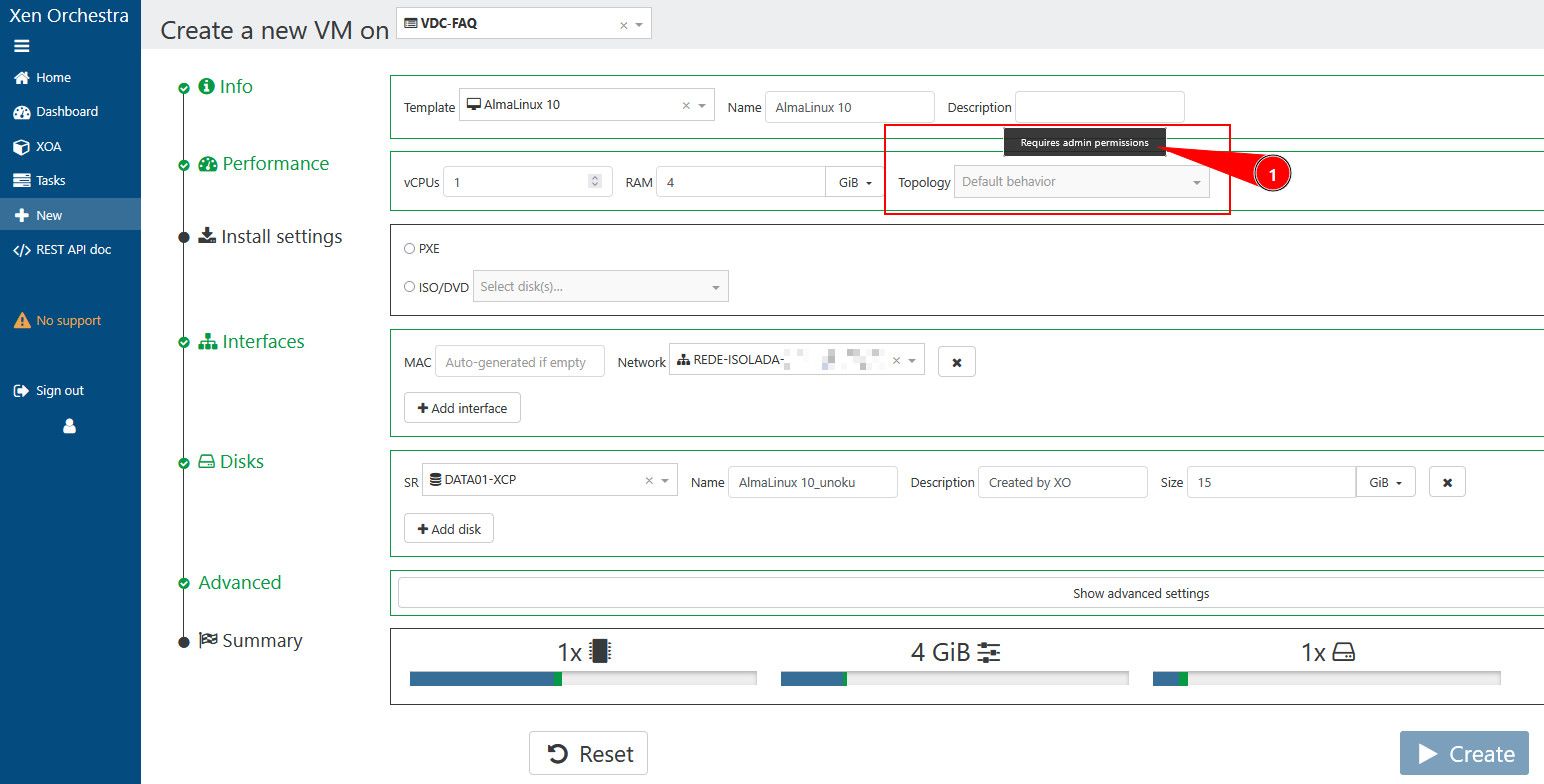
  • Users cannot modify topology settings for VM's

    1
    0 Votes
    1 Posts
    45 Views
    No one has replied
  • Xen Orchestra from Sources backups Failing.

    8
    0 Votes
    8 Posts
    736 Views
    P
    If one day, some sad soul encounters these errors and nothing seems to be working or making sense you may have the same issue I did. Back story: Earlier this year, I had a Pool with 3 hosts. Through a series of unfortunate events. The Master died, I recovered as best as I could and assumed all was well as I rebuilt the environment since all of my vm's appeared to be working (except Xen Orchestra). I tried different versions (Ubuntu, Debian, XOA, XO via Docker, etc.). Error: backupNg.runJob { "id": "ea4a9d00-db35-45a9-8a15-f700891d55c6", "schedule": "0811579b-8ad3-4f29-8581-15a35c9c4597" } { "library": "SSL routines", "reason": "tlsv1 unrecognized name", "code": "ERR_SSL_TLSV1_UNRECOGNIZED_NAME", "call": { "duration": 21, "method": "session.login_with_password", "params": "* obfuscated *" } } [image: 1765346178618-a19c2386-f194-4268-af87-3c2307bb9cdd-image.png] In my case, my database was corrupted. By rejoining host to the same damaged pool, the issue remained. In was confusing since an old instance of xen orchestra running Ubuntu 18.04 was the only instance that could run backups successfully. Newer instances could do everything except run backups. Either way, hopefully this never happens to you. If it does, your servers backend database might be the issue. Thanks again to everyone that helped me figure this out throughout the year!
  • Orange Disks

    5
    2
    0 Votes
    5 Posts
    159 Views
    olivierlambertO
    In other words, you can safely remove them.
  • Netbox Sync 403 Forbidden (possibly false error)

    2
    0 Votes
    2 Posts
    62 Views
    planedropP
    Figured it out after some digging, appears it's related to Netbox having ipv4 translated into ipv6 for that field, so to use IPv4 you have to have :ffff:x.x.x.x/128 as your IP address (the x's being your octet). Once you do this it works without issue.
  • Feature Request / Community Input – VM Boot Order & Delayed Startup

    11
    0 Votes
    11 Posts
    260 Views
    olivierlambertO
    Create an appliance with all those VMs and configure the order and delay inside it.
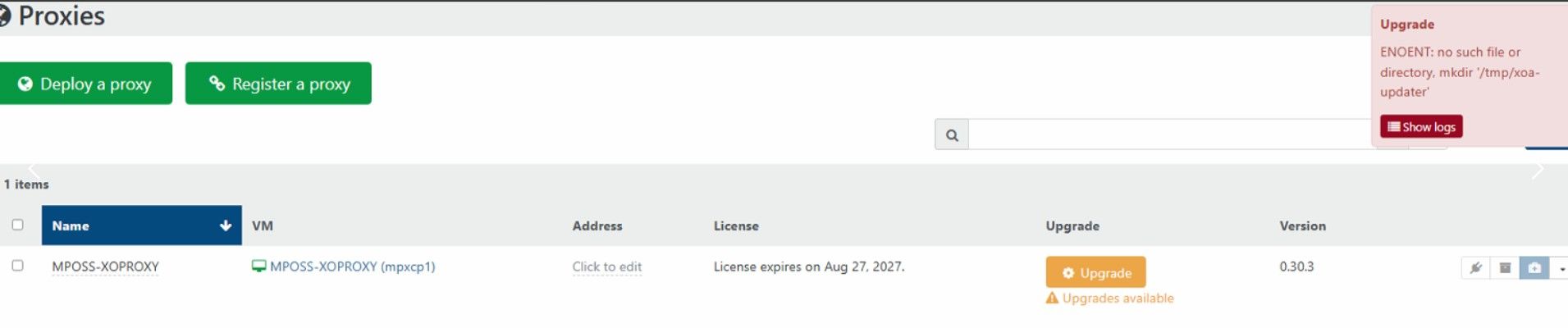
  • Unable to update XOA

    10
    0 Votes
    10 Posts
    250 Views
    P
    @fred974 It used to be (and probably still is) that You have to be reasonably near correct time for NTP to accept any changes.
  • 0 Votes
    2 Posts
    104 Views
    olivierlambertO
    Hi! I'm not sure who to ping exactly for this question @pdonias or @Bastien-Nollet maybe?