Host lockups during data transfers
-
Hi,
I'll try and give as much detail as possible here but forgive me if I miss something.
We are experiencing host lockups or freezes when moving data around or doing backups of vms (XVA Exports). The host OS just freezes and becomes unresponsive resulting in a hard reset. Due to the nature of the crash/lockup we can't seem to find anything in crash or error logs but maybe we're looking in the wrong places.
We initially thought this could be a hardware issue so migrated vms from a problem host and ran a series of hardware tests including memory tests and data transfers over a period of a week. During our data transfer testing we noticed the host ram getting very low due to large amounts of cache/buffering from export to SMB mount with ram getting as low as 50mb free. We added some memory management parameter tweaks to start garbage collection earlier at 528mb rather than the default ~60mb. We added these tweaks as we had a theory that resource depletion on the hosts maybe causing issues when the amount free ram was getting too low and possibly causing a kernel panic/lockup.
We thought we were onto something but the lockups/freezes are still happening when performing XVA Exports (VM Backups). On reflection we've been experiencing these problems since we upgraded to 10gb NICs so were wondering if this could be the cause as the crashes tend to happen when data is being exported across the network to a backup location or another host. The NICs in use are Intel X540-T2 which were recommended in a previous forum post as good to use.
FYI our hosts are white box setups with consumer grade hardware other than the raid controllers and NICs. the hardware is as follows:
• Motherboard: MSI Z490A-PRO
• CPU: Intel I5-10500 3.1GHz (LGA1200)
• RAM: 128GB Kingston Fury Beast DDR4 3200 (CL16-20-20)
• Primary HDD: Western Digital Blue SN570 NVMe 250GB
• Raid: Dell PERC H710 PCIe
• Physical Disks for Raid, WD Gold 1TB
• PSU: Corsair RM750
• NIC: Intel X540-T2Appreciate any guidance or help in diagnosing this issue.
-
@fluxtor Hi !
First thing to check is
dmesg -T, to see if you have any hardware error -
@AtaxyaNetwork What should we be looking for?
Seeing mostly messages about SMB i.e.
"No dialect specified on mount. Default has changed to a more secure dialect, SMB2.1 or later (e.g. SMB3), from CIFS (SMB1). To use the less secure SMB1 dialect to access old servers which do not support SMB3 (or SMB2.1) specify vers=1.0 on mount."
-
You are looking on the host, right ?
-
@AtaxyaNetwork Hi yes, Sorry I'm not super experienced in this area at all.
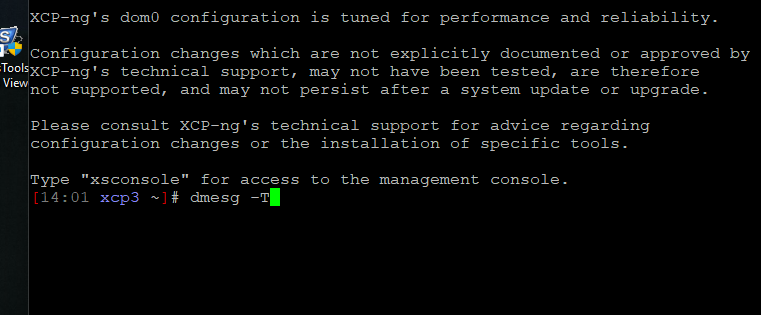
I'm SSHd into the host and just ran dmesg -T in the root.

Hello! It looks like you're interested in this conversation, but you don't have an account yet.
Getting fed up of having to scroll through the same posts each visit? When you register for an account, you'll always come back to exactly where you were before, and choose to be notified of new replies (either via email, or push notification). You'll also be able to save bookmarks and upvote posts to show your appreciation to other community members.
With your input, this post could be even better 💗
Register Login