Windows Server 2019 XCP-ng.Windows.PV.Drivers.8.2.2.200-rc1 after install fail to boot
-
has anyone found a fix for this problem? installed the PV Drivers which failed to install correctly from what i suspect unsigned drivers, i uninstalled the PV, then rebooted now the main DC server 2019 is not able to boot sue to inaccessible boot device. i am able to boot to recovery. any advice would be appreciated.
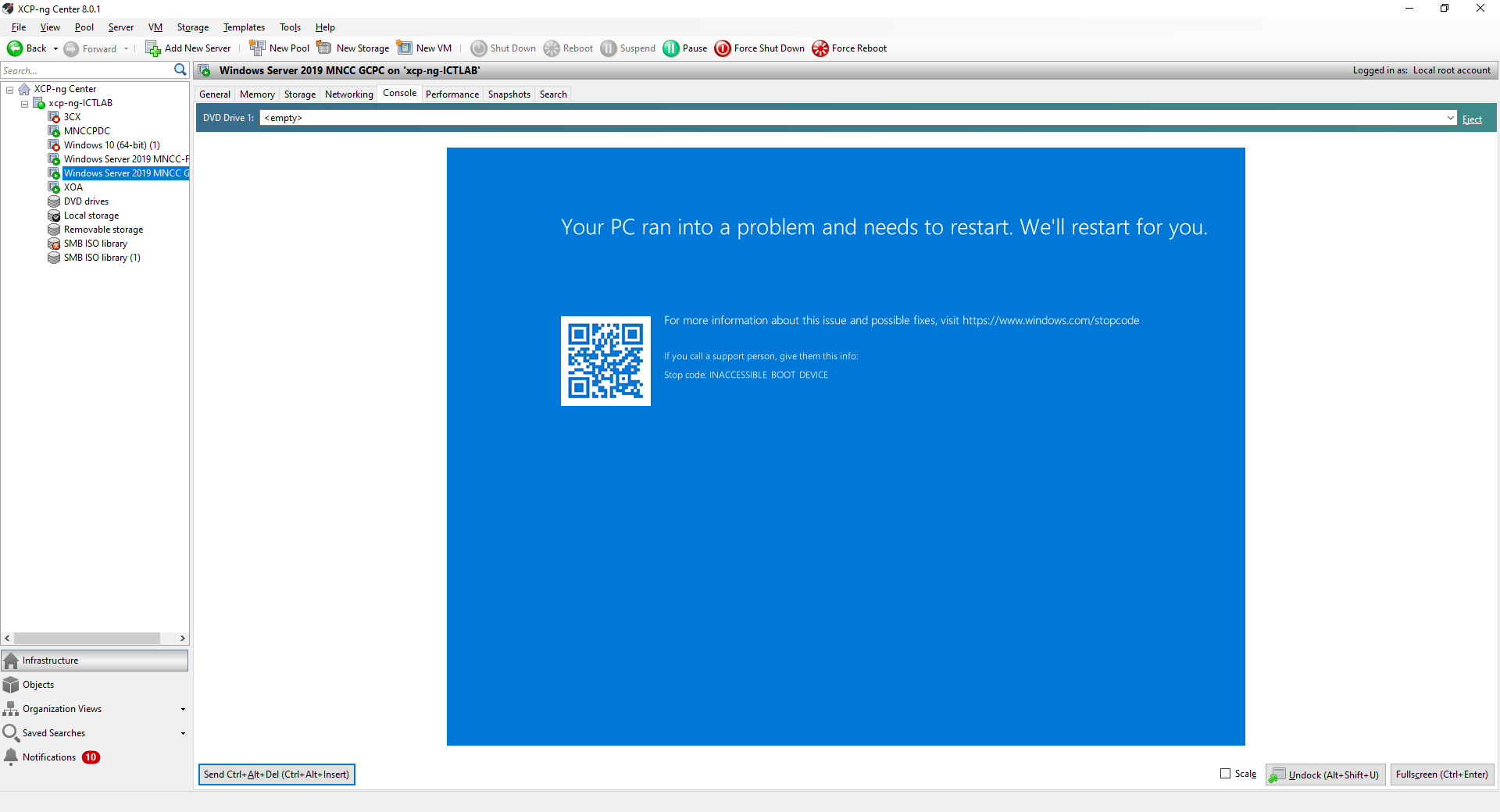
-
Issue has been discussed here. From what I read, seems like two separate versions of the drivers get loaded, causing the system to crash.
-
Did you have the “Allow Windows update “ box checked in XO?
-
@Biggen no,
-
Cause problem is there anyway as a conflict of multiple Installations and / or Windows updates. There is a Solution if you dont have snapshop or backup of vm.
Start VM to recovery mode, select commandline. Remove all xcp related drivers with dism.
https://xenbits.xen.org/pvdrivers/win/8.2.2/
(use anytoiso to convert xeniface.tar, xenbus.tar, xenvif.tar, xennet.tar, xenvbd.tar and upload iso-Files to xen iso repository)
Load iso as CD/DVD device with contents of drivers tar files and reinstall the drivers manually by dism.
If you are fast, in 5mins Windows is starting as before.

Hello! It looks like you're interested in this conversation, but you don't have an account yet.
Getting fed up of having to scroll through the same posts each visit? When you register for an account, you'll always come back to exactly where you were before, and choose to be notified of new replies (either via email, or push notification). You'll also be able to save bookmarks and upvote posts to show your appreciation to other community members.
With your input, this post could be even better 💗
Register Login