XeniFace Error Even on Updating Drivers
-
Hi Guys,
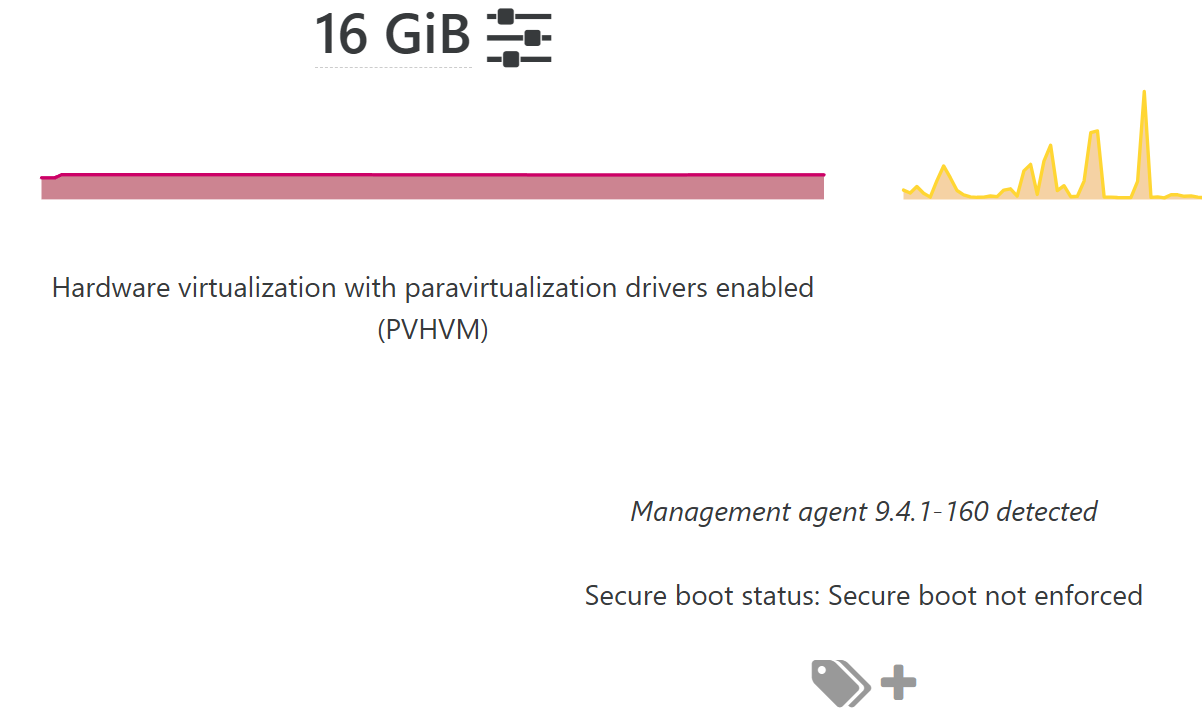
Noticed the Xeniface error and started mitigating, noticed some of our VM's had updated from Windows update to get the newest XenServer VM Drivers.
But the problem is XOA Isn't picking up that these drivers are running?
Still getting this error:
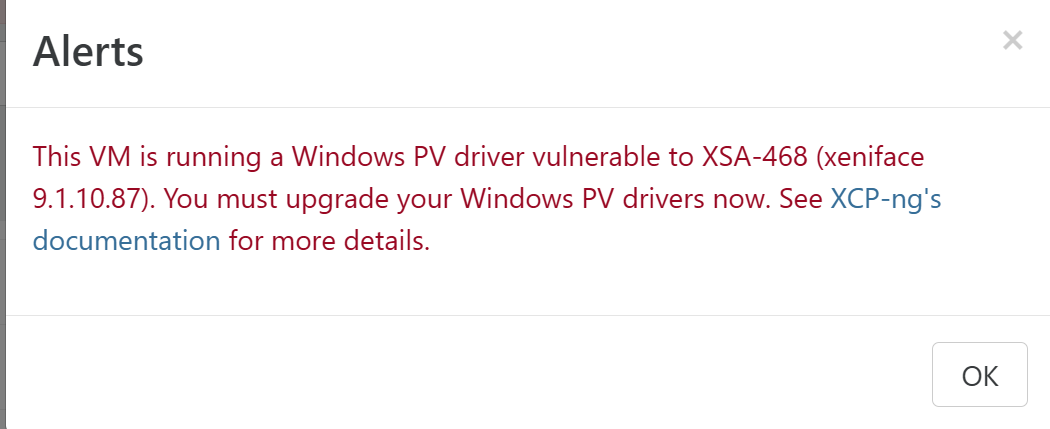
I ran the mitigation script (scan) and noticed that it wasn't mitigated.
Not sure how to proceed here as I cant re run the installer as the drivers are already in place? Is best course of action to fully uninstall then reinstall.
-
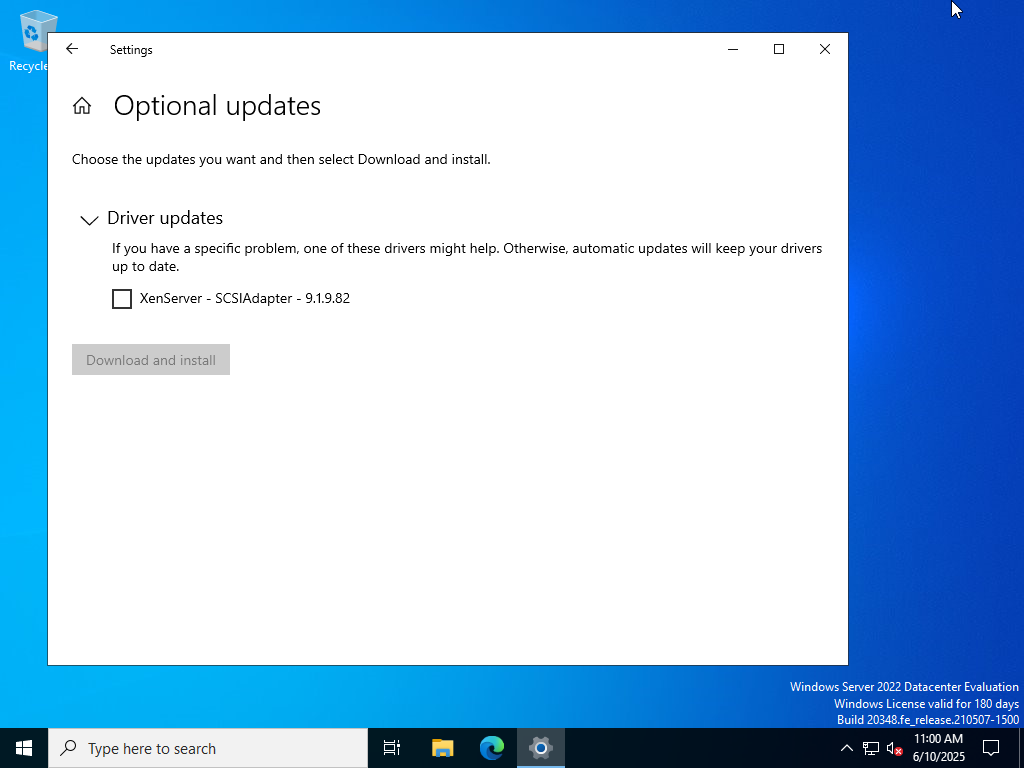
@AlexQuorum Xeniface 9.1.10.87 is a vulnerable version. Do you have the Manage drivers via Windows Update option enabled? If so you should be able to get the newest drivers by just running Windows Update. Some drivers may also be found in Optional updates - Driver updates.
-
@dinhngtu Can you confirm if you mean the the Citrix Drivers option in advanced on the VM? If not then no as I wasn't sure if that option was for the XenServer drivers and not the official Citrix Drivers?
-
@AlexQuorum Yes that's the one I was referring to. Citrix = XenServer, they just rebranded a few times.
-
@dinhngtu Thanks for confirming I'll turn that on, if I have any issues I'll report back!
-
I had the same problem, I had to run the XenClean script and do a fresh install of 9.4.1 which resolved the issue.

Hello! It looks like you're interested in this conversation, but you don't have an account yet.
Getting fed up of having to scroll through the same posts each visit? When you register for an account, you'll always come back to exactly where you were before, and choose to be notified of new replies (either via email, or push notification). You'll also be able to save bookmarks and upvote posts to show your appreciation to other community members.
With your input, this post could be even better 💗
Register Login