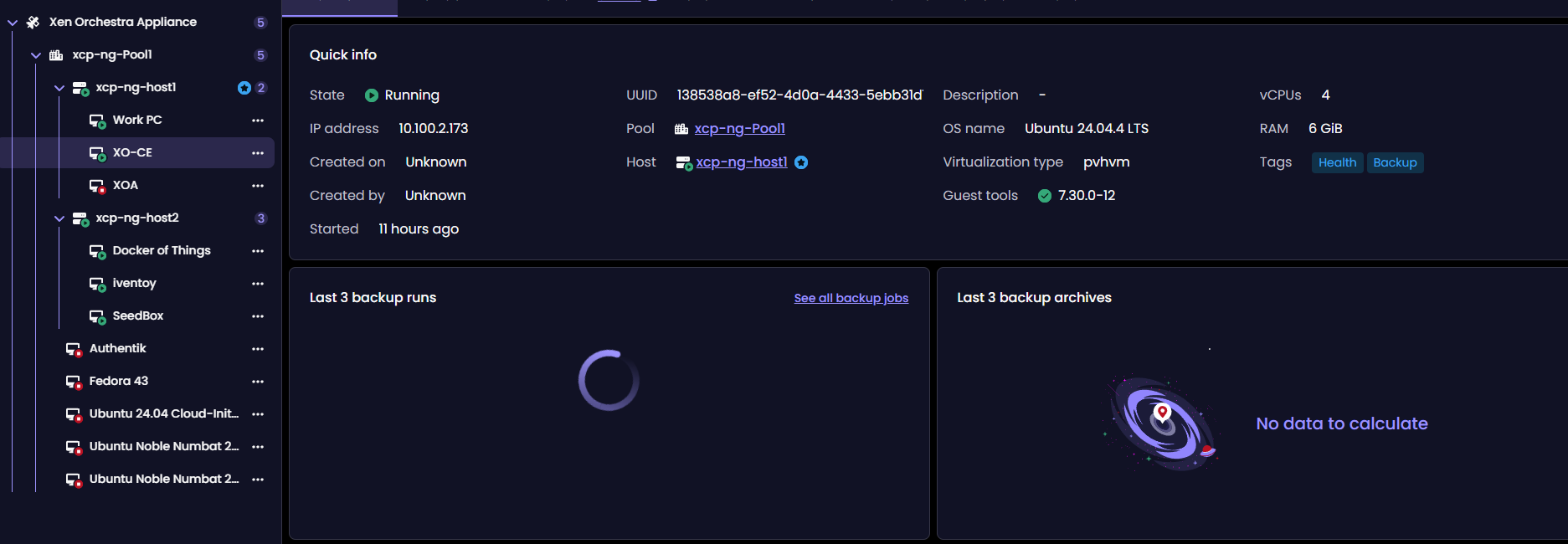
Backup Info under VM tab in v6 never loads...
-
Hoping for the best
Updating Xen Orchestra from '4015987b0' to 'ab10095da' -
@acebmxer so the endpoint seems to respond correctly.
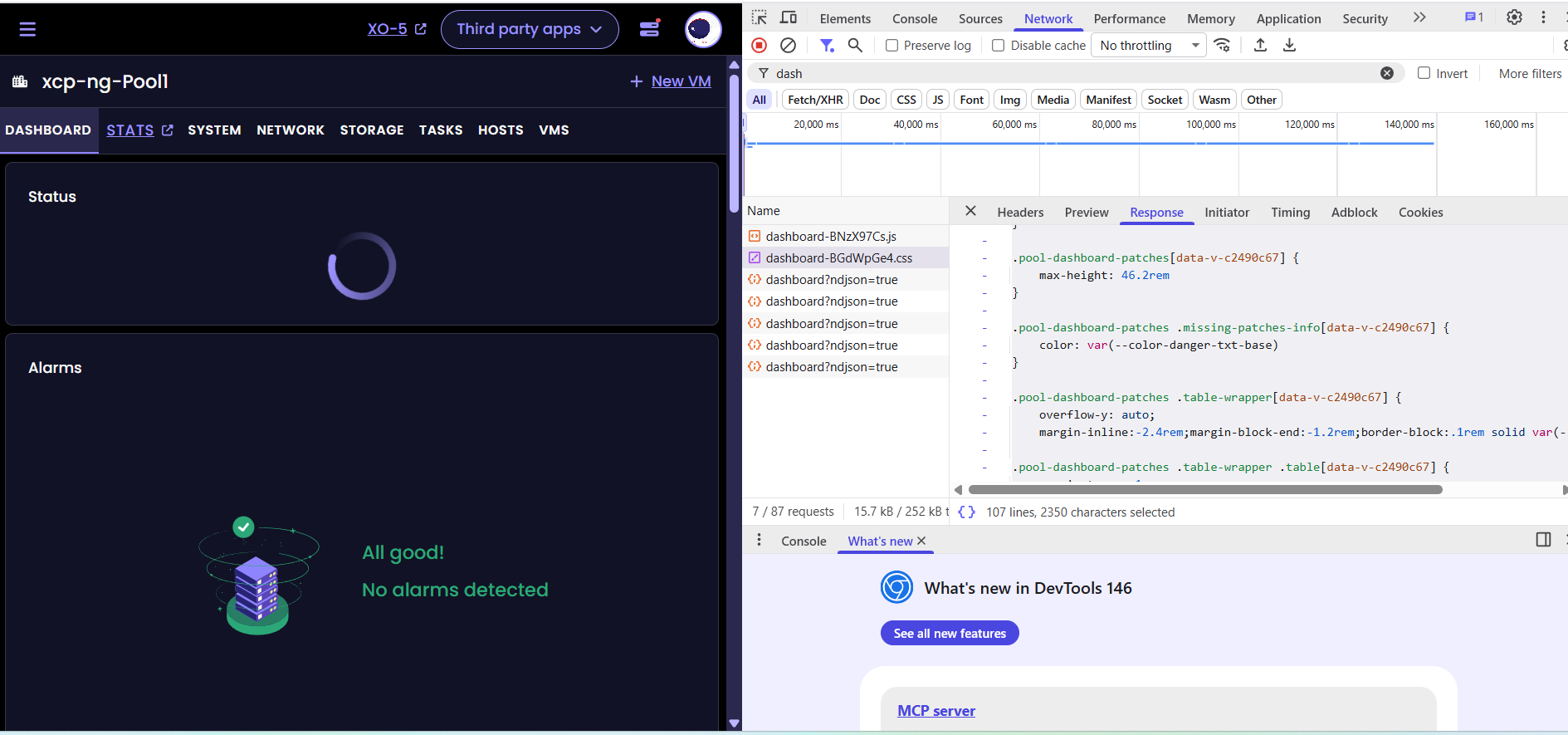
Can you confirm that the pool dashboard UI is still displaying infinite loaders?
yes still loading circles...
-
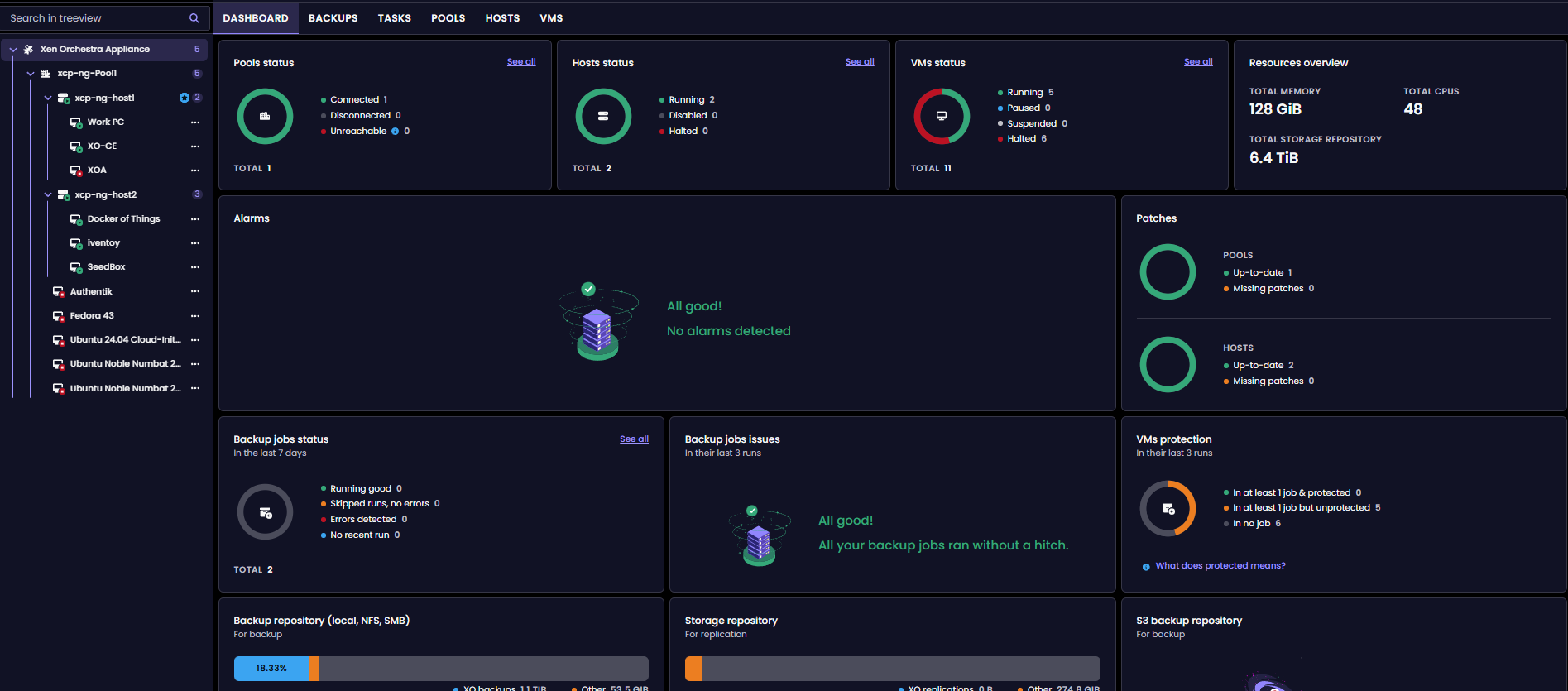
@MathieuRA
it's working in pool dashboard
BUT ...in a VM dashboard:

-
@ph7 I am talking about that:
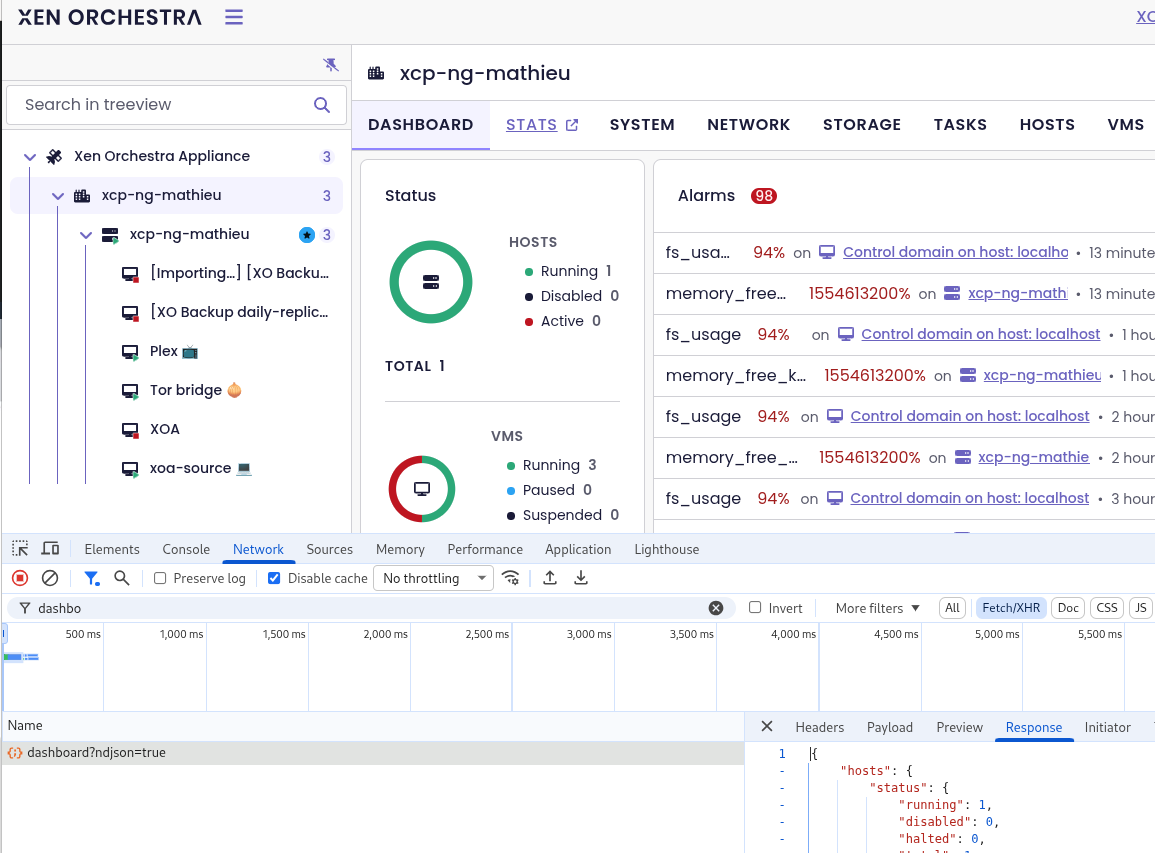
The result is what you can see in the
responsetabfrom my install...
.pool-dashboard-cpu-provisioning .total[data-v-68cd38fd] {
    display: grid;
    grid-template-columns: 1fr 1fr;
    margin-block-start:auto}

.vts-progress-bar-group[data-v-c6e74eac] {
    display: flex;
    flex-direction: column;
    gap: 1.6rem
}

.ui-card-subtitle[data-v-72bac4cd] {
    color: var(--color-brand-txt-base);
    border-bottom: .1rem solid var(--color-brand-txt-base);
    display: flex;
    justify-content: space-between;
    gap: .8rem
}

.pool-dashboard-patches[data-v-c2490c67] {
    max-height: 46.2rem
}

.pool-dashboard-patches .missing-patches-info[data-v-c2490c67] {
    color: var(--color-danger-txt-base)
}

.pool-dashboard-patches .table-wrapper[data-v-c2490c67] {
    overflow-y: auto;
    margin-inline:-2.4rem;margin-block-end:-1.2rem;border-block:.1rem solid var(--color-neutral-border)}

.pool-dashboard-patches .table-wrapper .table[data-v-c2490c67] {
    margin-top: -.1rem
}

.pool-storages-usage .total[data-v-74099ef4] {
    display: grid;
    grid-template-columns: 1fr 1fr;
    margin-block-start:auto}

.dashboard[data-v-db8e7621] {
    margin: .8rem
}

.dashboard .row[data-v-db8e7621] {
    display: grid;
    gap: .8rem
}

.dashboard .row+.row[data-v-db8e7621] {
    margin-top: .8rem
}

.dashboard .first-row[data-v-db8e7621] {
    grid-template-columns: minmax(10rem,1fr) minmax(20rem,2fr) minmax(10rem,1fr);
    grid-template-areas: "status alarms patches"
}

.dashboard .status[data-v-db8e7621] {
    grid-area: status
}

.dashboard .alarms[data-v-db8e7621] {
    grid-area: alarms;
    height: 46.2rem
}

.dashboard .patches[data-v-db8e7621] {
    grid-area: patches
}

.dashboard .second-row[data-v-db8e7621] {
    grid-template-columns: repeat(3,minmax(20rem,1fr));
    grid-template-areas: "first-column second-column third-column"
}

.dashboard .column[data-v-db8e7621] {
    display: flex;
    flex-direction: column;
    gap: .8rem
}

.dashboard .first-column[data-v-db8e7621] {
    grid-area: first-column
}

.dashboard .second-column[data-v-db8e7621] {
    grid-area: second-column
}

.dashboard .third-column[data-v-db8e7621] {
    grid-area: third-column
}

.dashboard.mobile[data-v-db8e7621] {
    display: flex;
    flex-direction: column;
    gap: .8rem
}

.dashboard.mobile .row[data-v-db8e7621] {
    display: flex;
    flex-direction: column;
    gap: .8rem;
    margin-top: 0
}
-
on VM dashbord with mra-fix-dashboard-reactivity branch
ab10095da
It's not working but when I move to another tab and back again, it's working -
@ph7 well. Vm dashboard is probably another issue. Please test the
/rest/v0/vms/:id/dashboardand put the result here -
@acebmxer you are reading the CSS file, not the dashboard http request. Can you test the branch i posted to check if it fix the pool dashboard also for you?
-
Just finish updating to your test branch... The pool dashboard loads ok but vm backup info still infinite loop
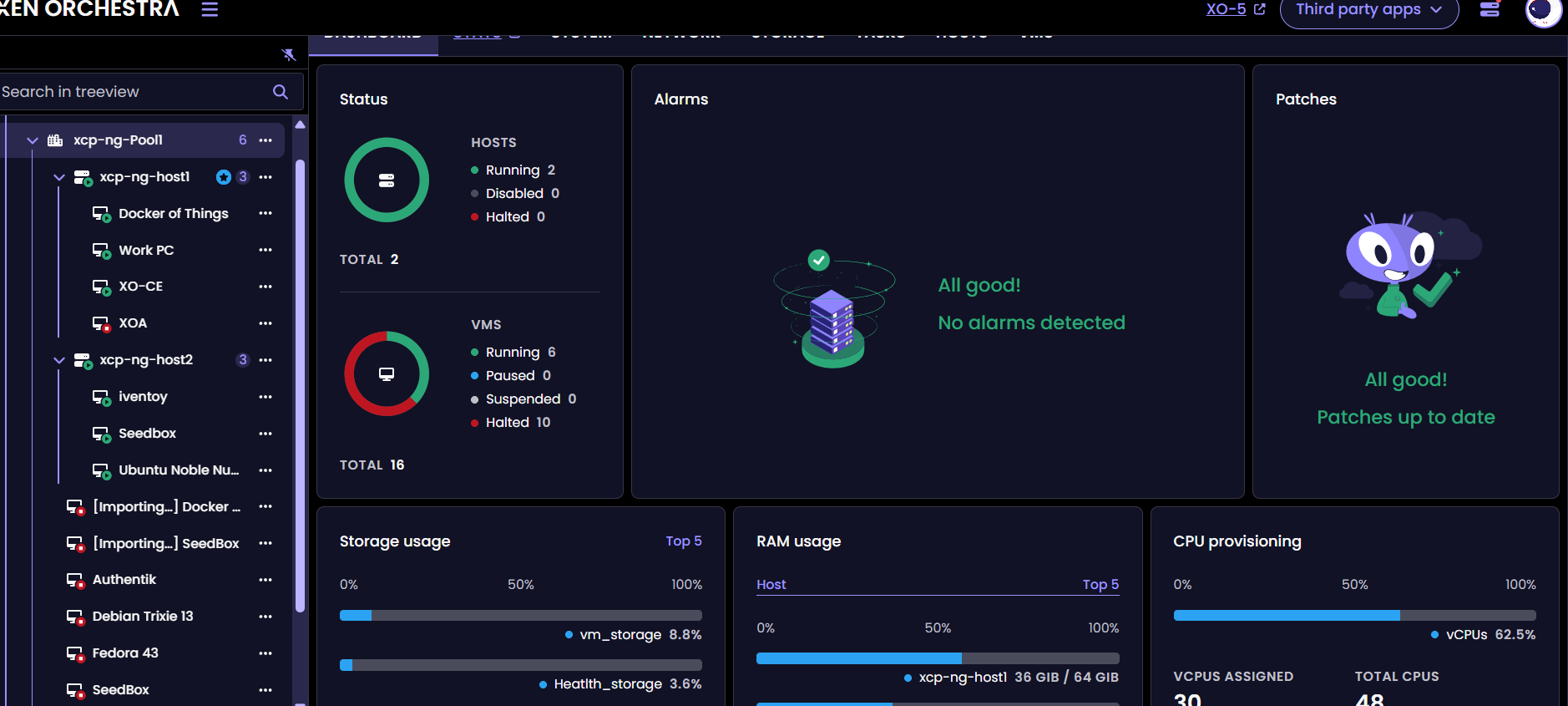
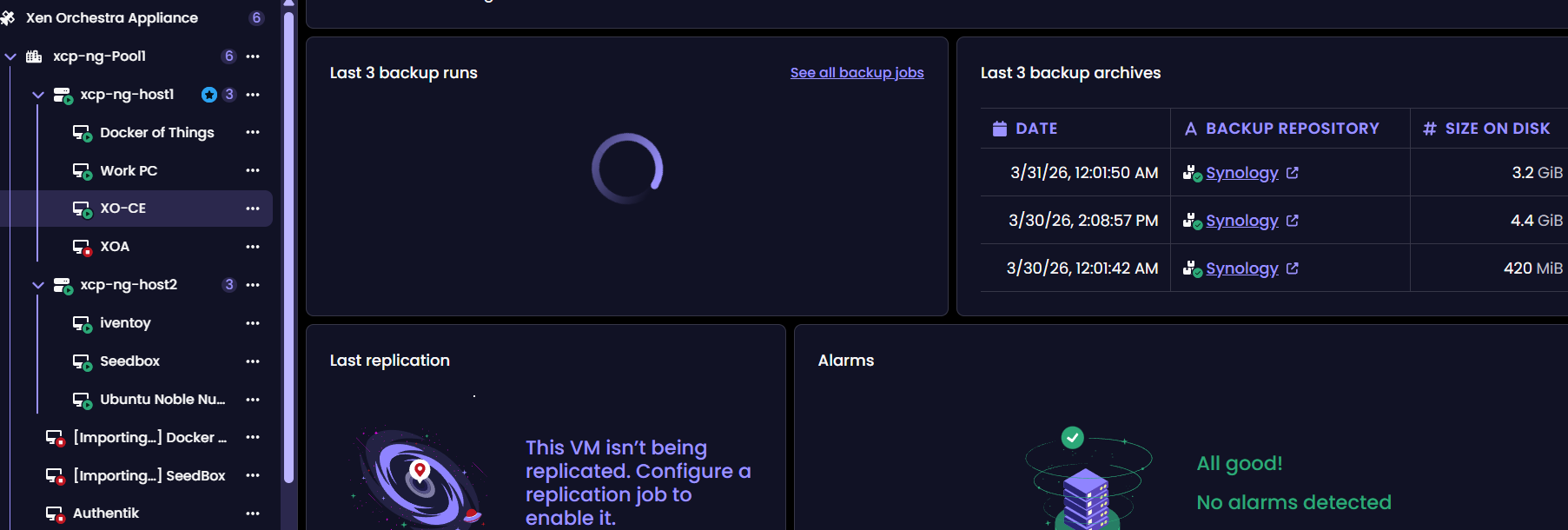
-
@acebmxer yes vm dashboard is another issue. I will check tomorow
-
yeah sorry about that... Working off laptop through multiple vms
Saw your last post. let me know if you need more info from me. Will wait for next update.
-
@MathieuRA
Had to reboot the XO because the VM-tab was working
And It worked directly, weird
and the output / response has a lot of data
200 GET .....
Is anyone of them of interest

Hello! It looks like you're interested in this conversation, but you don't have an account yet.
Getting fed up of having to scroll through the same posts each visit? When you register for an account, you'll always come back to exactly where you were before, and choose to be notified of new replies (either via email, or push notification). You'll also be able to save bookmarks and upvote posts to show your appreciation to other community members.
With your input, this post could be even better 💗
Register Login