Cannot resize Dom0 (Control Domain Memory)
-
Hi:
I have a Host with 24Gb RAM. Actually it hasn't any VM running on it.
It's because Control Domain Memory is using almost all the Server memory:
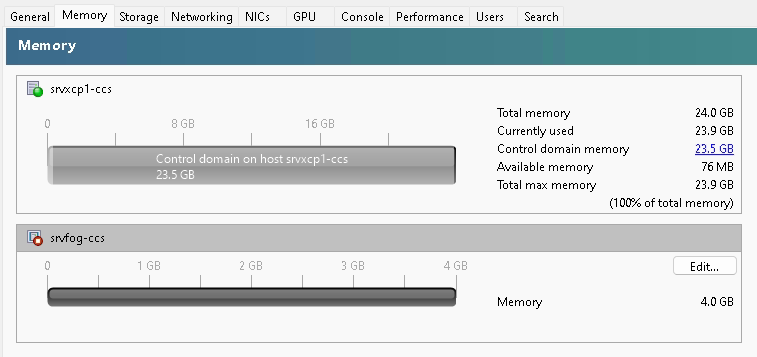
Accordingly to the manual, I executed this command:
/opt/xensource/libexec/xen-cmdline --set-xen dom0_mem=4096M,max:4096M
and rebooted it, but no changes were done.My Server is a HP Proliant Gen8 24Gb RAM, I installed
xcp-ng 8.21 -
Hi,
That's weird. do you have the same view in Xen Orchestra? Can you screeshot
htopin the Dom0? -
@olivierlambert here is XOA view:
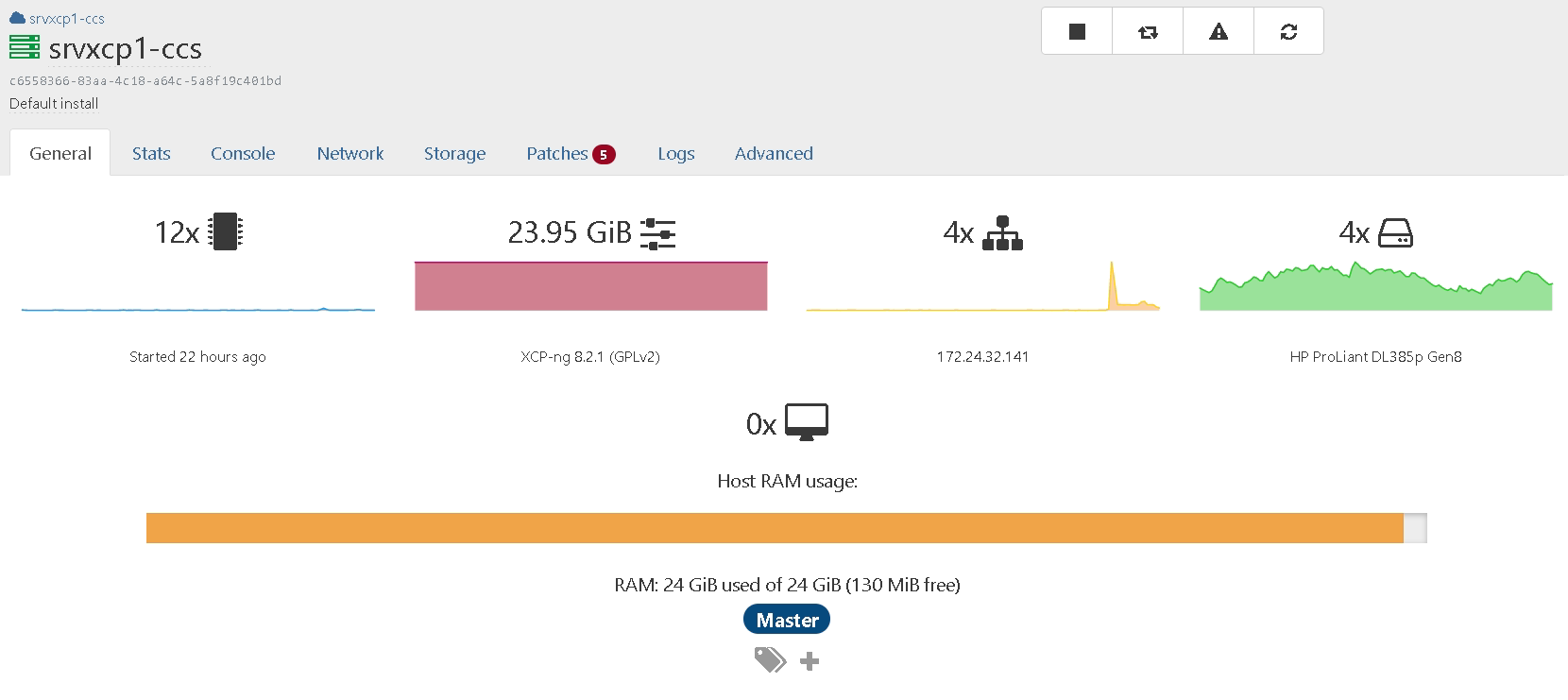
And this is
htop: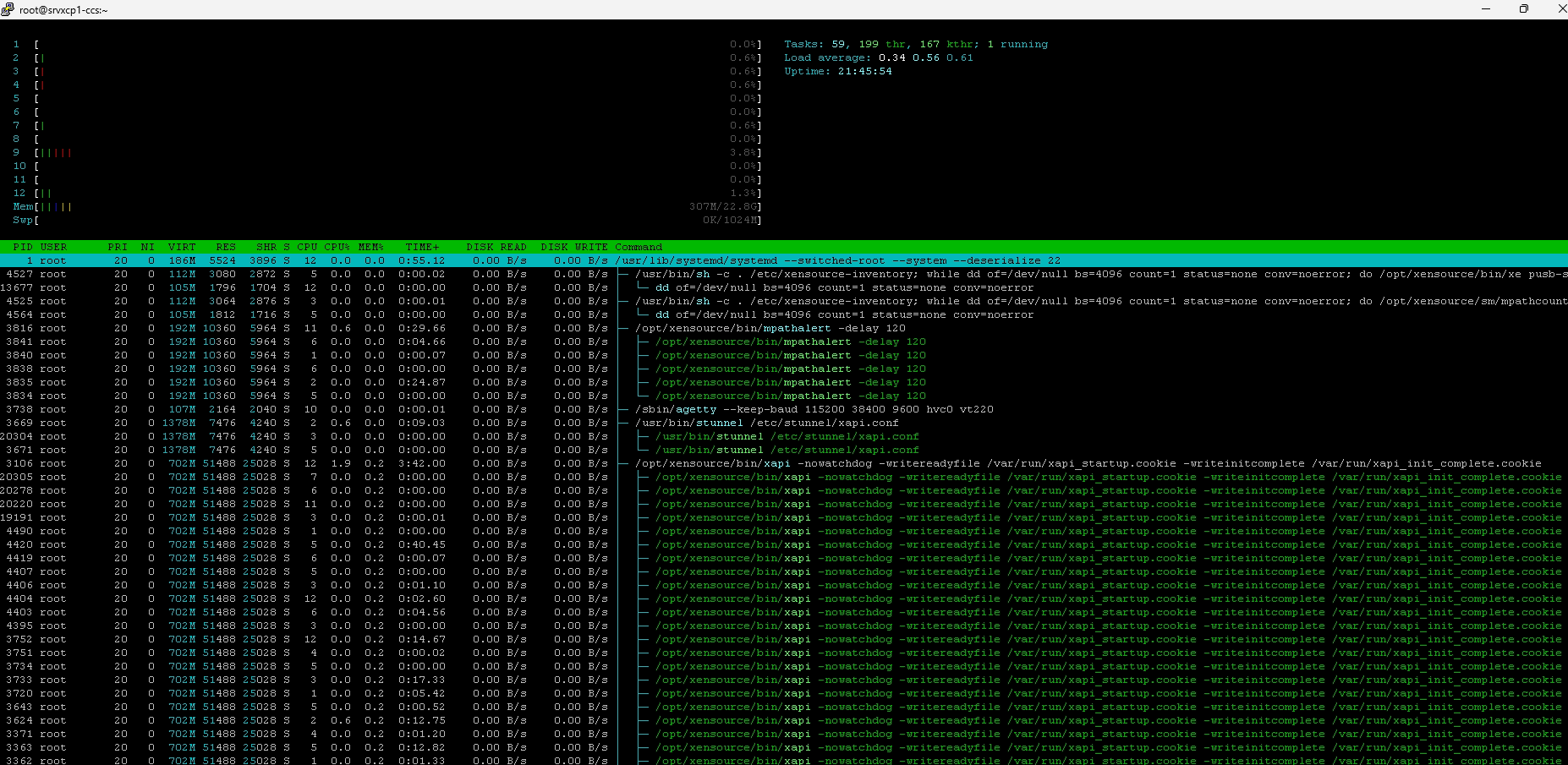
I must tell you, I had to change boot grub order, giving priority to
Xen hypervisor(second option) because when it boot to first optionGNU/Linux, the server start in Recovery Mode, with just 1 core processor. -
I'm sure there's something wrong in your Grub file, because Xen is clearly booting a Dom0 with 24GiB of memory

-
@olivierlambert Look, I rebooted now the server using this settting:
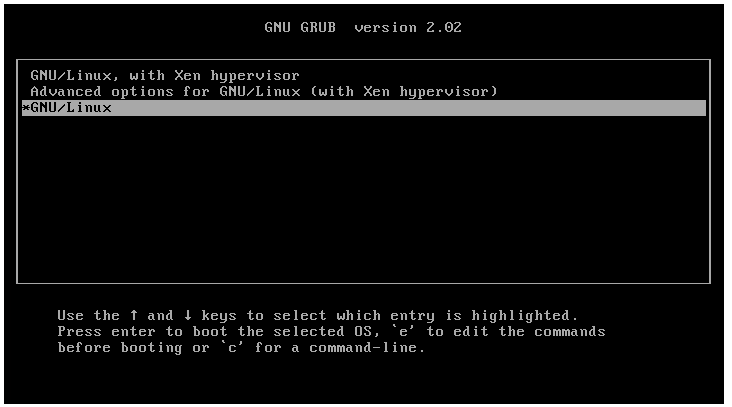
Now the host has this dashboard values: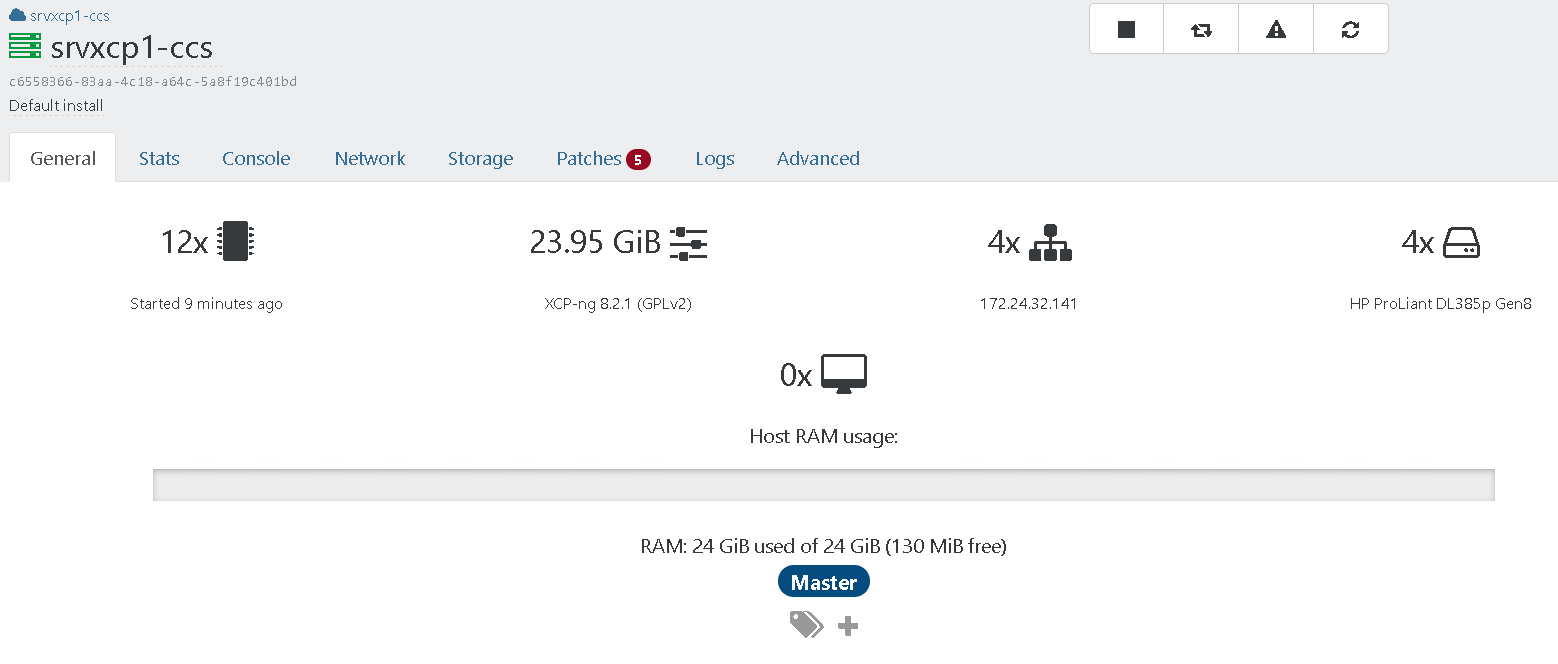
and thishtop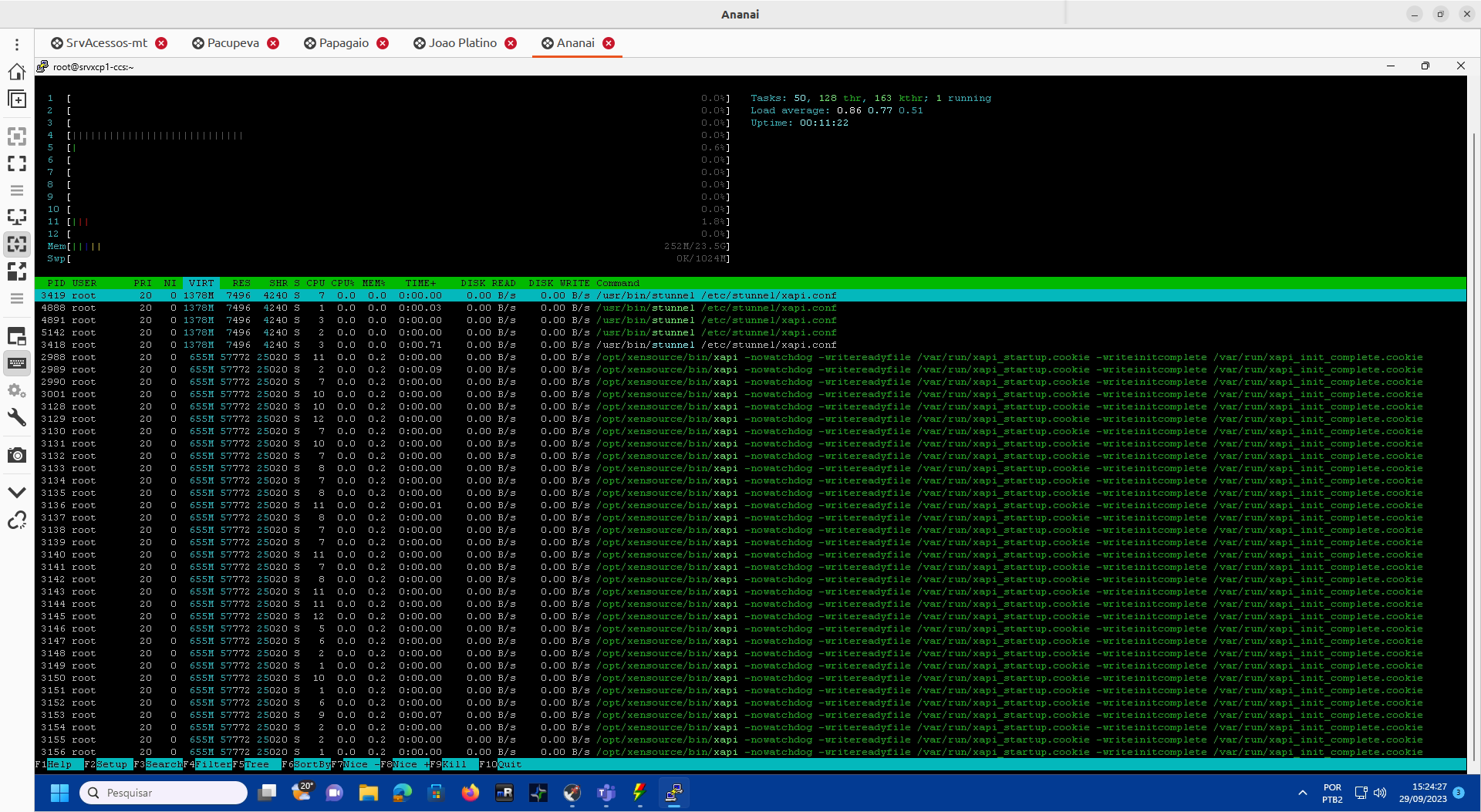
Now Dom0 busy RAM is 0.
I try to start a VM, I have this error:
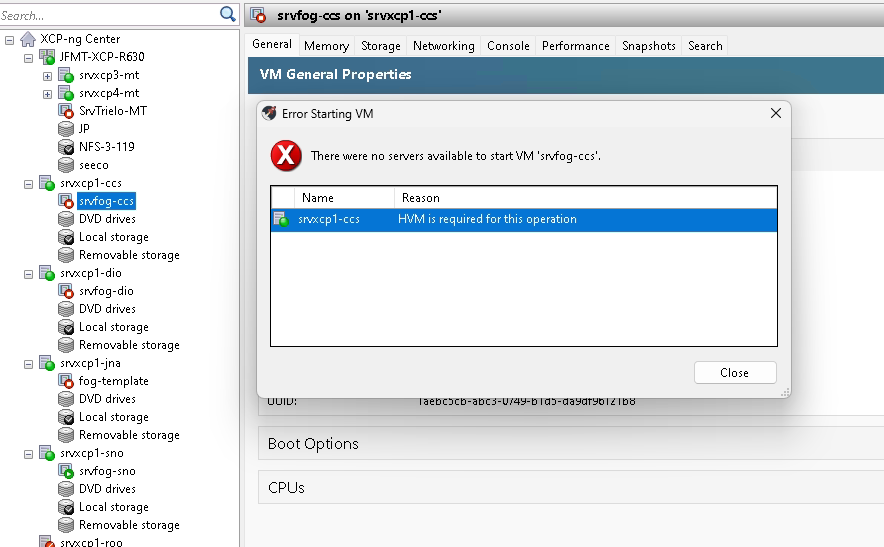
I'll redo a fresh installation of xcp-ng on this server.
-
This doesn't sound like the Grub of XCP-ng. Are you sure you don't have a leftover or completely modified the original one?
-
@olivierlambert I did right now a fresh install of XCP-ng 8.2.1 in this server. Grub menu is this:
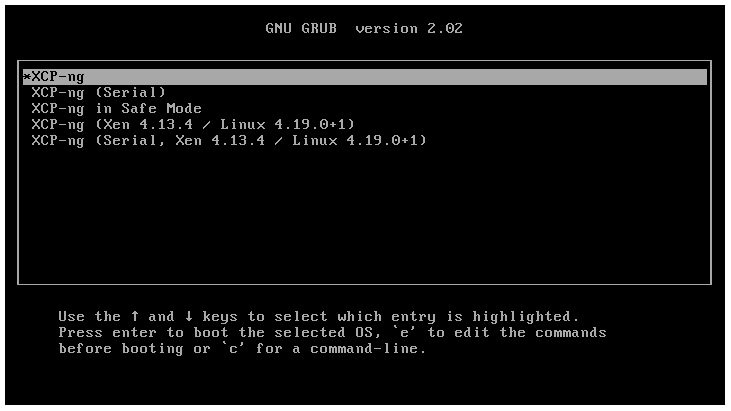
choosing the first item (default) I get this error(so it begins looping):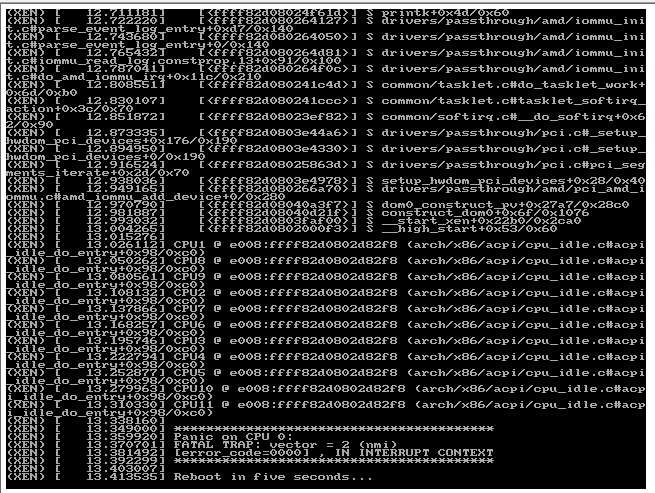
the second item (XCP-ng (Serial)) got a successfull boot.
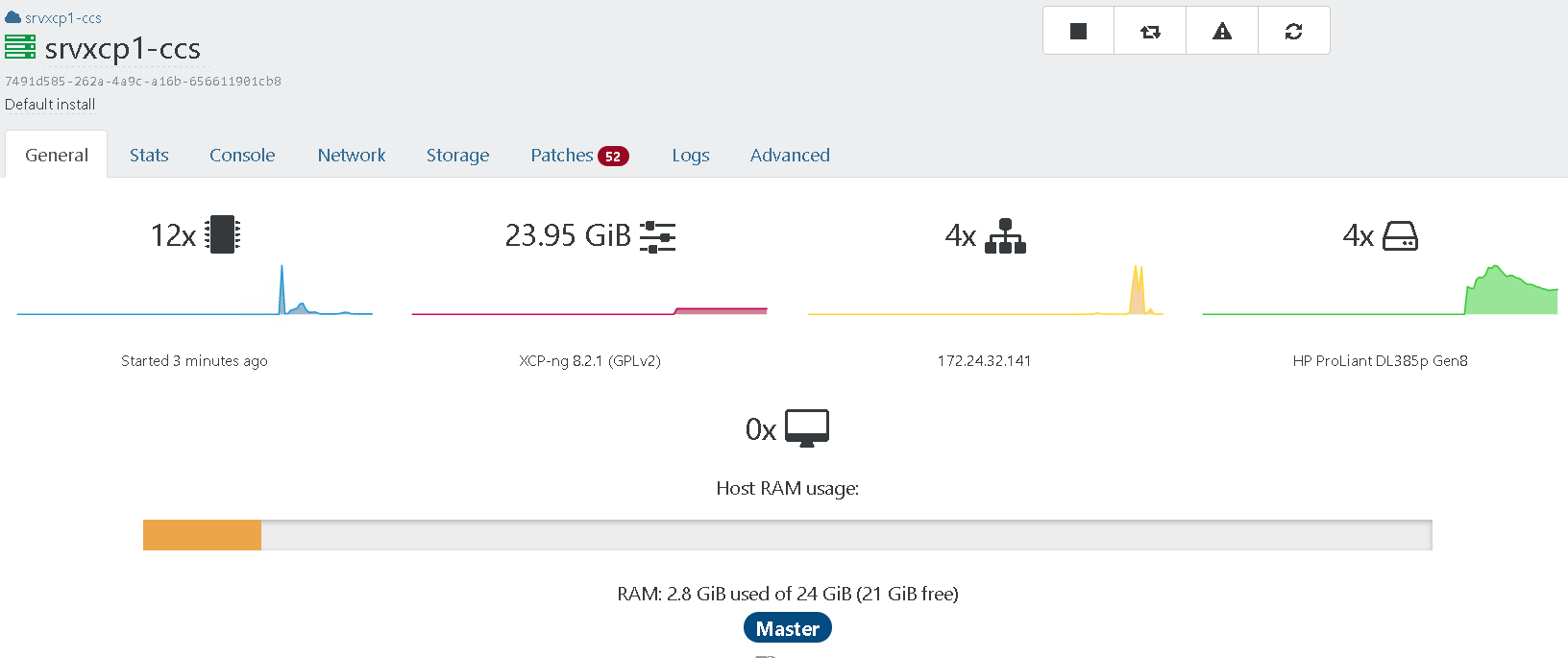
Now I remember what I did... I tried to make
XCP-ng (Serial)the default option but I ended corrupting grub... Tell me how I turn it the default option? -
- Update your host and reboot in normal mode to see if it's better
- If not, can you try to see if you can boot with XCP-ng 8.3?
Also, your XO version is outdated.
-
@olivierlambert I made a system update (
yum update) and rebooted the server without interfering on grub menu... So it persisted on the same error... I nad to choose the second option again to do a good boot. I tried to find where those faulty grub log lines where saved, butjournalctljust stored healthy boot.

Hello! It looks like you're interested in this conversation, but you don't have an account yet.
Getting fed up of having to scroll through the same posts each visit? When you register for an account, you'll always come back to exactly where you were before, and choose to be notified of new replies (either via email, or push notification). You'll also be able to save bookmarks and upvote posts to show your appreciation to other community members.
With your input, this post could be even better 💗
Register Login