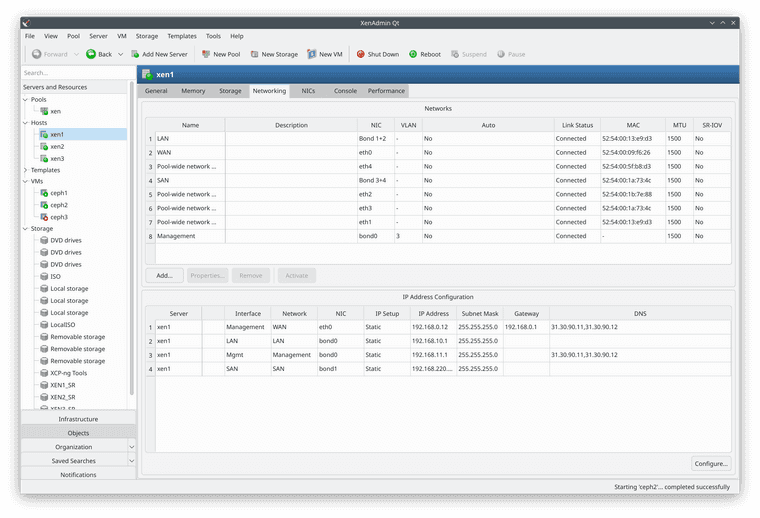
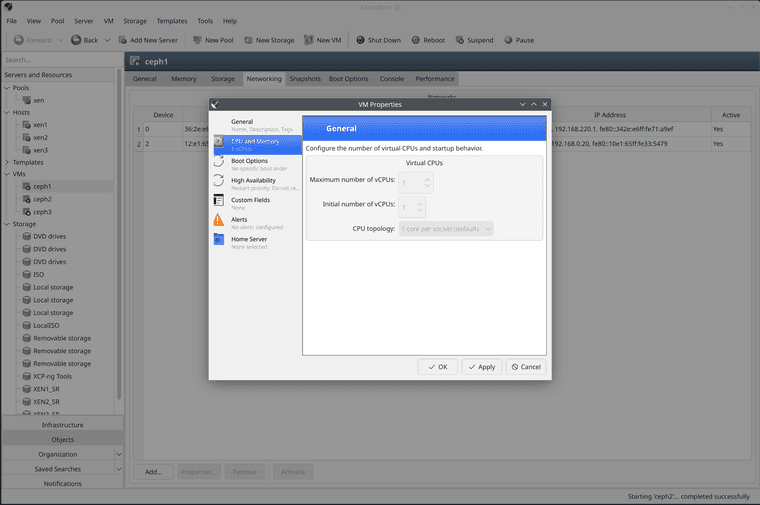
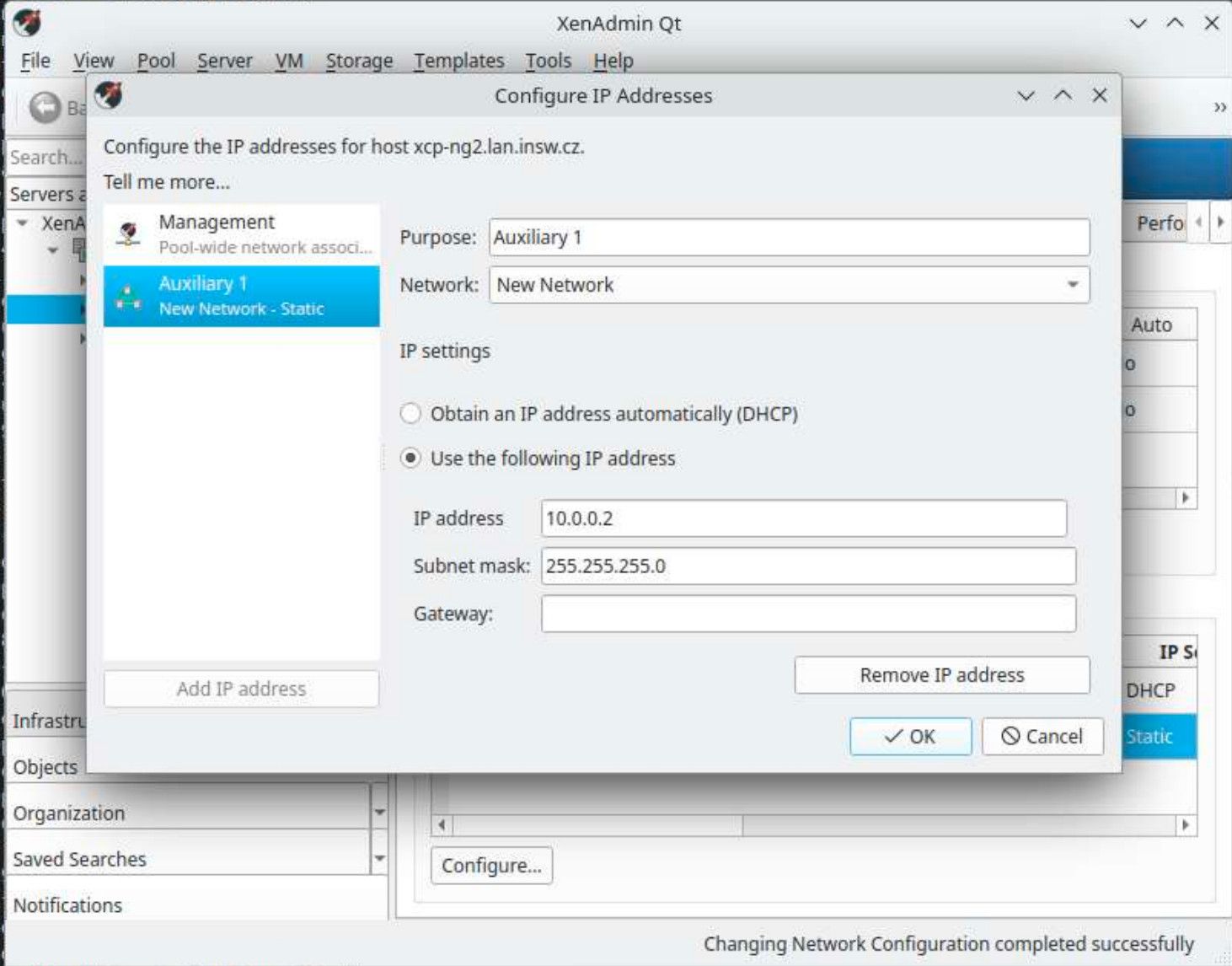
Hello,
I know some people here will absolutely hate the idea of reviving that old-school thick client (yes I am talking about XenAdmin), but there are also some of us that just love it and can't get to like those web-based UIs 
Despite running Xen Orchestra for many things almost everywhere (it's really handy) I just still prefer doing many things in the original thick client - especially setup of new pools and cluster, low level stuff like HA configuration, and so on (also - deploying that first VM with xen orchestra - hah).
I already have experience with rewriting C# apps to Qt (I have many years of experience with both programming languages) and I had this idea in my head for a long time, but never felt like I could take such challenge on all by myself - since original XenAdmin is about 1715 files (files, not lines) of code, but then AI happened and it just seems it's really great at translating one language to another.
But fret not, this is not some vibe coded AI slop, I was just using AI (for months) to help convert large pieces of code and then gave a manual review to everything and corrected most of stuff and I plan to do that until everything works completely.
The project lives here for now: https://github.com/benapetr/XenAdminQt
It's using exactly same license as original XenAdmin. I also took liberty of reusing the icons as I am terrible with graphics. If you have any problems with that (especially the rocket logo) let me know, I will have AI generate some slop logo instead, but I really would like to expand the xcp-ng open source world with this 
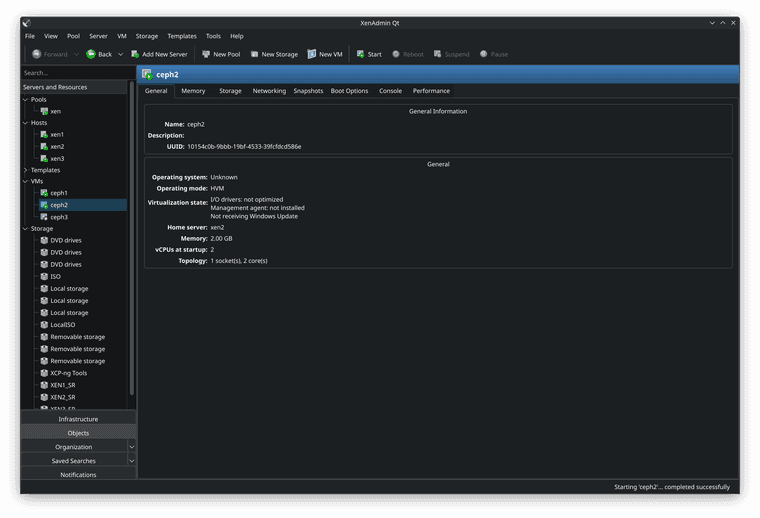
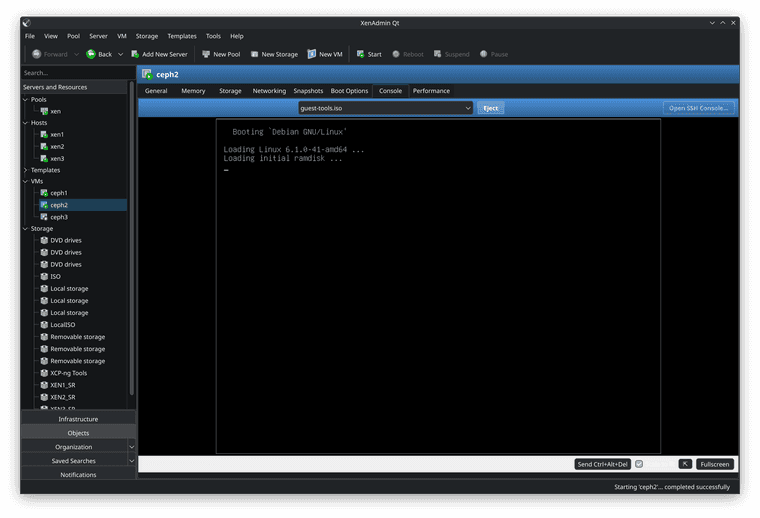
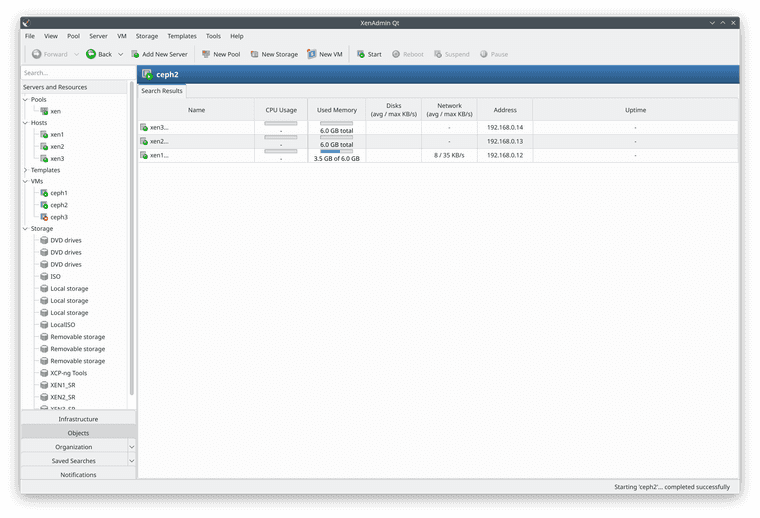
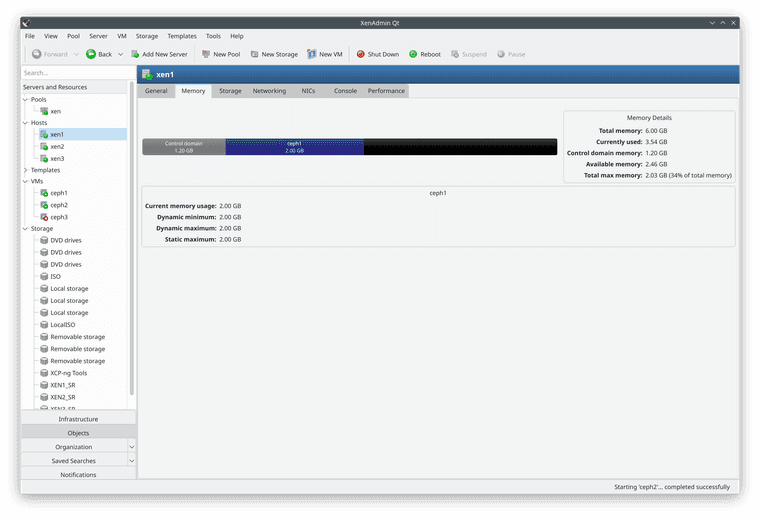
Here is a screenshot from Debian:
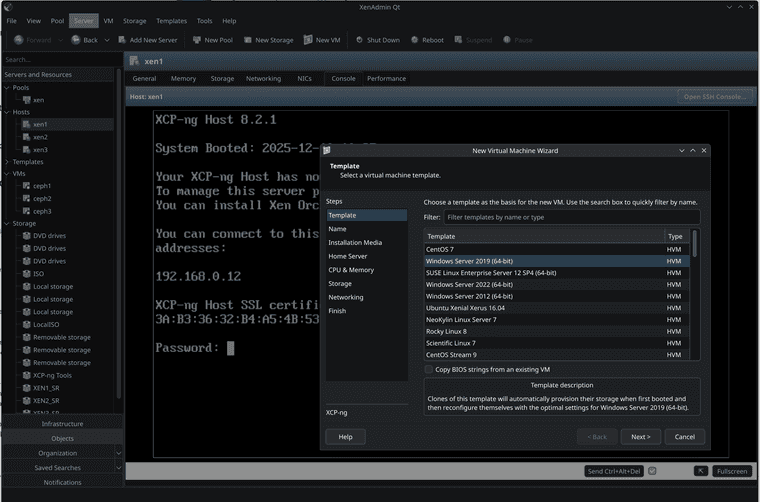
(Now that I am looking at it, there are some visual artefacts in that bottom toolbar - but that's just because of that active dark mode, in light mode it looks fine :P)
The client already works great on both macOS and linux (I use both platforms extensively - I don't do much Windows TBH) - if you don't have Windows and want to give it a try, you can compile it easily, assuming you have Qt installed you can just open the .pro file, compile it and run it. No tricks needed, it's very easy and straightforward - I purposefully decided to not add any 3rd party dependencies beside Qt itself to keep it very easy to port anywhere.
In fact thanks to WASM this thing can probably even run in a browser, but networking stack would need some overhaul for that to work.
Just keep in mind this is alpha - run at your own risk, I am myself only using it in my lab clusters, but it didn't break anything so far