Orphan VDIs in XO show health problem
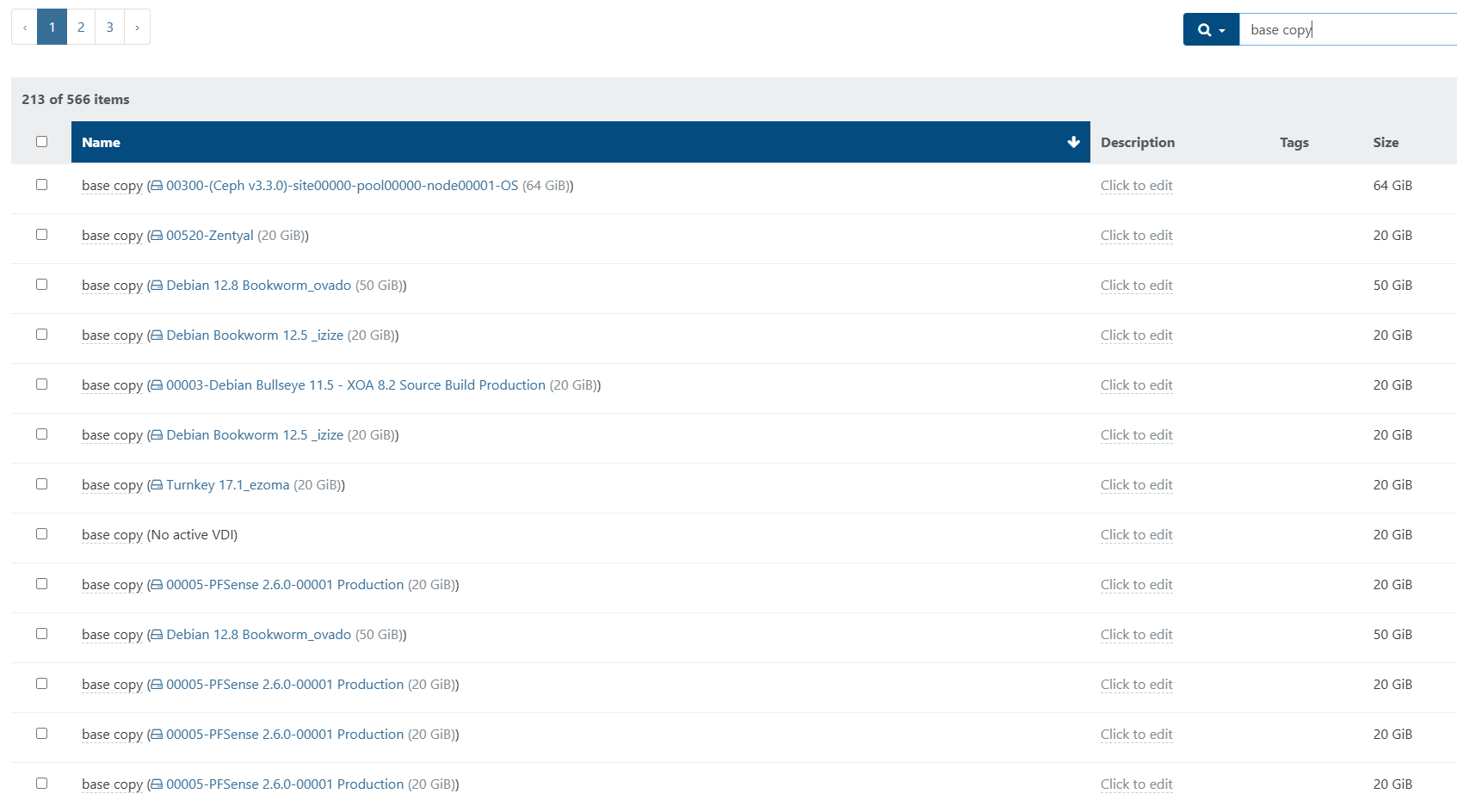
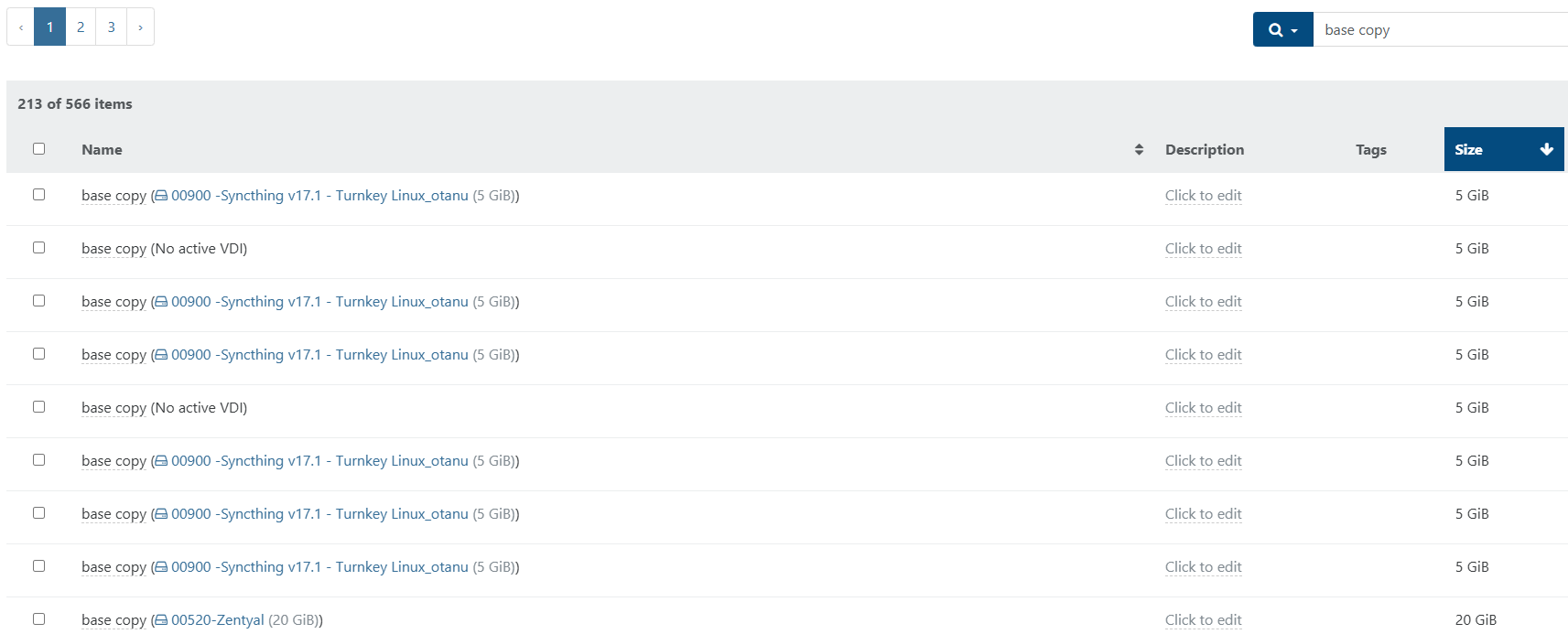
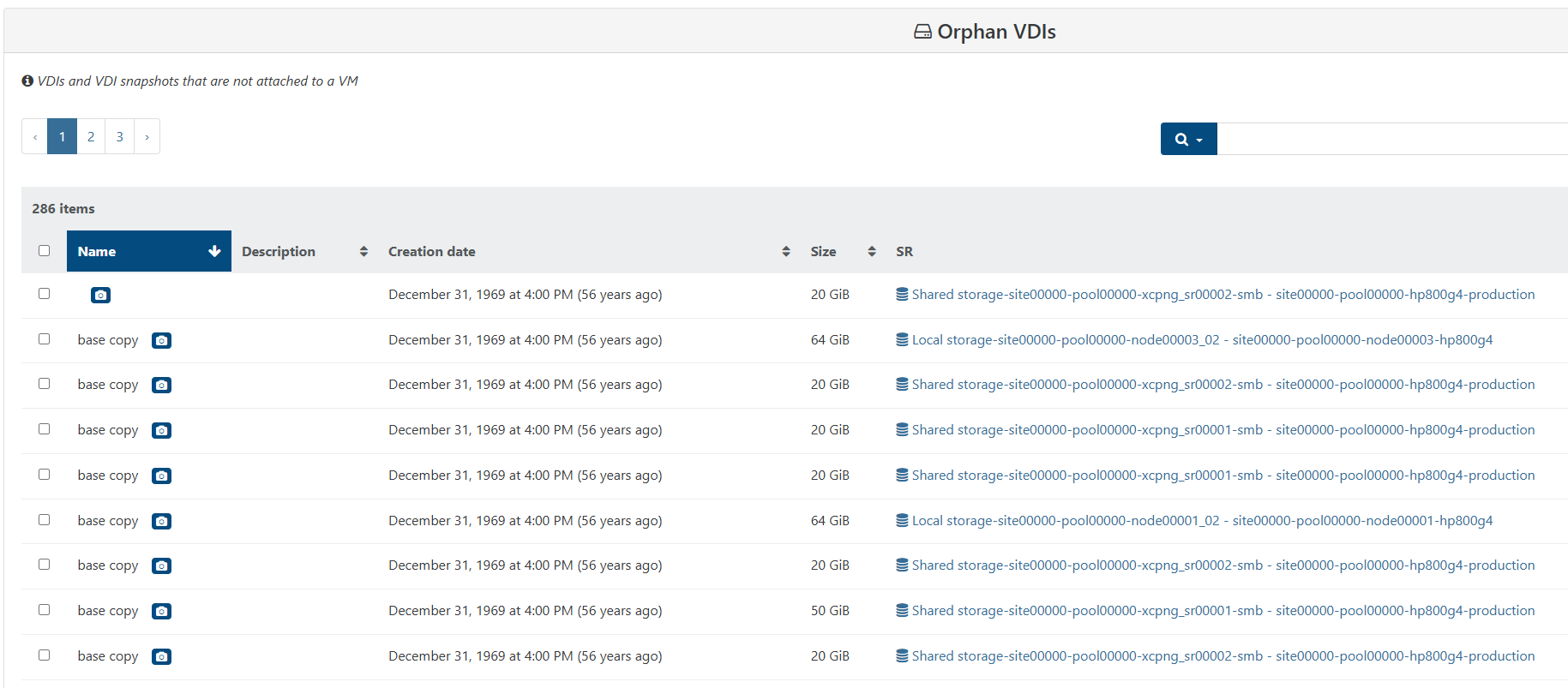
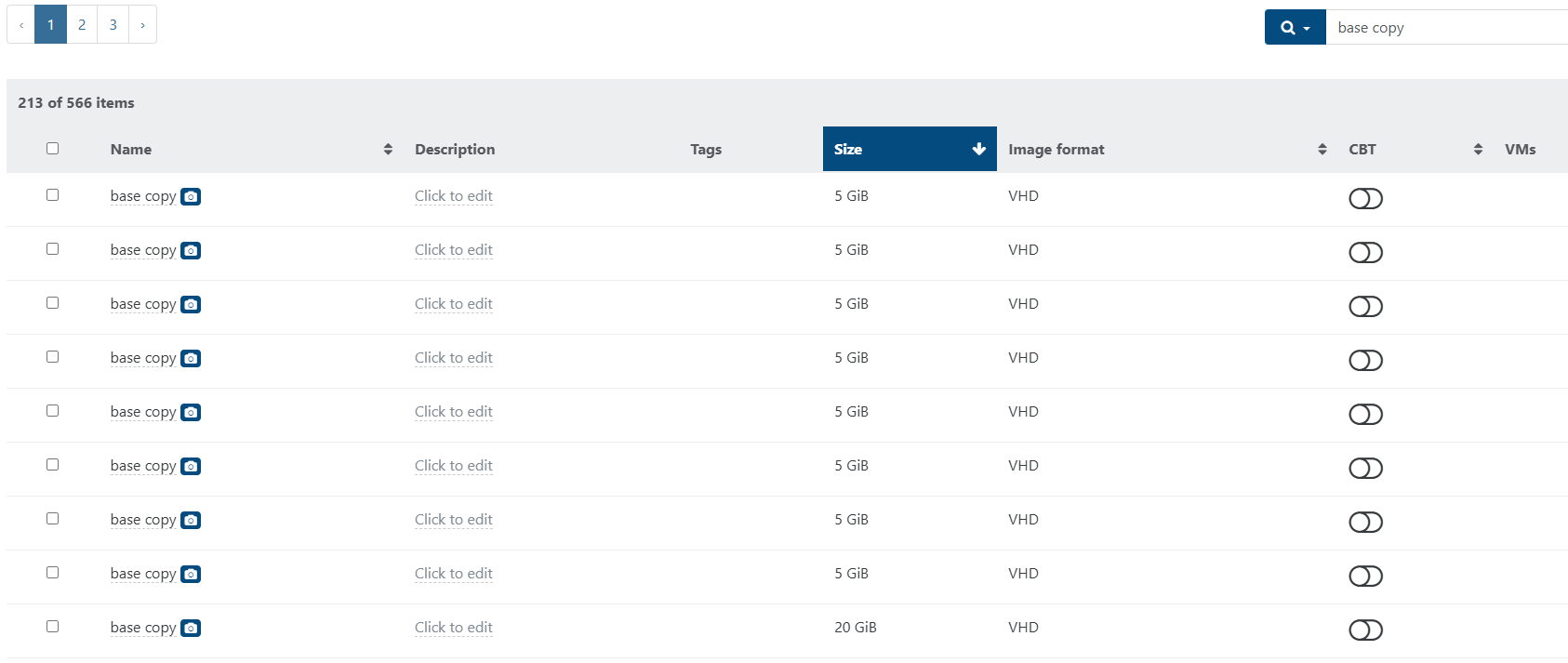
-
@anthoineb Is there a cmd to check on the xcp-ng to see if "qcow2" was ever installed? Likely I either never did or installed and forgot about it but I did ready about it previously but don't remember if I acted on it or not.
-
@wilsonqanda qcow2 packages are in a separate repository. You should have setup the repo, a
grep -r "qcow2" /etc/yum.repos.d/should tell you if it was setup on your host. -
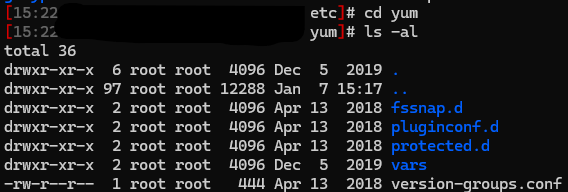
@anthoineb Seem it was never installed as far as i can tell as i tried running it and nothing processed:

Don't even have a /etc/yum.repos.d but do have a yum directory.
-
I think I am going to try wiping out everything and do a clean install and see what happen but will take a bit of time and report back...
-
@wilsonqanda perhaps is it the same probleme as here ?
https://xcp-ng.org/forum/topic/11715/vdi-not-showing-in-xo-5-from-source./9invisible VDIs on some SRs
they are seen as snapshots and not presented in XO5 web UI but you can see them in XO6 or by API -
@Pilow Ok I can confirm that this is extremely like this issue with the disks disappearing but still boot up and run fine lol

No disk on XO v5
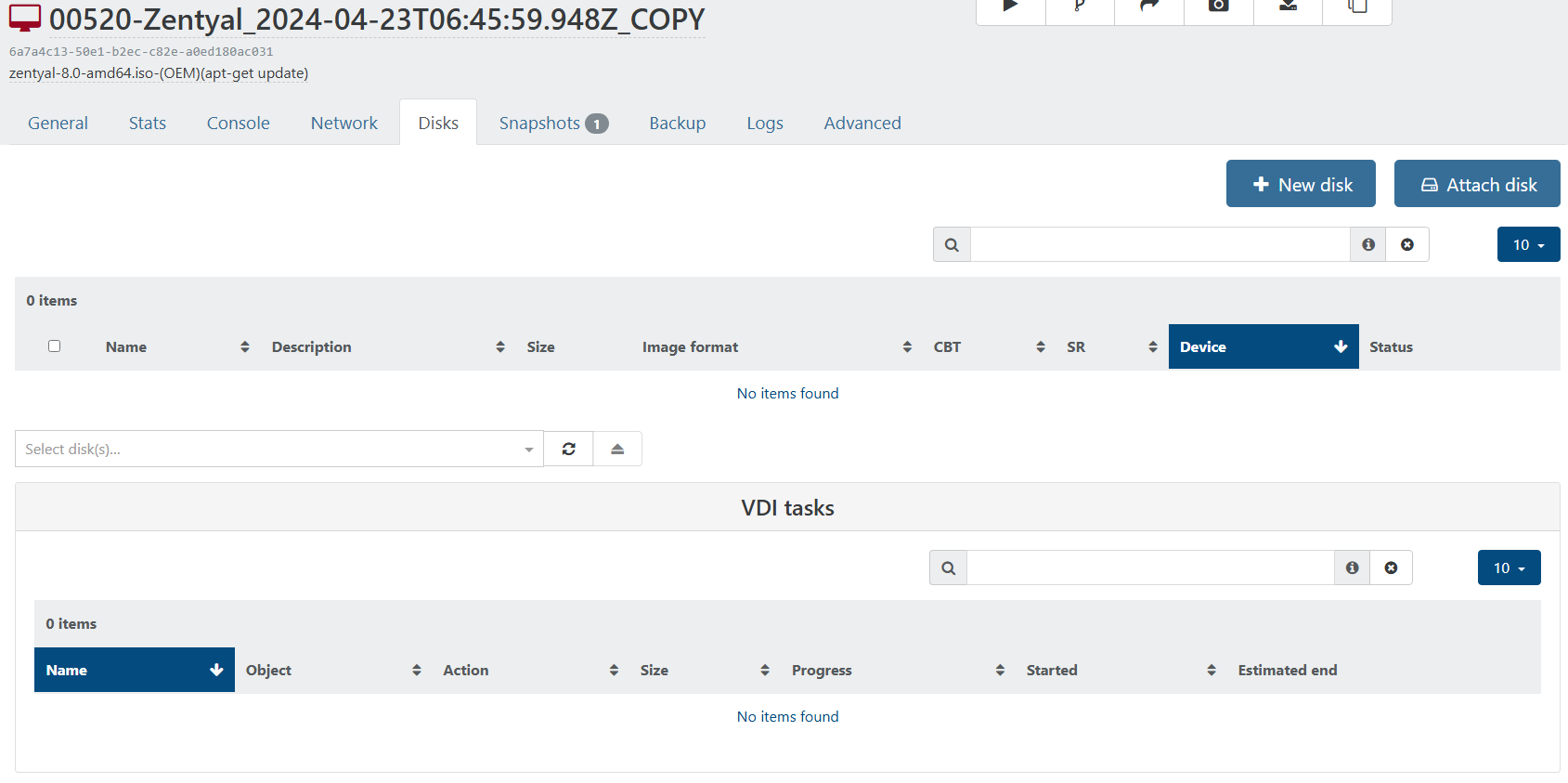
Disk show up on v6
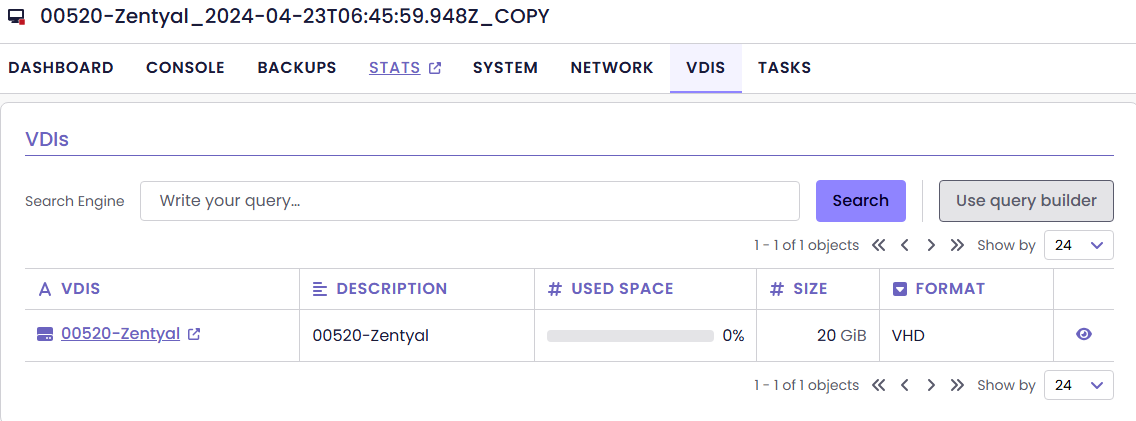
Fixed it by REVERTING the SNAPSHOT....
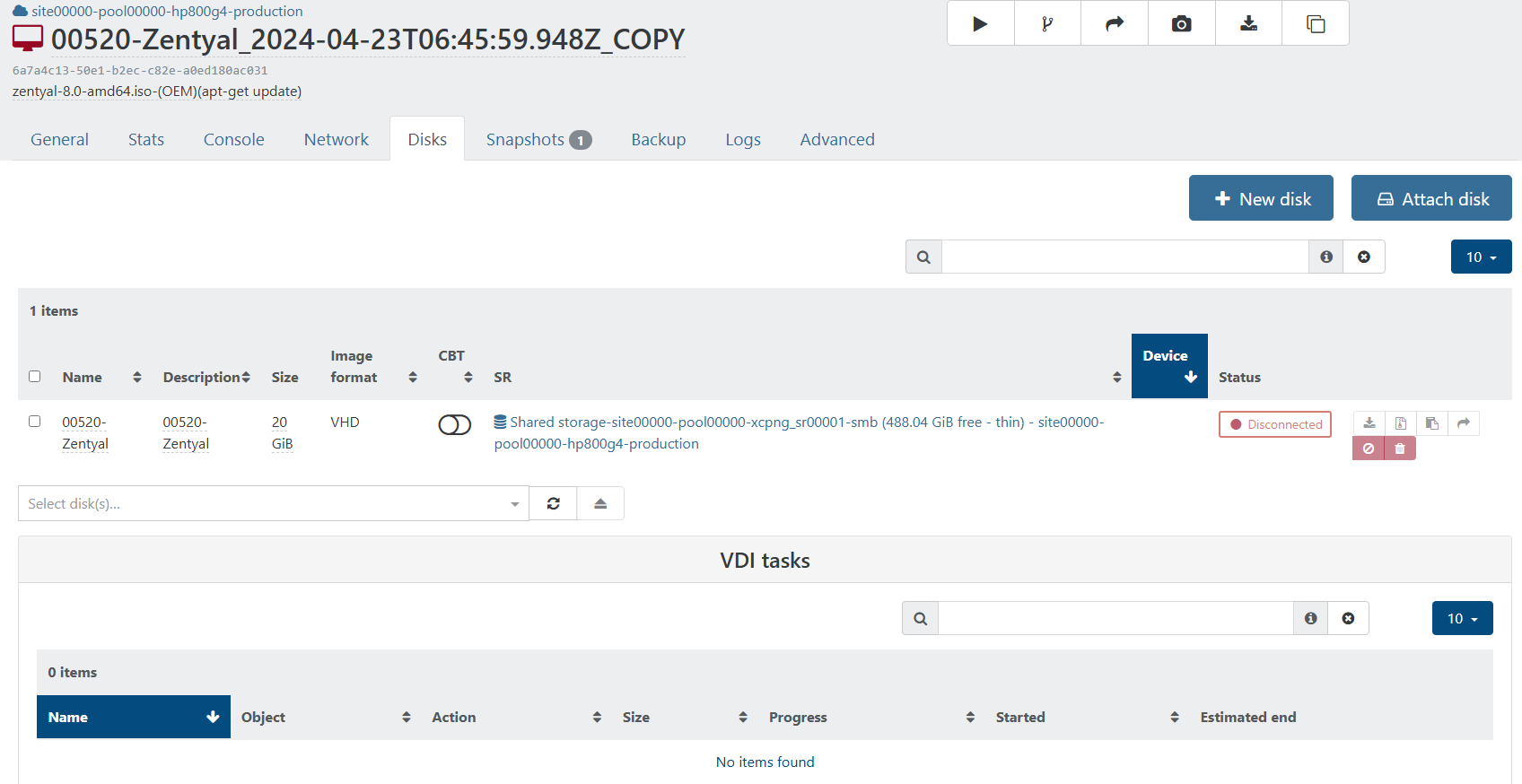
Seem others was able to migrate the VM out and back in to fix it as well which seem ridiculously time consuming lol
 . I might try that for those that have no snapshot as its a lost cost...
 -
So far a few solutions for me has been:
- Revert the SNAPSHOT and it magically find the disk...
- Create a new SNAPSHOT and it magically find the disk... (esp. if you don't have a snapshot on some VMs like me)
- SNAPSHOT sometime works but still missing disk so boot it up and disk show up

- Some claim migrating the VM works... (migration fail for me as it can't find the disk lol...)
There should be better solutions as sometime I want to keep old snapshots. Still testing other methods... as my old XO still finds everything... even though its loaded with the same CONFIG FILES and same XCP-ng machine metadata.
-
It will be a nightmare if I have to do all 286 VMs...
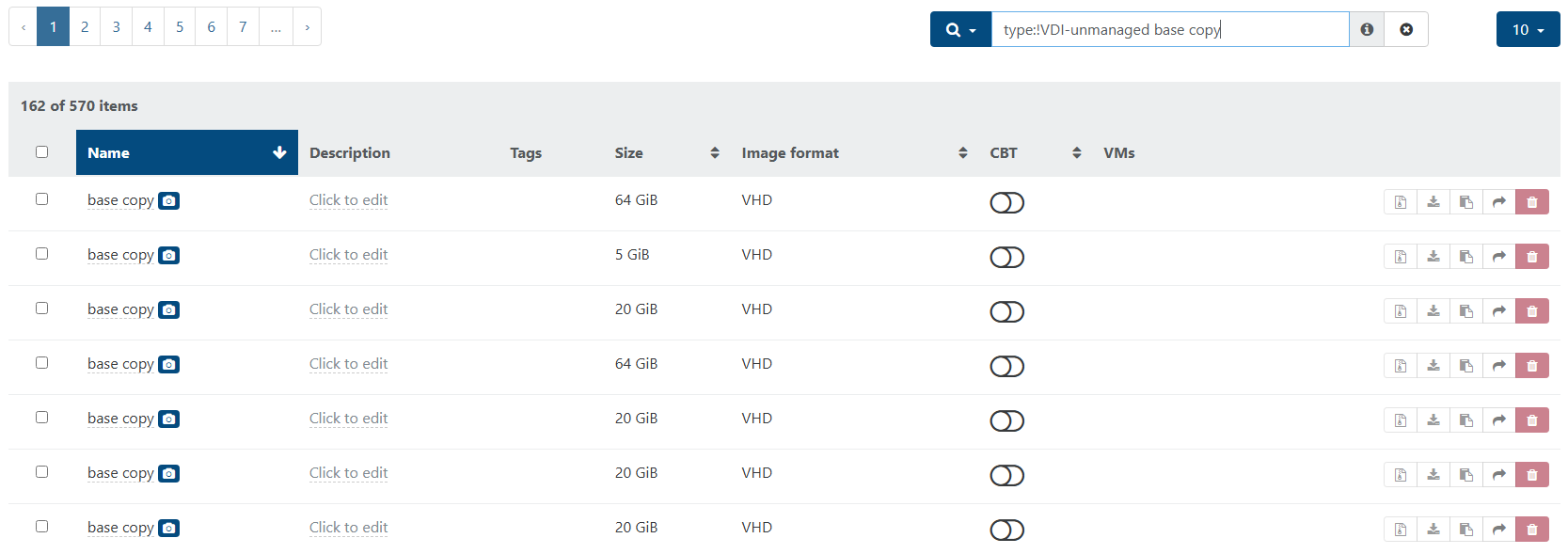
slowing verifying if its going down the countdown... luckily most of them are related so it's not too bad.
-
@wilsonqanda doing a snapshot and deleting it do not resolve the issue for me
i'll try to snap and revert to the snap and tell you if its Ok this way for me
-
@Pilow Does disk show up after you do the snapshot? If it is able to do the snapshot there is a high chance it can boot up. So try booting up (and check for disk) and shut it down and do the snapshot at that time if the disk show up.
It helps to boot up on the old v5 commit and check from that side too if you have both copy before the commit update.
Yep I can confirm that snapshot doesn't always work. But using the older v5 that used to work before the update does get it showing up on the newer v5 commit if I go through whole snapshot, revert, etc. one of those case work.
-
This post is deleted!
Hello! It looks like you're interested in this conversation, but you don't have an account yet.
Getting fed up of having to scroll through the same posts each visit? When you register for an account, you'll always come back to exactly where you were before, and choose to be notified of new replies (either via email, or push notification). You'll also be able to save bookmarks and upvote posts to show your appreciation to other community members.
With your input, this post could be even better 💗
Register Login