Nested virtualization
-
I was trying to install Docker on Windows, but when I got to the point where I needed to enable virtualisation, I couldn’t do it. Does anyone know why? Here’s what happened:
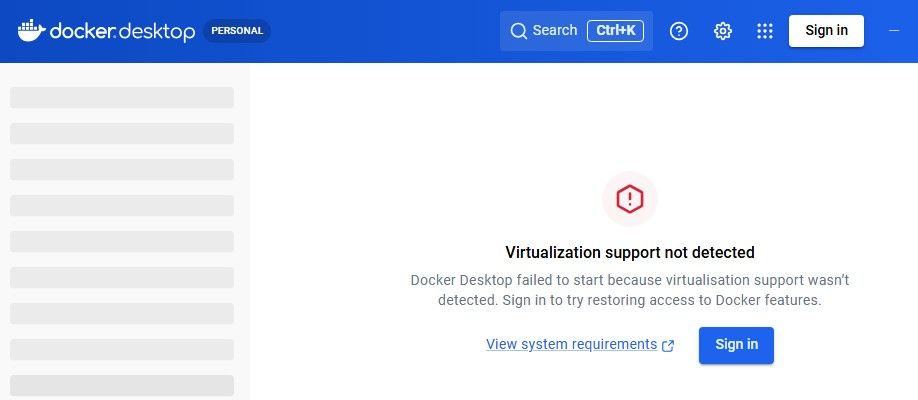
 And I can't turn it on
 -
Assuming you enabled nested virtualization on the xcp-ng host you also need to enabled in the vms bios settings for windows.
-
@User-cxs Is there an error message when clicking on / hovering over the yellow warning symbol next to "Nested virtualization" on your Xen Orchestra screenshot?
You need that feature for Docker desktop virtualization to work in your VM.
Also: do you have PV drivers / guest utilities installed on your VM?
-
I'm getting back to you. I've enabled ‘Nested virtualisation’, and I've also run the following command in PowerShell within the VM: "dism.exe /online /enable-feature /featurename:Microsoft-Hyper-V-All /all /norestart
dism.exe /online /enable-feature /featurename:VirtualMachinePlatform /all /norestart" in a PowerShell session within the VM, but it still isn’t working. Is this normal? Is Docker not working on Windows under XCP-NG? -
@User-cxs PV drivers / Xen Tools installed? Was the system rebooted cleanly after enabling nested virtualization/Hyper-V?
-
@MajorP93 I’ve tested everything and restarted the system properly (nested virtualisation enabled, Xen Tools installed, Hyper-V features enabled, full restart), but Docker Desktop still isn’t working.
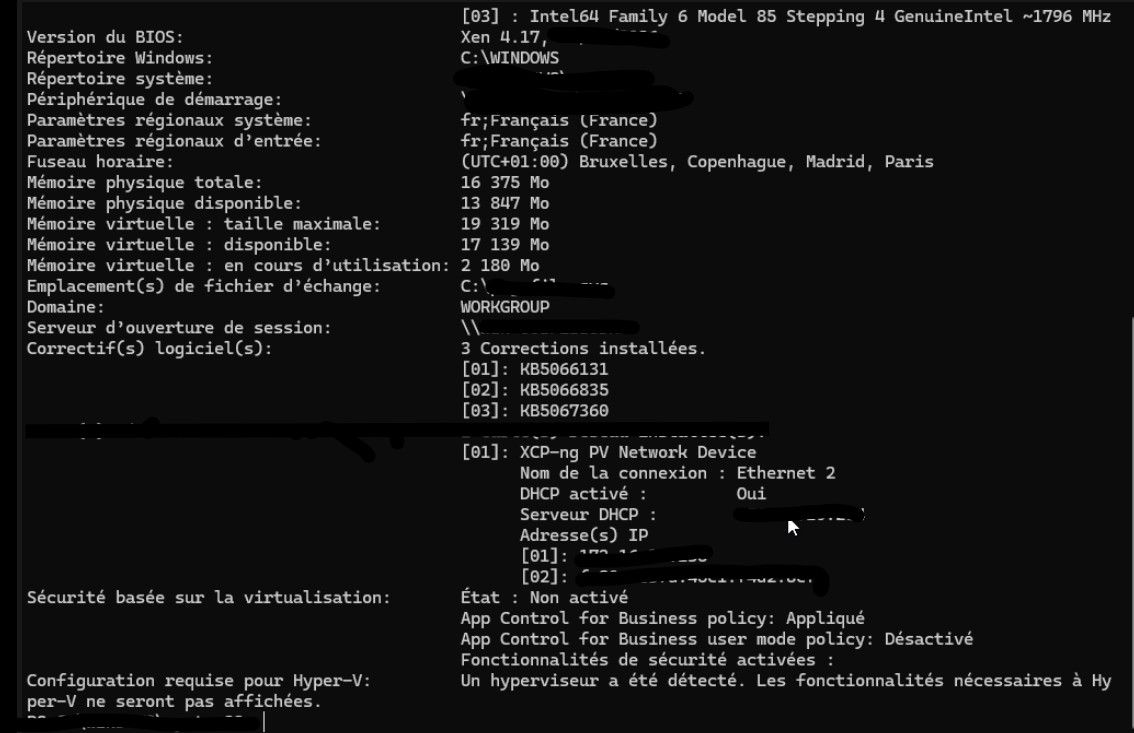
Systeminfo displays:
‘A hypervisor has been detected’Hyper-V cannot therefore function fully within the virtual machine. It appears that nested virtualisation on XCP-ng (Xen) does not offer full support for Hyper-V, which prevents Docker Desktop from working.
I therefore believe this is a limitation of Xen/XCP-ng, and not a configuration issue.
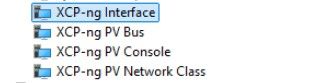
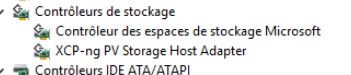
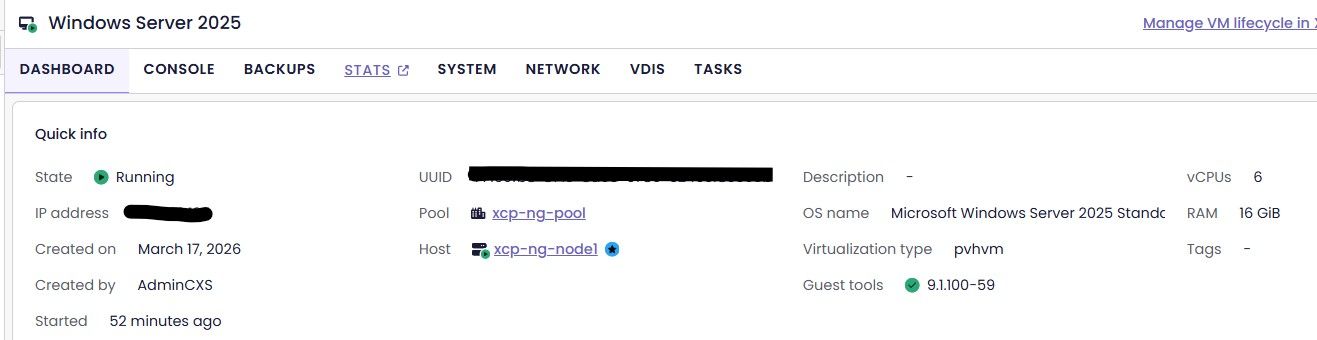
-
@User-cxs I have one last idea:
- shutdown your VM
- disable nested virtualization for your VM via Xen Orchestra
- SSH login on your XCP-ng host (pool master)
- execute "xe vm-param-set uuid=<UUID> platform:exp-nested-hvm=true" (UUID should be the UUID of your VM)
- start your VM and try again
By following these steps you will use Xen parameter "exp-nested-hvm" instead of "nested-virt" on your VM. This may or may not make a difference.
If that does not change anything I am out of ideas.
Best regards -
@MajorP93 I followed your steps exactly:
- Shutdown the VM
- Disabled nested virtualization in Xen Orchestra
- Enabled it again using CLI with:
xe vm-param-set uuid=<UUID> platform:exp-nested-hvm=true - Started the VM again
However, Docker Desktop still shows:
"Virtualization support not detected"At this point, it seems more like a limitation of nested virtualization with Xen/XCP-ng rather than a configuration issue.
-
@olivierlambert Can you provide insights? Is nested virtualization as in running Hyper-V inside a XCP-ng VM expected to work?

Hello! It looks like you're interested in this conversation, but you don't have an account yet.
Getting fed up of having to scroll through the same posts each visit? When you register for an account, you'll always come back to exactly where you were before, and choose to be notified of new replies (either via email, or push notification). You'll also be able to save bookmarks and upvote posts to show your appreciation to other community members.
With your input, this post could be even better 💗
Register Login