Unable to import Backup Config from Community Edition to XOA Deployed Appliance
-
Hello,
I migrated our smaller DMZ VM cluster from VMware to XCP-NG and XOA a few months and have been using the community edition of XOA. Everything has been going great with no complaints.
Recently I got approval to get a paid service subscription to Xen Orchestra. I have the licenses and imported the new OVA using the XOA deploy site. It successfully imports the VM and I can log in and connect my Vates account. My issue comes from importing the backup config that I have from my community edition to the new XOA.
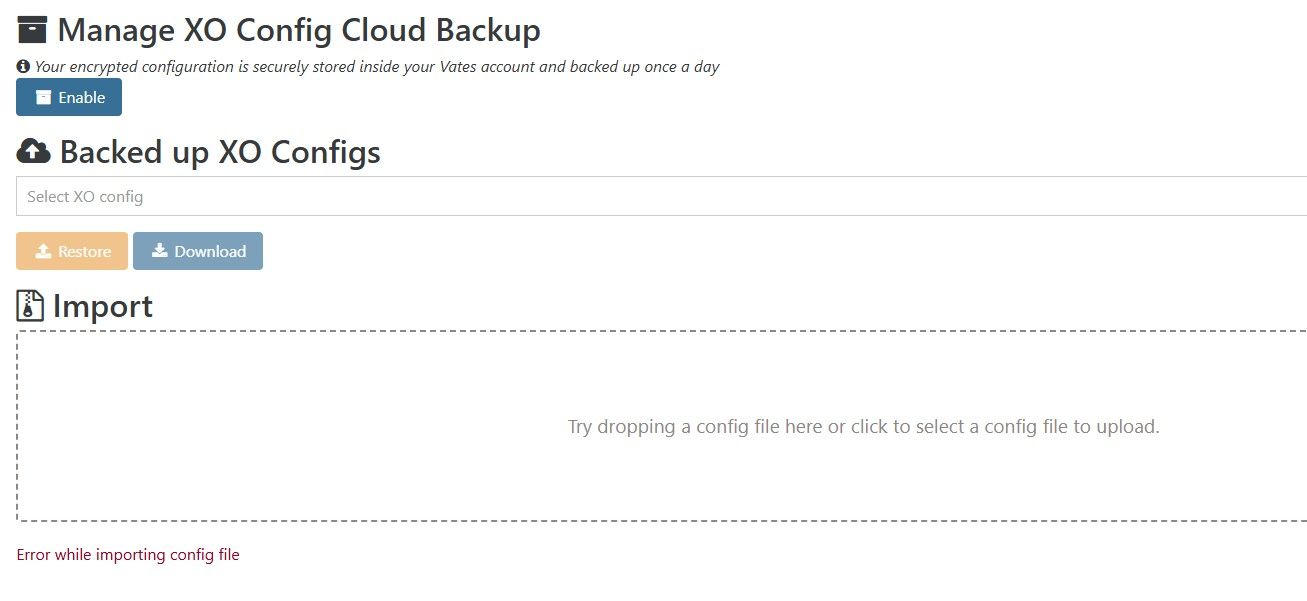
Everytime I try to import it, it says there was an error message importing. It seems to connect to one of the pools but none of the other information comes over. Missing backup jobs I created, missing remotes for backup jobs, plug in configurations.
At first I thought it was because it was on a different version of XOA. I noticed that it uses the stable channel by default and it showed XOA being 6.2 I think. The community edition XOA we are running is running the latest 6.4. I did change it to use the latest channel and it did upgrade to 6.4 but it still said there was an error importing the config file.
Is it possible to import our config from our community edition into the XOA appliance? Apologies as this is my first time actually using this edition of the XOA server.
-
I was able to import my xo-ce config into my xoa free in my home lab. The free version is not capable of backups, but it still imported the backup jobs and sequence and the restore points are there. If I try to create a new job it says i cant due to licensing which is expected.
If you still have your xo try to export a new config and try again.
ALso i took backup of my xoa priror to import so i can revert back. It say it imported the backup but backup jobs are still present.
So i would expect this to work in a paid version.
-
@acebmxer I already did this several times. I have a running job that takes a backup of the config every night and have the last 7 configs kept. I also did a manual config backup and tried that import as well. Both come up with the same error message on the XOA appliance. Error while importing config.
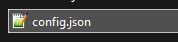
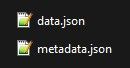
I have both versions of the backup config files. The manual backup which is just one file and the automated config backup which is two files. Any of the files that I try give the same error message that there is an error while importing the config. I also don't see any information in the logs.
I have also tried 3 separate times and imported the XOA appliance to start fresh.
-
Ok I think I have resolved the issue. It appears that if you do not activate either a paid license or the trial, it fails with the import because many of the features are not active until you enable the license and then update the XOA appliance.
Once I activated the trial and then updated the appliance again, I was able to successfully import the backup.
My hesitation with activating the license before importing the config as the licenses are bound and I didn't want to have to redo the setup if the config did not import.
Again, it looks like I need to activate the license first and then I can import the config.

Hello! It looks like you're interested in this conversation, but you don't have an account yet.
Getting fed up of having to scroll through the same posts each visit? When you register for an account, you'll always come back to exactly where you were before, and choose to be notified of new replies (either via email, or push notification). You'll also be able to save bookmarks and upvote posts to show your appreciation to other community members.
With your input, this post could be even better 💗
Register Login