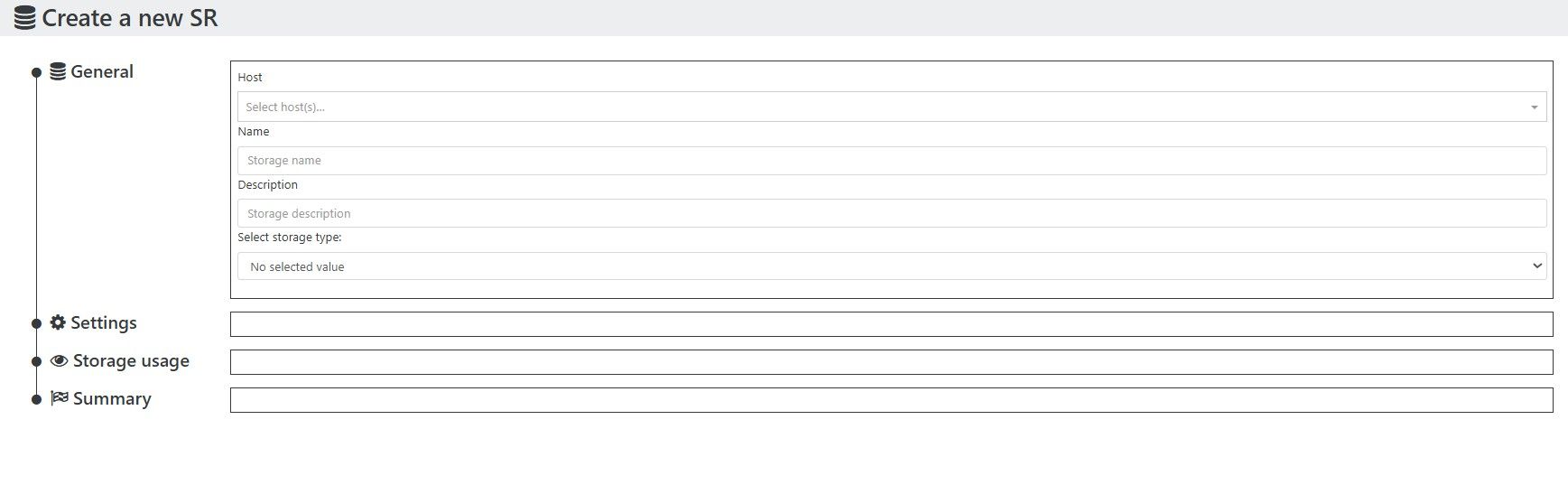
Slow SR Creation
-
@poddingue I am facing a delay in PBD plug. I have a pool of 3 hosts, member hosts iscsi PBD is immediate but the master take so much time like 10,20 minutes. I want to make it fast. Also just to have info regarding pool master host, does master host perform any extra task as compared to member hosts which may cause the delay?
-
@irtaza9 Hello, could you share the content of your logs during the SR creation with us to investigate on our side ?
You can produce a tar of logs with https://docs.xcp-ng.org/troubleshooting/log-files/#produce-a-status-report . -
@Goulven I have shared the logs with you over the drive.
-
@irtaza9 Is this on a single host or a pool? Are all hosts properly time-synchronized? It it related to just one specific storage device or on any, e.g., is the behavior the same on a locally-created SR? Are there any hung tasks causing unnecessary I/O on that storage device?
-
- we face this in both cases either single or pool based.
- Currently we are have 3 host wide pool and we probe a new LUN over iscsi for each disk
- Yes, we have maintained NTP synchronization.
- we have Huawei Backend in our storage systems and we face this in v3, v6, v7 which are different.
- No Locally created are just fine.
- In XO there are not task.
-
@irtaza9 This is an iSCSI-based storage device? If so, is it on a totally separate network than the VMs and primary management interface?
-
-
@irtaza9
Why iDRAC and XCP-ng Backups Are Slow (I hope this is helpful, assuming I understand your topology and configuration correctly):
• iDRAC Virtual Media / HTML5 Limits: iDRAC virtual media or browser-based streaming sessions are heavily throttled by encryption overhead and are not designed for bulk high-speed data exports. Furthermore, if the iDRAC dedicated network port is negotiated at 100 Mbps instead of 1 Gbps (check for an orange link light), transfer speeds will crawl.
• Xen Orchestra (XOA) / XAPI Bottlenecks: XCP-ng exports VM data through the XAPI stack by generating compressed .xva streams or full backups, which can heavily tax CPU cores on the XOA/dom0 appliance and cap throughput around 50–80 MiB/s even on fast networks. So, check with top or xentop what your dom0 load is when you have an active backup to see if the CPU and/ or memory are overburdened.
• CPU Starvation on XOA: Backup worker processes (backupWorker.mjs) can saturate available vCPUs on the Xen Orchestra appliance if it is only allocated 2 vCPUs. Again, check with top or xentop whetgher your vCPUS are saturated. -
@tjkreidl nothing is going on in xen orchestra no backup job nothing.
-
@irtaza9 What do you see if you run top or xtop, or "xe task-list" when you start the process?

Hello! It looks like you're interested in this conversation, but you don't have an account yet.
Getting fed up of having to scroll through the same posts each visit? When you register for an account, you'll always come back to exactly where you were before, and choose to be notified of new replies (either via email, or push notification). You'll also be able to save bookmarks and upvote posts to show your appreciation to other community members.
With your input, this post could be even better 💗
Register Login