XCP-ng
    • Categories
    • Recent
    • Tags
    • Popular
    • Users
    • Groups
    • Register
    • Login

    error no kernel found

    Scheduled Pinned Locked Moved Unsolved Compute
    12 Posts 4 Posters 1.4k Views 3 Watching
    Loading More Posts
    • Oldest to Newest
    • Newest to Oldest
    • Most Votes
    Reply
    • Reply as topic
    Log in to reply
    This topic has been deleted. Only users with topic management privileges can see it.
    • R Offline
      raxa04 @TeddyAstie
      last edited by

      @TeddyAstie thx a lot,
      apart from installing grub on the disk, is there anything else to do ?

      1 Reply Last reply Reply Quote 0
      • olivierlambertO Offline
        olivierlambert Vates 🪐 Co-Founder CEO
        last edited by

        No, as long as you have Grub installed and the right boot sector configured, that's it 🙂

        R 1 Reply Last reply Reply Quote 0
        • R Offline
          raxa04 @olivierlambert
          last edited by

          Ok so after a long week on other problems I can get back to my migration issue.
          I'm trying to boot from a live environment to add grub, but it just plain tell me that there is no bootable device...
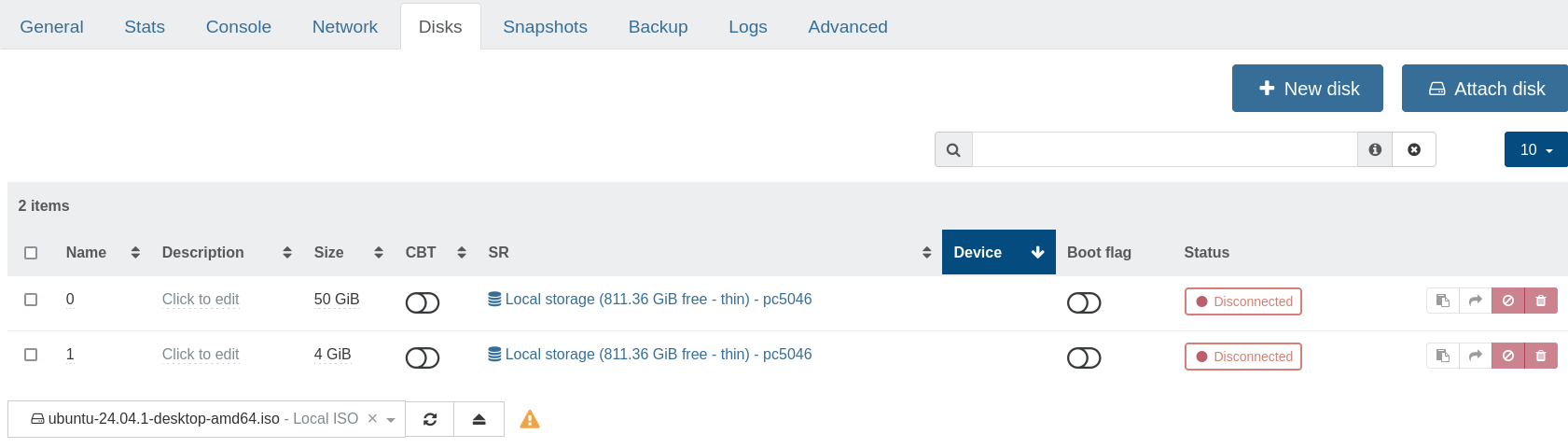
          52ce4c56-63ca-467f-a973-116b55e68302-image.png

          b78ba59c-ad2a-41c4-b1a3-63ac019e829f-image.png

          1 Reply Last reply Reply Quote 0
          • olivierlambertO Offline
            olivierlambert Vates 🪐 Co-Founder CEO
            last edited by

            Enable the "boot flag" option in the table

            R 1 Reply Last reply Reply Quote 0
            • R Offline
              raxa04 @olivierlambert
              last edited by

              still doesnt want to boot with ether two of the disk or bath check as bootable 31db06f0-81eb-4c08-aa89-d21612bd20a4-image.png
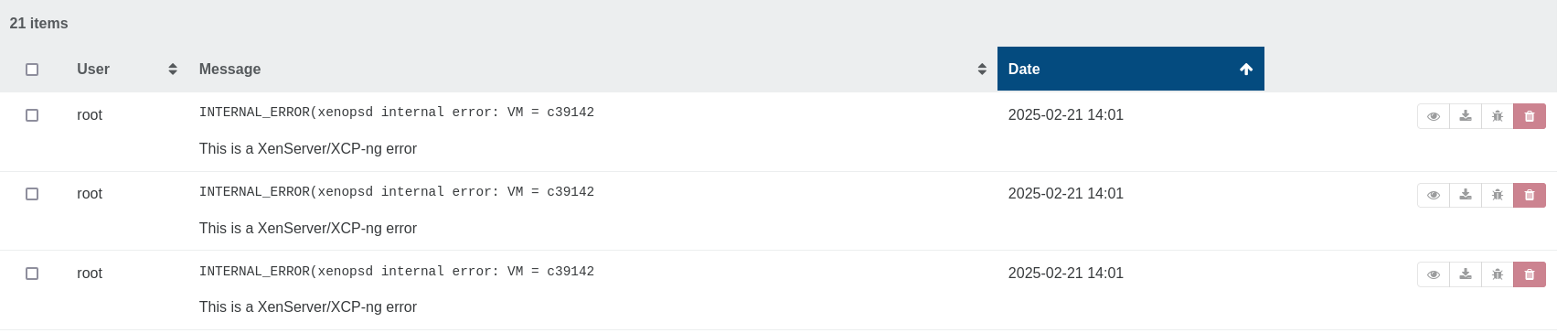
              from what I know of the disk with my previous try, it just a partition without anything, not even a mrb.

              D 1 Reply Last reply Reply Quote 0
              • D Offline
                Davidj 0 @raxa04
                last edited by

                @raxa04
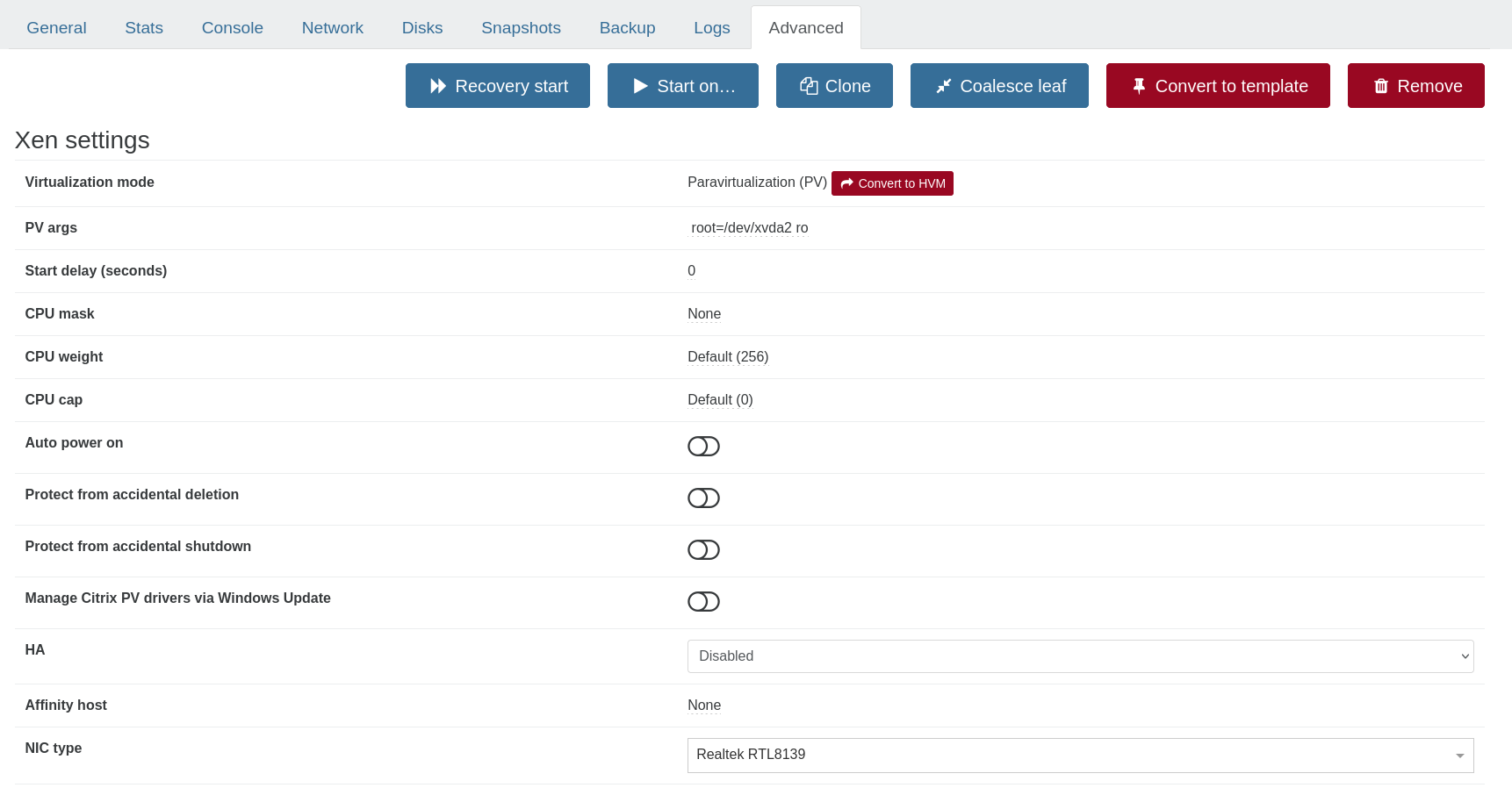
                What's at the top of the Advanced tab for this VM?

                R 1 Reply Last reply Reply Quote 0
                • R Offline
                  raxa04 @Davidj 0
                  last edited by

                  @Davidj-0
                  d3c513d7-0512-481b-bf91-ebf09f8028c7-image.png

                  D 1 Reply Last reply Reply Quote 0
                  • D Offline
                    Davidj 0 @raxa04
                    last edited by

                    @raxa04
                    You should follow @TeddyAstie's recommendation. To do that, click on "Convert to HVM".

                    R 1 Reply Last reply Reply Quote 0
                    • R Offline
                      raxa04 @Davidj 0
                      last edited by

                      welp,
                      I converted the vm to hvm, manage to install grub by copping the migrated disk into another disk with a partition table, then install grub2 by mount it then chroot into it.
                      When I boot in hvm I land into the bios with no bootable device,
                      When I convert the vm back to pv I get the error

                      INTERNAL_ERROR(xenopsd internal error: Domain.Domain_build_pre_failed("Calling 'shadow_allocation_set 51 MiB' failed: Xenctrl.Error(\"22: Invalid argument\")"))
                      

                      so I'm back to square one

                      R 1 Reply Last reply Reply Quote 0
                      • R Offline
                        raxa04 @raxa04
                        last edited by

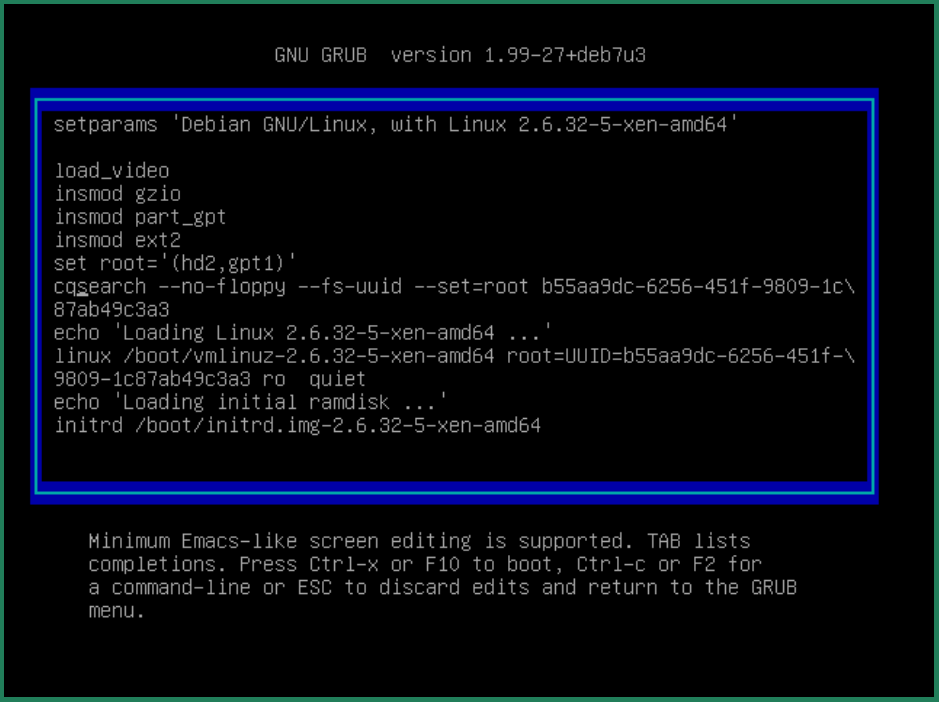
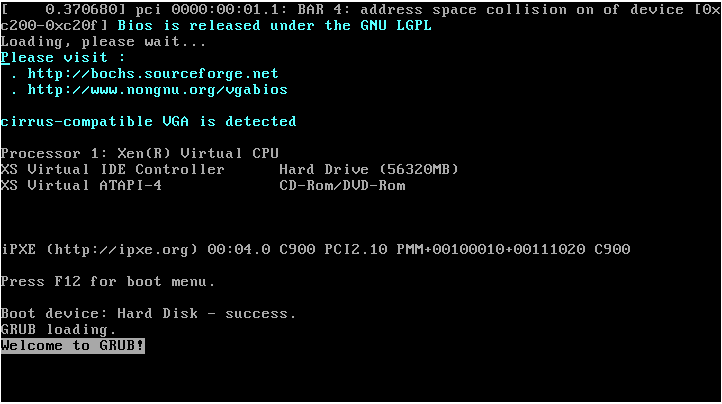
                        ok, so I was wrong, the vm boot ! But as you can see I now have a strange space collision, any idea ?
                        7e80b573-1cc9-4430-b90c-de0b47806ec8-image.png
                        e3fb582e-3f25-46b8-a712-f388bab49a80-image.png
                        when I boot in recovery mode, I can get into linux, so I know it almost work.

                        1 Reply Last reply Reply Quote 0

                        Hello! It looks like you're interested in this conversation, but you don't have an account yet.

                        Getting fed up of having to scroll through the same posts each visit? When you register for an account, you'll always come back to exactly where you were before, and choose to be notified of new replies (either via email, or push notification). You'll also be able to save bookmarks and upvote posts to show your appreciation to other community members.

                        With your input, this post could be even better 💗

                        Register Login
                        • First post
                          Last post