Test results for Dell Poweredge R770 with NVMe drives
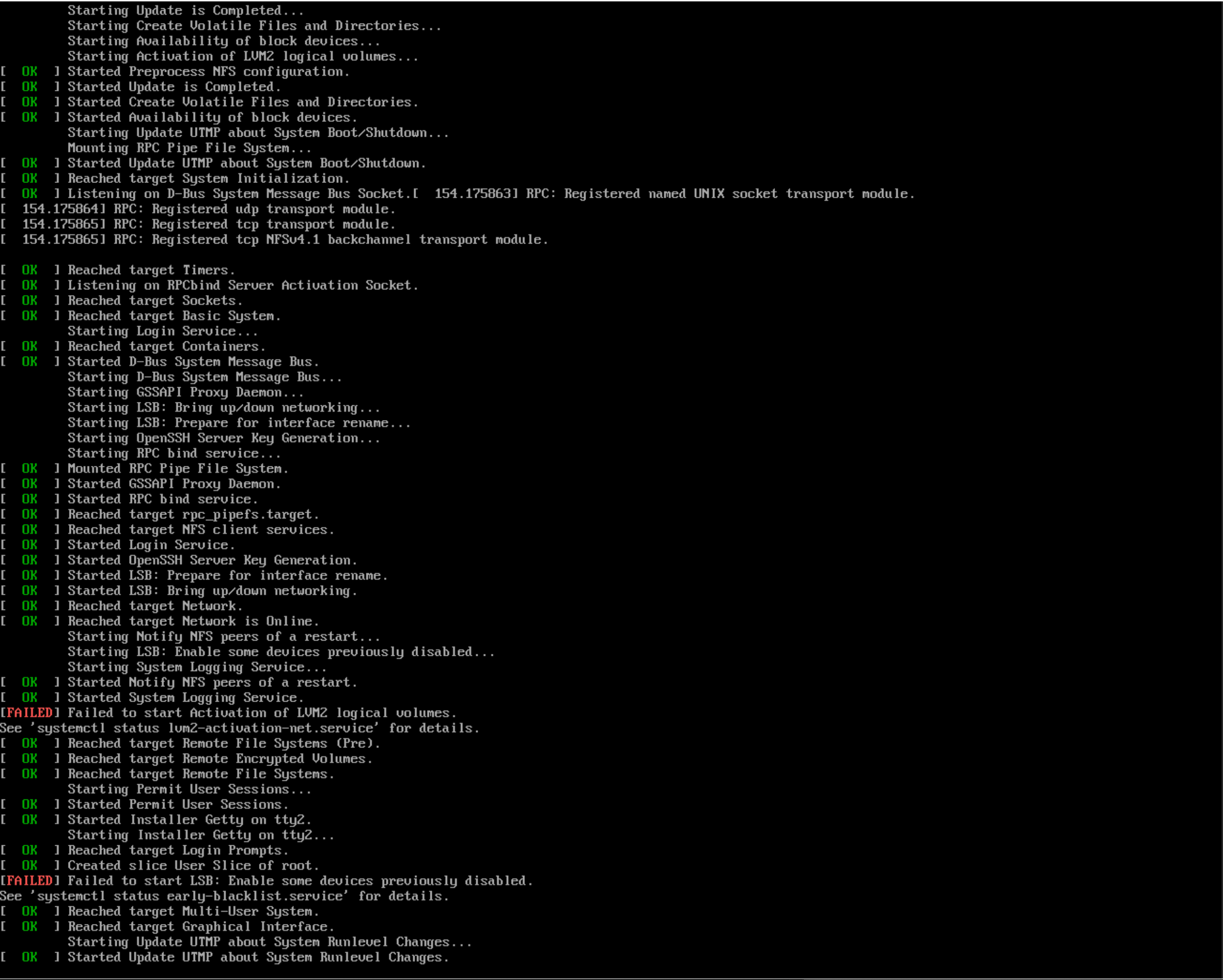
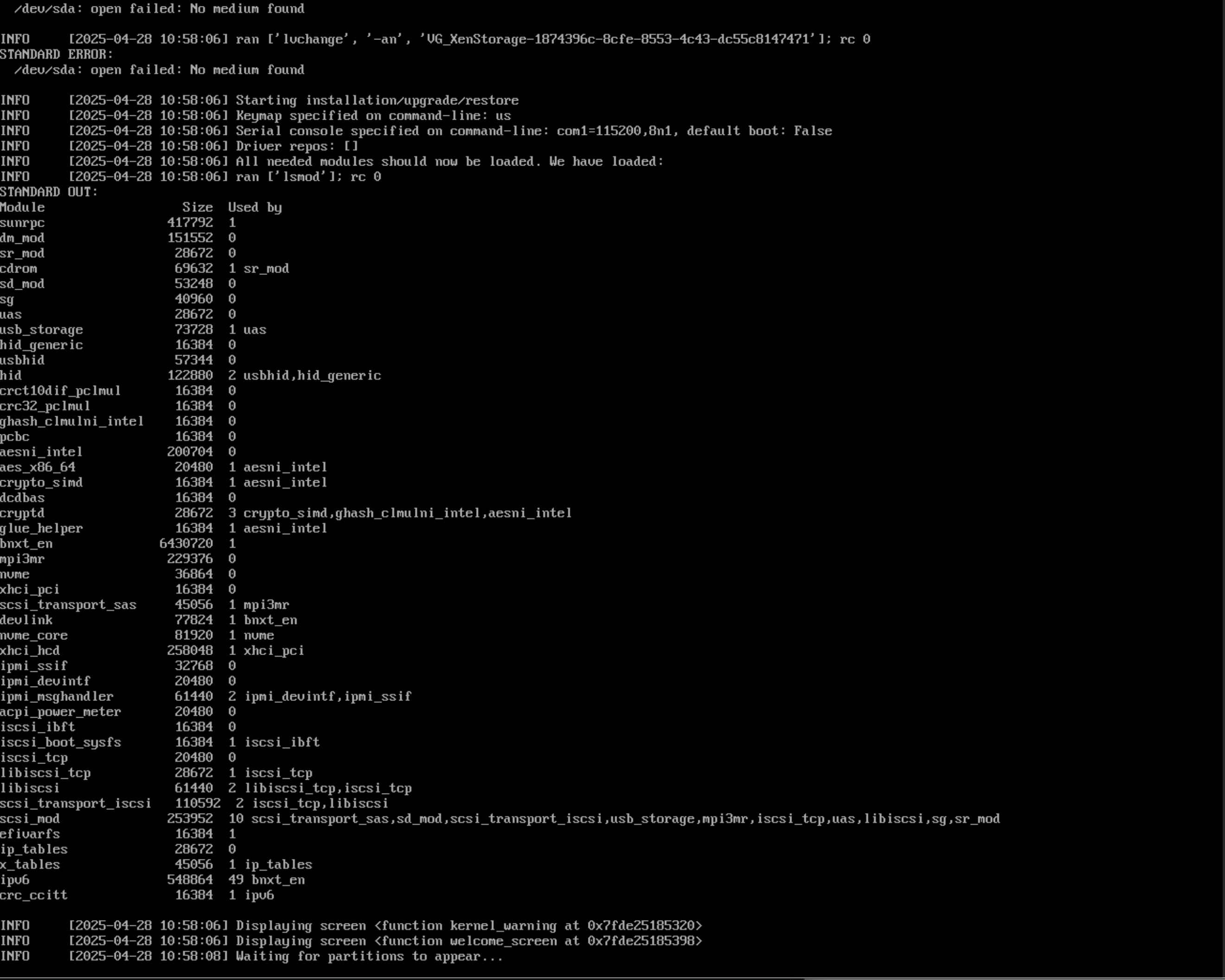
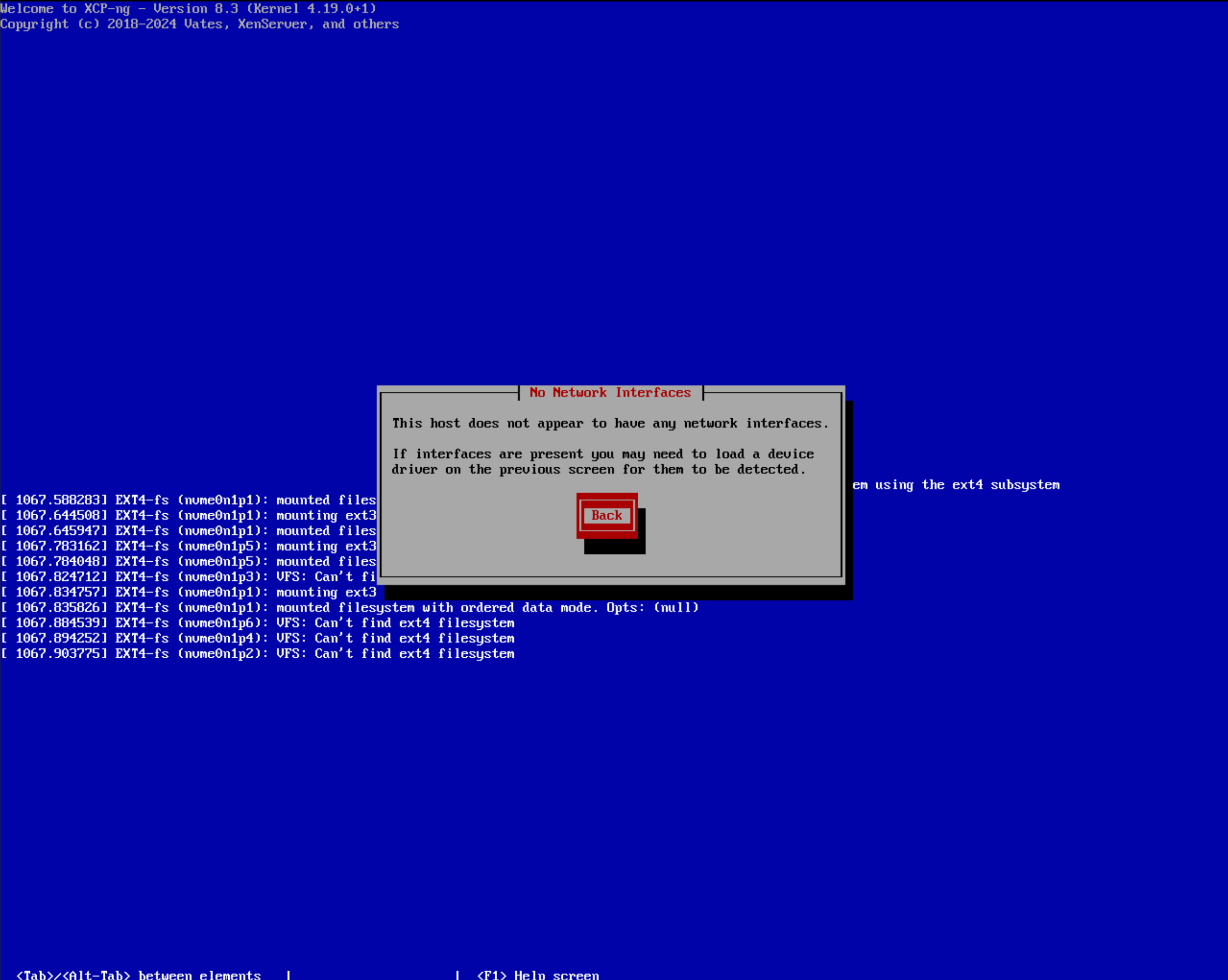
-
No pun, just wait for everyone to get back from our yearly Vates internal event

-
Hi,
I'm having the exact same issue.
Dell R650xs
BOSS with M2 in RAID1
Broadcom 25Gbps NIC'sGlad to find out it's not an isolated issue. All is working fine in 8.2.1 in production for almost 2 years now, but of course 8.2.1 is out of service so I'm hoping the new ISO will be out soon.
thanks,
Marc -
-
@Danp
OK thx, will test that right away! -
Tested the newest iso (xcp-ng-8.3.0-20250606.2.iso) with Dell R770 and Broadcom 57508 100GbE QSFP56 Dual Port Adapter, PCIe Full Height
It still fails to recognize the NIC, relevant log lines:
[ 57.592461] Broadcom NetXtreme-C/E/S driver bnxt_en v1.10.3-232.0.155.5+
[ 61.400879] bnxt_en 0001:5c:00.0 (unnamed net_device) (uninitialized): Firmware not responding, rc: -16 status: 0x8000
[ 61.421312] bnxt_en: probe of 0001:5c:00.0 failed with error -16By the way, it works ok with 8.2.1 iso
-
That's interesting
 Is your firmware fully up to date on the NIC?
 -
@olivierlambert Yes, the NIC firmware is the latest.
Strange that it works with 8.2.1 -
Relevant lines in 8.2.1 where it succeeds:
[ 12.242658] Broadcom NetXtreme-C/E driver bnxt_en v1.10.0-216.0.119.1
[ 12.274753] bnxt_en 0001:5c:00.0 eth0: Broadcom BCM57508 NetXtreme-E 10Gb/25Gb/50Gb/100Gb/200Gb Ethernet found at mem 2affff010000, node addr 40:5b:7f:6e:22:00
[ 12.274767] bnxt_en 0001:5c:00.0: 252.048 Gb/s available PCIe bandwidth (16 GT/s x16 link)
[ 12.306588] bnxt_en 0001:5c:00.1 eth1: Broadcom BCM57508 NetXtreme-E 10Gb/25Gb/50Gb/100Gb/200Gb Ethernet found at mem 2affff000000, node addr 40:5b:7f:6e:22:01
[ 12.306599] bnxt_en 0001:5c:00.1: 252.048 Gb/s available PCIe bandwidth (16 GT/s x16 link)
[ 15.100023] bnxt_en 0001:5c:00.1 side-1659-eth1: renamed from eth1
[ 15.117296] bnxt_en 0001:5c:00.0 side-3513-eth0: renamed from eth0
[ 16.878049] bnxt_en 0001:5c:00.0 eth0: renamed from side-3513-eth0
[ 16.970941] bnxt_en 0001:5c:00.1 eth1: renamed from side-1659-eth1
[ 20.216480] bnxt_en 0001:5c:00.1 eth1: NIC Link is Up, 100000 Mbps full duplex, Flow control: ON - receive & transmit
[ 20.216487] bnxt_en 0001:5c:00.1 eth1: FEC autoneg off encodings: None
[ 20.734402] bnxt_en 0001:5c:00.0 eth0: NIC Link is Up, 100000 Mbps full duplex, Flow control: none
[ 20.734409] bnxt_en 0001:5c:00.0 eth0: FEC autoneg off encodings: None -
Not entirely strange, a driver version can make the difference.
-
Also works with alt driver (broadcom-bnxt-en-alt-1.10.3_231.0.162.0-1.xcpng8.2.x86_64) in 8.2.1:
# yum install broadcom-bnxt-en-alt
# reboot

# modinfo bnxt_en
filename:       /lib/modules/4.19.0+1/override/bnxt_en.ko
version:        1.10.3-231.0.162.0
description:    Broadcom NetXtreme-C/E/S network driver
license:        GPL
srcversion:     533BB7E5866E52F63B9ACCB
alias:          pci:v000014E4d0000D800sv*sd*bc*sc*i*
...
alias:          pci:v000014E4d00001604sv*sd*bc*sc*i*
depends:        devlink,ipv6
retpoline:      Y
name:           bnxt_en
vermagic:       4.19.0+1 SMP mod_unload modversions
# dmesg|grep bnxt_en [ 15.047312] Broadcom NetXtreme-C/E/S driver bnxt_en v1.10.3-231.0.162.0 [ 15.048046] bnxt_en 0001:5c:00.0 (unnamed net_device) (uninitialized): Device requests max timeout of 60 seconds, may trigger hung task watchdog [ 15.215453] bnxt_en 0001:5c:00.0 eth0: Broadcom BCM57508 NetXtreme-E 10Gb/25Gb/50Gb/100Gb/200Gb Ethernet found at mem 2affff010000, node addr 40:5b:7f:6e:22:00 [ 15.215469] bnxt_en 0001:5c:00.0: 252.048 Gb/s available PCIe bandwidth (16 GT/s x16 link) [ 15.216606] bnxt_en 0001:5c:00.1 (unnamed net_device) (uninitialized): Device requests max timeout of 60 seconds, may trigger hung task watchdog [ 15.265361] bnxt_en 0001:5c:00.1 eth1: Broadcom BCM57508 NetXtreme-E 10Gb/25Gb/50Gb/100Gb/200Gb Ethernet found at mem 2affff000000, node addr 40:5b:7f:6e:22:01 [ 15.265372] bnxt_en 0001:5c:00.1: 252.048 Gb/s available PCIe bandwidth (16 GT/s x16 link) [ 15.350702] bnxt_en 0001:5c:00.1 side-5183-eth1: renamed from eth1 [ 15.385121] bnxt_en 0001:5c:00.0 side-3345-eth0: renamed from eth0 [ 17.400142] bnxt_en 0001:5c:00.0 eth0: renamed from side-3345-eth0 [ 17.493640] bnxt_en 0001:5c:00.1 eth1: renamed from side-5183-eth1 [ 20.614447] bnxt_en 0001:5c:00.1 eth1: NIC Link is Up, 100000 Mbps (NRZ) full duplex, Flow control: none [ 20.614454] bnxt_en 0001:5c:00.1 eth1: FEC autoneg off encoding: None [ 21.113687] bnxt_en 0001:5c:00.0 eth0: NIC Link is Up, 100000 Mbps (NRZ) full duplex, Flow control: ON - receive & transmit [ 21.113694] bnxt_en 0001:5c:00.0 eth0: FEC autoneg off encoding: None -
@yllar @mik @Pilow @marcvds Hello, we think we now understand better this issue.
We think it's a Xen issue with regard to PCI devices on segment 0001 (which is your case) and not a dom0 driver issue.Could you give a try to this ISO installer please?
Please note that this is a custom test ISO and it is therefore not officially supported, do not use it for production, it is just to confirm that it fixes your issue, we will release a supported ISO in the future (target date for now is June).unsupported test ISO for you to test: https://nextcloud.vates.tech/index.php/s/iHf8sqq39EqE683
Regards,
Yann -
@yannsionneau
Thank you.I tested it and I can confirm this solves the issue.
Hope you can release the fix quickly. -
Thanks for confirming! This is really helpful

-
Has this been fixed by the update described here?
https://xcp-ng.org/blog/2026/05/21/may-2026-updates-3-for-xcp-ng-8-3-lts/?ref=xen-orchestra.com -
@yllar I'm not sure honestly (I will have to ask the rest of the team), but anyway, even if it were fixed by latest xen package, we still didn't publish a new installer ISO with the fix.
Target is still around June for the new ISO.
Regards,
Yann -
-
@yllar I'm not sure, maybe it'll slip to July.
But what I can say is that the ISO is currently being tested in our QA process.
Brace yourself, it's coming soon -
@yannsionneau Hi, any news on the new iso?
-
-
@yllar Hello,
We are still validating the ISOs, but we are getting closer to releasing them.
We hope to make them available soon.




Hello! It looks like you're interested in this conversation, but you don't have an account yet.
Getting fed up of having to scroll through the same posts each visit? When you register for an account, you'll always come back to exactly where you were before, and choose to be notified of new replies (either via email, or push notification). You'll also be able to save bookmarks and upvote posts to show your appreciation to other community members.
With your input, this post could be even better 💗
Register Login