Black screen at VM Console when installing Nvidia drivers to passthrough GPU
-
I’m getting a black screen at the VM Console when installing Nvidia drivers via my passthrough GPU (Nvidia L40). I’ve tried all different versions of Complete vGPU X package for XenServer 8 downloaded from https://ui.licensing.nvidia.com/software. Each one results in this black screen. I am at a loss now, I do not have any more ideas of what I can do to fix this. These packages all support my OS, my version of xcp-ng and my GPU. Has anyone experienced this before that might be able to help me figure this out?
Host: xcp-ng 8.3
VM OS: Windows Server 2022[15:45 new10-55 ~]# lspci | grep NVI
0d:00.0 3D controller: NVIDIA Corporation AD102GL [L40] (rev a1)
b5:00.0 3D controller: NVIDIA Corporation AD102GL [L40] (rev a1)[15:45 new10-55 ~]# xl pci-assignable-list
0000:b5:00.0xe vm-param-set other-config:pci=0/0000:b5:00.0 uuid=<my uuid>
[15:48 new10-55 ~]# rpm -qa | grep NVIDIA
NVIDIA-vGPU-xenserver-8-570.133.10.x86_64
control-NVIDIA-vGPU-xenserver-8-570.133.10.noarch
update-NVIDIA-vGPU-xenserver-8-570.133.10.noarchGPU is set to passthrough

Shows it’s attached to this VM

Successfully passed through:
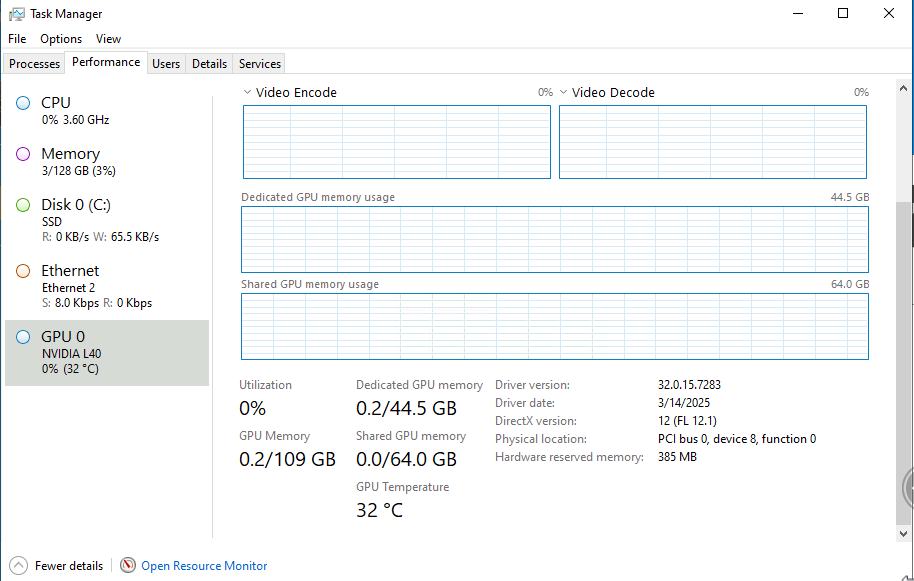

However as soon as it installed the Nvidia driver the Xen Orchestra goes to a black screen and never recovers. I’ve had to use RDP to uninstall the driver for troubleshooting.
-
If you are doing passthrough of the entire GPU, you don't need Nvidia vGPU drivers at all.
-
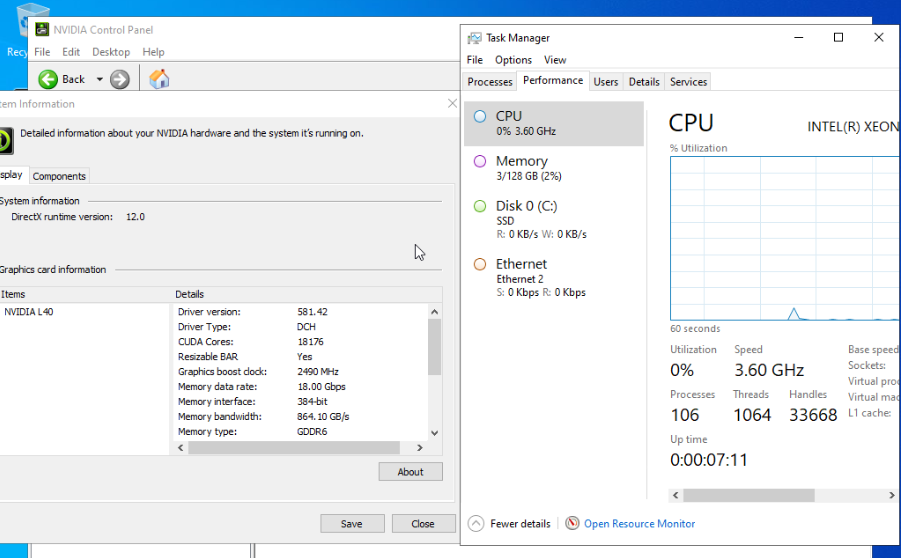
@olivierlambert I removed all traces of vgpu packages in xcp-ng and the drivers associated with them in my Windows server 2022 VM. I then installed the latest available driver release for the L40 GPU. The driver installed successfully and I can see it in Device Manager. But I do not see it in task manager. Is this normal for passthrough in Windows?
-
That's beyond my knowledge of Windows. Can you try to run a GPU related task and see the outcome?
-
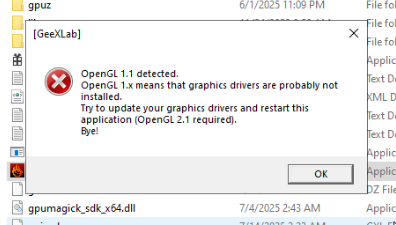
@olivierlambert FurMark won't open because it cannot detect OpenGL 1.1 indicating a driver issue
-
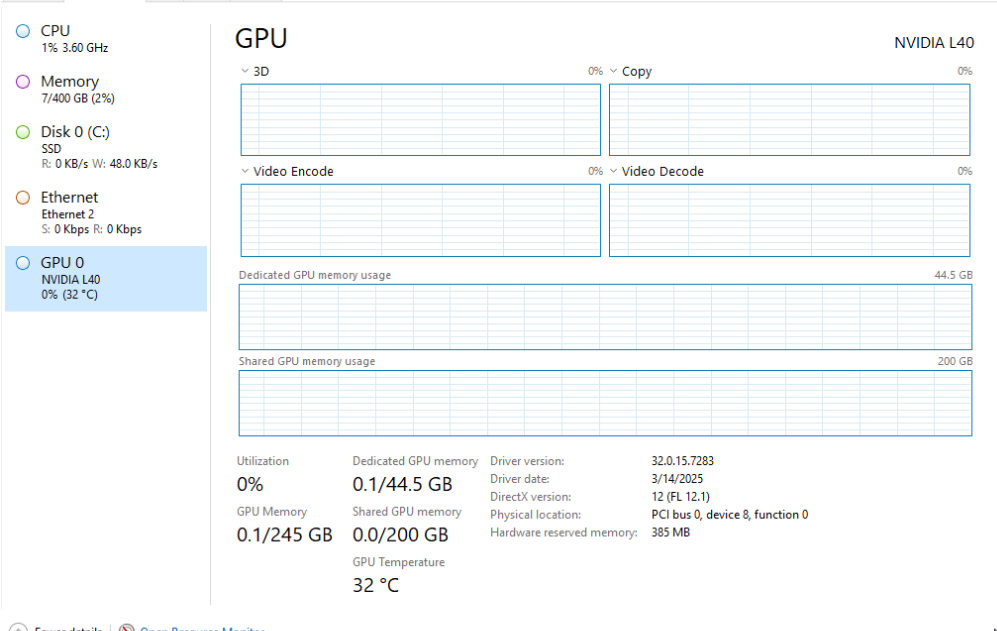
@olivierlambert Updating to Xen Orchestra 5.110 fixed the issue
-
Oh wow, IDK how or why. But if it works, then it's great!
-
@olivierlambert Beyond 'Did you try rebooting it?', I think 'Have you updated to the latest version?' is the second hard and fast rule all IT people should follow. I suspected the problem was that I was a few releases behind, so I ran an update. It brought the software to 5.109, though I didn't check the blog release page to confirm if I was in fact on the latest. I can finally sleep well tonight!

Hello! It looks like you're interested in this conversation, but you don't have an account yet.
Getting fed up of having to scroll through the same posts each visit? When you register for an account, you'll always come back to exactly where you were before, and choose to be notified of new replies (either via email, or push notification). You'll also be able to save bookmarks and upvote posts to show your appreciation to other community members.
With your input, this post could be even better 💗
Register Login