how to create a VM and with an imported VHD disk?
-
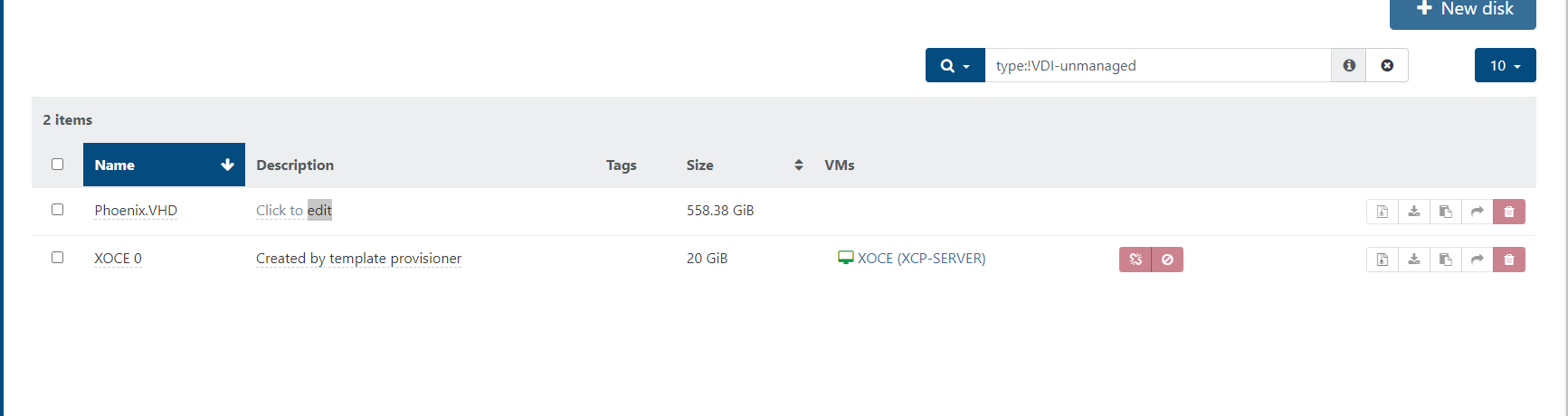
how i can create a new VM, and attach a disk that has been imported?
-
@elentescaro13 said in how to create a VM and with an imported VHD disk?:
how i can create a new VM, and attach a disk that has been imported?
I would build a new VM and just attach all of the default, disk, CPU, RAM and Network. Once the VM is built, leave it powered off, open the VM up, select the Disk tab and then click Attach Disk.
Remove the original disk that was added from the build, and it should all work.
-
FWIW, you can actually create a new VM without a default disk. Then switch to the VM's Disk tab and click the Attach disk button.

Hello! It looks like you're interested in this conversation, but you don't have an account yet.
Getting fed up of having to scroll through the same posts each visit? When you register for an account, you'll always come back to exactly where you were before, and choose to be notified of new replies (either via email, or push notification). You'll also be able to save bookmarks and upvote posts to show your appreciation to other community members.
With your input, this post could be even better 💗
Register Login