Host not running VMs after update
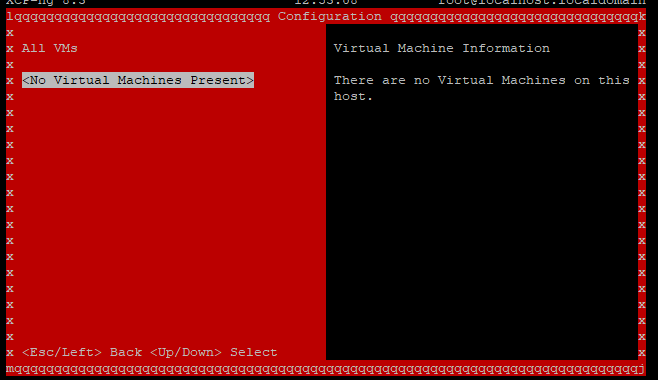
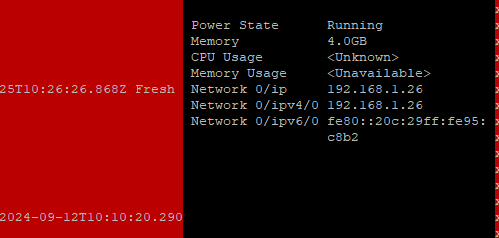
-
@Tim-PT
OK - I'm stuck and need to get this moving - I've got a second host that I was trying to add to the pool, is there any way to get the VMs that are on an NFS share working on the new host?Is that likely to be any easier/quicker to get things up and running again than trying with this host that hasn't updated cleanly?
-
@Tim-PT Maybe worth trying to do an in place upgrade to 8.3 RC2 or final via ISO and see if that helps?
-
@flakpyro
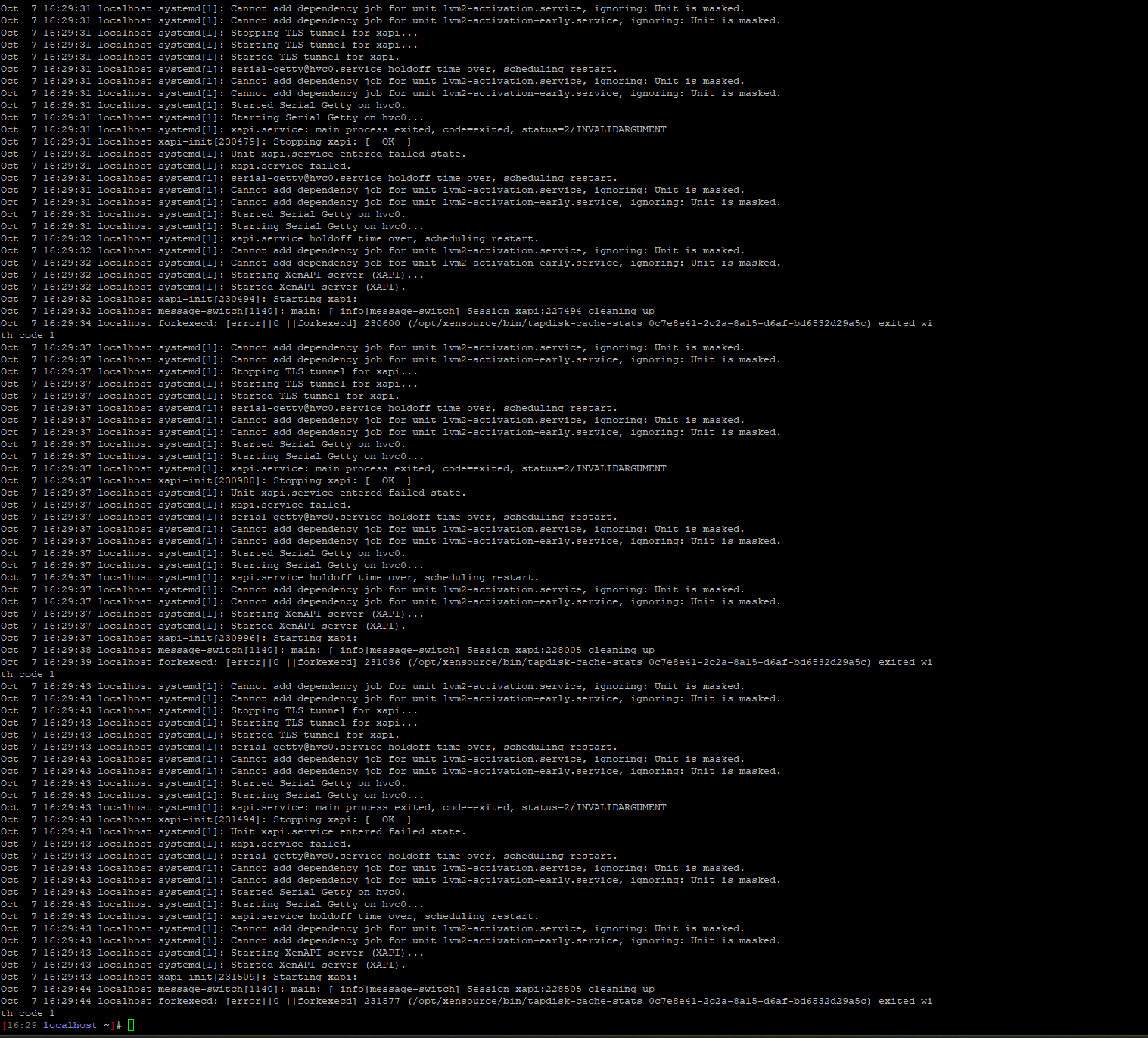
Thanks for your suggestion. I have tried with the release of 8.3 but I'm having just as many problems with that and XAPI is still bouncing up and down
-
@Tim-PT Please share the contents of xensource.log for a timeframe that contains a XAPI startup and failure.
-
@stormi
Thanks for getting back to me.Here's the last 500 lines...xensource.txt
-
@Tim-PT That's what I feared. Your XAPI database still contains a reference to certificate
sdn-controller-ca.pembut the file was deleted on disk (manually?), and XAPI chokes on that. That's an issue I already reported upstream and they're working on a fix.Thankfully, there's a way to fix it.
What's the output of
rpm -q xapi-core? -
@stormi
Thanks for this, I've not deleted anything manually (certainly not knowingly!), I'm pleased to hear there's a way to resolve it.The output is:
xapi-core-24.19.2-1.4.xcpng8.3.x86_64 -
So we need to downgrade XAPI so that it can start and we can fix the root cause, then update it again.
This should work, but tell if it doesn't go as expected:
# Downgrade XAPI. It's made of many components so it's a bit involved. export VER_FROM=$(rpm -q xapi-core --qf "%{version}-%{release}") export ESCAPED_VER_FROM=$(echo "$VER_FROM" | sed 's/[.[\*^$]/\\&/g') export VER_TO=24.19.2-1.2.xcpng8.3 export ESCAPED_VER_TO=$(echo "$VER_TO" | sed 's/[.[\*^$]/\\&/g') rpm -qa | grep "$VER_FROM" | sed "s/$ESCAPED_VER_FROM/$VER_TO/" | xargs yum downgrade -y # restart the toolstack so that XAPI works again xe-toolstack-restart # delete the problematic certificate from XAPI. To do so we must first create a dummy cert so that `xe` will accept to remove it from database (it fails if it can't find the file for which you're trying to remove the database entry) touch /etc/stunnel/certs/sdn-controller-ca.pem xe pool-certificate-uninstall name=sdn-controller-ca.pem # update again the downgraded packages rpm -qa | grep "$VER_TO" | sed "s/$ESCAPED_VER_TO/$VER_FROM/" | xargs yum update-to -y # restart the toolstack again. XAPI's startup should not loop anymore. xe-toolstack-restart -
@stormi
Hi - thanks very much for the detailed steps. That's definitely made progress.I think the emergency network reset that was recommended yesterday will need resolving, but xsconsole has settled down already (I'll check the logs shortly)
-
We are now live again with all the VMs - which is a relief.
The above steps from @stormi were great, the one thing I notced was the /etc/stunnel/certs directory didn't exist. I created that manually and everything else seemed happy.
I did have to mess about a bit with the fibre NICs, but I've repeated the previous renaming and that's now running fine.
Thanks very much for all the help - I appreciate it.

Hello! It looks like you're interested in this conversation, but you don't have an account yet.
Getting fed up of having to scroll through the same posts each visit? When you register for an account, you'll always come back to exactly where you were before, and choose to be notified of new replies (either via email, or push notification). You'll also be able to save bookmarks and upvote posts to show your appreciation to other community members.
With your input, this post could be even better 💗
Register Login