Greetings!
I performed a V2V migration from a standalone ESXI 7.0U2 server with a VMFS6 datastore and it seems to have worked with no hiccups 
I'm confused about where I am in the process probably due to mixing instructions:
https://docs.xcp-ng.org/installation/migrate-to-xcp-ng/
https://docs.xen-orchestra.com/xo5/v2v-migration-guide#-initial-test-migration
The steps I performed were on ESXI were:
- Shutdown VM
- Snapshot VM named with vmware tools.
- Turn on VM to uninstall vmware tools.
- Shutdown VM
- Snapshot VM named without vmware tools.
On XenOrchestra:
- Performed V2V Migration
- Once completed I started VM booted successfully
- Installed Vates Tools
- Assigned static network configuration to the proper nics based on matching MAC addresses.
and that's where I've left off.
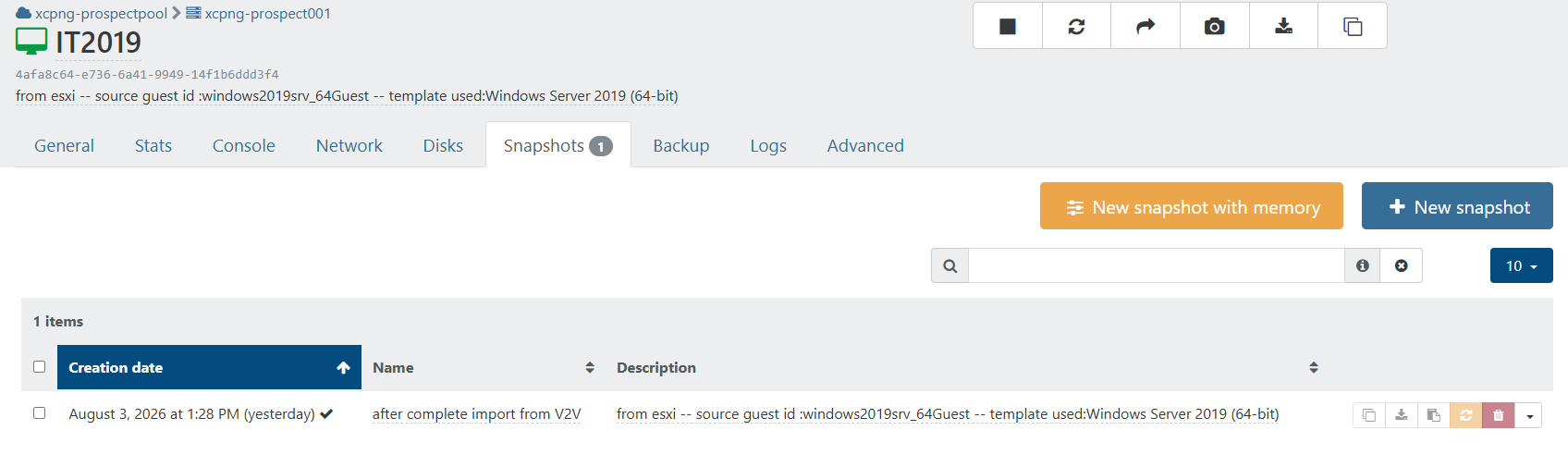
XenOrchestra reports it has a disk attached to the VM in VHD format and a snapshot named after complete import from V2V.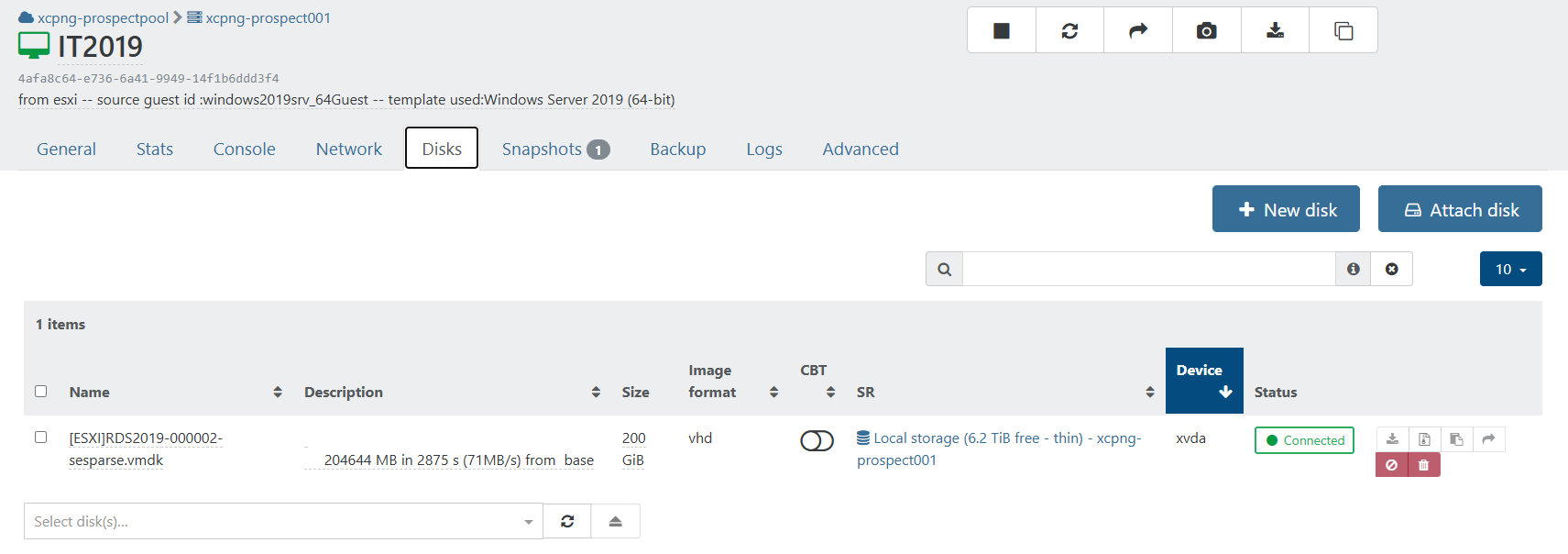
Do I need to "Remove the test copy" or perform steps in the "Final Migration"? As far as I can tell the XCP-NG VM is in production ready state.
Any support appreciated and thank you!
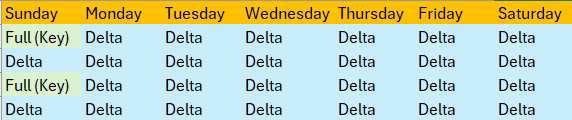 and on Sunday Week 5 - Weeks 1 and 2 are deleted.