V5 works fine with XenServer 8.4, v6 doesnt work?
-
Server specs (Xen Orchestra)
8GB Ram, 3vCPUs Xeon Gold 6442Y, 25GB storage, OS Version: Debian 12 with build from SourceHypervisior: Citrix XenServer 8.4
Issue:
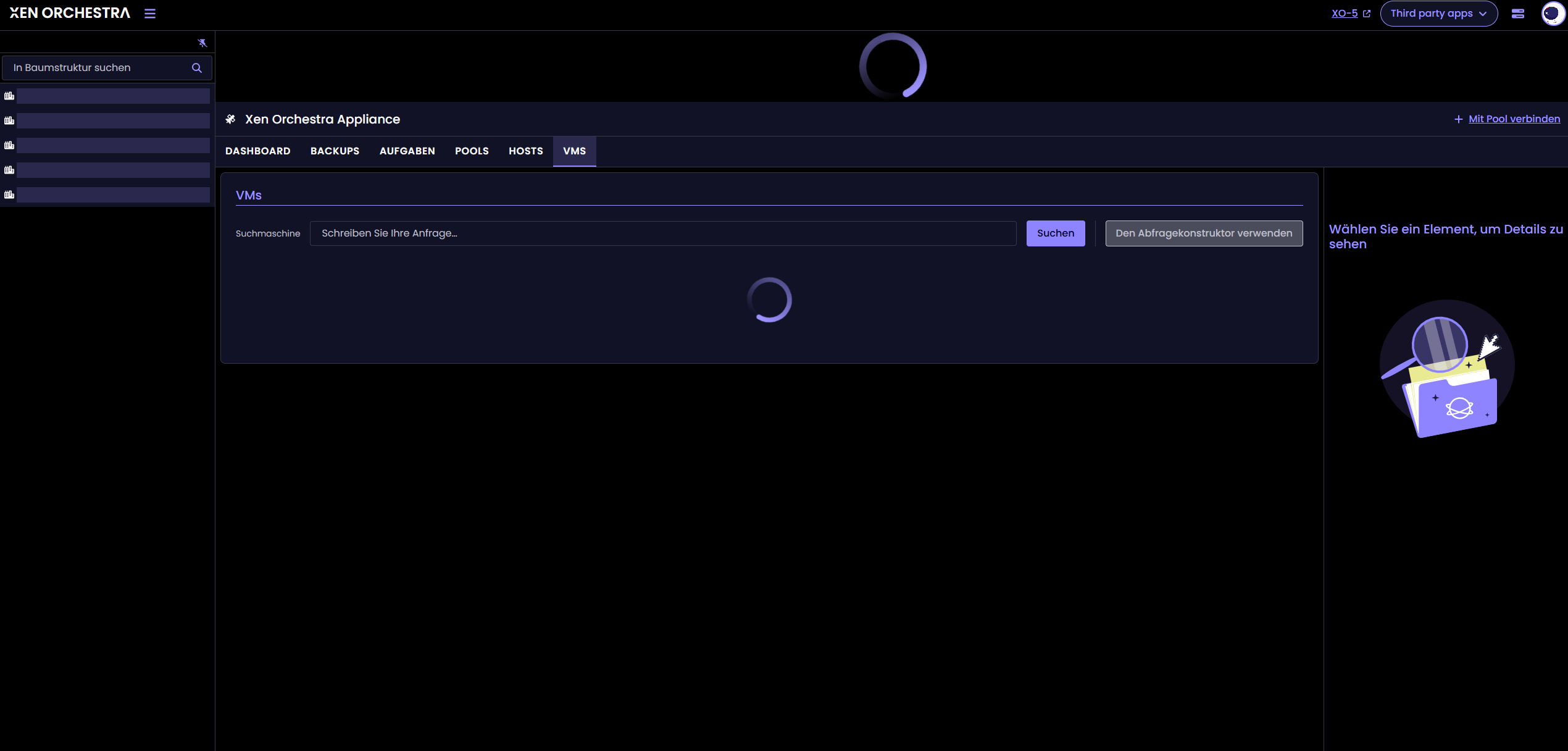
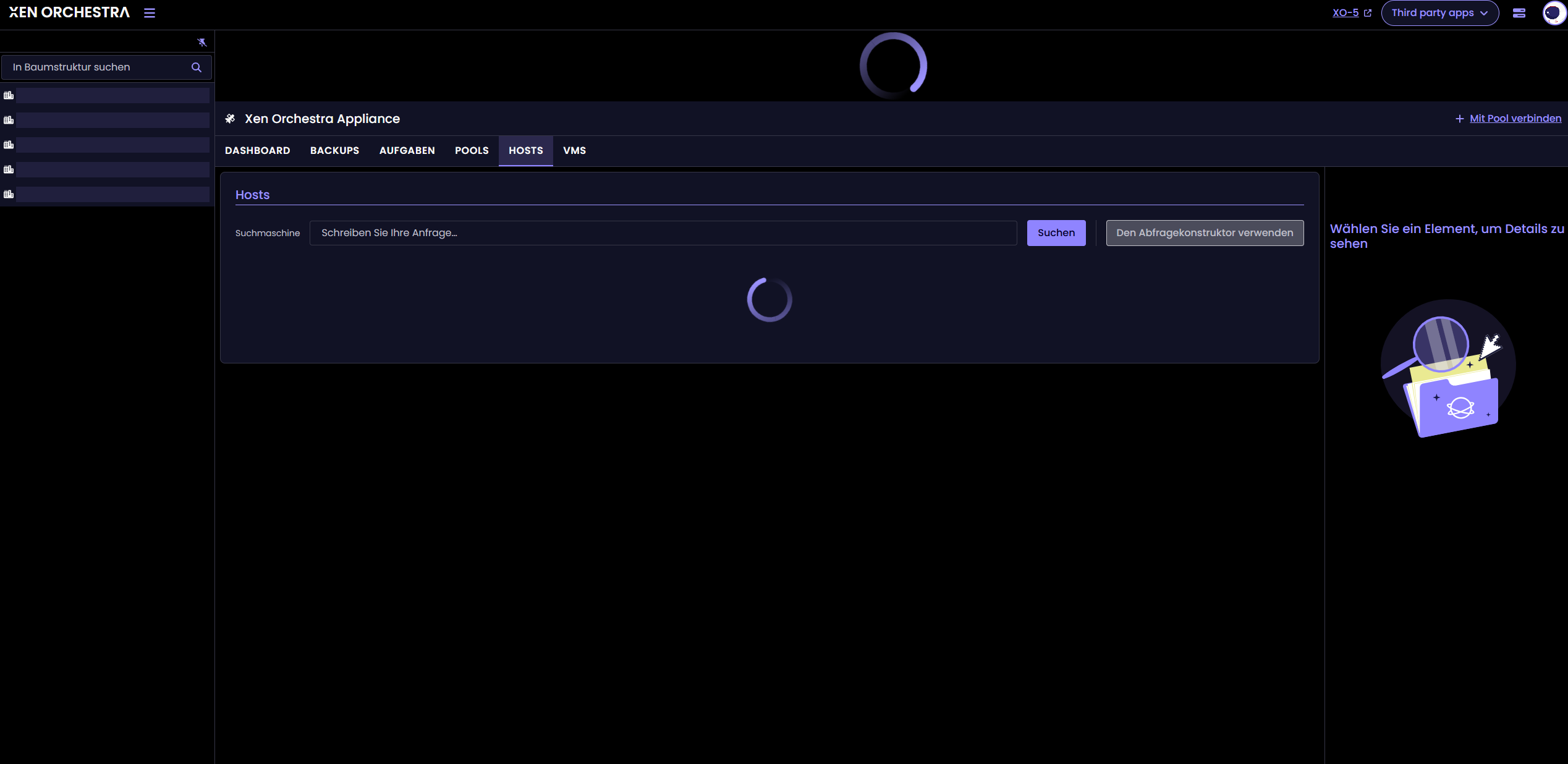
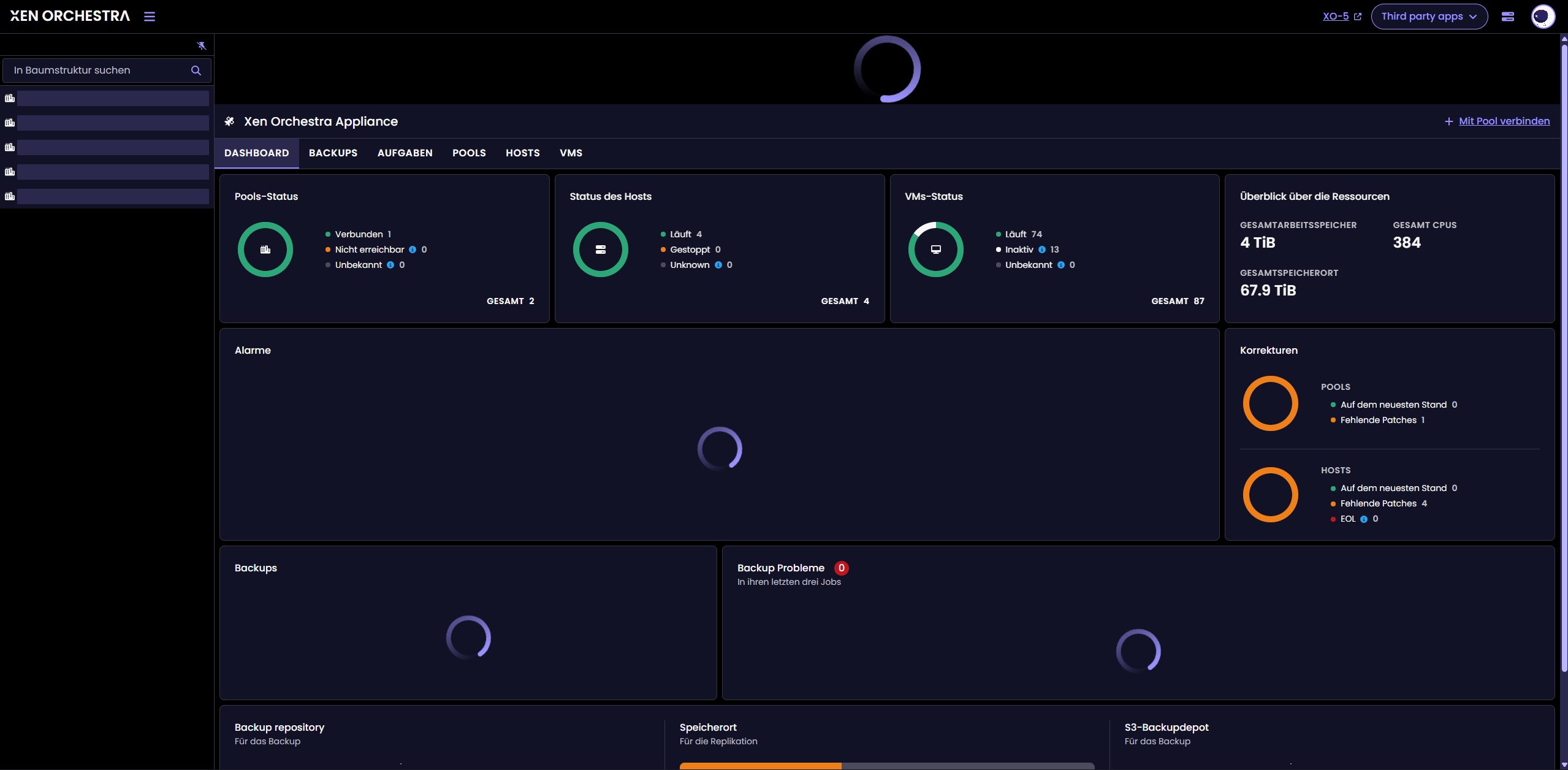
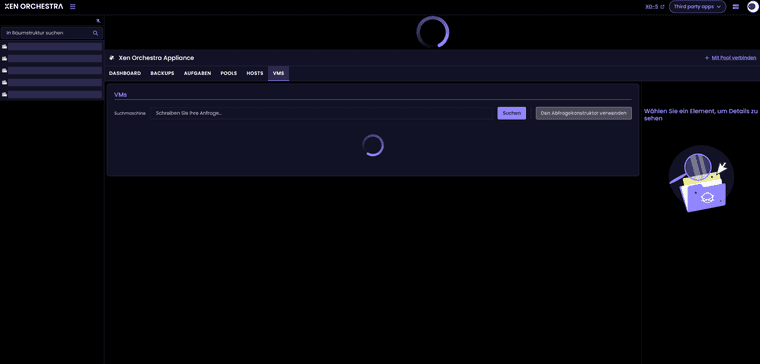
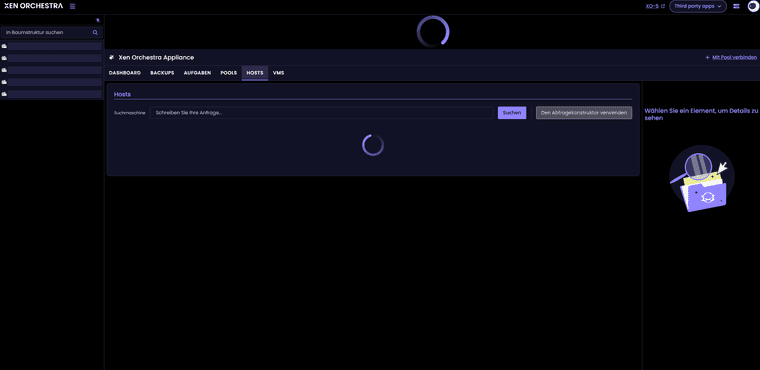
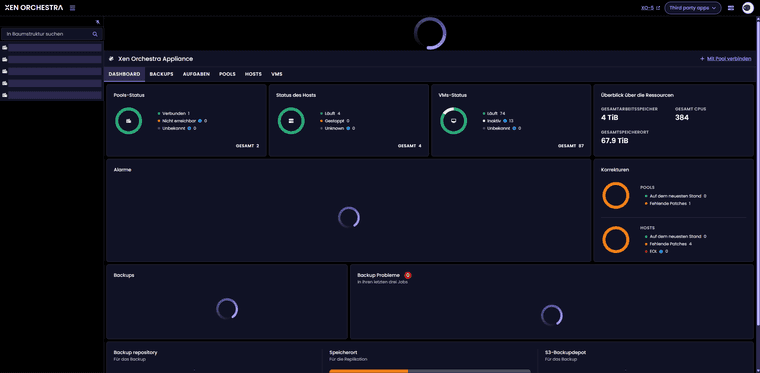
Version 5 seems to be running without any problems, but version 6 keeps loading everywhere and is essentially unusable.Perhaps someone can help? You can see this in the screenshots.
-
Hi @elfritto
Personally, I have no issues with XS pools.
Can you provide more information?- Do you have any error logs on xo server?
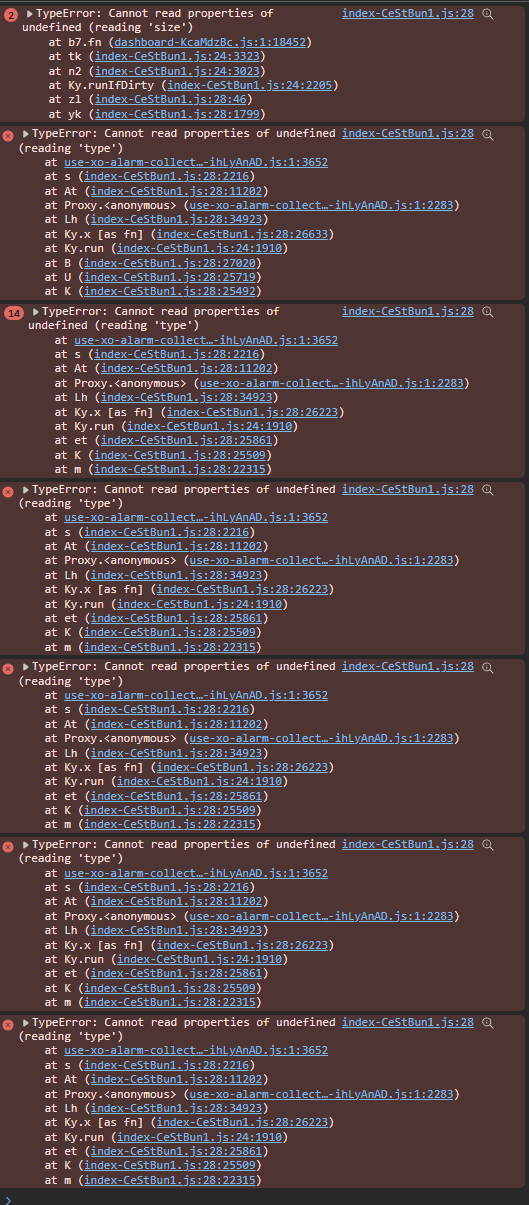
- Are there any errors in your browser console?
- Is your're XO up to date?
-
Hi @mathieura
I have some small API errors. I attached a log file after a fresh server restart and login in the web ui.
xen orchestra.txtIn my browser console are errors too. I attached them also as txt file.
10.133.72.74-1769698712361.txtIn the morning my xo was up to date, now i am one commit behind.
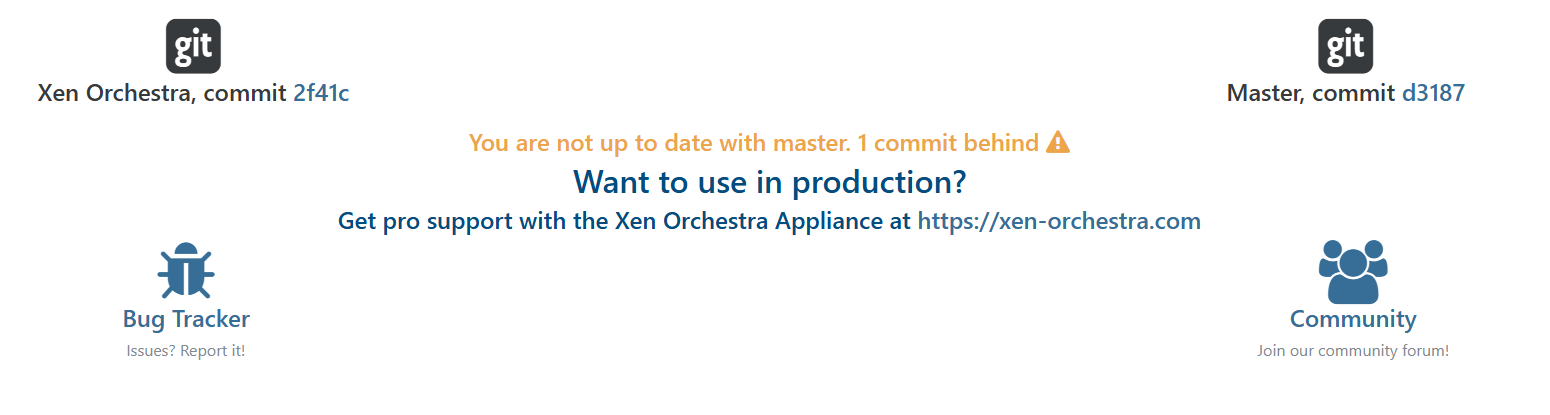
I installed it with the following install and update script:
https://github.com/ronivay/XenOrchestraInstallerUpdater -
What's your NodeJS version?
-
Do you confirm that you are using an admin user?
-
NodeJS is version 24.13.0
Im using the original admin@admin.net and an Domain Admin with LDAP and permission mapping.
-
I don't understand what's happening.
Could you try installing directly from the xen-orchestra GitHub repository? This would help us determine if the problem is with theronivayinstallation script.
Could you also show us your xo server config? -
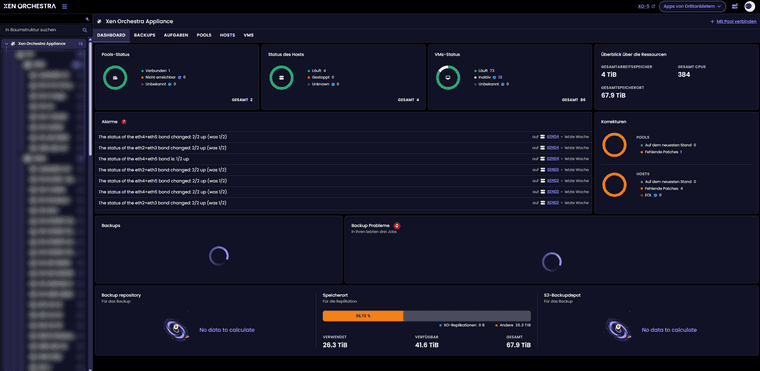
I completely deleted my VM and set up a new one. This time I didn't use a pre-made installer script but installed everything according to the official documentation. It looks much better now. It's loading almost everything. Only the backup and backup problems sections are still not loading.
-
Perfect, thanks.
We will fix the infinite loader for backups info soon -
@ElFritto Can you try this branch
xo6/update-site-dashboardand check if that solve your issue? -
Hi @MathieuRA
unfortunately, I won't be back until Sunday evening. I'll test it first thing Monday morning and then get back to you
-
@MathieuRA
As announced, I have now installed branch xo6/update-site-dashboard and it seems to be working. It no longer loads endlessly and shows me that I haven't configured anything yet
Thank you very much!


Hello! It looks like you're interested in this conversation, but you don't have an account yet.
Getting fed up of having to scroll through the same posts each visit? When you register for an account, you'll always come back to exactly where you were before, and choose to be notified of new replies (either via email, or push notification). You'll also be able to save bookmarks and upvote posts to show your appreciation to other community members.
With your input, this post could be even better 💗
Register Login