Start: no host available?
-

Afternoon, I have not started this VMs for a long while, but after login, I basically had no control of the OS, I tried "hostnamectl" and got this messages:
failed to connect to system scope bus via local transport: Connection refused?then a moment later the OS freezes up, then I did a force-shutdown, but when trying to start it again, I get this messages:
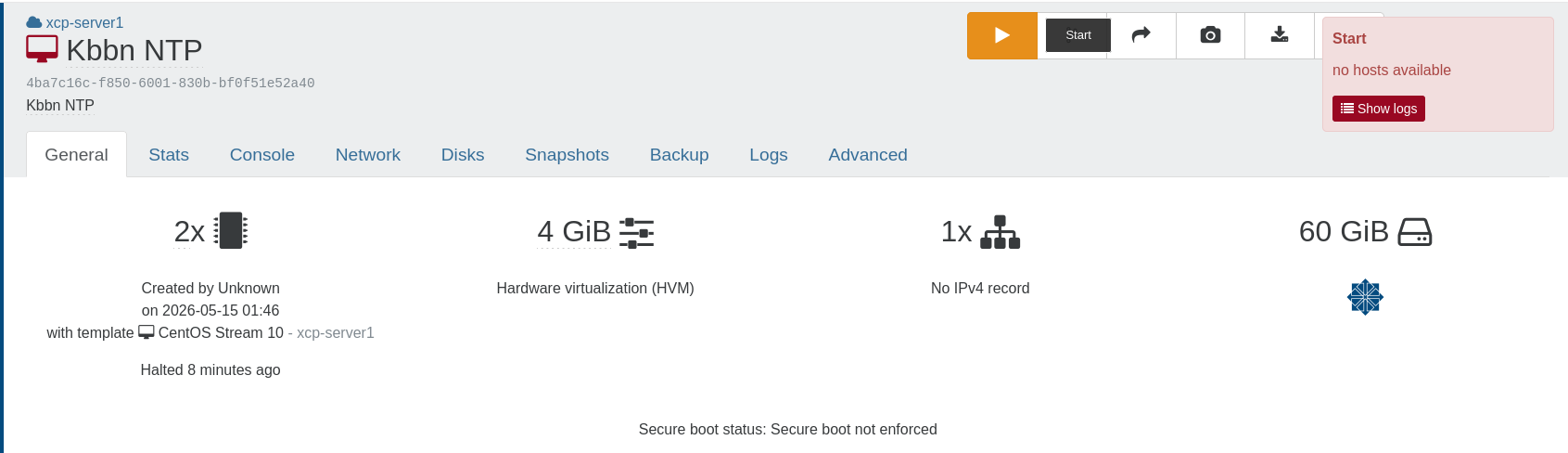
How do I trouble shot and fix this?
Thanks!...
-
@nasheayahu What is listed under logs?
What do you see on the VM console when it is running?
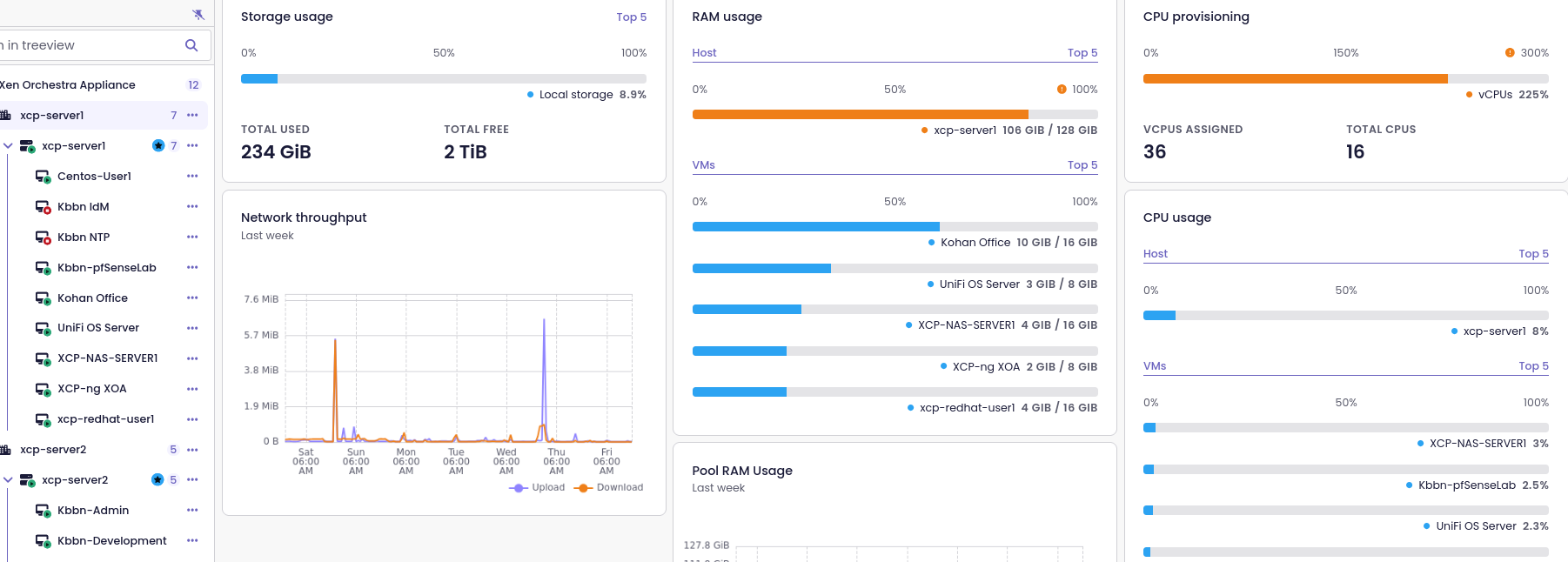
From the error message, it's possible that this VM is unable to start on your host because you may not have the CPU, RAM or disk space.
-
Last time I saw that error. The resources on the host weren't enough to start the additional VM.
-
Last time I saw that error. The resources on the host weren't enough to start the additional VM.
I believe your right, but here is the states of what was running before I started the idM and NTP VMs:
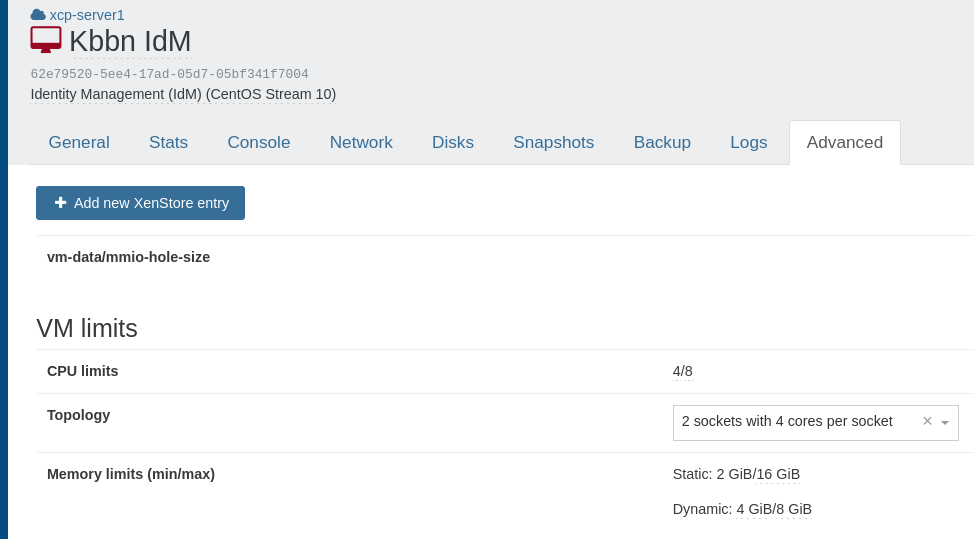
Here is the settings for the IdM (started first):
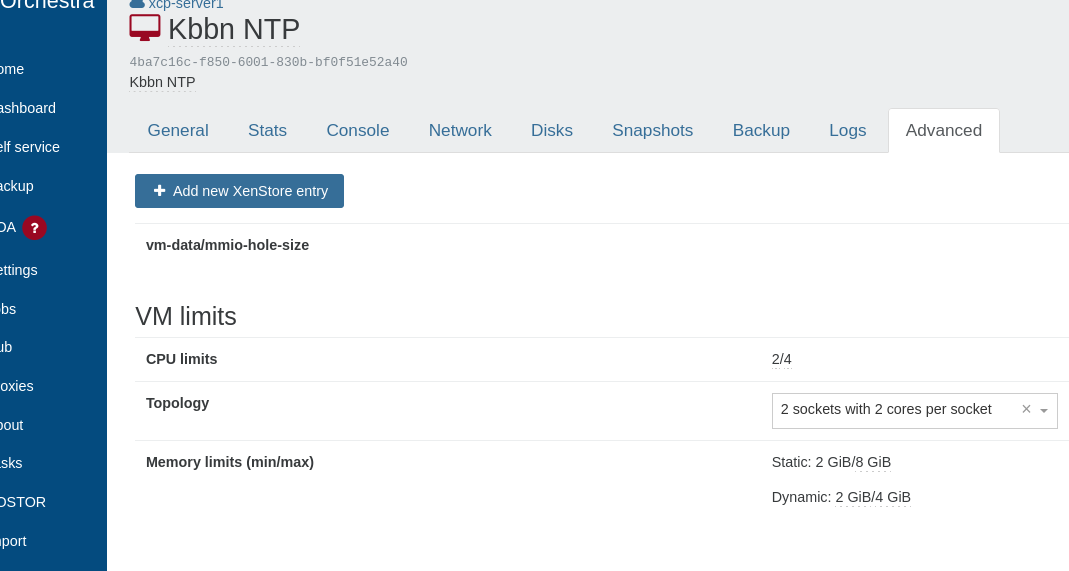
Here is the settings for the NTP (started second):
after losing control of the NTP, then I just discovered I lost control of the IdM, and my pfSenseLab console:
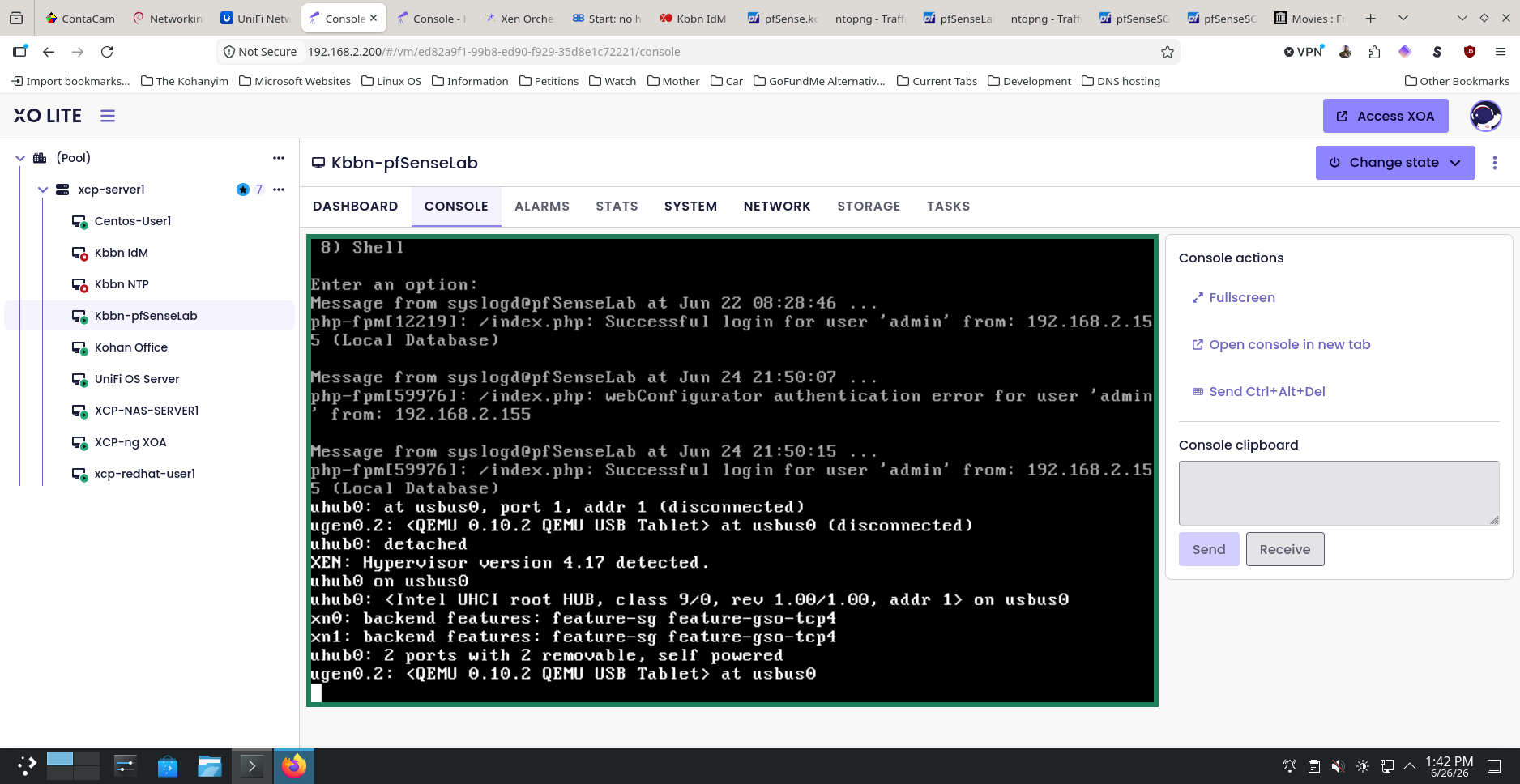
however, I still have control over the pfSenseLab WebGUI via Remmina,
UPDATE:
but I can not(I did have ssh enable) I can ssh into the console from my Workstation:All the other VMs still have functionality.
-
This post is deleted! -
Other ideas I get are:
PCI passthrough on any of these?
Are they cloned from each other, or setup from scratch?
Afinity host / load balancing?What happens if you migrate to the other pool?
-
Start the VM with
xe vm-start uuid=<VM UUID>and see the error message there. -
Start the VM with xe vm-start uuid=<VM UUID> and see the error message there.
Thanks

 , I believe I found the problem:
[17:19 xcp-server1 ~]# xe vm-start uuid=4ba7c16c-f850-6001-830b-bf0f51e52a40 There are no suitable hosts to start this VM on. The following table provides per-host reasons for why the VM could not be started: xcp-server1 : Cannot start here [VM requires access to SR: da59d7a1-b08f-dd81-1258-65a380bd77d8 (Iso)] There were no servers available to complete the specified operation.I made changes to my Iso storage folder path:

from:

to:
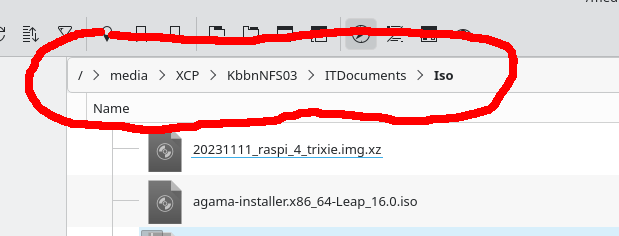
and when I tried to start my NTP VM, because I wanted to reinstall the OS is when I get the error message:
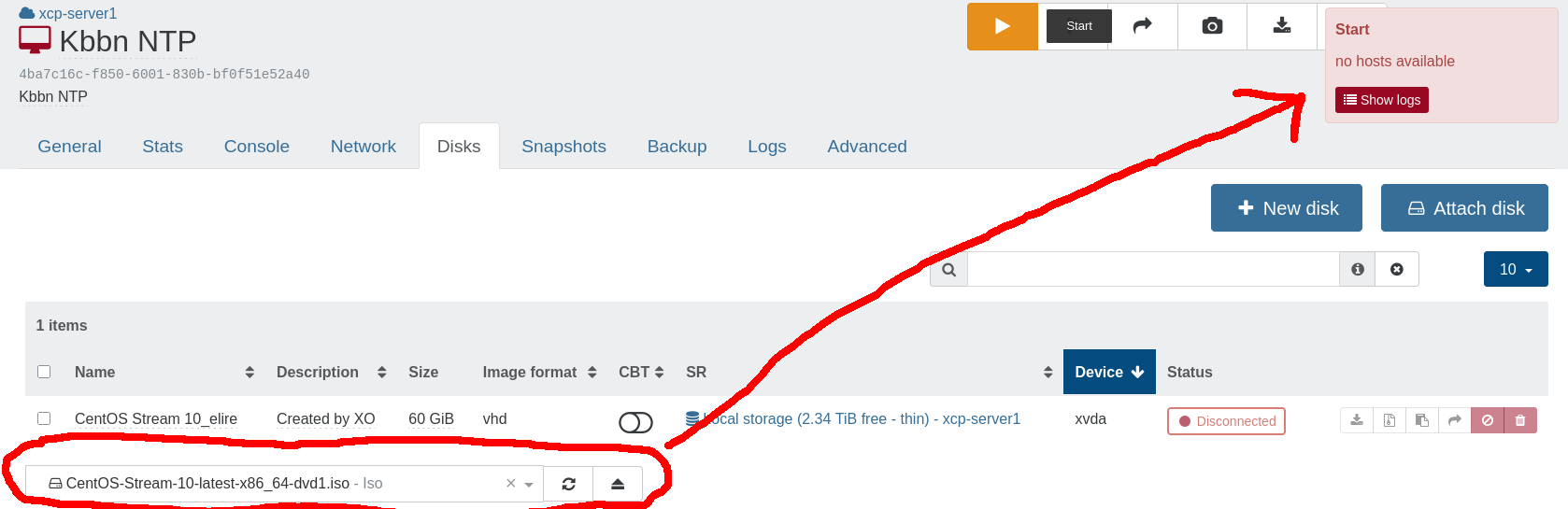
Can you put the correct error message from the cli here instead of this generic one, because it causes far to much trouble shooting time? I knew directly where to go after seeing this part of the cli message:
The following table provides per-host reasons for why the VM could not be started:
xcp-server1    : Cannot start here [VM requires access to SR: da59d7a1-b08f-dd81-1258-65a380bd77d8 (Iso)]
Also, I can start the NTP VM without the .iso as normal. However, I did find out why I lost control of the OSs as stated above. Since the latest updates, the keyboard does not work properly. I will come back with more details later.
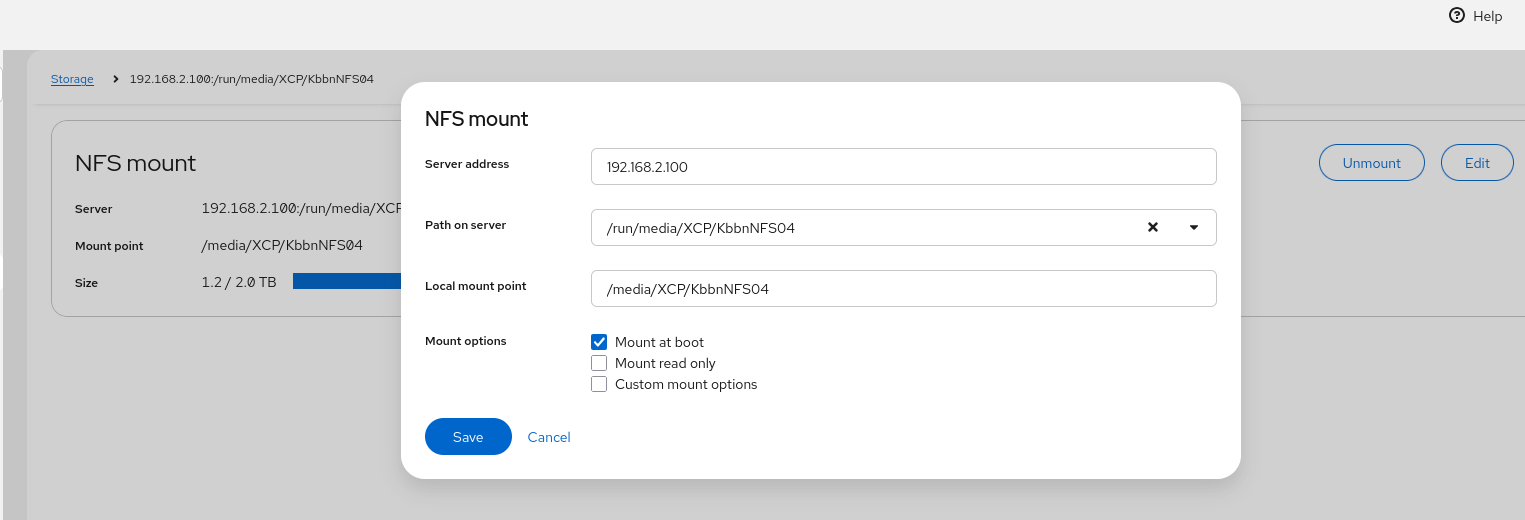
For now, my question is, is there a way to modify/edit the path to my Iso Storage without removing and redefining it, like you can with Cockpit, if not is/can this be a future feature added?:
-
For your storage question, it's fully explained in the doc: https://docs.xcp-ng.org/storage/#-how-to-modify-an-existing-sr-connection
And yes, it's planned to get the complete error visible in XO, sadly, it's not "obvious" since the error message isn't returned by XAPI when you try to start but by another method we need to call after it fails ("assert can be started here" from the top of my head).
Let me ping @julienXOvates

Hello! It looks like you're interested in this conversation, but you don't have an account yet.
Getting fed up of having to scroll through the same posts each visit? When you register for an account, you'll always come back to exactly where you were before, and choose to be notified of new replies (either via email, or push notification). You'll also be able to save bookmarks and upvote posts to show your appreciation to other community members.
With your input, this post could be even better 💗
Register Login