Windows Server 2019 STOP 0xc000021a
-
Hi there,
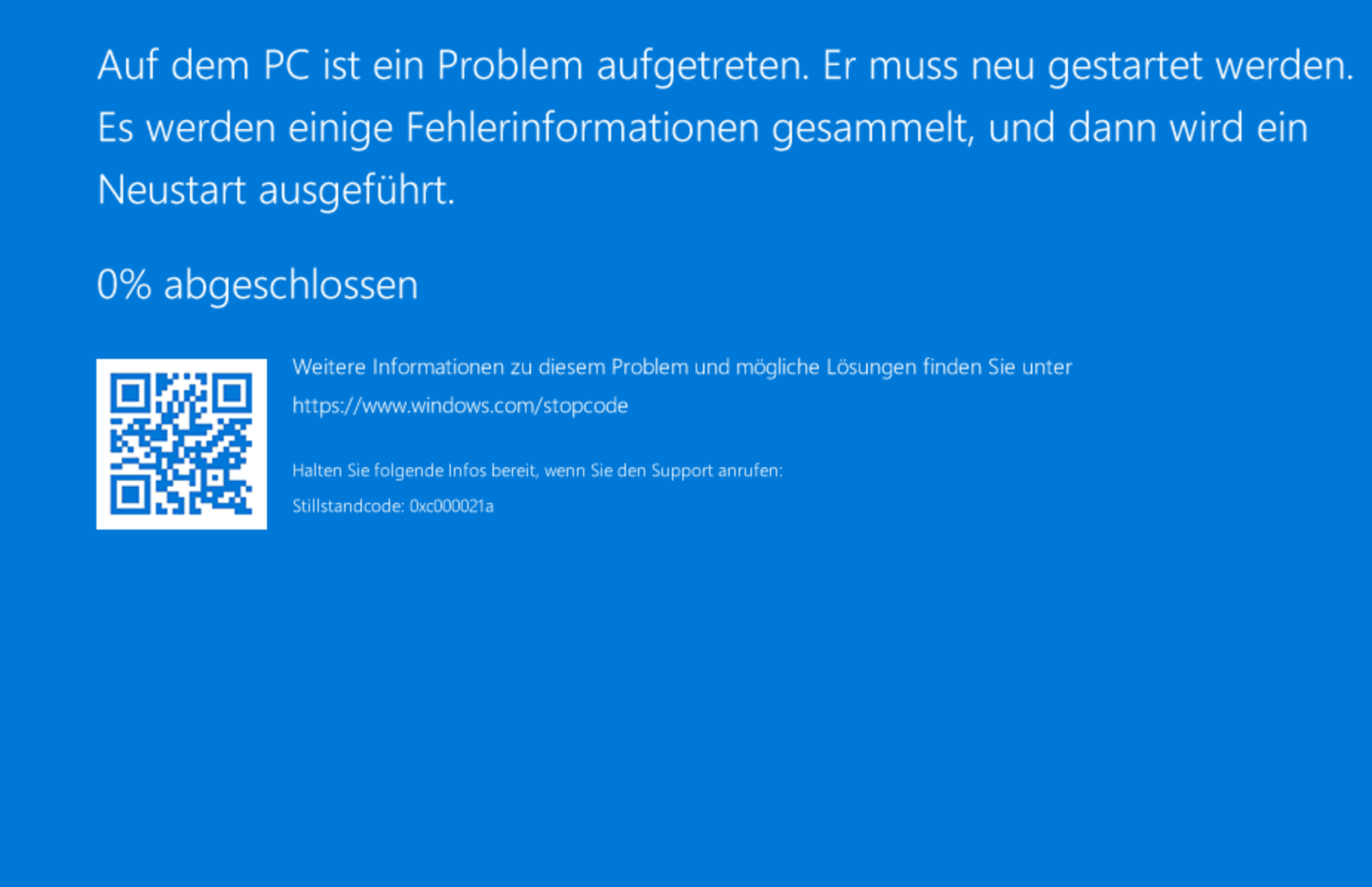
a Windows 2019 Server Guest would not boot anymore after recent updates.
I am getting BSOD STOP 0xc000021a.Host is a XCP-ng 8.1 with current platch level, Guest has Windows Update Tools enabled.
Anyone else experiencing this kind of problem?
-
Maybe a Citrix driver issue?
-
@olivierlambert Might be... However, all the other windows VMs with citrix drivers seem to run fine (at least until now). As the failed VM was a Domain Controller, I'll set up a new one with free drivers for the moment. Rolling back images isn't recommended my MS for DCs.
I'll keep my eyes open - just wanted to check if anyone else got into the same trouble.
-
By the way, is there a safe way to uninstall Citrix drivers and management agent, turn off "Windows Update Tools" and install the free OSS drivers?
-
See our doc: https://xcp-ng.org/docs/guests.html#windows
-
Hi, I add the same thing last week. Yes it was a driver issue that got through Windows Update. I actually download the latest driver from Citrix and it solved my issue, I also de-activate the Windows update tools. I didn't try to inject the drivers, I restore a backup from the night before.


Hello! It looks like you're interested in this conversation, but you don't have an account yet.
Getting fed up of having to scroll through the same posts each visit? When you register for an account, you'll always come back to exactly where you were before, and choose to be notified of new replies (either via email, or push notification). You'll also be able to save bookmarks and upvote posts to show your appreciation to other community members.
With your input, this post could be even better 💗
Register Login