XCP-ng
    • Categories
    • Recent
    • Tags
    • Popular
    • Users
    • Groups
    • Register
    • Login

    Cant access xoa on mobile or ipad

    Scheduled Pinned Locked Moved Xen Orchestra
    9 Posts 4 Posters 2.1k Views 2 Watching
    Loading More Posts
    • Oldest to Newest
    • Newest to Oldest
    • Most Votes
    Reply
    • Reply as topic
    Log in to reply
    This topic has been deleted. Only users with topic management privileges can see it.
    • R Offline
      rj-dsl
      last edited by rj-dsl

      Hello XOA team..

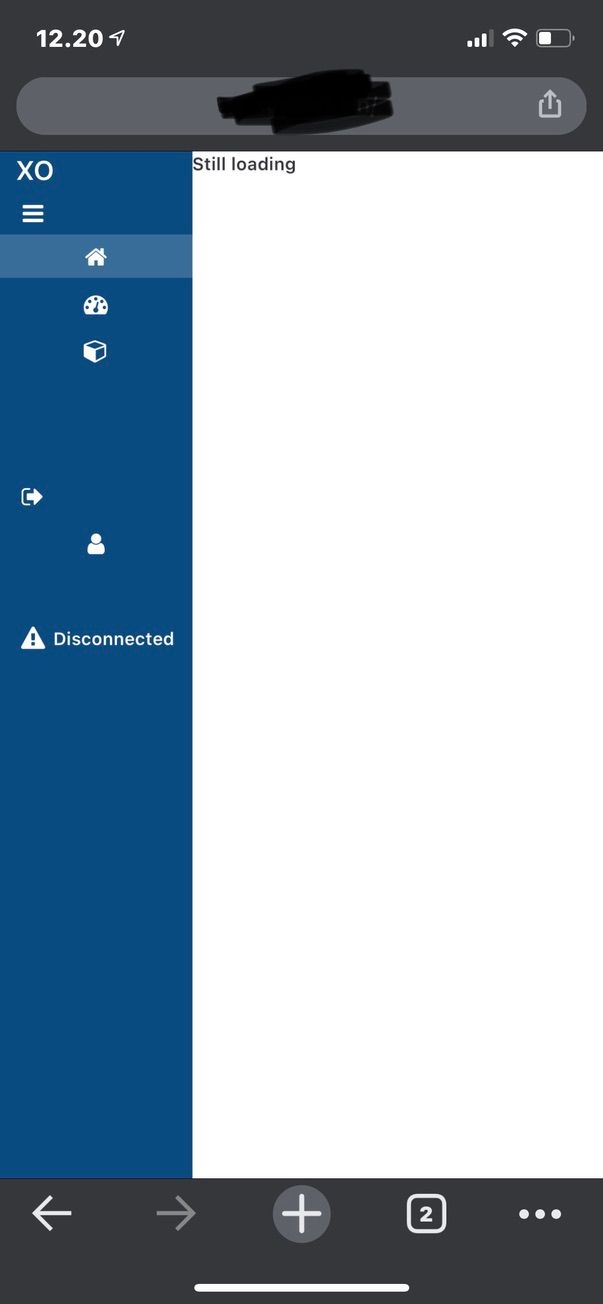
      I cant seem to load my xoa instance when accessing it on my iphone or ipad..
      I VPN into my network and can login on the page, but it always looks like this:
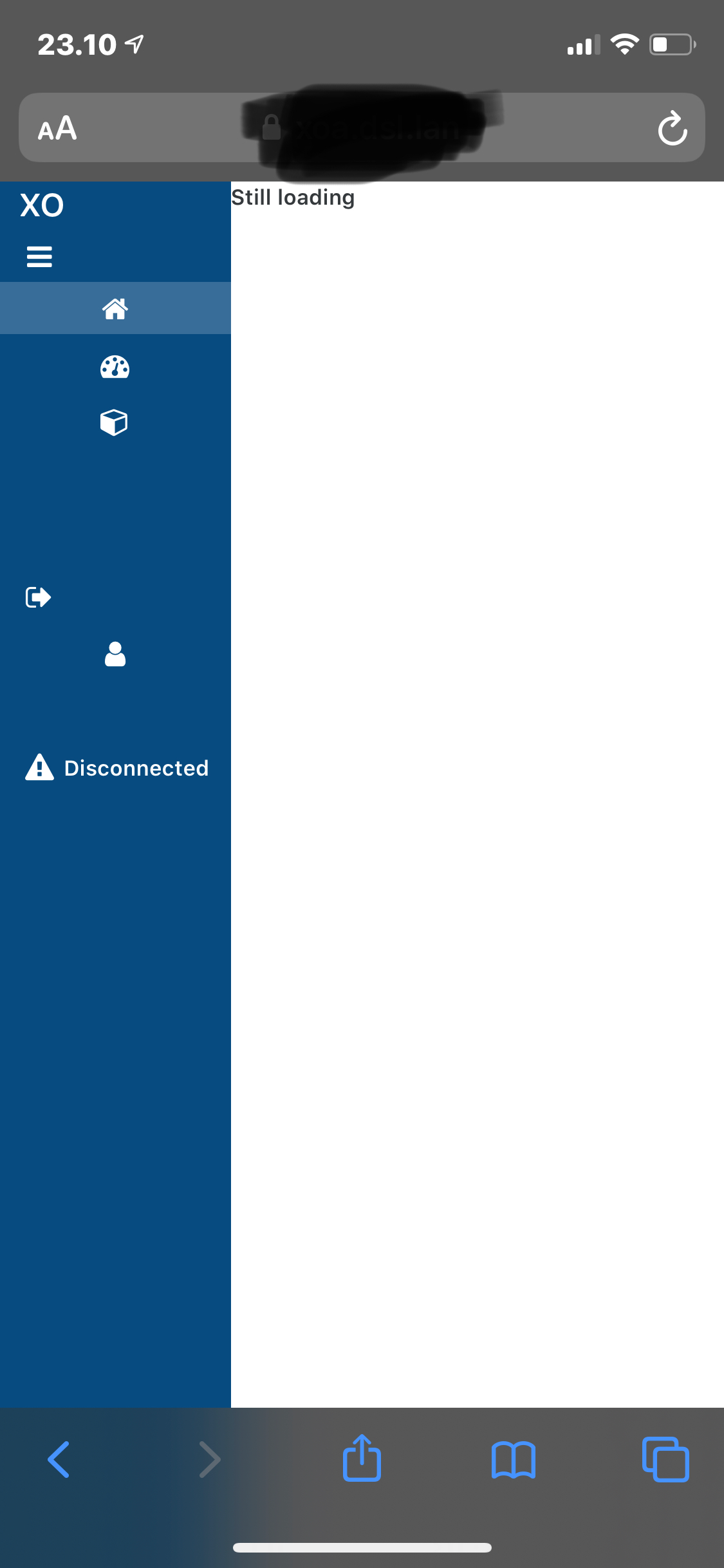
      IMG_0001.PNG

      Is there any way to fix this?

      I am using the same VPN access as my desktop, where it shows just fine.. Have tested on Openvpn and Wireguard, problem persists on both..

      1 Reply Last reply Reply Quote 0
      • olivierlambertO Offline
        olivierlambert Vates 🪐 Co-Founder CEO
        last edited by

        Please try in HTTPS. Maybe websockets blocked in plain HTTP.

        1 Reply Last reply Reply Quote 0
        • R Offline
          rj-dsl
          last edited by

          Okay, so wierdly it works over http, but not over https.. Is that intended?

          1 Reply Last reply Reply Quote 0
          • olivierlambertO Offline
            olivierlambert Vates 🪐 Co-Founder CEO
            last edited by

            No. You have something messing with websockets.

            1 Reply Last reply Reply Quote 0
            • R Offline
              rj-dsl
              last edited by

              Well, I will try and test if its the VPN, next time im in the office.. But from what I remember its the same when connected directly to the local network..

              1 Reply Last reply Reply Quote 0
              • C Offline
                curvingedge
                last edited by

                Was this ever solved? I have the same issue. I am not able to connect at all http and it redirects to https, but I get the same result as the OP picture. Anything I can check if we sockets are being blocker for some reason? I shouldn’t have any restrictions on the network where XOA runs.

                1 Reply Last reply Reply Quote 0
                • olivierlambertO Offline
                  olivierlambert Vates 🪐 Co-Founder CEO
                  last edited by

                  So you have the same issue but in HTTPS? Check your browser console. Also maybe your browser isn't supported, IDK.

                  1 Reply Last reply Reply Quote 0
                  • R Offline
                    rj-dsl
                    last edited by rj-dsl

                    I can provide updates from my side 🙂

                    As of now http works for me and https dosent.

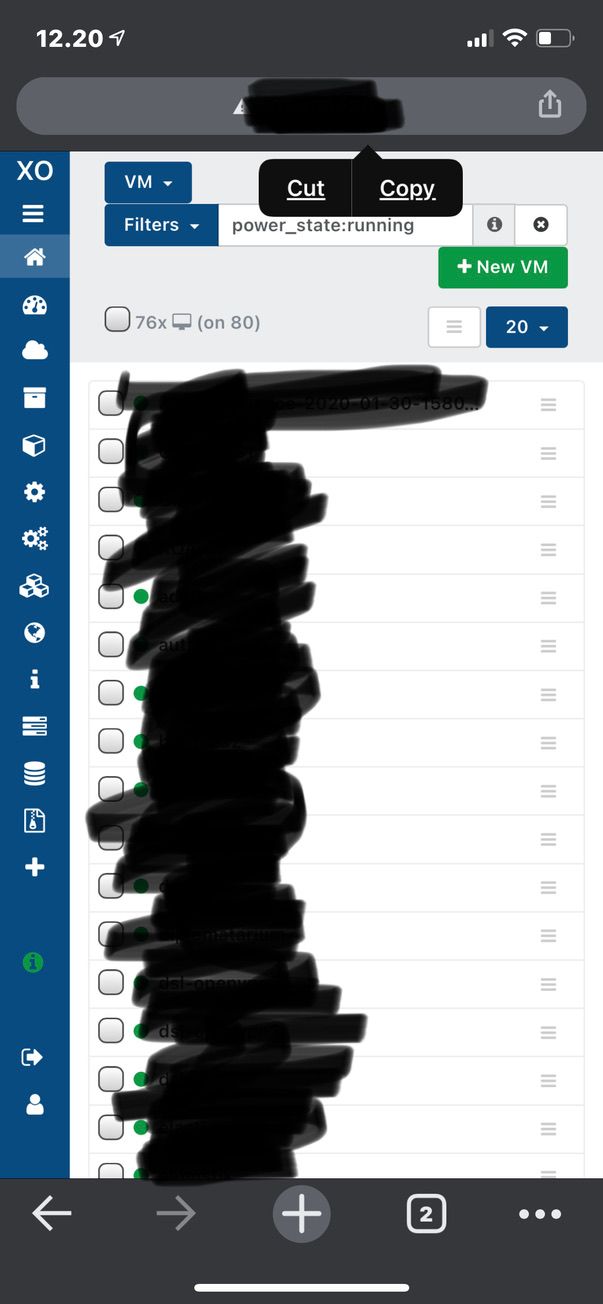
                    On mobile/iPad:

                    Https:
                    923E1E4A-990E-4503-BEC4-76F0E8088B97_1_105_c.jpeg

                    Http:
                    7ACEAF66-3827-481E-8589-AB15DCE48484_1_105_c.jpeg

                    On my Macbook:

                    Https:
                    https://drive.google.com/file/d/1c4baU0OsZ3d22yGdjxogO5S7_jAQg9jg/view?usp=sharing

                    For some reason I cant upload the image for the https, so heres a google link for it 🙂

                    Http:
                    xoa_http.png

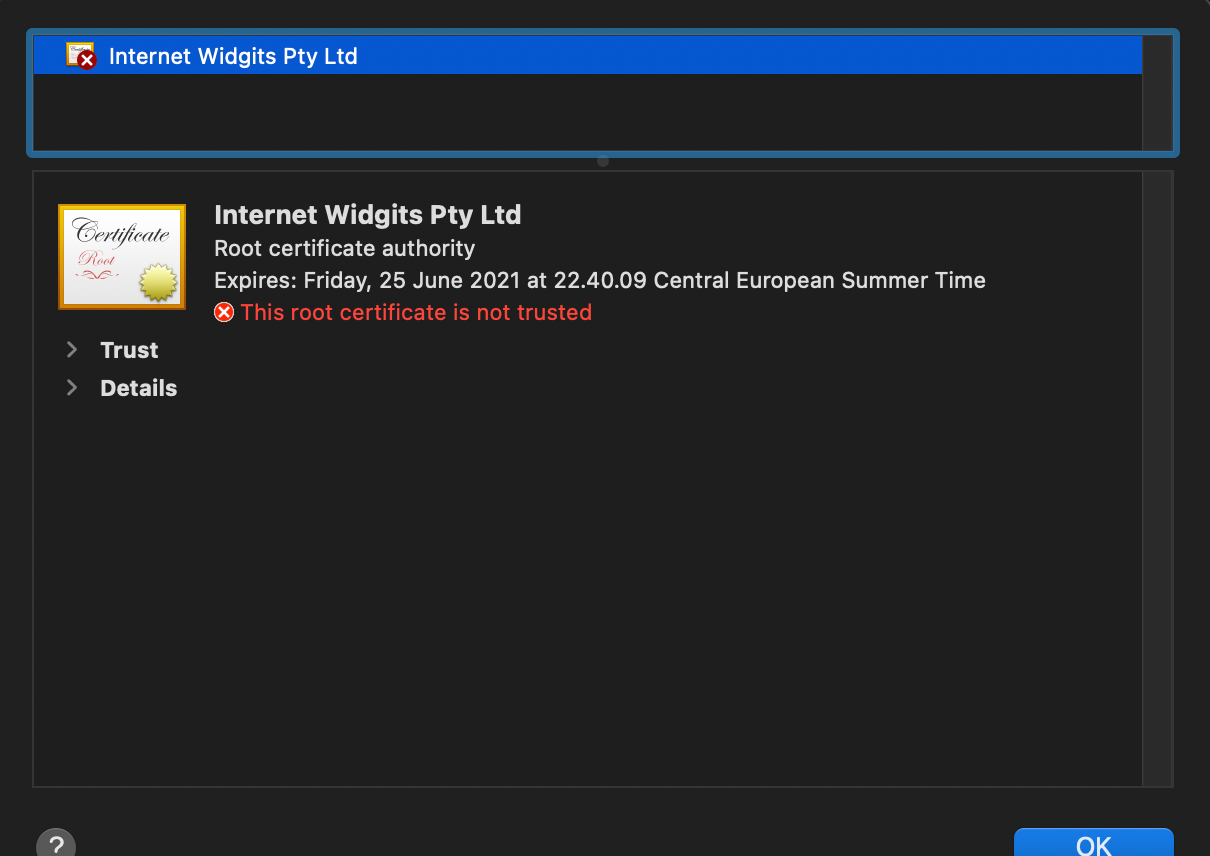
                    Maybe its a cert issue?
                    https_cert.png

                    1 Reply Last reply Reply Quote 0
                    • olivierlambertO Offline
                      olivierlambert Vates 🪐 Co-Founder CEO
                      last edited by

                      Then change the bundled self signed cert with something else 🙂

                      1 Reply Last reply Reply Quote 0

                      Hello! It looks like you're interested in this conversation, but you don't have an account yet.

                      Getting fed up of having to scroll through the same posts each visit? When you register for an account, you'll always come back to exactly where you were before, and choose to be notified of new replies (either via email, or push notification). You'll also be able to save bookmarks and upvote posts to show your appreciation to other community members.

                      With your input, this post could be even better 💗

                      Register Login
                      • First post
                        Last post