garbled console text
-
Hi there
I am steadily migrating VMs from exsi to xcp-ng.
I am using clonezilla destination to source and it could not be easer or quicker. So far so good.
However, I also migrated bare metal server (ubuntu 18). Initially on reboot the vm just showed a Hard disk found message.. so i switched from bios to uefi and it booted immediately. However, the console text is unreadable.
I have seen a few discussions around this related to the template settings. I have tested ubuntu 18 and 20 template but both have the same effect.
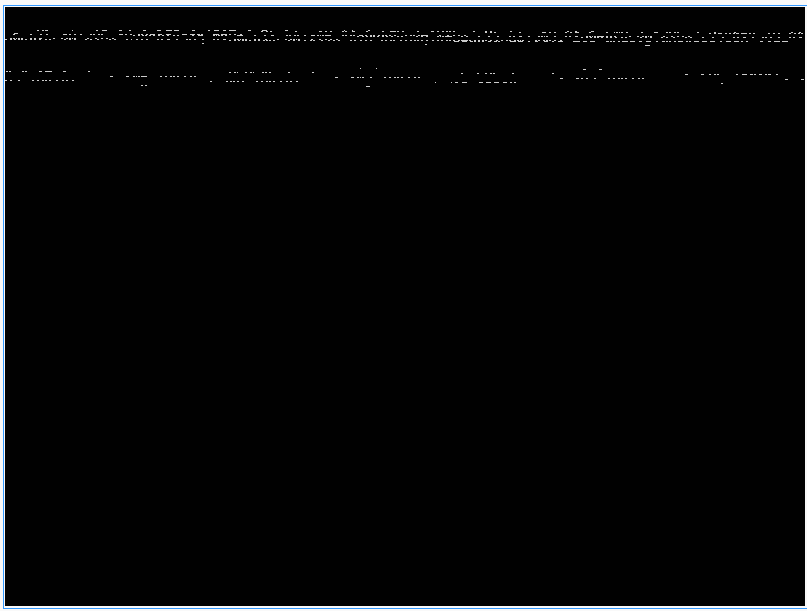
I cant edit any pre-boot options as nothing can be read..
The VM is running just fine.. but one day I am going to need to use that console. ..
Any ideas?
-
Check your kernel boot params in Grub, it's probably linked to an existing (or missing) console kernel parameter.
-
This only affects UEFI VMs running Ubuntu. A default Ubuntu installation includes the linux-modules-extra-<kernel-version>-generic package, which provides the bochs driver—required for proper VGA display in the Xen Orchestra console. If this package is removed, the console display becomes scrambled.
Run the following command to install the missing package (replace <kernel-version> with the version in use by the OS):
sudo apt install -y linux-modules-extra-<kernel-version>-genericsource: https://docs.xcp-ng.org/vms/#distorted-display-console-on-ubuntu-uefi-vms

Hello! It looks like you're interested in this conversation, but you don't have an account yet.
Getting fed up of having to scroll through the same posts each visit? When you register for an account, you'll always come back to exactly where you were before, and choose to be notified of new replies (either via email, or push notification). You'll also be able to save bookmarks and upvote posts to show your appreciation to other community members.
With your input, this post could be even better 💗
Register Login