little UI bug, proxy filtering remotes
-
Hi,
When in the main XOA proxy menu, if you click
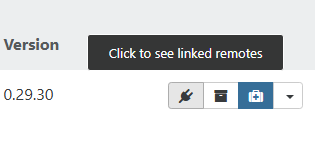
It sends you to the SETTINGS/REMOTES page and add the proxy UUID as a filter.
But it does it only in the NFS filter (I think the first remote type it encounters), all our remotes are S3. so i have to manually cut/paste the filtering in the good search tab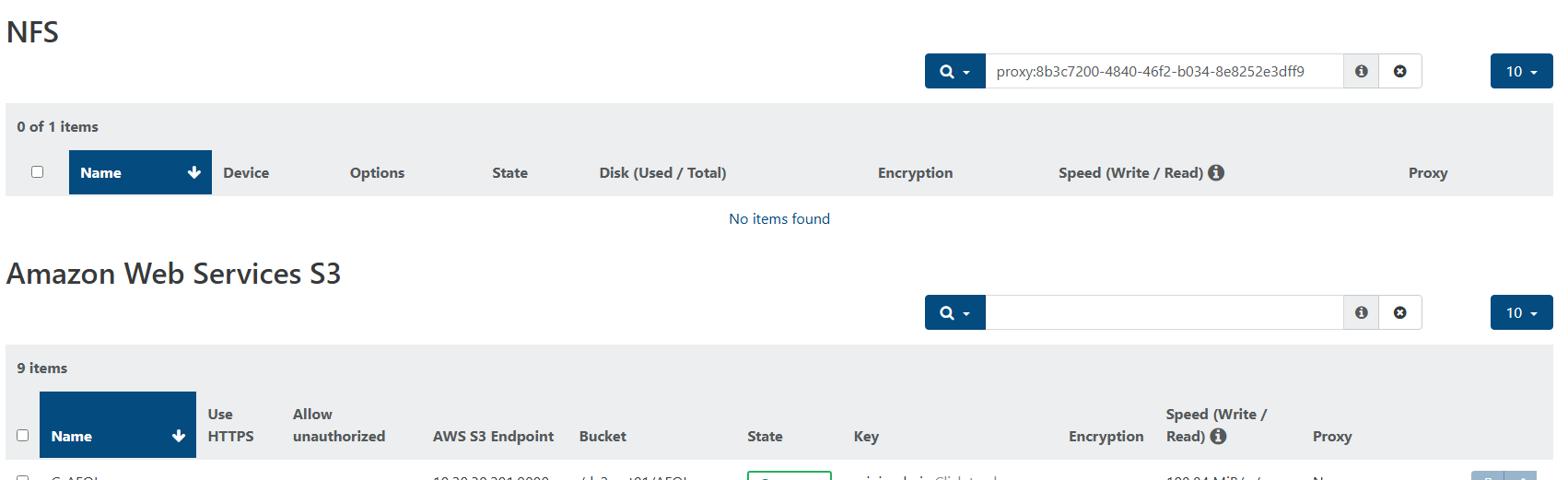
-
Hi,
We'll have those views in XO6 very soon. Could you test there to see if it works OK when it's available there?
-
@olivierlambert as soon as its up in XO6

-
@olivierlambert said in little UI bug, proxy filtering remotes:
We'll have those views in XO6 very soon. Could you test there to see if it works OK when it's available there?
Reply
Hi Olivier,
tested latest 5.111 XO6 and can't find the related REMOTES page ?
every link to a remote sends me back to XO5 web ui
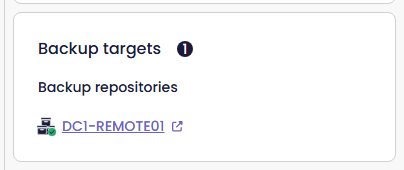
Proxies web configuration page seems not to be implemented in XO6 at the moment
-
Probably in a next release (before the end of the year ideally)

Hello! It looks like you're interested in this conversation, but you don't have an account yet.
Getting fed up of having to scroll through the same posts each visit? When you register for an account, you'll always come back to exactly where you were before, and choose to be notified of new replies (either via email, or push notification). You'll also be able to save bookmarks and upvote posts to show your appreciation to other community members.
With your input, this post could be even better 💗
Register Login