Lost connection to ISO Repository

-
Hi, Everyone.
Hope everyone is doing great! May I ask your help in addressing an issue I am encountering. My ISO Repository located in my Synology 1522 was working before then after an issue encounter at my network switch it stopped presenting itself in the drop down box:
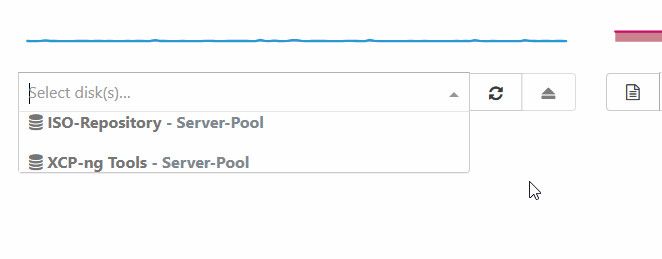
If I check the list of storage, it is showing in there and doesn't give any errors:

I tried disconnecting the ISO repository and reconnecting still same issue
I tried doing a rolling restart of XCP-NG hosts but still same issue
I tried restarting both Xen Orchestra but still same issue.
Is there anything else should I try to address the issue?
-
Have you tried to rescan the SR? Are you sure don't have a subfolder with the ISOs inside? (it can only see at the root folder level of the share)
-
Yes I did try to do Rescan, it didn't give any errors.
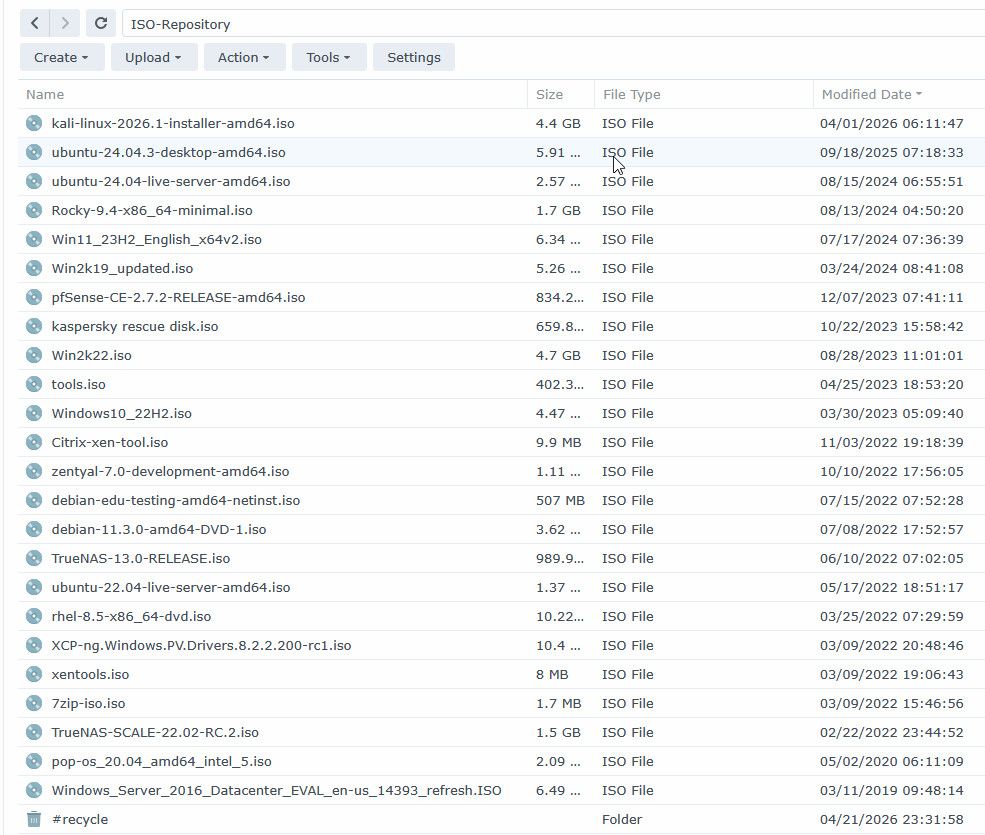
In regards to the directory, it is not contained in a subdirectory:
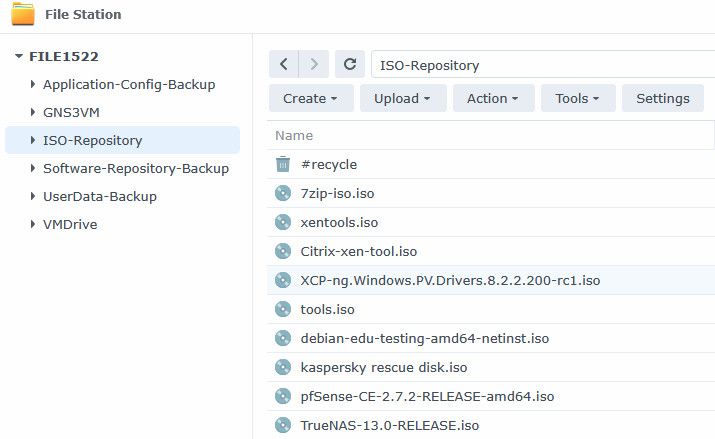
Also I upgraded my Xen Orchestra but still same issue:

-
Can you check if you have any other file than .iso and clean it if possible? Maybe this is blocking the scan.
-
-
I have deleted the latest ISO that I have downloaded just incase it is causing issues and also empty the folder. Did a rescan but still same issue
-
I just noticed that my VM's do not show any disk:
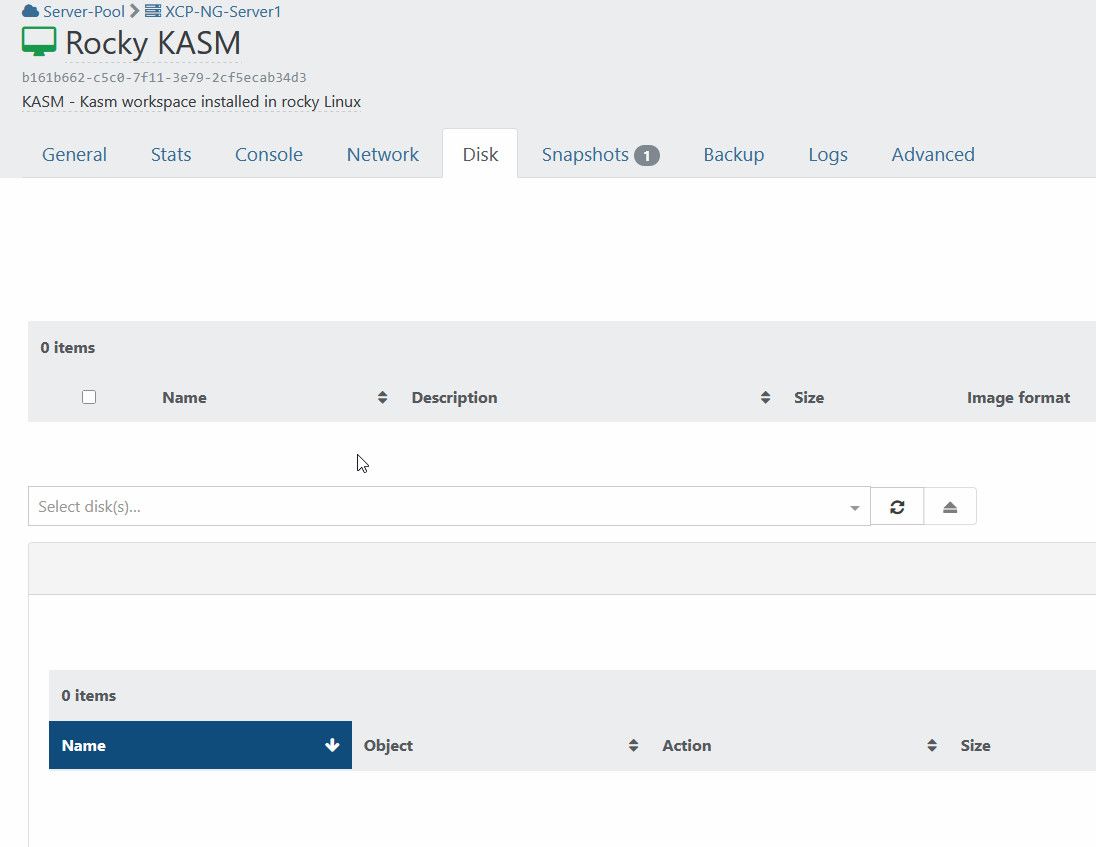
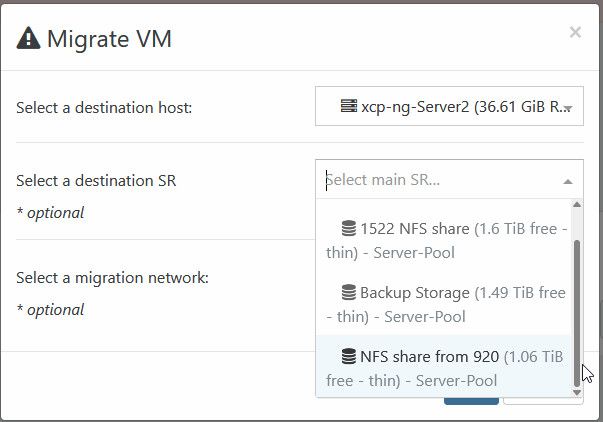
But I know they are working because I can migrate them by migrating both host and disk
-
@ashinobi you are now in the twilight zone.
this is a current bug where all VDIs are seen as snapshots, so they do not show up in the DISK tab of the VMs.
try to go to XO6, you will see them correctly.this bug also get in the way of ISO SRs...
on a VM with "no disk visible", you can snapshot, and REVERT to this snapshot, it's VDIs will magically re appear. you would have to do so on each VM, but the bug will eventually make them disappear again.
go on the HOME/STORAGE page, on your SR, DISK tab
all VDI should present a snapshot icon if you are affected
please report to this topic https://xcp-ng.org/forum/topic/11715/vdi-not-showing-in-xo-5-from-source./
-
@ashinobi in your specific ISO SR problem, you could try this
wilsonqanda
9 Jan 2026, 22:41@Pilow now that you mention that everything is seen as snapshot i remember all my ISO are seen as snapshots too... so most iso cannot be mounted until i drag them in a folder then put them back in same folder so XO could reprocess all the iso correctly. This might be a related issue to all the snapshots for the VMs.
-
A ashinobi referenced this topic on
-
Apologies for the late reply. Thank you for sharing the work around. I have tried it and confirmed that the work around works. I hope they can find a solution for this issue.

Hello! It looks like you're interested in this conversation, but you don't have an account yet.
Getting fed up of having to scroll through the same posts each visit? When you register for an account, you'll always come back to exactly where you were before, and choose to be notified of new replies (either via email, or push notification). You'll also be able to save bookmarks and upvote posts to show your appreciation to other community members.
With your input, this post could be even better 💗
Register Login