Unable to update Windows PV driver
-
Hi,
I am still on XCP-NG 8.2.1. I am trying to update the Windows Guest Tools driver for windows 2022 following the CVE that flashed up on my screen and I get the following message:
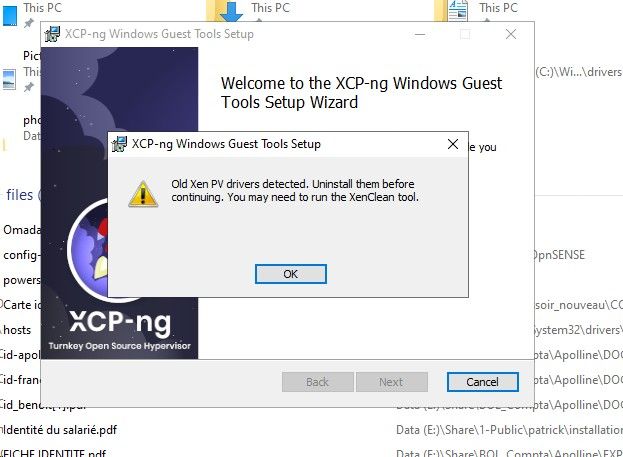
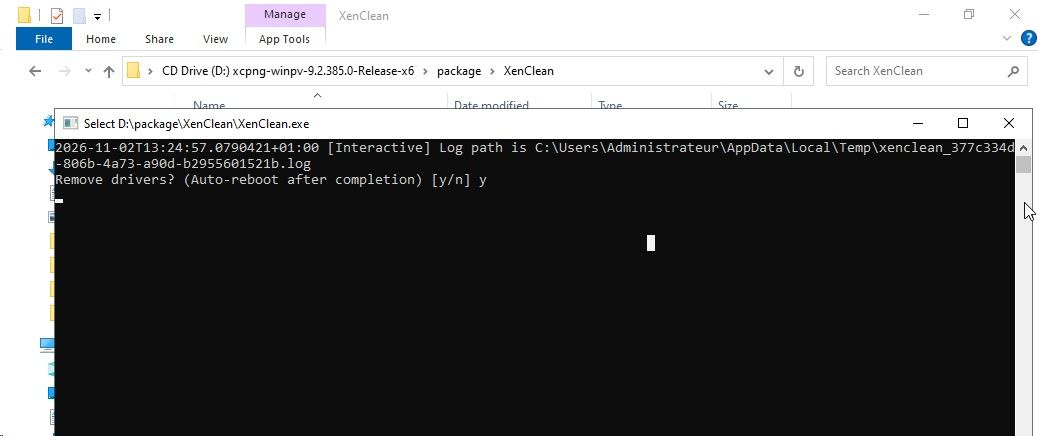
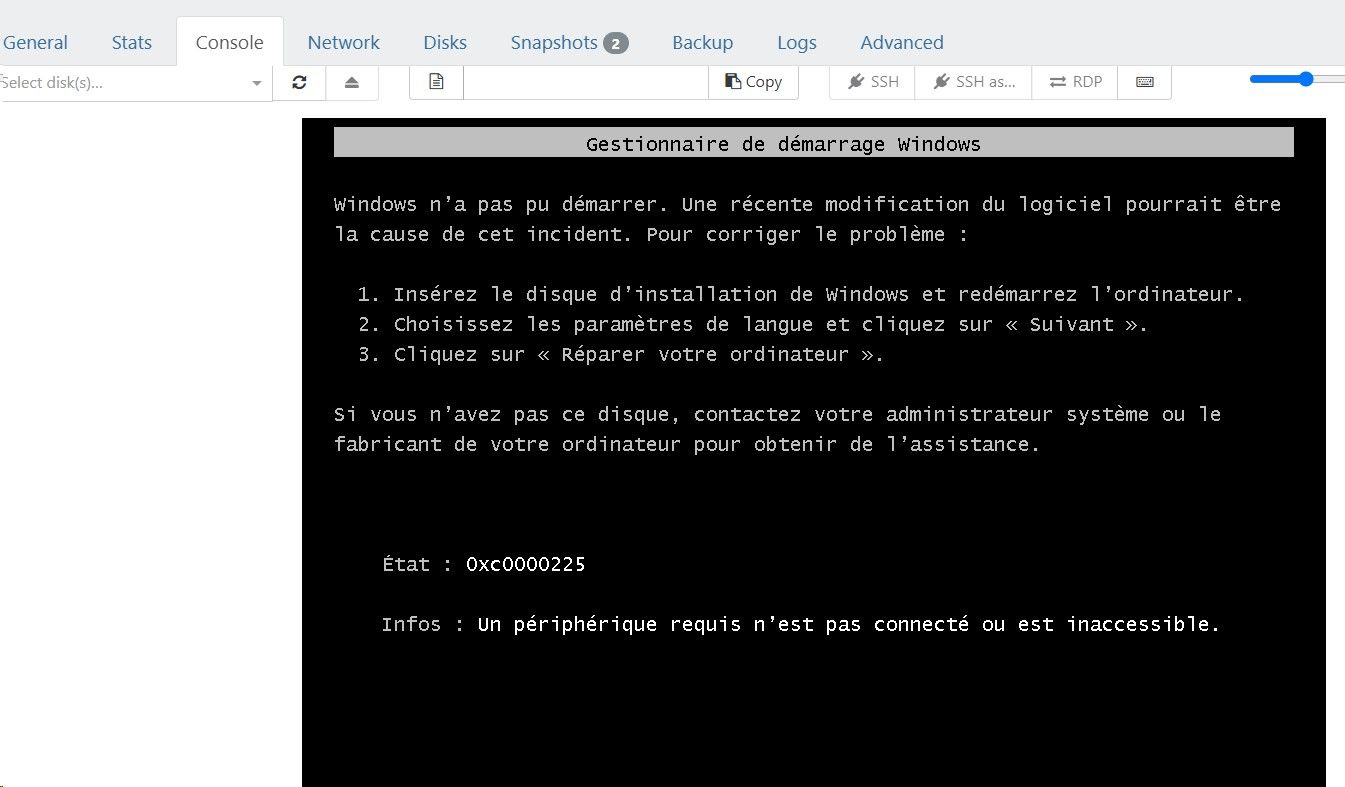
When I ran the XenClean tool as suggested, the VM doesn't boot and I had to revert from snapshot.
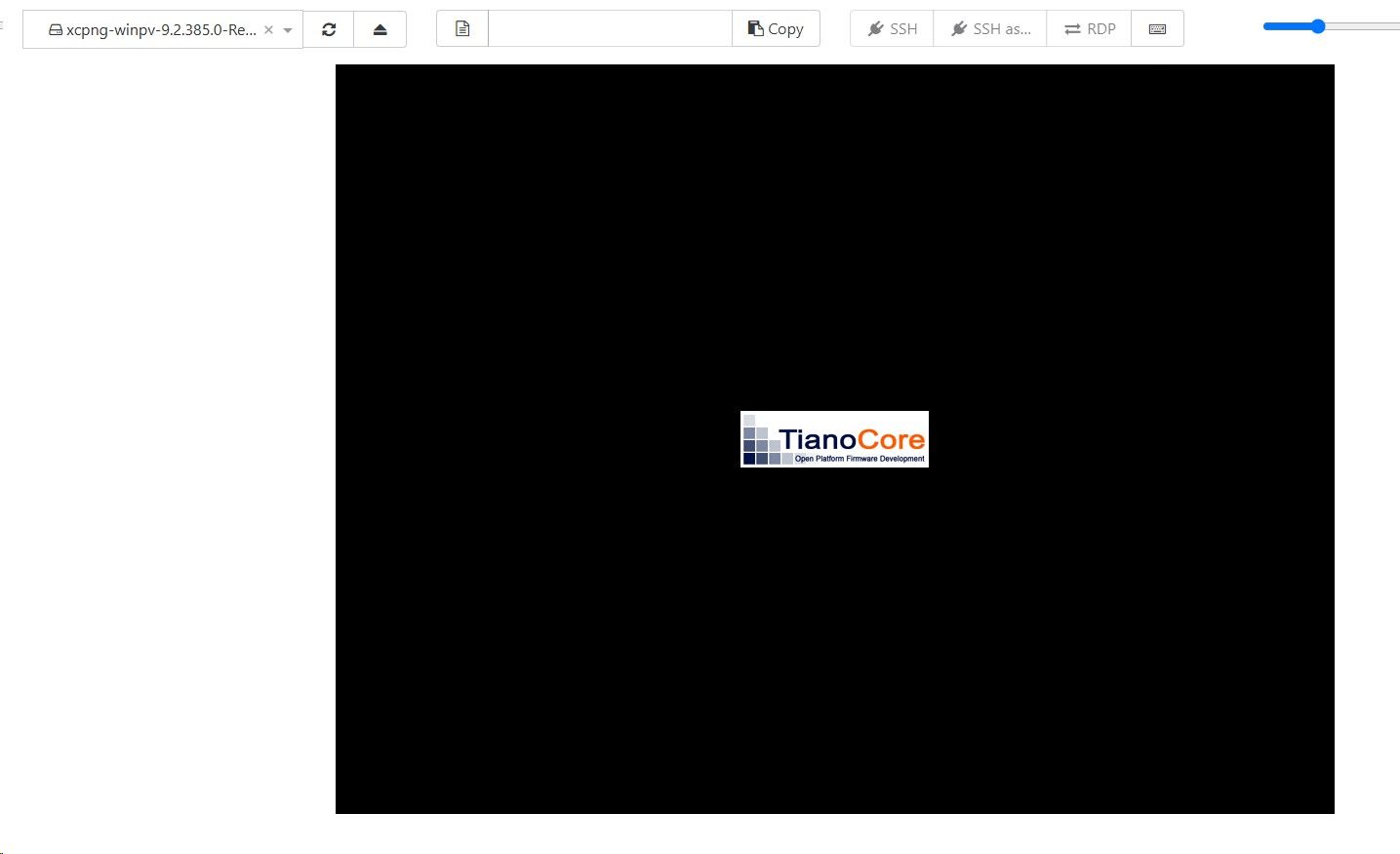
Could anyone please advice?
Thank you -
assigned the Widows Server 2022 to the VM, waitted a looooong time and the VM eventually did boot.
-
@fred974 That error code 0xc0000225, claims that the disk either doesn't exist or doesn't contain the needed files to boot.
if you can boot into safe mode, try running
sfc /scannowandchkdsk C: /f /r -
Also just double check you dont have this enabled - Manage Citrix PV drivers via Windows Update in the vm.

Hello! It looks like you're interested in this conversation, but you don't have an account yet.
Getting fed up of having to scroll through the same posts each visit? When you register for an account, you'll always come back to exactly where you were before, and choose to be notified of new replies (either via email, or push notification). You'll also be able to save bookmarks and upvote posts to show your appreciation to other community members.
With your input, this post could be even better 💗
Register Login