XCP-ng
    • Categories
    • Recent
    • Tags
    • Popular
    • Users
    • Groups
    • Register
    • Login

    XOA Error when installing
    Scheduled Pinned Locked Moved Solved Xen Orchestra
    107 Posts 9 Posters 44.3k Views 1 Watching
    Loading More Posts
    • Oldest to Newest
    • Newest to Oldest
    • Most Votes
    Reply
    • Reply as topic
    Log in to reply
    This topic has been deleted. Only users with topic management privileges can see it.
    • K Offline
      kilo
      last edited by

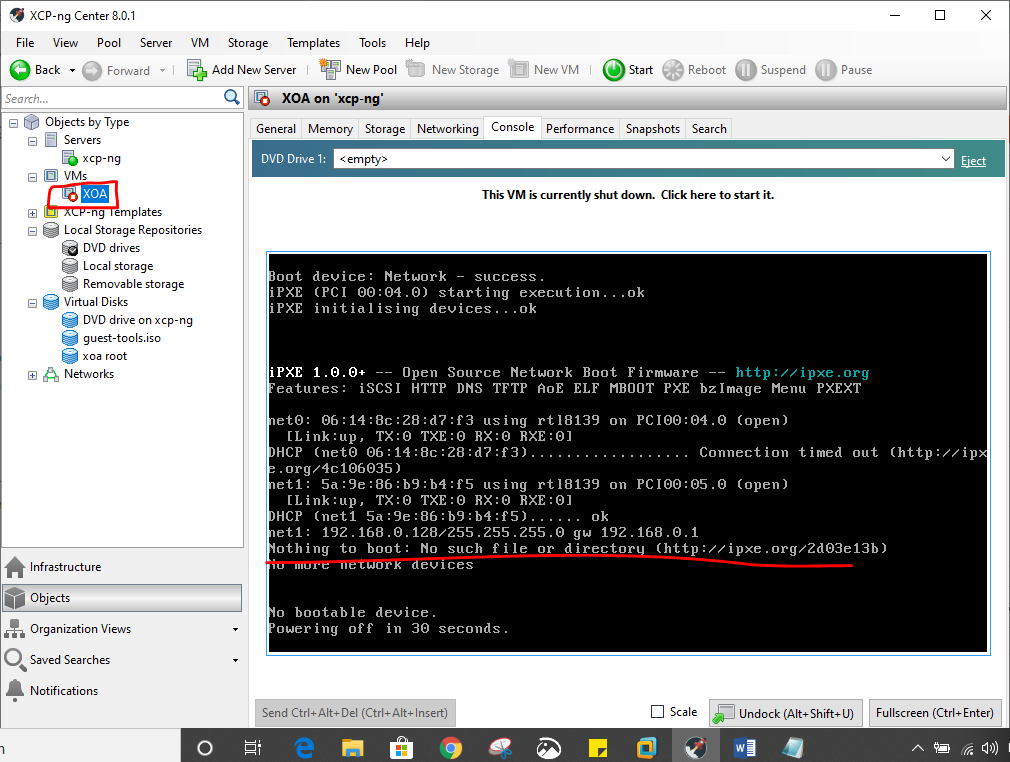
      why is this error occuringf061a580-9a70-4eb6-b896-76c9ceff9999-image.png

      1 Reply Last reply Reply Quote 0
      • K Offline
        kilo
        last edited by

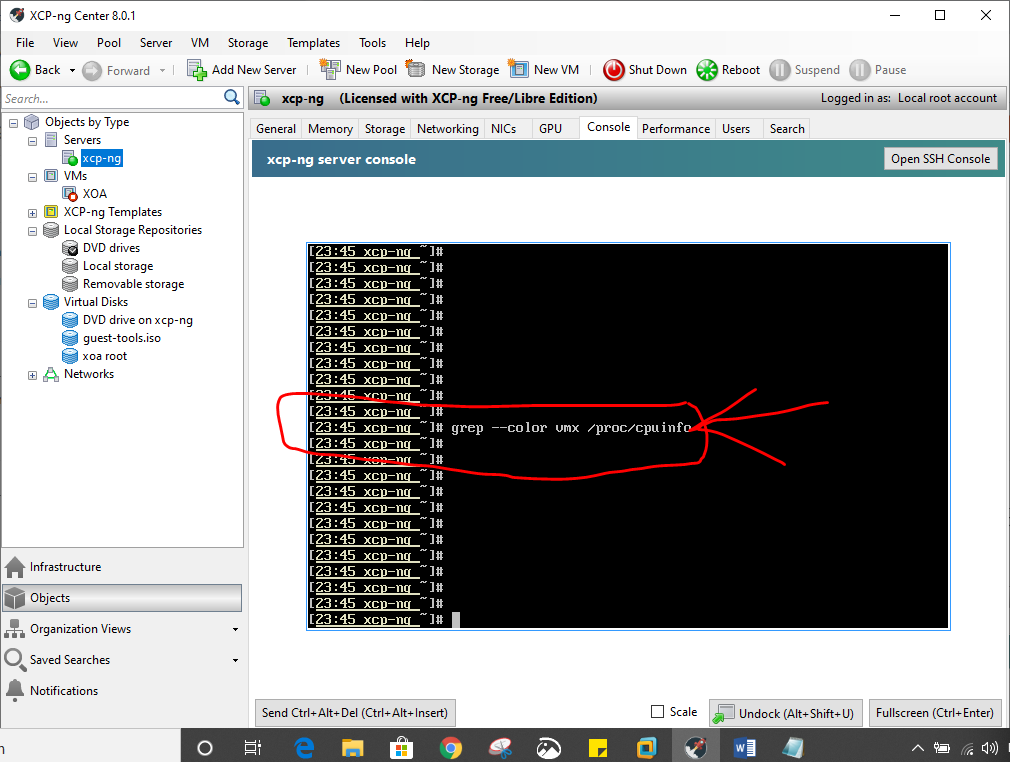
        as said no results
        10b6212d-dfd1-4703-9aba-709a3acc30fc-image.png

        1 Reply Last reply Reply Quote 0
        • olivierlambertO Offline
          olivierlambert Vates 🪐 Co-Founder CEO
          last edited by

          Please check in your BIOS if you have Assisted Virtualization enabled.

          Without HVM, XOA won't boot.

          1 Reply Last reply Reply Quote 0
          • K Offline
            kilo
            last edited by

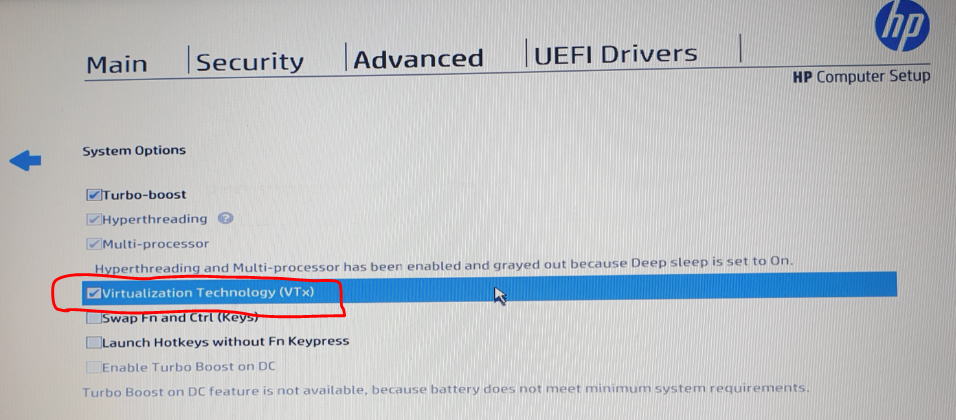
            yes Intel-VTx is enabled in the BIOS
            1250ca8d-55f4-4735-85bd-80da1a8ca8d1-image.png

            1 Reply Last reply Reply Quote 0
            • K Offline
              kilo
              last edited by

              error persists...could not read boot disk
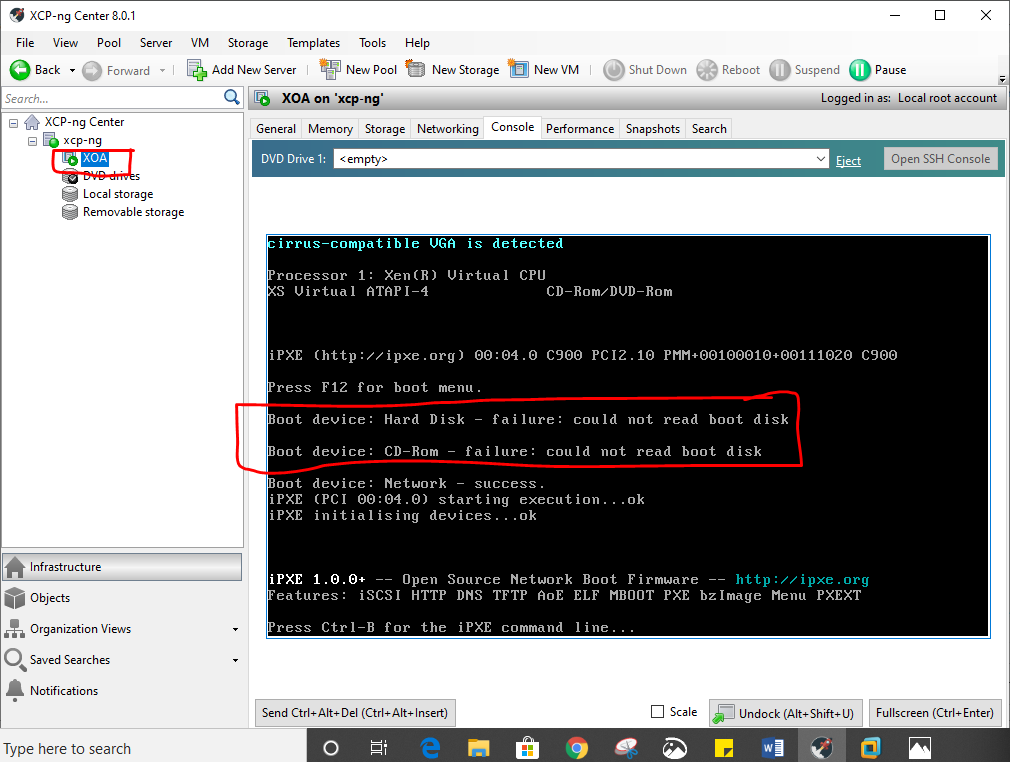
              7d1ce96e-8f24-44ed-8a34-dc419ff35ef0-image.png

              1 Reply Last reply Reply Quote 0
              • olivierlambertO Offline
                olivierlambert Vates 🪐 Co-Founder CEO
                last edited by

                What's your hardware exactly?

                1 Reply Last reply Reply Quote 0
                • Z Offline
                  ZacApplegate @olivierlambert
                  last edited by ZacApplegate

                  @olivierlambert @Danp

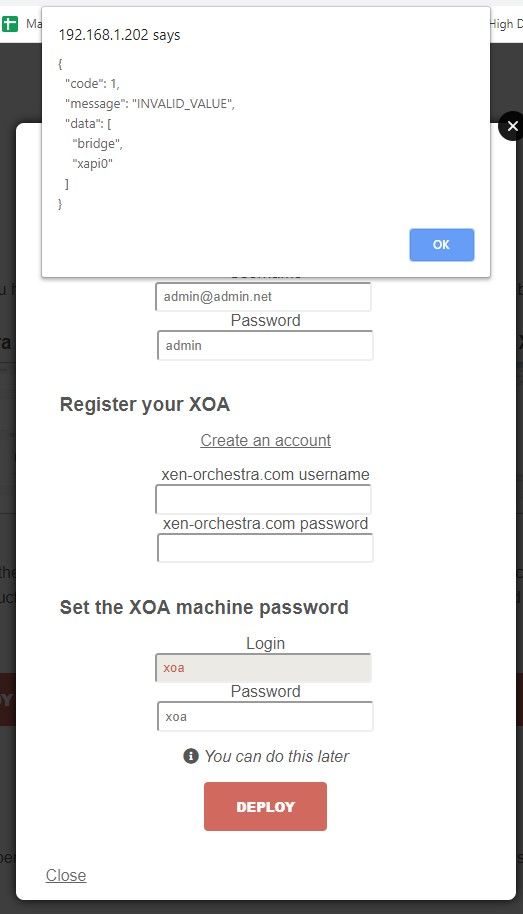
                  this is what I am seeing with xe network-list.

                  xapi0 is not listed?
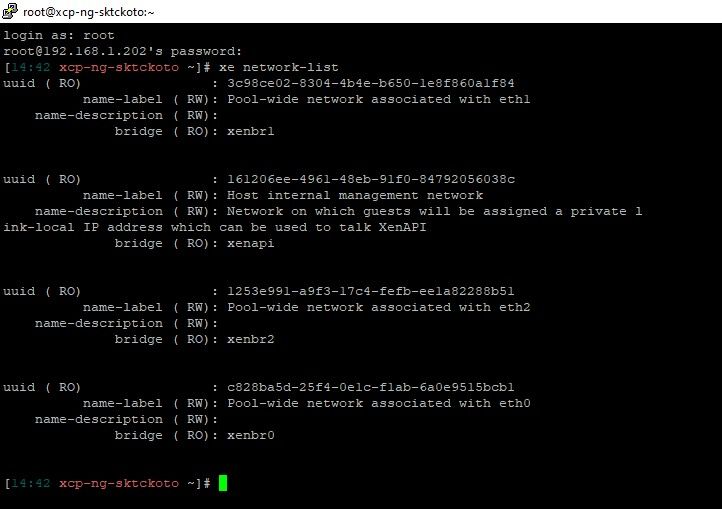
                  Annotation 2020-03-01 144809.jpg

                  This is a Dell Optiplex 3010
                  Core i5
                  6 gb of memory
                  240 gb ssd
                  onboard nic (the one I am trying to use)
                  add in card intel dual nic

                  1 Reply Last reply Reply Quote 0
                  • K Offline
                    kilo
                    last edited by

                    it now says 'success' after selecting 'guest tools' in the dvd drive section......is that what I was supposed to do??
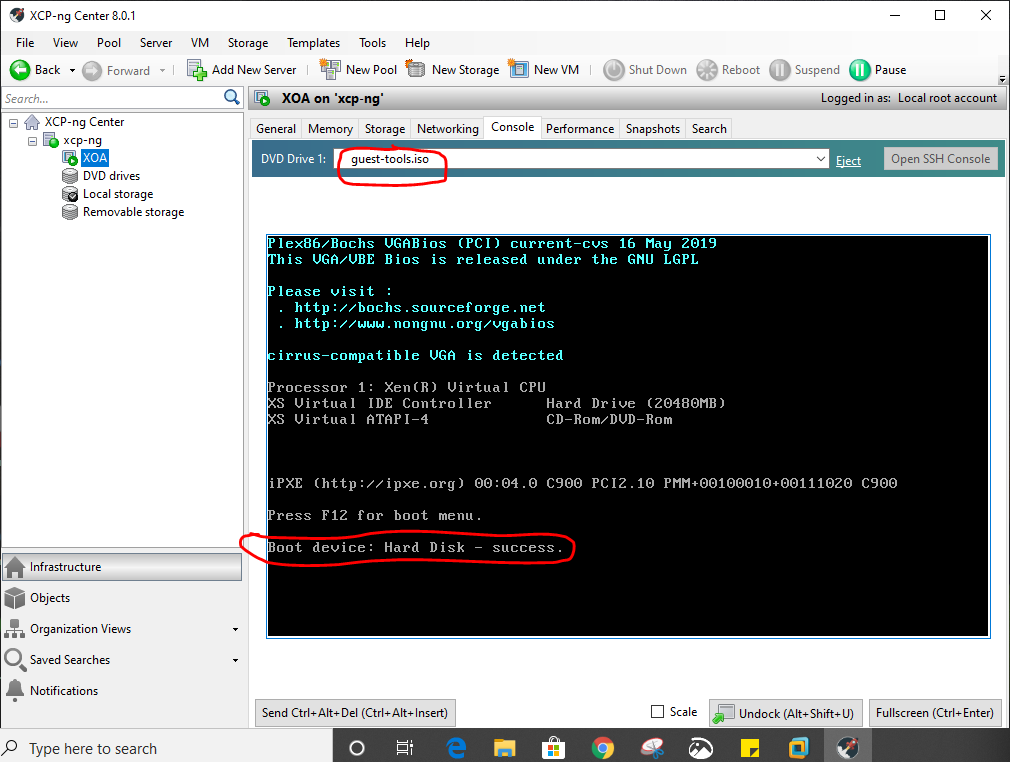
                    0067d12f-6bbd-4769-92db-106f7bd560e6-image.png

                    1 Reply Last reply Reply Quote 0
                    • K Offline
                      kilo
                      last edited by

                      is this the final thing that i should get???. How do i open the WEB UI ??
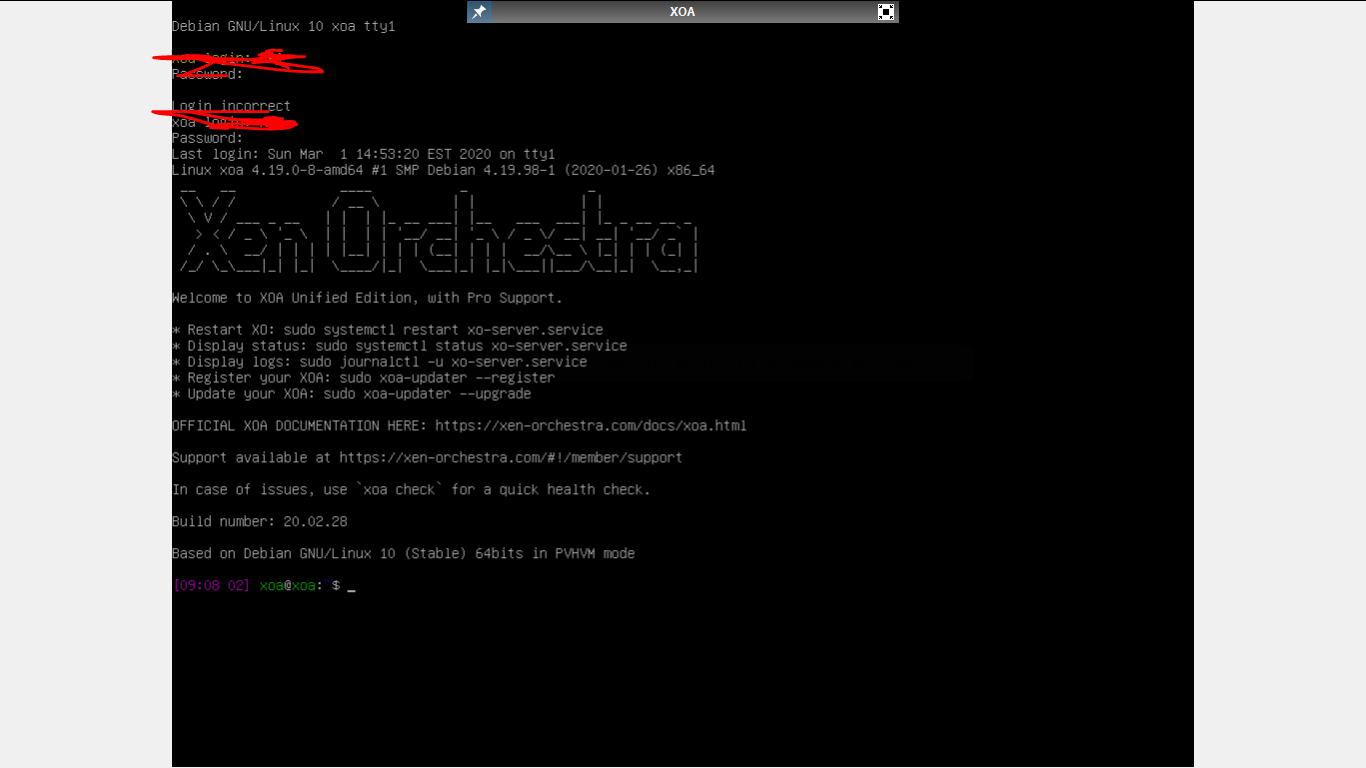
                      040e49e0-3cde-40a6-a772-83d80465c9f1-image.png

                      1 Reply Last reply Reply Quote 0
                      • olivierlambertO Offline
                        olivierlambert Vates 🪐 Co-Founder CEO
                        last edited by

                        You should have an IP. Go to the HTTPS of this IP and you'll have the UI

                        1 Reply Last reply Reply Quote 0
                        • K Offline
                          kilo
                          last edited by

                          I do not know the IP. may be it used dhcp to launch......now how to find the IP ???

                          N 1 Reply Last reply Reply Quote 0
                          • K Offline
                            karlisi
                            last edited by

                            https://xen-orchestra.com/docs/xoa.html#network-configuration

                            1 Reply Last reply Reply Quote 0
                            • K Offline
                              kilo
                              last edited by

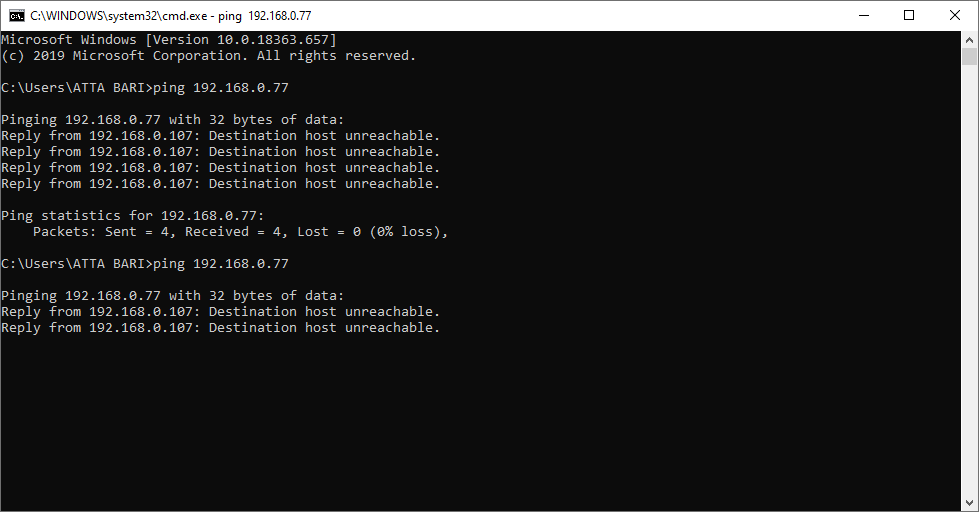
                              did networking step....tried pinging the IP but failed......opening in browser failed too!
                              e46da2d8-fd72-470f-97f6-188a6ad5e98a-image.png

                              1 Reply Last reply Reply Quote 0
                              • K Offline
                                kilo
                                last edited by

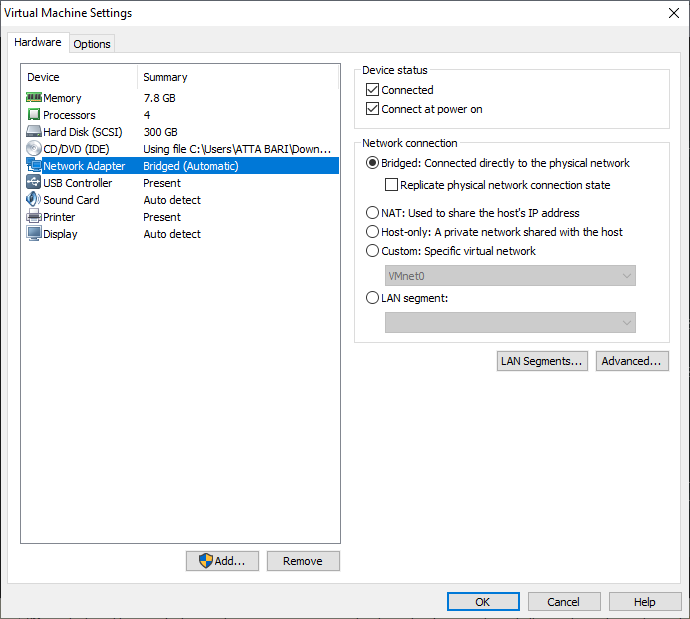
                                I have used bridged routing between XCP-ng VM and host. To the XOA VM in the XCP-ng server I gave IP from the subnet of the server i.e 192.168.0.x
                                97a2240e-5d7a-4df0-a86c-49c5fd87de0a-image.png

                                1 Reply Last reply Reply Quote 0
                                • olivierlambertO Offline
                                  olivierlambert Vates 🪐 Co-Founder CEO
                                  last edited by

                                  Check your current XOA network config with ifconfig -a

                                  1 Reply Last reply Reply Quote 0
                                  • olivierlambertO Offline
                                    olivierlambert Vates 🪐 Co-Founder CEO
                                    last edited by

                                    Wait, I don't understand. Where is running this XOA?

                                    1 Reply Last reply Reply Quote 0
                                    • K Offline
                                      kilo
                                      last edited by

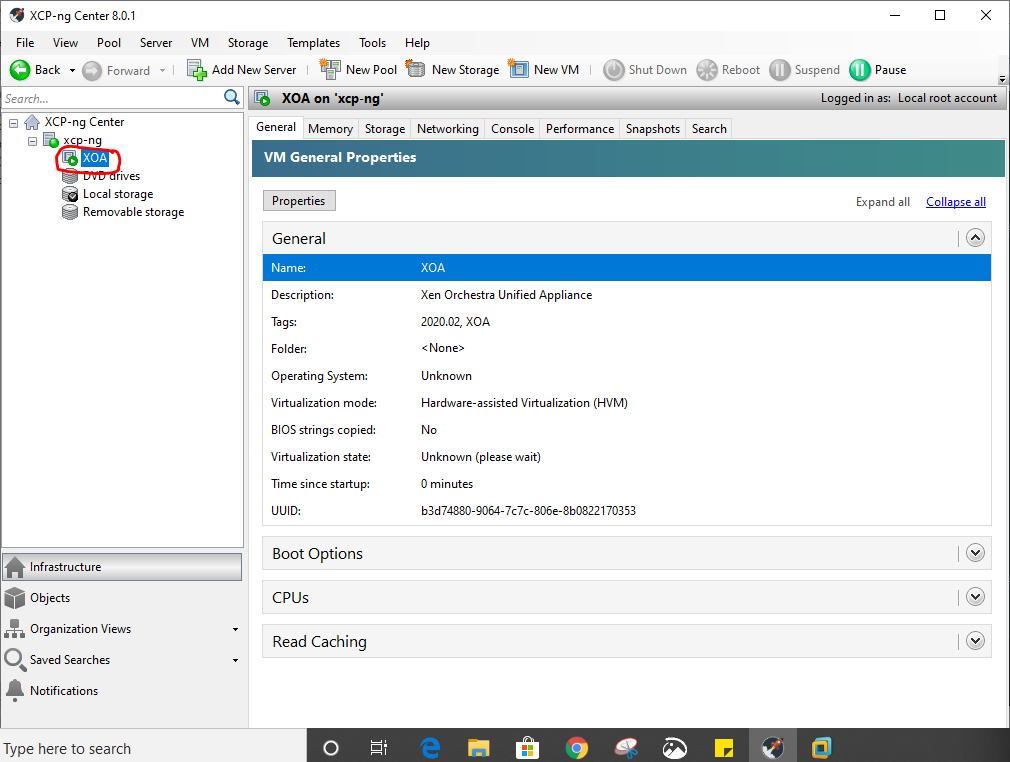
                                      XOA virtual appliance is running in the xcp-ng center and xcp-ng center is running in vmware workstation.
                                      93ae10be-0a32-4653-b893-55e04e8a5768-image.png

                                      1 Reply Last reply Reply Quote 0
                                      • olivierlambertO Offline
                                        olivierlambert Vates 🪐 Co-Founder CEO
                                        last edited by

                                        From your current machine (where you post on this forum) I suppose you can ping your host, correct?

                                        But you can't ping XOA VM?

                                        K 1 Reply Last reply Reply Quote 0
                                        • DanpD Online
                                          Danp Pro Support Team
                                          last edited by

                                          Look under the VM's Networking tab to confirm the assigned IP address.

                                          K 1 Reply Last reply Reply Quote 0
                                          • Z Offline
                                            ZacApplegate
                                            last edited by

                                            @olivierlambert @Danp seems like you are deep in helping Kilo lol. Should I make a new post?

                                            DanpD 1 Reply Last reply Reply Quote 0

                                            Hello! It looks like you're interested in this conversation, but you don't have an account yet.

                                            Getting fed up of having to scroll through the same posts each visit? When you register for an account, you'll always come back to exactly where you were before, and choose to be notified of new replies (either via email, or push notification). You'll also be able to save bookmarks and upvote posts to show your appreciation to other community members.

                                            With your input, this post could be even better 💗

                                            Register Login
                                            • First post
                                              Last post