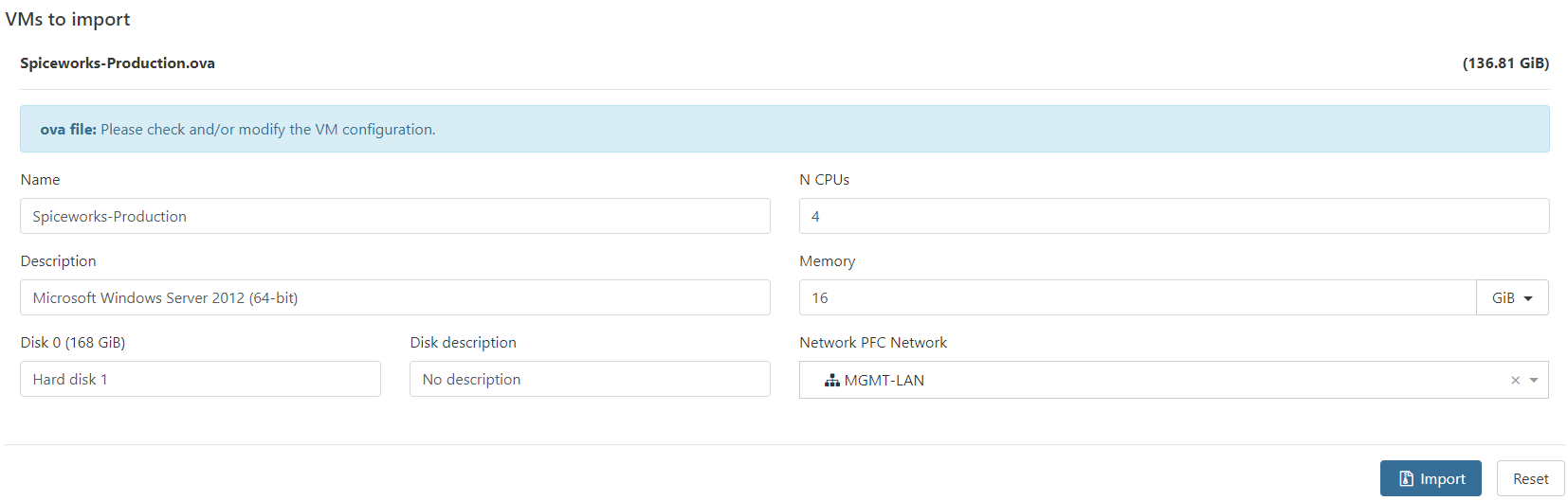
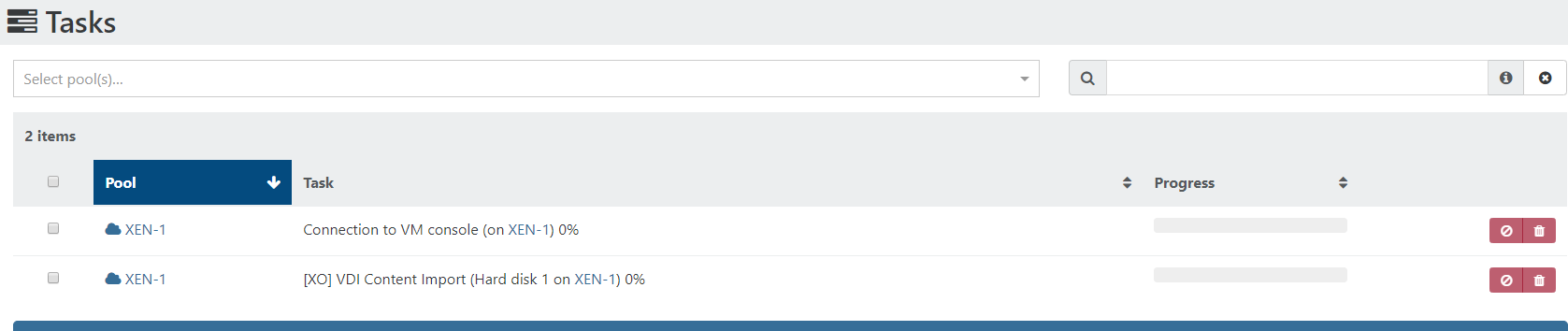
Import OVA silently fails
-
So there's a leak when you import
 How big is the OVA?
Can you try with the OVA CLI?
-
The VM is 138GB. I read those instructions, what i am failing to understand is where and how I point it to my local disk? Do you have an example of using a file in C:\Export (on a windows box)?
The example the OVA appears to be local to XOA?
Please advise,
Thank you -
I have tried to use a SR that is used for ISO:
xo-upload-ova --upload Spiceworks-Production.ova 1fee8757-644e-2bce-beb0-9f85380a5842 --override 'nameLabel=test' descriptionLabel='Spiceworks' memory=json:671088640 disks.vmdisk1.descriptionLabel='disk description' disks.vmdisk1.capacity=json:1342177280The issue of course is, how do i get the settings for disk size and memory. When i try to:
xo-upload-ova --inspect Spiceworks-Production.ova 1fee8757-644e-2bce-beb0-9f85380a5842It doesn't know where that file is, does it have to be on a Local SR to XOA?
-
Ping @nraynaud who did that
-
I am looking into it on my side. I might come back with questions.
-
OK no problem, i look forward to hearing from you.

-
@nraynaud Any update?
-
I'm still on it, I think I found an unrelated bug whose effect would be to upload a VM without any disk.
-
I think I got the bug, there is some cleanup and QA to be done before releasing a fix.
-
@nraynaud Thanks for working on this. Is the fix pushed to the latest stream or still in QA?
-
It will be released very soon
 (for this month release)
 -
@olivierlambert Thanks!
-
I ITJamie referenced this topic on


Hello! It looks like you're interested in this conversation, but you don't have an account yet.
Getting fed up of having to scroll through the same posts each visit? When you register for an account, you'll always come back to exactly where you were before, and choose to be notified of new replies (either via email, or push notification). You'll also be able to save bookmarks and upvote posts to show your appreciation to other community members.
With your input, this post could be even better 💗
Register Login