XCP-ng
    • Categories
    • Recent
    • Tags
    • Popular
    • Users
    • Groups
    • Register
    • Login

    [dedicated thread] Dell Open Manage Appliance (OME)
    Scheduled Pinned Locked Moved Solved Compute
    92 Posts 23 Posters 34.9k Views 19 Watching
    Loading More Posts
    • Oldest to Newest
    • Newest to Oldest
    • Most Votes
    Reply
    • Reply as topic
    Log in to reply
    This topic has been deleted. Only users with topic management privileges can see it.
    • F Offline
      flakpyro @AtaxyaNetwork
      last edited by flakpyro

      I finally had some time to test the latest OME appliance you created. It booted up with version 4.3.x and it it appeared that i could in fact install plugins if i wanted! It prompted me to update to 4.4.1.2 which i did and which was sucessful! Sadly this looks to have overwrote whatever changes you had made as now after a reboot it will not let me install plugins any longer, and displays the usual error about disk space. The good news is that the guest tools and SSH access remain!

      The OME VM is not configured with enough disk space to support this plugin. 400 GB of disk space must be allocated to the VM to support the appliance and all plugins (including this one). The VM has 0 GB allocated, 400 GB is required for the appliance and all other installed plugins
      

      I attempted to edit the files you listed above, replacing references to /dev/sd?? to /dev/xvd?? and that seemed to fix it!

      AtaxyaNetworkA 1 Reply Last reply Reply Quote 0
      • AtaxyaNetworkA Offline
        AtaxyaNetwork Ambassador @flakpyro
        last edited by

        @flakpyro Good news ! Thanks for your feedback πŸ™‚

        1 Reply Last reply Reply Quote 0
        • P Offline
          pctechsolution
          last edited by pctechsolution

          I've been playing around with SSL certs. OME has never allowed for wildcard cert to be used or I've never been able to get it to work. (.PFX) Since the master @AtaxyaNetwork was able to enable SSH, it was pretty easy with modifying apache config and finding where they store certs. Thank you again @AtaxyaNetwork We are still testing this out but looks like it's been working so far.

          CRT files get placed in /etc/apache2/ssl.crt/
          KEY files get placed in /etc/apache2/ssl.key/

          /etc/apache2/conf.d/ssl.conf is the config for it.

          If you edit you can see the locations of the certs. I use a different name then current cert or back it up

          Line 116 SSLCertificateFile /etc/apache2/ssl.crt/YOUR CERT.crt
          Line 123 SSLCertificateKeyFile /etc/apache2/ssl.key/YOUR KEY.key
          Line 132 SSLCertificateChainFile /etc/apache2/ssl.crt/YOUR CHAIN.crt (I'm using GoDaddy wildcard cert)

          after updating config file
          sudo service apache2 restart

          P 1 Reply Last reply Reply Quote 0
          • P Offline
            pctechsolution @pctechsolution
            last edited by

            Also just updated and modified the 2 files and plugins working! Outstanding. Thank you again @AtaxyaNetwork

            1 Reply Last reply Reply Quote 1
            • K Offline
              Kcreed @AtaxyaNetwork
              last edited by

              @AtaxyaNetwork Am I able to get a download link?
              Thank you

              AtaxyaNetworkA 1 Reply Last reply Reply Quote 0
              • AtaxyaNetworkA Offline
                AtaxyaNetwork Ambassador @Kcreed
                last edited by

                @Kcreed Hi !

                I need to re-upload the file, and I will send you the link in DM πŸ™‚

                1 Reply Last reply Reply Quote 0
                • P Offline
                  pijany
                  last edited by

                  Can confirm that OME 4.5 works, installation plugins and tools works.

                  1 Reply Last reply Reply Quote 1
                  • T Offline
                    TheMonkeyBrain
                    last edited by

                    @AtaxyaNetwork Can I get a download link?

                    Would it also be possible to get an updated guide, so we don't have to reach out to you for a new version?

                    Thanks for the great work!

                    AtaxyaNetworkA 1 Reply Last reply Reply Quote 0
                    • AtaxyaNetworkA Offline
                      AtaxyaNetwork Ambassador @TheMonkeyBrain
                      last edited by

                      @TheMonkeyBrain Hi !

                      Let me find the link I had or reupload the file. I'll give it to you via DM ASAP πŸ™‚

                      If you need to uplaod the appliance, you need to replace sda to xvda on this two files:

                          /opt/dell/omc/utilities/tui/bin/ome_disk_config.sh
                          /opt/dell/mcsi/appliance/scripts/appliance_ressource.sh
                      
                      T H 2 Replies Last reply Reply Quote 1
                      • T Offline
                        TheMonkeyBrain @AtaxyaNetwork
                        last edited by

                        @AtaxyaNetwork
                        Did try to change those files and add the missing drivers, but couldn't get it to work with plugins.
                        I think I will just have a look at you image when I have it and see what I am missing πŸ™‚

                        1 Reply Last reply Reply Quote 0
                        • H Offline
                          HeMaN @AtaxyaNetwork
                          last edited by HeMaN

                          @AtaxyaNetwork Was looking to get OME installed in my homelab and came across the post on your site, which led me to this topic here.

                          Can you also share the link with me?

                          PS Nice to see you are using Bookstacj as well. I really like that tool for my online notes and howto writeups

                          AtaxyaNetworkA 1 Reply Last reply Reply Quote 0
                          • AtaxyaNetworkA Offline
                            AtaxyaNetwork Ambassador @HeMaN
                            last edited by

                            @HeMaN Yes, I just need to reupload it somewhere. I'll send you a DM with the link

                            1 Reply Last reply Reply Quote 0
                            • D Offline
                              dreddpenguin
                              last edited by

                              @AtaxyaNetwork
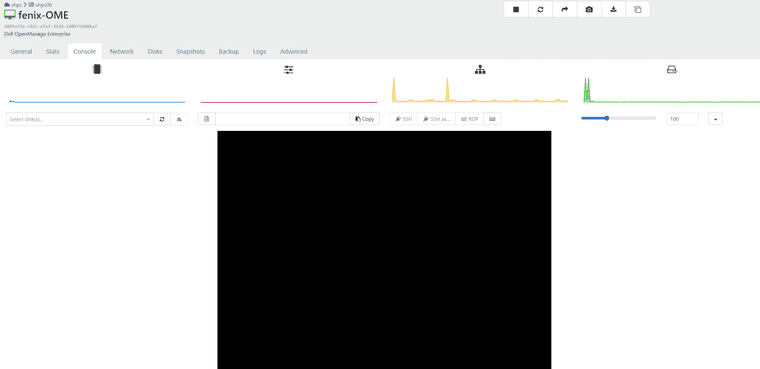
                              Found your blog post and then reading through your efforts here I wanted to express my thanks, and ask if you had VHD for OME 4.5?

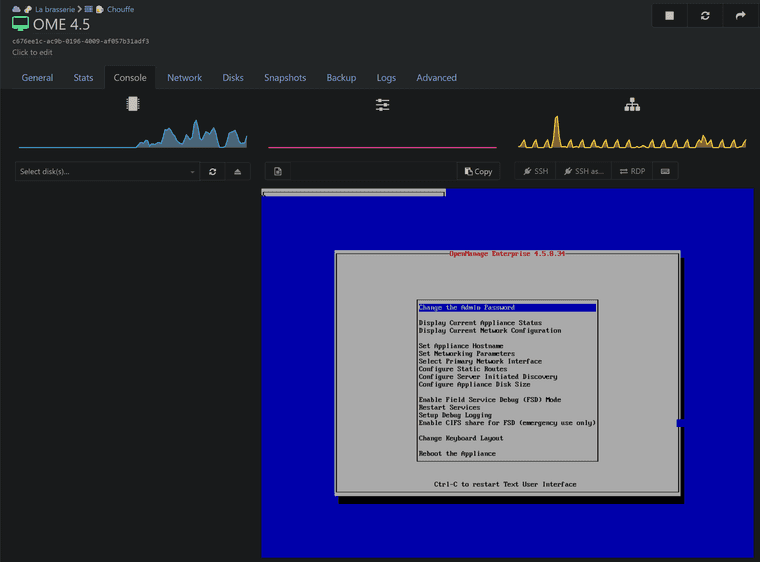
                              I was able to follow your steps, got GRUB but even after 30 minutes my VM still hasn't booted, with ample CPU/mem assigned. Just a flashing cursor and small bit of occasional disk activity.
                              b584ea1e-0987-49ae-a4a6-e208ccfd1e0a-image.png

                              869f39c7-b440-418d-85e0-7baaa4945f4d-image.png

                              AtaxyaNetworkA 1 Reply Last reply Reply Quote 0
                              • AtaxyaNetworkA Offline
                                AtaxyaNetwork Ambassador @dreddpenguin
                                last edited by

                                @dreddpenguin Hi !

                                I didn't see that a new version was released πŸ˜…
                                I'll try to rebuild one from scratch with the latest version, maybe they changed something πŸ€”

                                If people reading this thread want the last version, please ping me here !

                                AtaxyaNetworkA 1 Reply Last reply Reply Quote 0
                                • AtaxyaNetworkA Offline
                                  AtaxyaNetwork Ambassador @AtaxyaNetwork
                                  last edited by

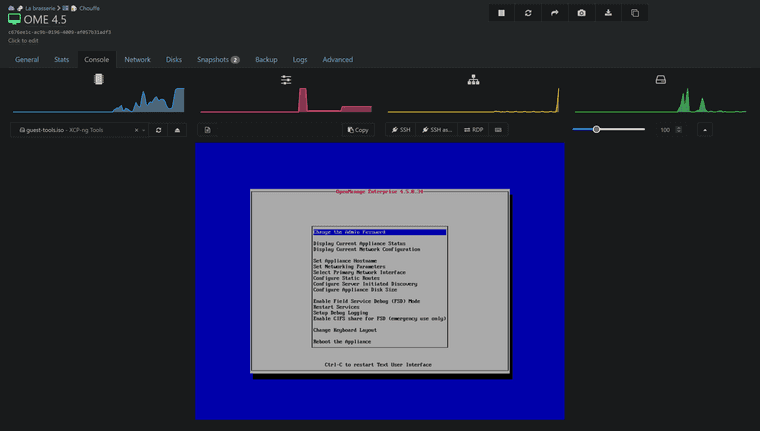
                                  Ok got it, it boots now

                                  14bd0607-edfb-4504-9aae-faca183aa01e-image.png

                                  I just need to add the tool and ssh support, and the patched version should be available tomorrow πŸ™‚

                                  D 1 Reply Last reply Reply Quote 2
                                  • D Offline
                                    dreddpenguin @AtaxyaNetwork
                                    last edited by

                                    @AtaxyaNetwork speedy work! Thanks
                                    Please DM when link is available.

                                    Do you have any buy me a coffee links? lol

                                    1 Reply Last reply Reply Quote 0
                                    • H Offline
                                      HeMaN
                                      last edited by

                                      Also still interested πŸ‘βœ…οΈ

                                      1 Reply Last reply Reply Quote 0
                                      • A Offline
                                        acebmxer
                                        last edited by

                                        ALso interested. Please send link.

                                        AtaxyaNetworkA 1 Reply Last reply Reply Quote 0
                                        • AtaxyaNetworkA Offline
                                          AtaxyaNetwork Ambassador @acebmxer
                                          last edited by AtaxyaNetwork

                                          New version release !

                                          A new patch version of the OME appliance is now available πŸŽ‰

                                          606721a0-e549-47b3-8b69-55d7b233d21f-image.png

                                          What I changed:

                                          • Add xen-blkfront and xen-netfront driver
                                          • Add guest tool (so RAM/network is reported, soft shutdown is working)
                                          • /dev/sd* is replaced by /dev/xvd*
                                          • Remove grub password
                                          • Change admin and root password
                                          • SSH is now enabled
                                          • SElinux is working correctly
                                          • DHCP is enabled by default

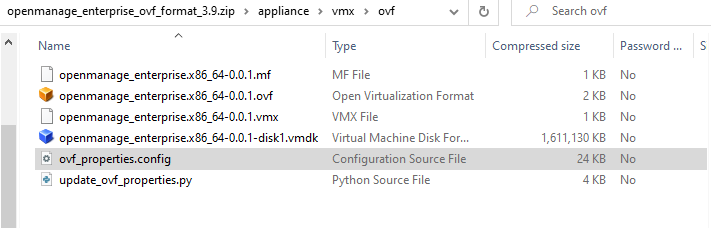
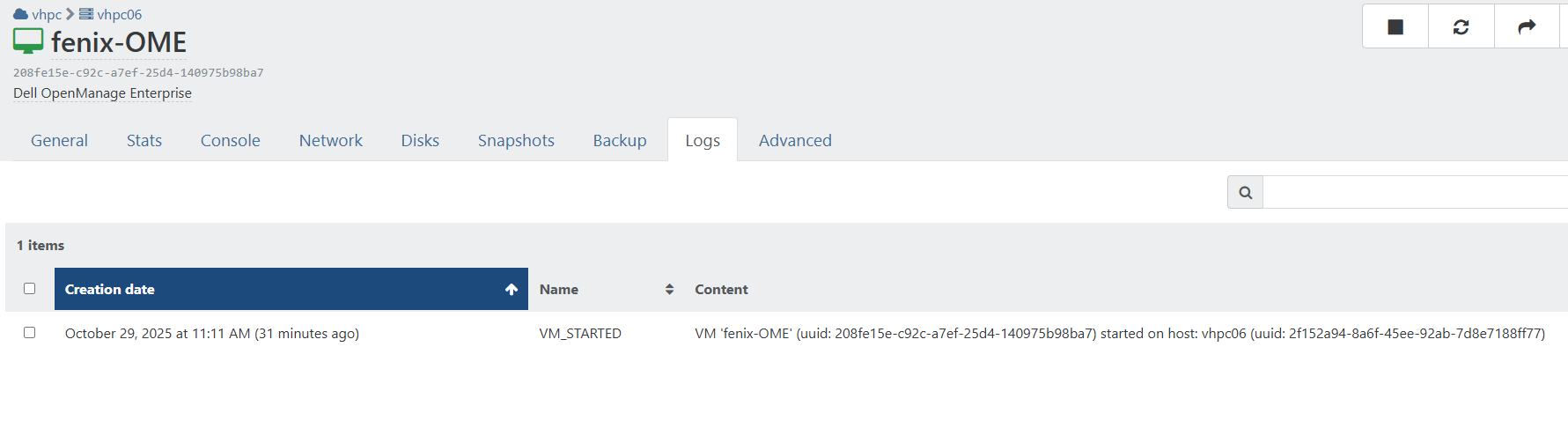
                                          As usual, please send a DM if you want the link to the vhd πŸ™‚

                                          Feedback is welcome !

                                          AtaxyaNetworkA 1 Reply Last reply Reply Quote 2
                                          • AtaxyaNetworkA Offline
                                            AtaxyaNetwork Ambassador @AtaxyaNetwork
                                            last edited by

                                            Hello everyone !

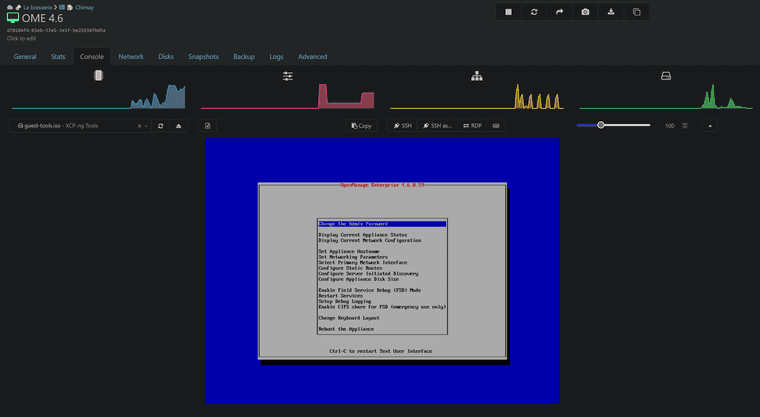
                                            I rebuild a new OME appliance with the latest version (4.6) πŸŽ‰
                                            Dell decided to give this appliance Proxmox, Nutanix and OpenShift compatibility, but no XCP-ng yet... If someone from Dell want to reach out about this, please contact me !
                                            7f4cc1c1-90c4-4f30-94f8-cf109711cfd6-image.png

                                            What i did on the rebuild:

                                            • Via live CD
                                              • add xen-blkfront and xen-netfront driver, and rebuild the initrd
                                              • change root password
                                              • activate SSH.
                                            • Via SSH
                                            sed -i -e 's/sda/xvda/g' /opt/dell/omc/utilities/tui/bin/ome_disk_config.sh
                                            sed -i -e 's/sda/xvda/g' /opt/dell/mcsi/appliance/scripts/appliance_resources.sh
                                            bash /mnt/Linux/install.sh # To install XCP-ng tools
                                            

                                            As usual, please send a DM if you want the link to the VHD πŸ™‚

                                            Feedback is welcome !

                                            (Disclamer: This build is something I create on my free time and to help people who have difficulty running Dell appliances on XCP-ng. I do not guarantee a fully functional appliance, but I do my best to make it work. If you have a support contract with Dell and require official support for OME, please contact Dell and request compatibility with XCP-ng.)

                                            1 Reply Last reply Reply Quote 2

                                            Hello! It looks like you're interested in this conversation, but you don't have an account yet.

                                            Getting fed up of having to scroll through the same posts each visit? When you register for an account, you'll always come back to exactly where you were before, and choose to be notified of new replies (either via email, or push notification). You'll also be able to save bookmarks and upvote posts to show your appreciation to other community members.

                                            With your input, this post could be even better πŸ’—

                                            Register Login
                                            • First post
                                              Last post