[dedicated thread] Dell Open Manage Appliance (OME)
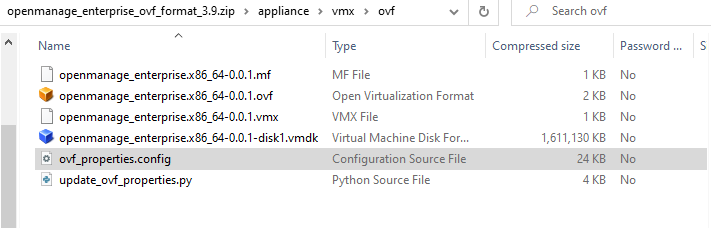
-
Nevermind.
I forgot your previous post about:
You'll need to modify two files (via SSH):
    /opt/dell/omc/utilities/tui/bin/ome_disk_config.sh
    /opt/dell/mcsi/appliance/scripts/appliance_ressource.sh

In these files, replace /dev/sd with /dev/xvd.
I went and made these changes, and now the Data drive is loading after doing the drive scan.
I should mention that doing this BEFORE first logging into the OME web interface and completing the initialization seems to be best (no further errors appear once logged in).
-
Please be gentle....I am a newbie to almost everything XCPNG and Linux...
I got to this part of the guide located at https://blog.ataxya.net/add-xen-driver-to-ome-dell-open-manage-enterprise/
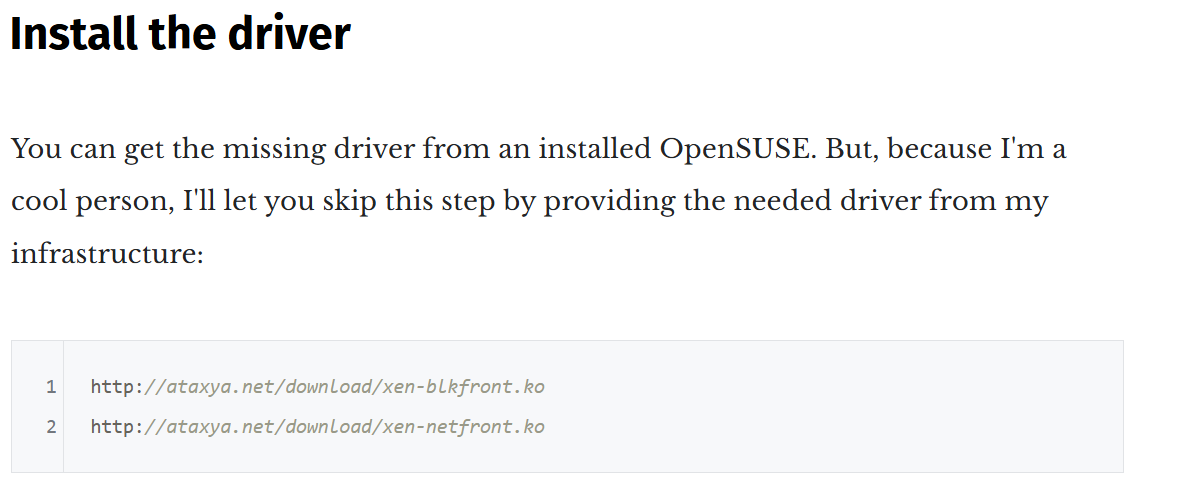
....and those links don't work for me. I'm sure I'm doing something wrong.
-
Ping @ataxyanetwork to the rescue

-
@olivierlambert Guess who migrated her website and forgot to migrate this folder ?

@tiki1469 i'll reupload the drivers somewhere, i'll ping you when it's ready
-
Well you both just made my Friday! I can follow directions after all!

-
@ataxyanetwork , just checking in on this. No rush at all. Thanks!
-
I got this running and when I set up a catalog and baseline the report tells me that it has nothing in the catalog. Is that because it doesn't understand XCP-ng or because my hardware is old enough that it has dropped out of the catalog? I have two PE R630 and one PE R730. I tried both the full default Dell catalog as well as the one that limits to BIOS and firmware updates.
-
Version 4.7 build 105 works fine with applied fix (modules/path).
I have made upgrade form 4.5 -> 4.7, before update I have uninstall all plugins than upgrade to 4.7. Apply fixes and install plugins.
-
Hello everyone !
I rebuild a new OME appliance with the latest version (4.7)

What i did on the rebuild:- Via live CD
- add xen-blkfront and xen-netfront driver, and rebuild the initrd
- change root password
- activate SSH.
- Via TUI
- Change admin password
- Set interface to DHCP
- Via SSH
sed -i -e 's/sda/xvda/g' /opt/dell/omc/utilities/tui/bin/ome_disk_config.sh
sed -i -e 's/sda/xvda/g' /opt/dell/mcsi/appliance/scripts/appliance_resources.sh
bash /mnt/Linux/install.sh # To install XCP-ng tools
As usual, please send a DM if you want the link to the VHD
Also, if you want to build it yourself, the driver are here
Feedback is welcome !
(Disclamer: This build is something I create on my free time and to help people who have difficulty running Dell appliances on XCP-ng. I do not guarantee a fully functional appliance, but I do my best to make it work. If you have a support contract with Dell and require official support for OME, please contact Dell and request compatibility with XCP-ng.)
- Via live CD
-
@AtaxyaNetwork Thank you for sharing the latest version. It works very well except I'm getting error when trying to install any plugin. Did you get this as well ?

-
@ataxyanetwork hey, thanks for sharing this. I am new to the forum so maybe i am not looking in the right place. Your Blog seems to be offline, so did you link the Appliance here in the forum or is it only available on the blog
thx



Hello! It looks like you're interested in this conversation, but you don't have an account yet.
Getting fed up of having to scroll through the same posts each visit? When you register for an account, you'll always come back to exactly where you were before, and choose to be notified of new replies (either via email, or push notification). You'll also be able to save bookmarks and upvote posts to show your appreciation to other community members.
With your input, this post could be even better 💗
Register Login