XCP-ng
    • Categories
    • Recent
    • Tags
    • Popular
    • Users
    • Groups
    • Register
    • Login

    Stuck on boot : Hard Disk - Success
    Scheduled Pinned Locked Moved Compute
    19 Posts 6 Posters 6.8k Views 5 Watching
    Loading More Posts
    • Oldest to Newest
    • Newest to Oldest
    • Most Votes
    Reply
    • Reply as topic
    Log in to reply
    This topic has been deleted. Only users with topic management privileges can see it.
    • DanpD
      Danp Pro Support Team
      last edited by

      Could this be a BIOS vs UEFI issue.

      alpenliebeanjA 1 Reply Last reply
      Reply Quote 0
      • alpenliebeanjA
        alpenliebeanj @Danp
        last edited by

        @Danp during the boot we cant select UEFI bios for debian, it's as default selection unselected... so

        DanpD 1 Reply Last reply
        Reply Quote 0
        • DanpD
          Danp Pro Support Team @alpenliebeanj
          last edited by

          @alpenliebeanj This setting can be viewed / changed from the VM's Advanced tab in XO.

          alpenliebeanjA 1 Reply Last reply
          Reply Quote 0
          • alpenliebeanjA
            alpenliebeanj @Danp
            last edited by

            @Danp You mean to try to allow UEFI bios during the boot for this istance of Debian11?

            D 1 Reply Last reply
            Reply Quote 0
            • D
              dejavju @alpenliebeanj
              last edited by

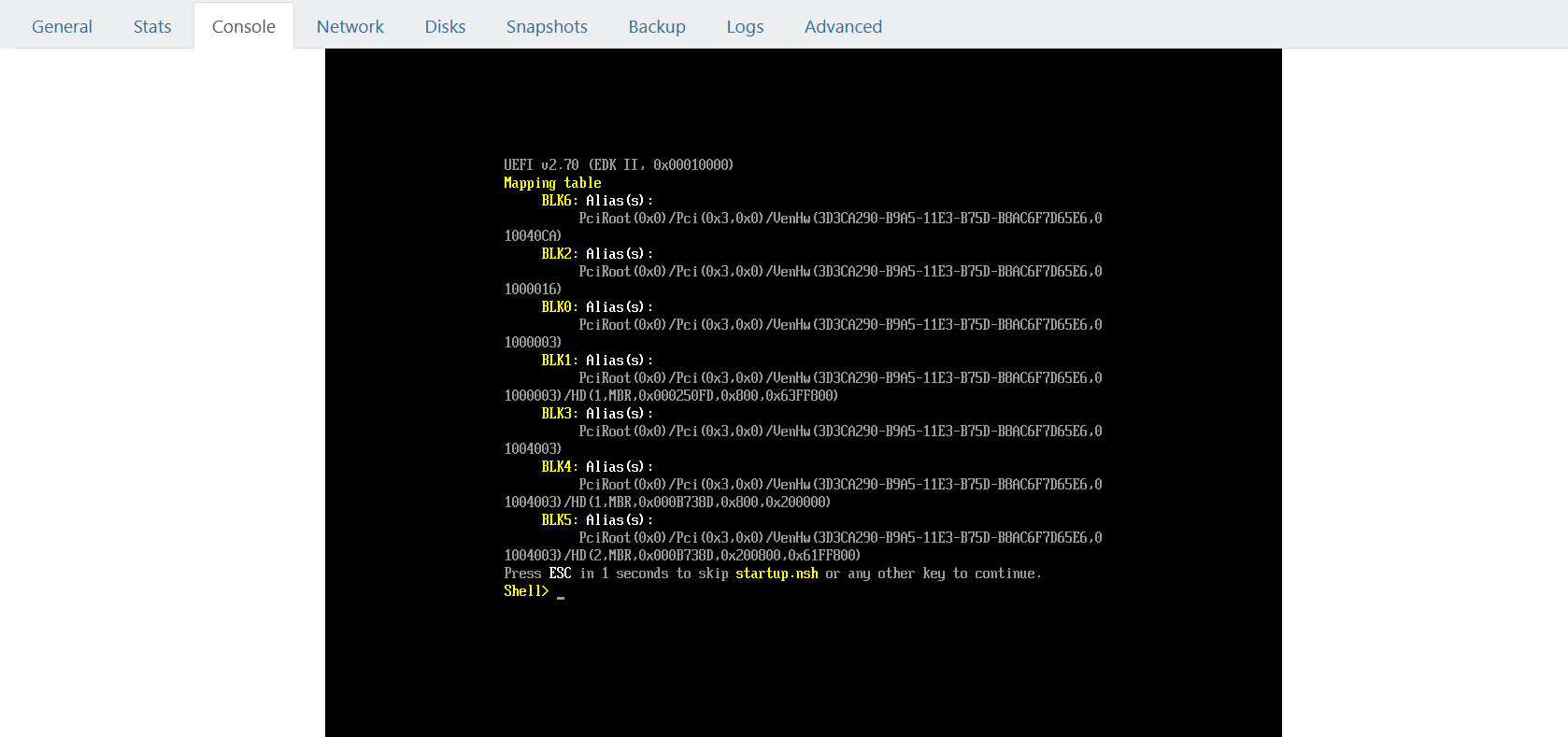
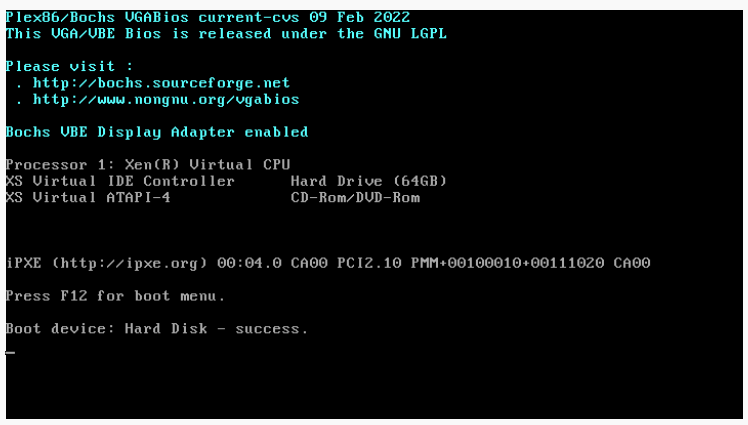
              @alpenliebeanj did you find a solution? Having the same issue after moving from KVM and following the migration guide https://xcp-ng.org/docs/migratetoxcpng.html#from-kvm-libvirt.

              Tried changing to UEFI aswell but no luck

              Bios:
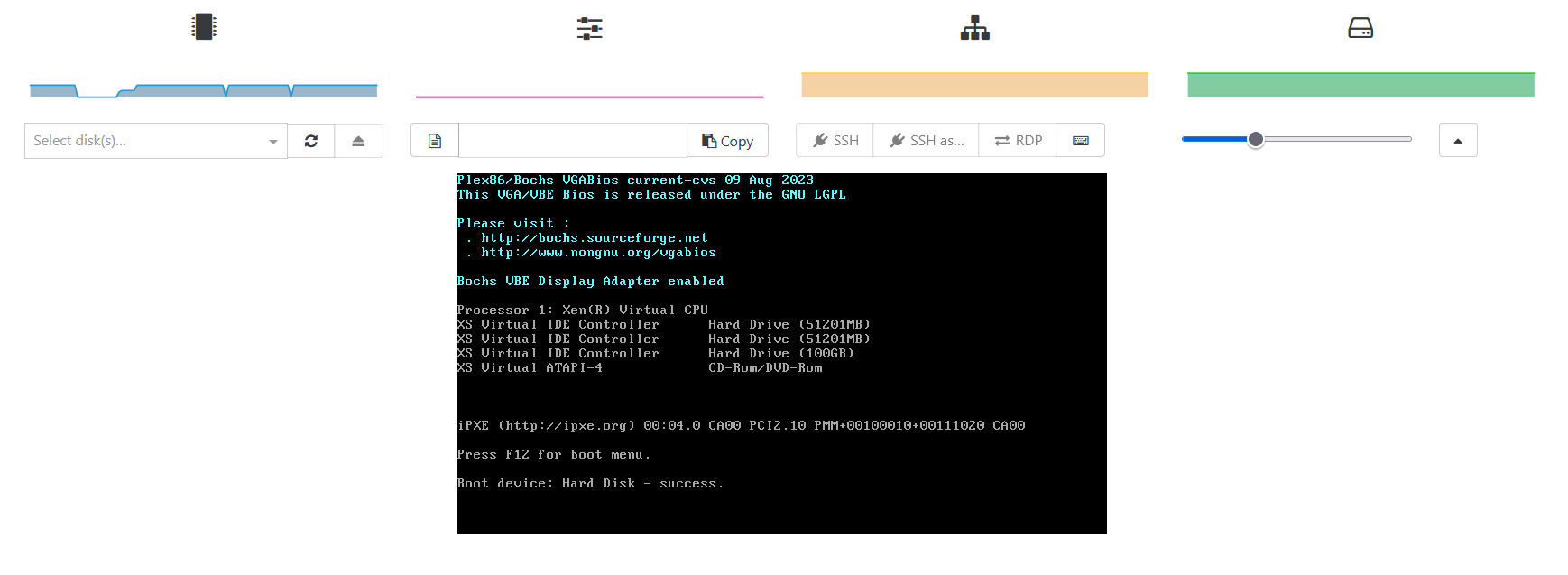
              347c9106-4a56-4151-bfa6-709ba8aec106-image.png

              UEFI:
              1607556c-63e6-4184-89d9-8d29bbc90eb3-image.png

              D 1 Reply Last reply
              Reply Quote 0
              • D
                dejavju @dejavju
                last edited by

                @dejavju FYI Converted the qcow disk to vhd again and tried and this time it booted, so something perhaps went wrong in the conversion. All is good now.

                1 Reply Last reply
                Reply Quote 1
                • olivierlambertO
                  olivierlambert Vates 🪐 Co-Founder CEO
                  last edited by

                  Ah good to know, thanks for your feedback @dejavju 🙂

                  1 Reply Last reply
                  Reply Quote 0
                  • E
                    erik.lukes
                    last edited by

                    This post is deleted!
                    D 1 Reply Last reply
                    Reply Quote 0
                    • D
                      dejavju @erik.lukes
                      last edited by

                      This post is deleted!
                      1 Reply Last reply
                      Reply Quote 0
                      • A
                        akoala
                        last edited by

                        @alpenliebeanj

                        I know you resolved this a different way but what I did when migrating P2V from a bare metal debian system to xcpng is using clonezilla I transferred the image via the network to the VM which was booted to clonezilla as well. Then I changed the boot option to UEFI in advanced, pressed escape on startup and then proceeded to add a boot menu entry for grub of the Debian system. I would assume the process would have been similar in your case as well to resolve.

                        1 Reply Last reply
                        Reply Quote 0

                        Hello! It looks like you're interested in this conversation, but you don't have an account yet.

                        Getting fed up of having to scroll through the same posts each visit? When you register for an account, you'll always come back to exactly where you were before, and choose to be notified of new replies (either via email, or push notification). You'll also be able to save bookmarks and upvote posts to show your appreciation to other community members.

                        With your input, this post could be even better 💗

                        Register Login
                        • First post
                          Last post