XCP-NG Kubernetes micro8k
-
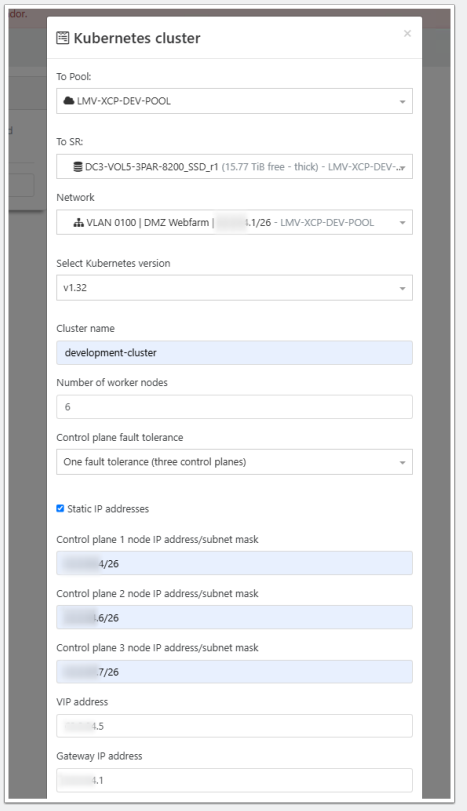
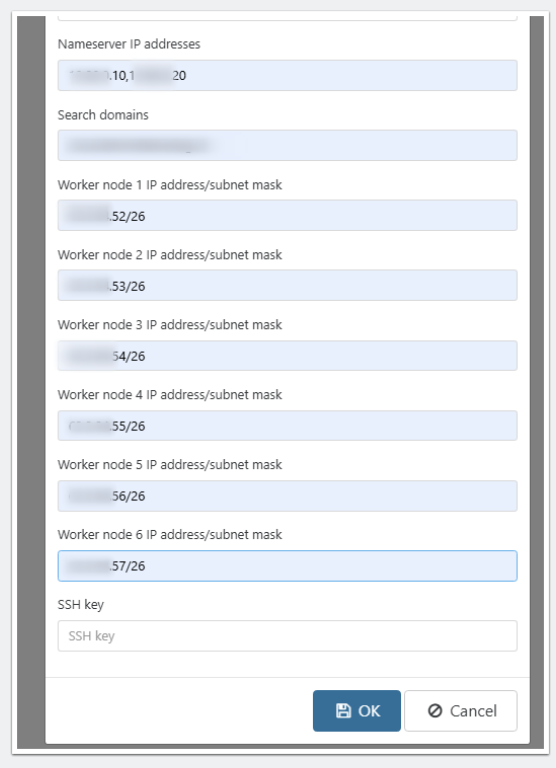
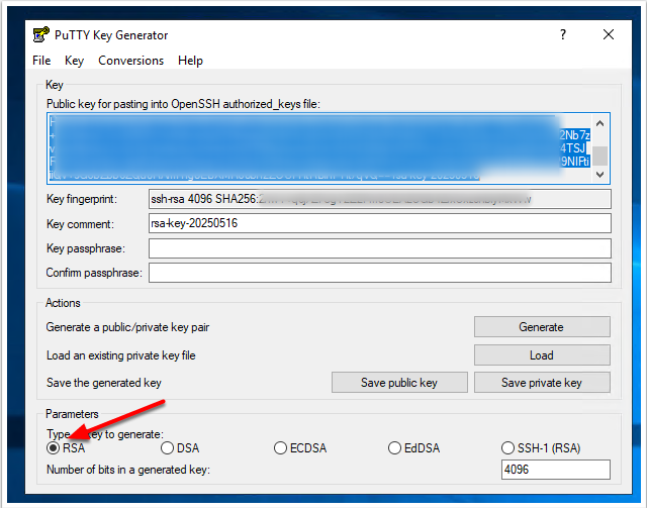
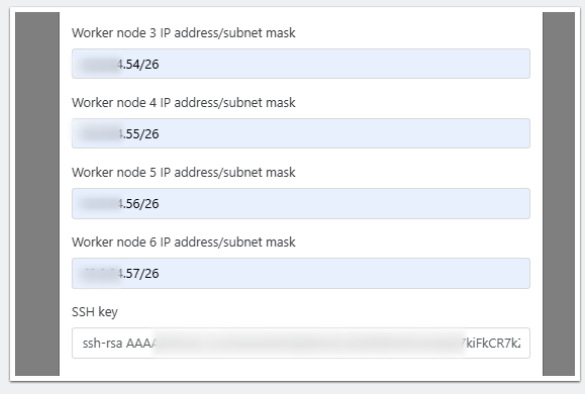
I have tried to install the XCP-NG Kubernetes. Here are my installation instructions (created with the help of ChatGPT):
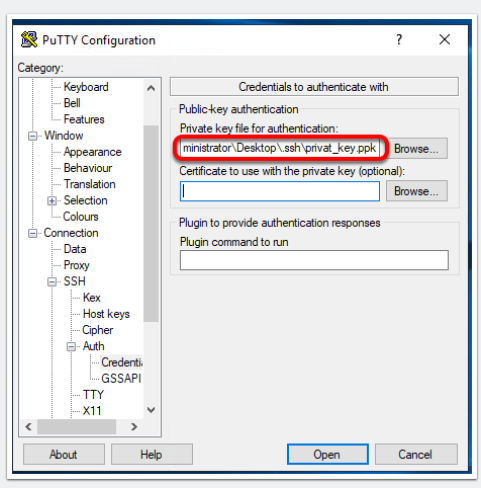
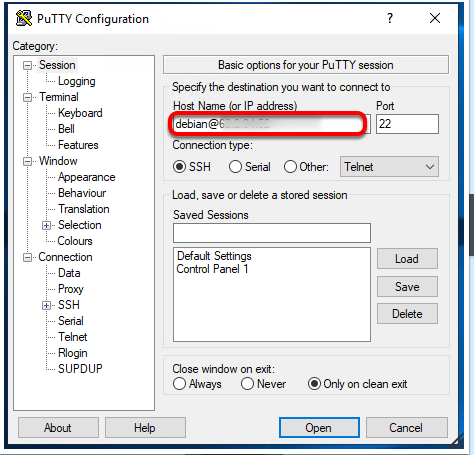
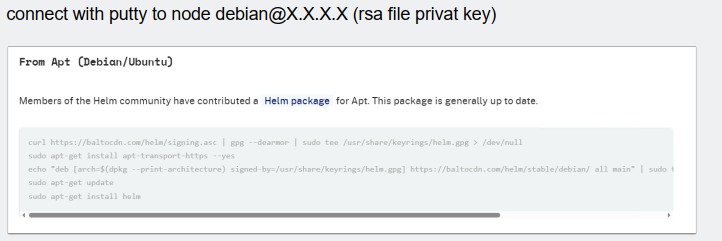
sudo apt update
sudo apt install curl -y
sudo curl https://baltocdn.com/helm/signing.asc | gpg --dearmor | sudo tee /usr/share/keyrings/helm.gpg > /dev/null
sudo apt-get install apt-transport-https --yes
echo "deb [arch=$(dpkg --print-architecture) signed-by=/usr/share/keyrings/helm.gpg] https://baltocdn.com/helm/stable/debian/ all main" | sudo tee /etc/apt/sources.list.d/helm-stable-debian.list
sudo apt-get update
sudo apt-get install helm
sudo snap install helm --classic
sudo snap install kubeadm --classic
sudo snap install kubectl --classic
sudo snap install kubelet --classic
sudo apt install git
sudo helm create xcpng-csi
cd ..
cd xcpng-csi
sudo git clone https://github.com/ArturoGuerra/xcpng-csi.gitsudo apt-get update
sudo apt-get install -y apt-transport-https ca-certificates curl
curl -fsSL https://packages.cloud.google.com/apt/doc/apt-key.gpg | sudo apt-key add -
sudo bash -c 'cat <<EOF >/etc/apt/sources.list.d/kubernetes.list
deb https://apt.kubernetes.io/ kubernetes-xenial main
EOF'
sudo apt-get updatesudo apt-get update
sudo apt-get install -y ca-certificates
sudo update-ca-certificateskubectl apply -f https://raw.githubusercontent.com/coreos/flannel/master/Documentation/kube-flannel.yml
kubeadm init --pod-network-cidr=x.x.x.x/26sudo apt-get update
sudo apt-get install -y apt-transport-https ca-certificates curl
curl -fsSL https://packages.cloud.google.com/apt/doc/apt-key.gpg | sudo apt-key add -
sudo bash -c 'cat <<EOF >/etc/apt/sources.list.d/kubernetes.list
deb https://apt.kubernetes.io/ kubernetes-xenial main
EOF'
sudo apt-get updatesudo curl -LO https://dl.k8s.io/release/v1.27.1/bin/linux/amd64/kube-apiserver
sudo chmod +x kube-apiserver
sudo mv kube-apiserver /usr/local/bin/sudo nano /etc/systemd/system/kube-apiserver.service
EDITOR
[Unit]
Description=Kubernetes API Server
Documentation=https://kubernetes.io/docs/
After=network.target[Service]
ExecStart=/usr/local/bin/kube-apiserver
--advertise-address=0.0.0.0
--allow-privileged=true
--authorization-mode=Node,RBAC
--client-ca-file=/etc/kubernetes/pki/ca.crt
--kubelet-client-certificate=/etc/kubernetes/pki/apiserver-kubelet-client.crt
--kubelet-client-key=/etc/kubernetes/pki/apiserver-kubelet-client.key
--service-account-key-file=/etc/kubernetes/pki/sa.pub
--service-cluster-ip-range=x.x.x.0/26
--tls-cert-file=/etc/kubernetes/pki/apiserver.crt
--tls-private-key-file=/etc/kubernetes/pki/apiserver.key
--etcd-servers=https://127.0.0.1:2379
--etcd-cafile=/etc/kubernetes/pki/etcd/ca.crt
--etcd-certfile=/etc/kubernetes/pki/apiserver-etcd-client.crt
--etcd-keyfile=/etc/kubernetes/pki/apiserver-etcd-client.key
Restart=always
RestartSec=10[Install]
WantedBy=multi-user.target
EDITORsudo systemctl daemon-reload
sudo systemctl enable kube-apiserver
sudo systemctl start kube-apiserver -
 M msupport deleted this topic on
-
M msupport restored this topic on
-
Hi,
Can you explain what you are trying to achieve exactly? And if you have an issue, what is it?
edit: also please edit your post to use Markdown syntax for code block
-
Hello @msupport we published a step by step guide, read more in the announcement there https://xcp-ng.org/forum/post/94268


Hello! It looks like you're interested in this conversation, but you don't have an account yet.
Getting fed up of having to scroll through the same posts each visit? When you register for an account, you'll always come back to exactly where you were before, and choose to be notified of new replies (either via email, or push notification). You'll also be able to save bookmarks and upvote posts to show your appreciation to other community members.
With your input, this post could be even better 💗
Register Login