Test results for Dell Poweredge R770 with NVMe drives
-
I will share some test results for the community, maybe helps somebody.
1. Server spec:
This is the latest generation Dell server with Intel Efficiency core CPUs and NVMe disks.
All firmware and BIOS versions are latest as of 28.04.2025Dell Poweredge R770
2.5" Chassis with up to 8 NVMe HWRAID Drives, Front PERC 12 (H965i)
2 x Intel Xeon 6 Efficient 6740E 2.4G, 96C/96T, 24GT/s, 96M Cache, Turbo, (250W) DDR5-6400
BOSS-N1 controller card + with 2 M.2 480GB (RAID 1) (22x80) Rear
Broadcom 57508 Dual Port 100GbE QSFP56, OCP NIC 3.0
2 x 800G Data Center NVMe Mixed Use AG Drive U2 Gen4 with carrier
2 x 32GB RDIMM, 6400MT/s, Dual RankVirtual disks set up in iDRAC:
vd1 - RAID1 (2 x 480GB) virtual disk configured in iDRAC
vd2 - RAID1 (2 x 800G) virtual disk configured in Perc H965i2. Results for latest XCP-ng 8.2
Virtual disks and network is detected normally.
XCP-ng installation to vd1 is successful.
Since vd2 has 4K sectors, it is not usable in a standard way.
Need to use SR with type=largeblock (https://xcp-ng.org/forum/topic/8901/largeblocksr-for-4kib-blocksize-disks).
Currently only one SR with type=largeblock can be created in one host. Adding multiple will cause errors.
In the long run there will be support for 4k sector NVMe disks with SMAPIv3 (https://xcp-ng.org/blog/2024/04/19/first-smapiv3-driver-is-available-in-preview/)3. Results for latest XCP-ng 8.3
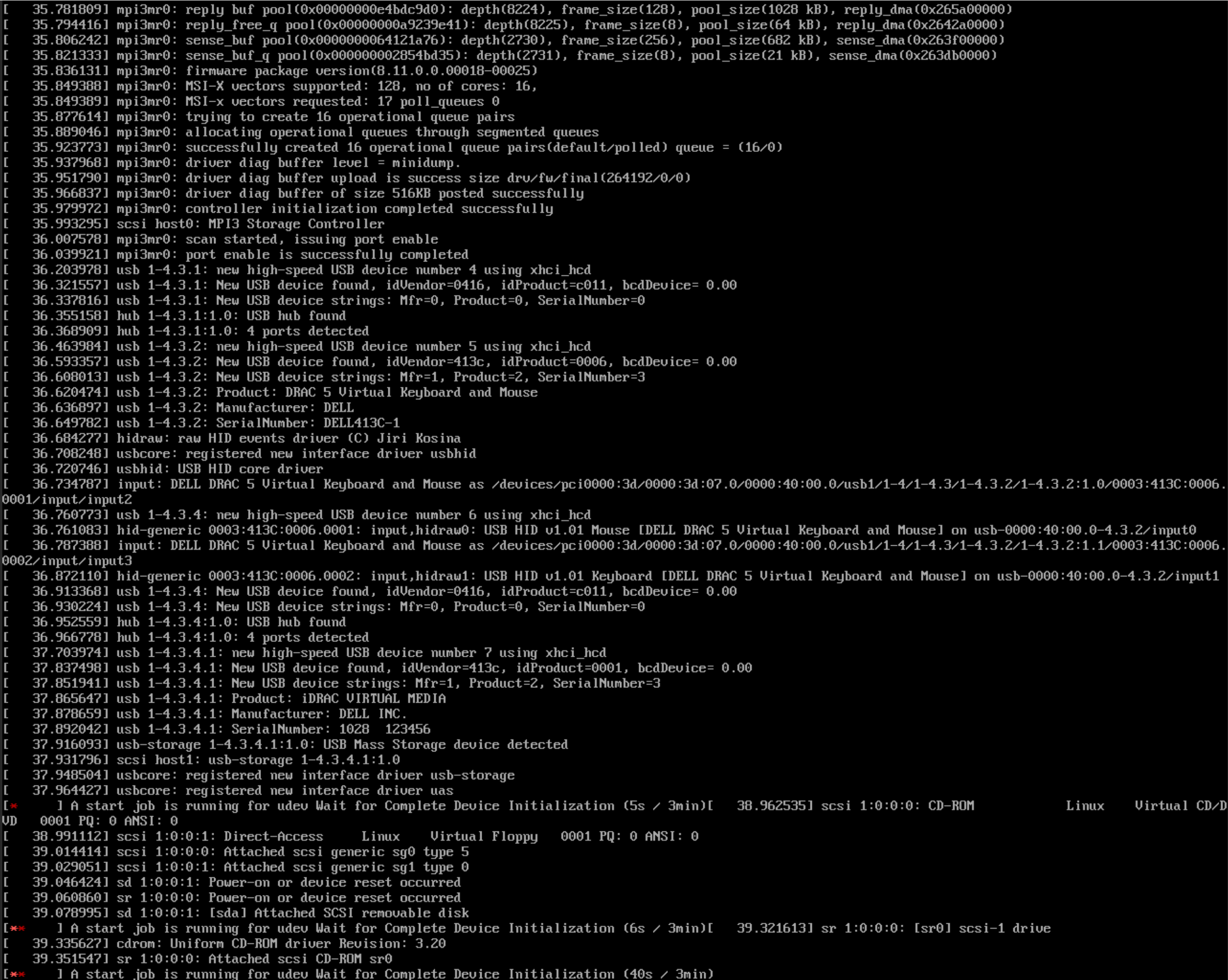
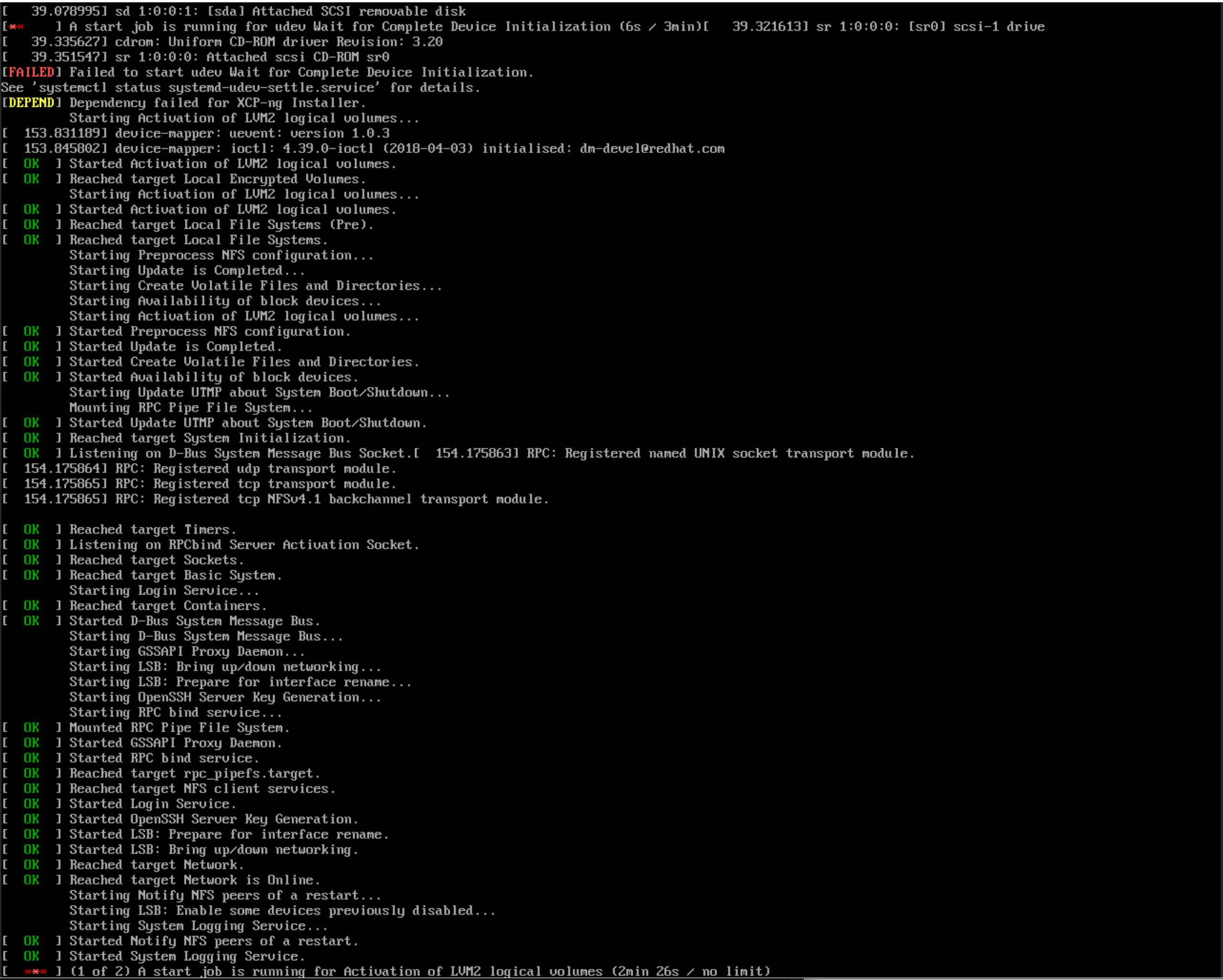
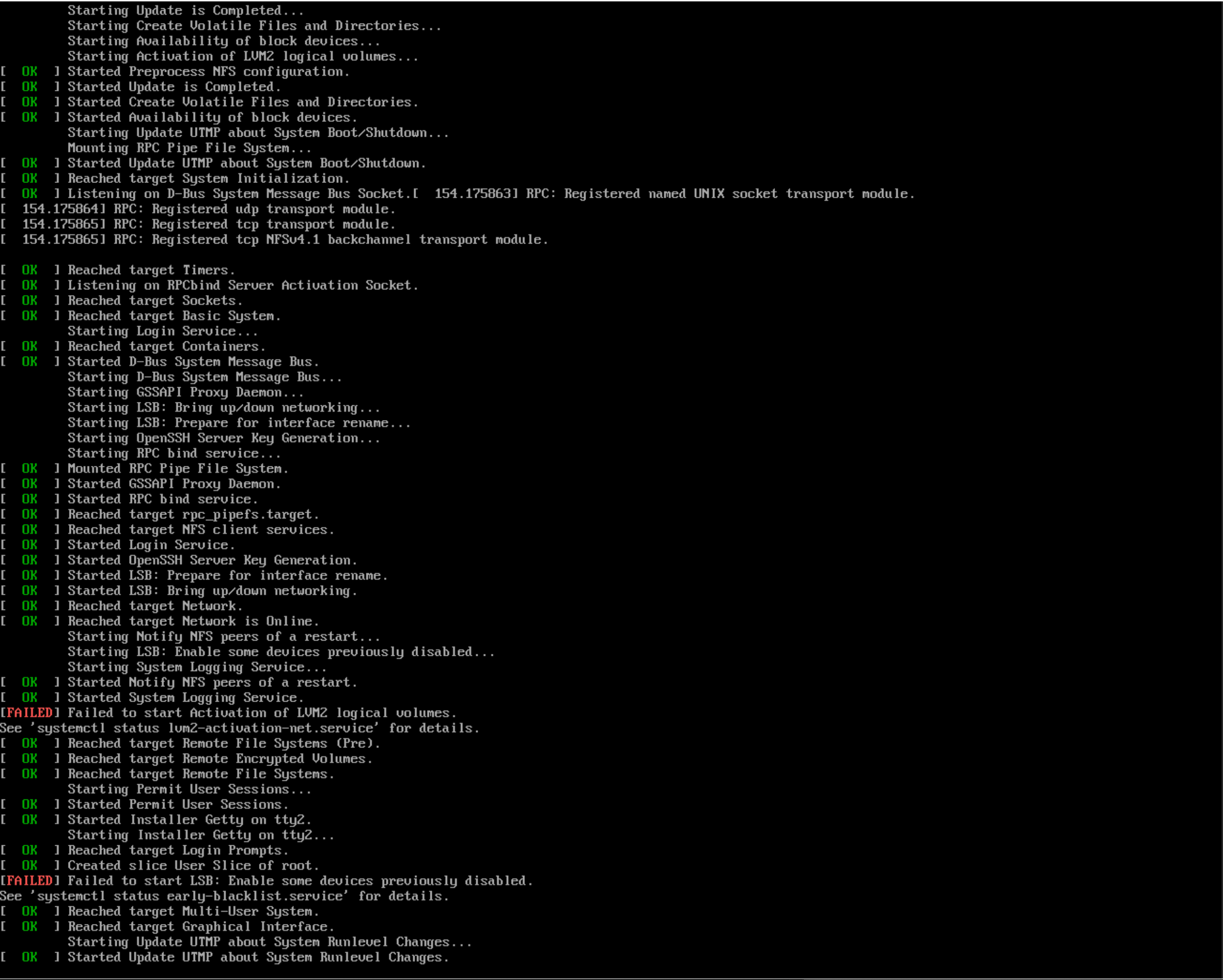
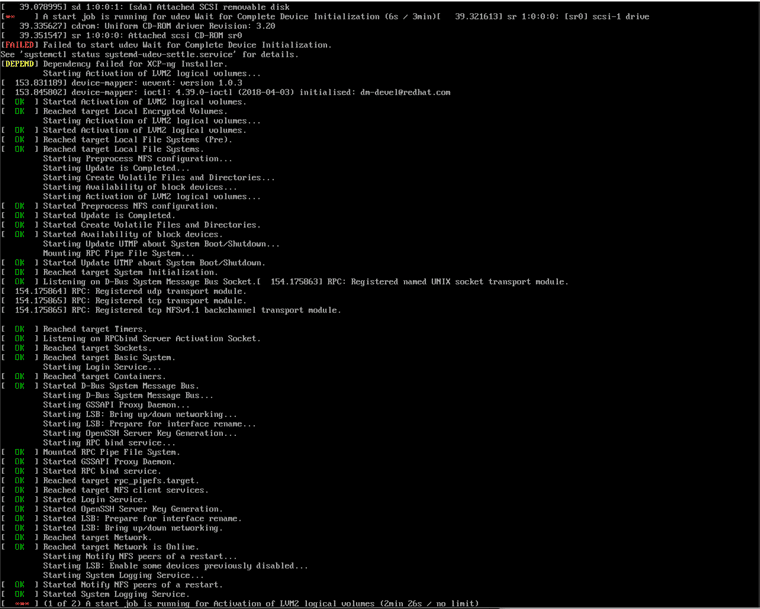
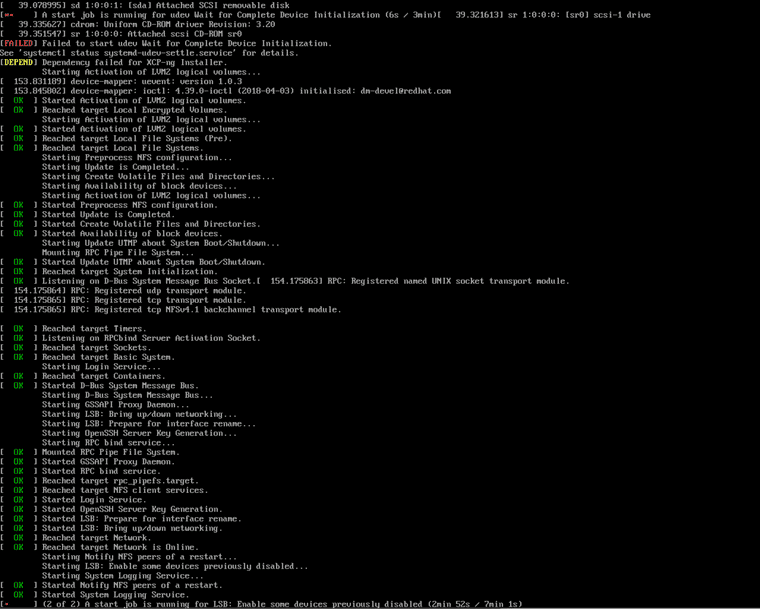
Never reaches install console
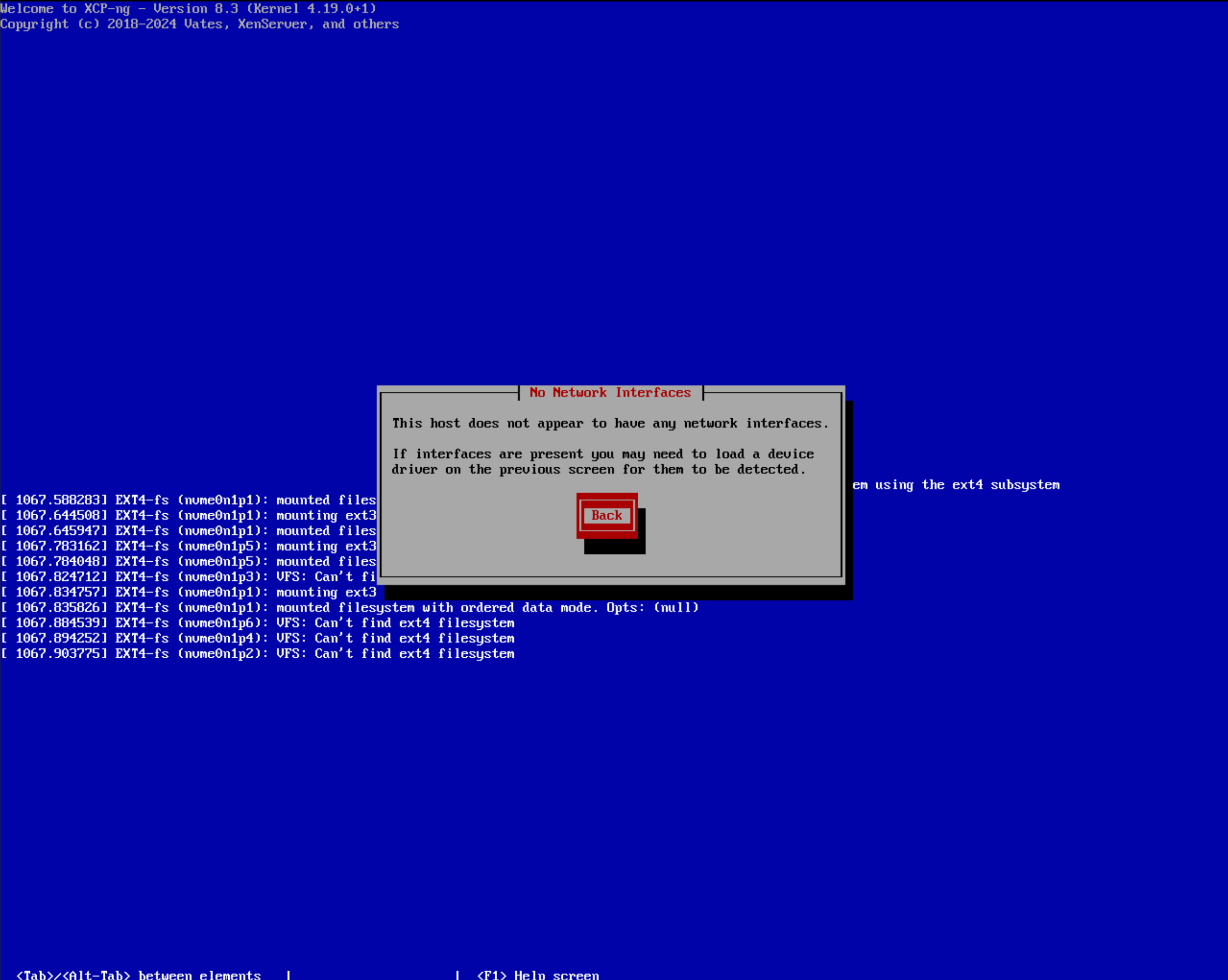
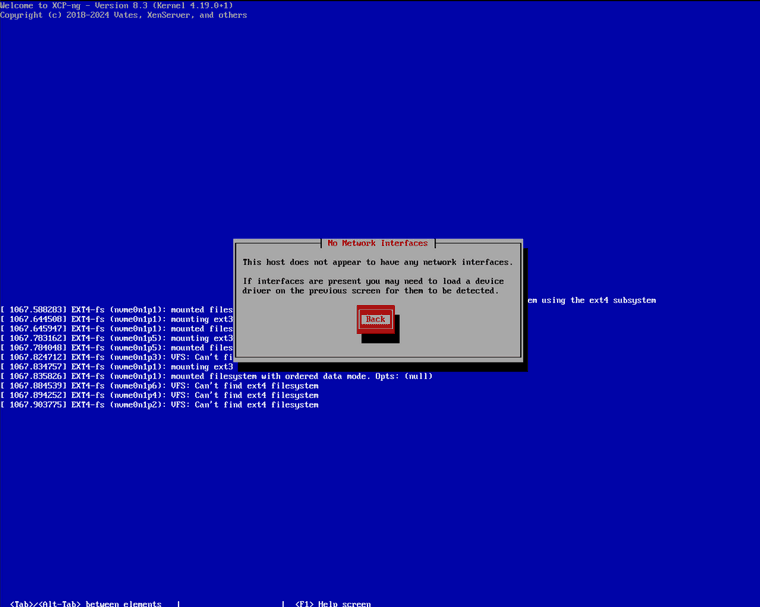
Fails to detect storage and network
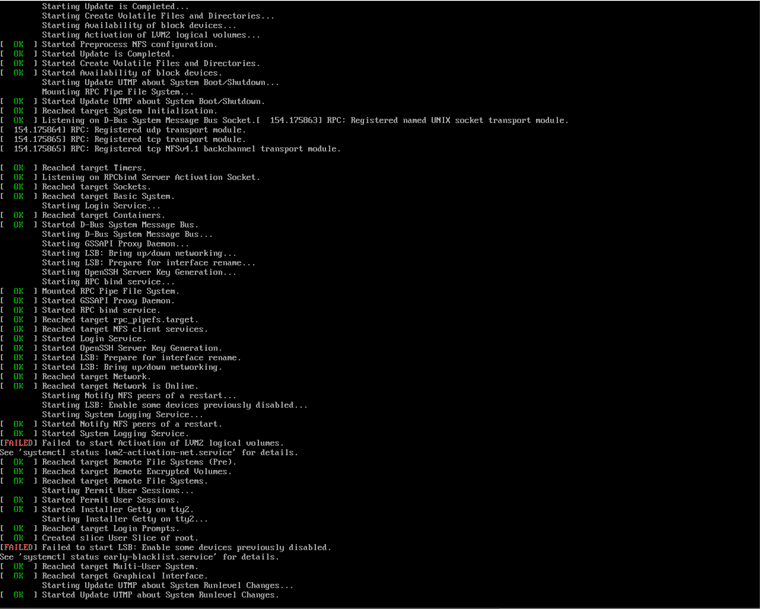
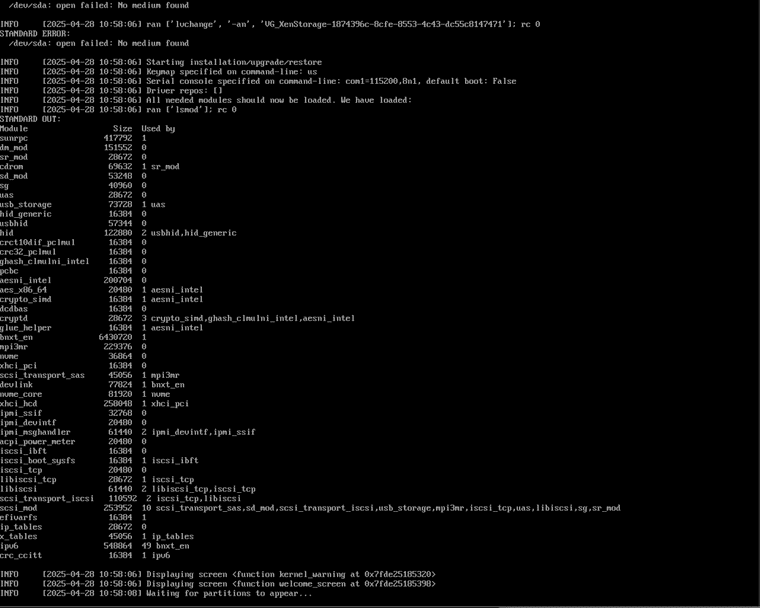
Gets stuck at "Started Update UTMP about System Runlevel Changes." as seen on screenshot.
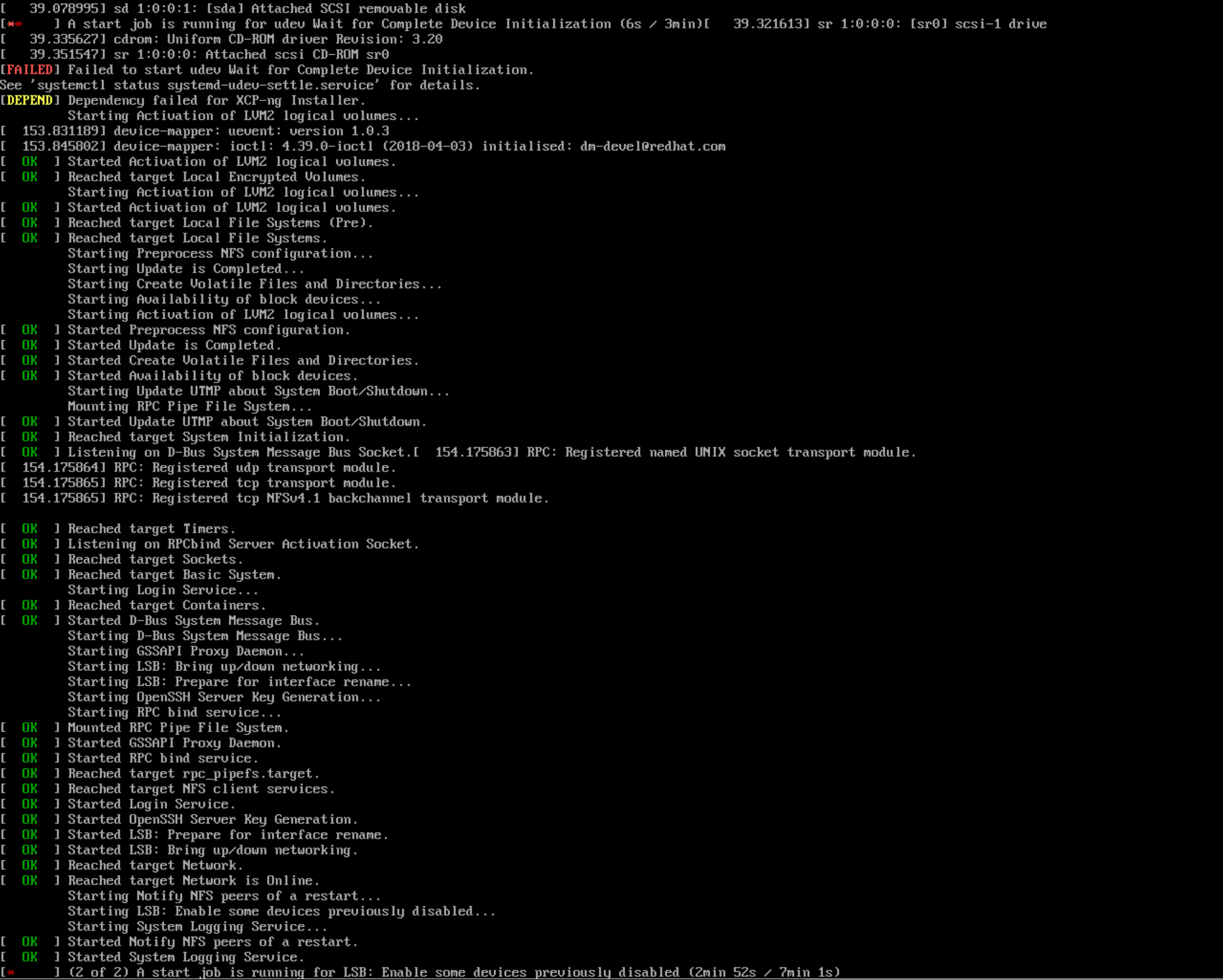
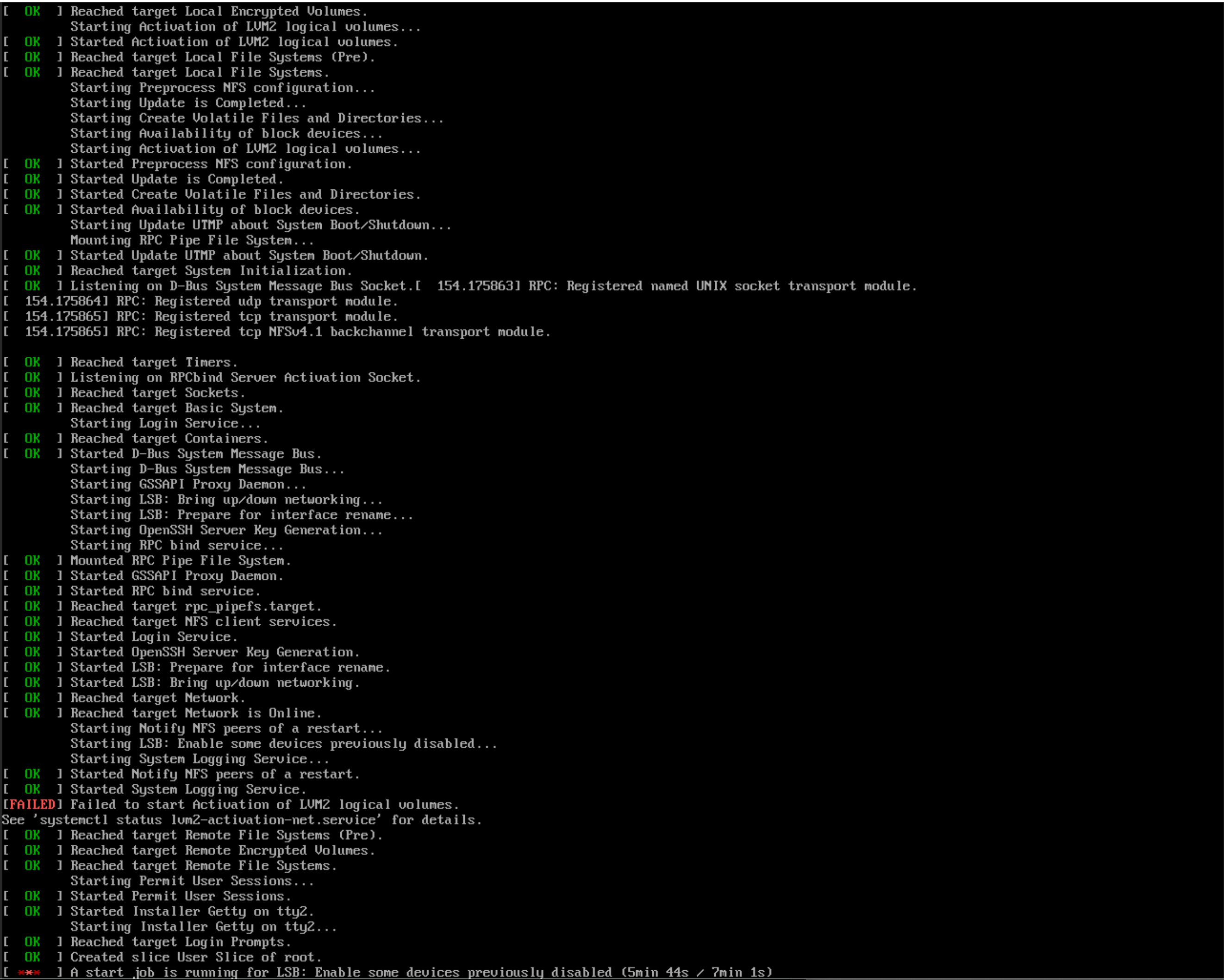
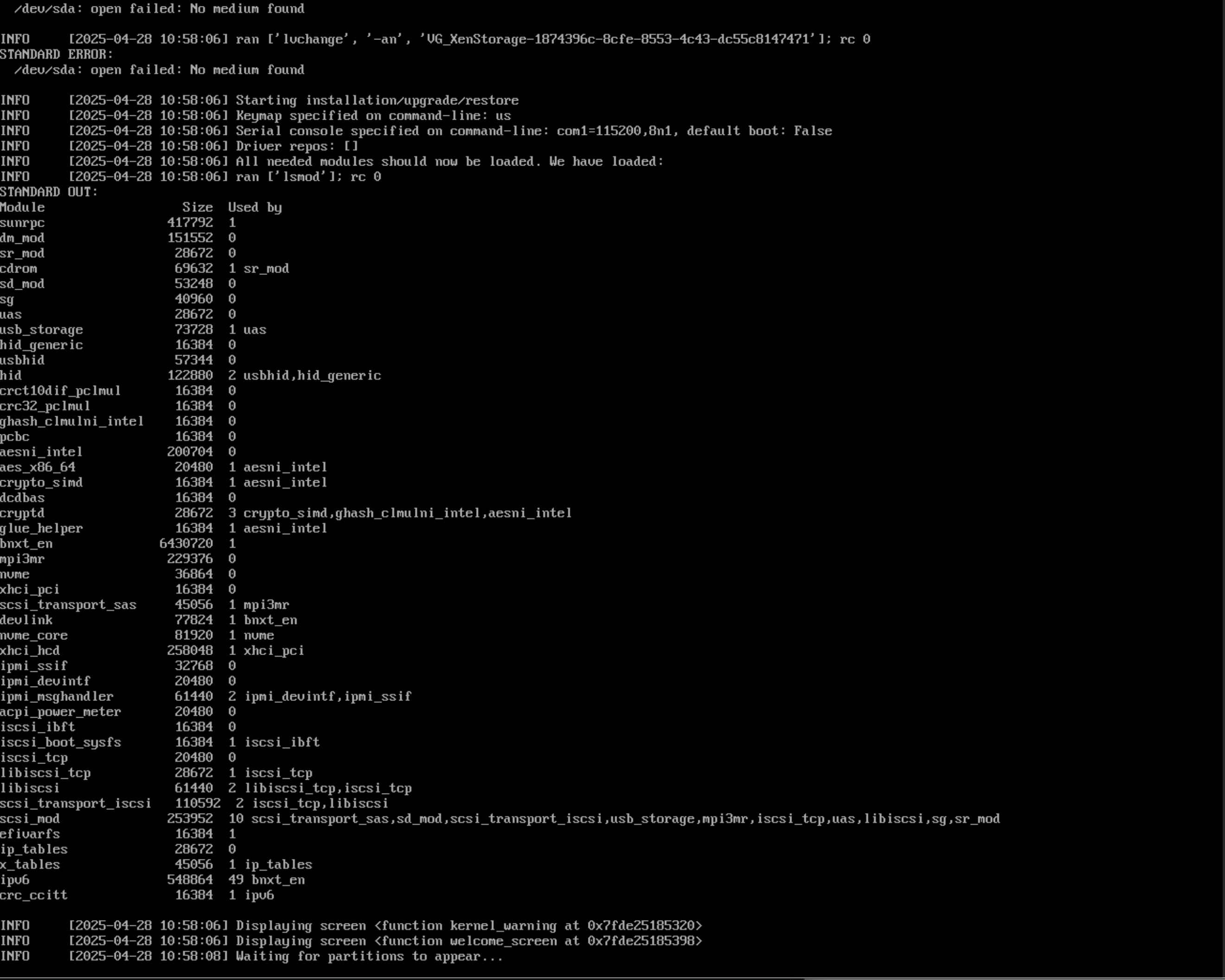
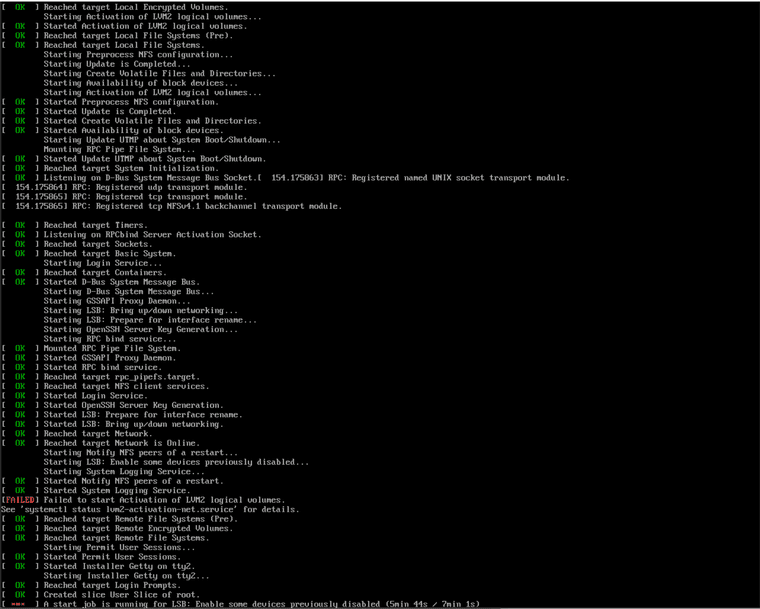
I did try starting install console with command "/opt/xensource/installer/preinit console" and it started but cant get too far with it, see last 2 screenshots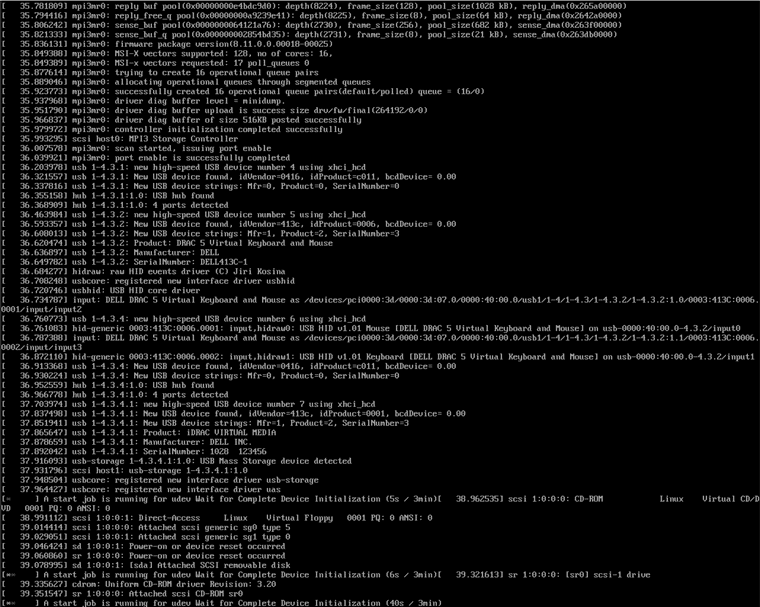
-
Ping @dthenot
-
Reping @dthenot
-
@yllar said in Test results for Dell Poweredge R770 with NVMe drives:
Good evening. I'm new to XCP-ng.
I'm evaluating the migration from Esxi for some of our customers.I have the same failure with Dell Poweredge R760 with same BOSS N1 and PERC H965i,
with this sequence:[FAILED] Failed to start udev Wait for Complete Devide Initialization.
[DEPEND] Dependency failed for XCP-ng Installer.[FAILED] Failed to start Activation of LVM2 logical volumes.
[FAILED] Failed to start LSB: Enable some devices previously disabled.
@dthenot can "enlighten me" which 8.2.1 rpms could be injected into a custom 8.3 ISO to resolve the installation boot error ?
[xcp-ng-8.2.1-20231130.iso] works fine.
tks
-
That's a mission for the team platform (bug in NodeBB I can't ping it anymore, so pinging @stormi to redirect it)
-
many thanks for your answer
this seems to be common to other installation issue posts with Dell BOSS-N1, PERC H755, H965i ... and happens only starting from 8.3 LTS
-
I think it's related to a Broadcom NIC issue that we identified. @stormi will be able to give a test ISO to verify this hypothesis

-
in my first XCP-ng test server, I have this Broadcom network adapters (Dell R760):
a) Broadcom NetXtreme Gigabit Ethernet (BCM5720)
b) Broadcom Adv. Quad 25Gb Ethernet
c) Broadcom Gigabit Ethernet BCM5719
d) Broadcom BCM57504 4x25G SFP28 PCIE
e) Broadcom Gigabit Ethernet BCM5719adapters at point a) ad b) are integrated (but I can try to disable them using BIOS),
the other adapters can be disabled also extracting them (PCI).if useful I can do that and identify which one is causing 8.3 installation boot stuck
-
@olivierlambert eager to test this new ISO, we have two XCP clusters in 8.2 that need upgrading in 8.3 with these cards :
- BCM57416 NetXtreme-E Dual-Media 10G RDMA Ethernet Controller
Do you think we would be impacted ?
These same servers also have I350 Gigabit Network Connectioncard (quad port)
-
I think it's only the Broadcom NIC
-
FYI we have the Broadcom NetXtreme Gigabit Ethernet (BCM5720) in Dell R660 and Broadcom Adv. Dual 10GBASE-T Ethernet in Dell r640.
Currently have no issues with ether nic in XCP-NG 8.3
-
This post is deleted! -
sorry for unwanted bold characters in previous post
I do confirm, 8.3 LTS installation boot sequence hungs with these two adapters:
Broadcom 57504 25G SFP28 Quad Port Adapter OCP 3.0 NIC
firmware version: 23.31.18.10 (Dell p/n 540-BCRX)Broadcom 57504 Quad Port 10/25GbE SFP28 Adapter, PCIe Full Height
firmware version: 23.31.18.10 (Dell p/n 540-BDCZ)
Leaving enabled only these ones, we have NO HUNGS during 8.3 boot:
Broadcom 5720 Dual Port 1GbE LOM
firmware version: 23.31.1 (Dell p/n 540-BDKD)Broadcom 5719 Quad Port 1GbE BASE-T Adapter PCIe Low Profile V2
firmware version: 23.31.1 (Dell p/n 540-BDRK)---- -
Yes, that's why our new ISO coming soon will get a more recent version of the driver, fixing the problem
Hang on! -
many thanks, to start our evaluation XCP-ng + XOA we wait new ISO
XCP-ng maximum hardware nic quantity (eth ports) per host is 16 ...correct ?
-
@olivierlambert said in Test results for Dell Poweredge R770 with NVMe drives:
Hang on!
no pun intended ?

-
No pun, just wait for everyone to get back from our yearly Vates internal event

-
Hi,
I'm having the exact same issue.
Dell R650xs
BOSS with M2 in RAID1
Broadcom 25Gbps NIC'sGlad to find out it's not an isolated issue. All is working fine in 8.2.1 in production for almost 2 years now, but of course 8.2.1 is out of service so I'm hoping the new ISO will be out soon.
thanks,
Marc -
-
@Danp
OK thx, will test that right away!



Hello! It looks like you're interested in this conversation, but you don't have an account yet.
Getting fed up of having to scroll through the same posts each visit? When you register for an account, you'll always come back to exactly where you were before, and choose to be notified of new replies (either via email, or push notification). You'll also be able to save bookmarks and upvote posts to show your appreciation to other community members.
With your input, this post could be even better 💗
Register Login