An error occurred while fetching the patches
-
So im playing around with a test-pool i've recently setup to try and get my skillset up to date with xcp-ng and xo due to the latest Broadcom VMware changes to their partnerprogram.
I haven't been using xcp-ng a lot lately, pretty much only in my homelab as well as a colo machine that has basically been running on its own for quite some time.
I went to do what I always do when setting up a new xcp-ng machine, to the update tab and noticed there are 70+ updates in line. Nothing strange with that, this is a brand new installation, so I press the update button and after a while im seeing this:
An error occurred while fetching the patches. Please make sure the updater plugin is installed by running `yum install xcp-ng-updater` on the host.I didn't bother too much, maybe something just went wrong? I then went on to install the 2nd machine (Im setting up a POC of 8 xcp-ng hosts in total) and I did the same thing, just to see the exact same thing.
This time I went to the stats tab, just to notice that there is indeed some load on the machine, this lead me to ssh in to the host where I noticed that it is actually running yum to update: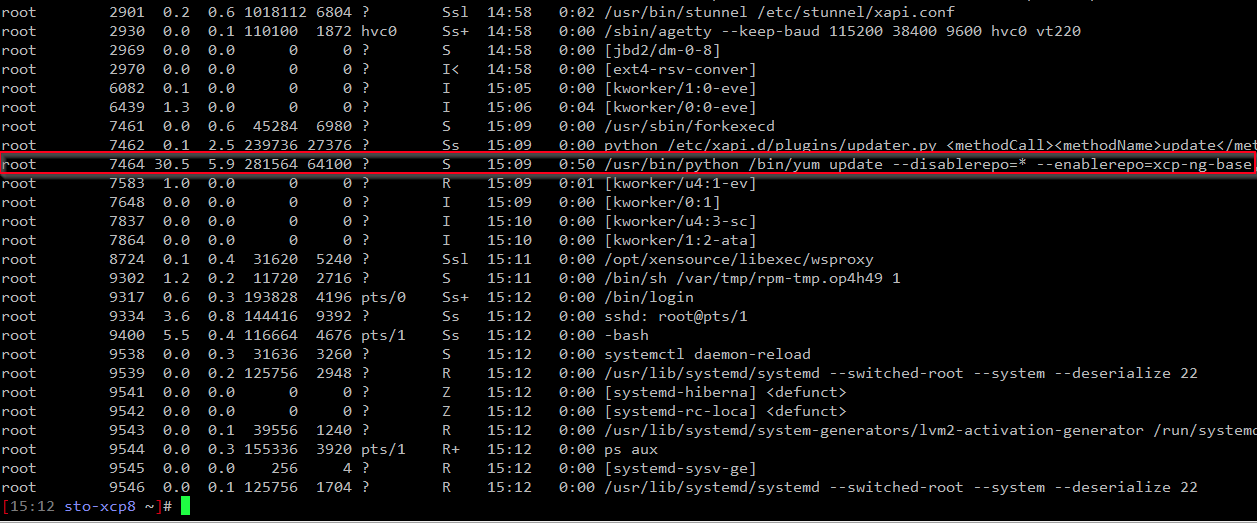
Is this per design? Why didn't it just tell me something like "Update in progress % done" or something like that? This makes it very hard to know whats actually going on, unless you ssh to the box and check ps.
-
@nikade you should have a TASK where you can see it downloading patches (triggering host update)
but indeed, there is a floating moment where the web ui cant connect to updater and it is doing its magic, up to an automatic toolstack restart where you host come back with the "need reboot" icon -
@Pilow Well yeah, it was indeed shown under TASK but man, there's a lot of tasks:
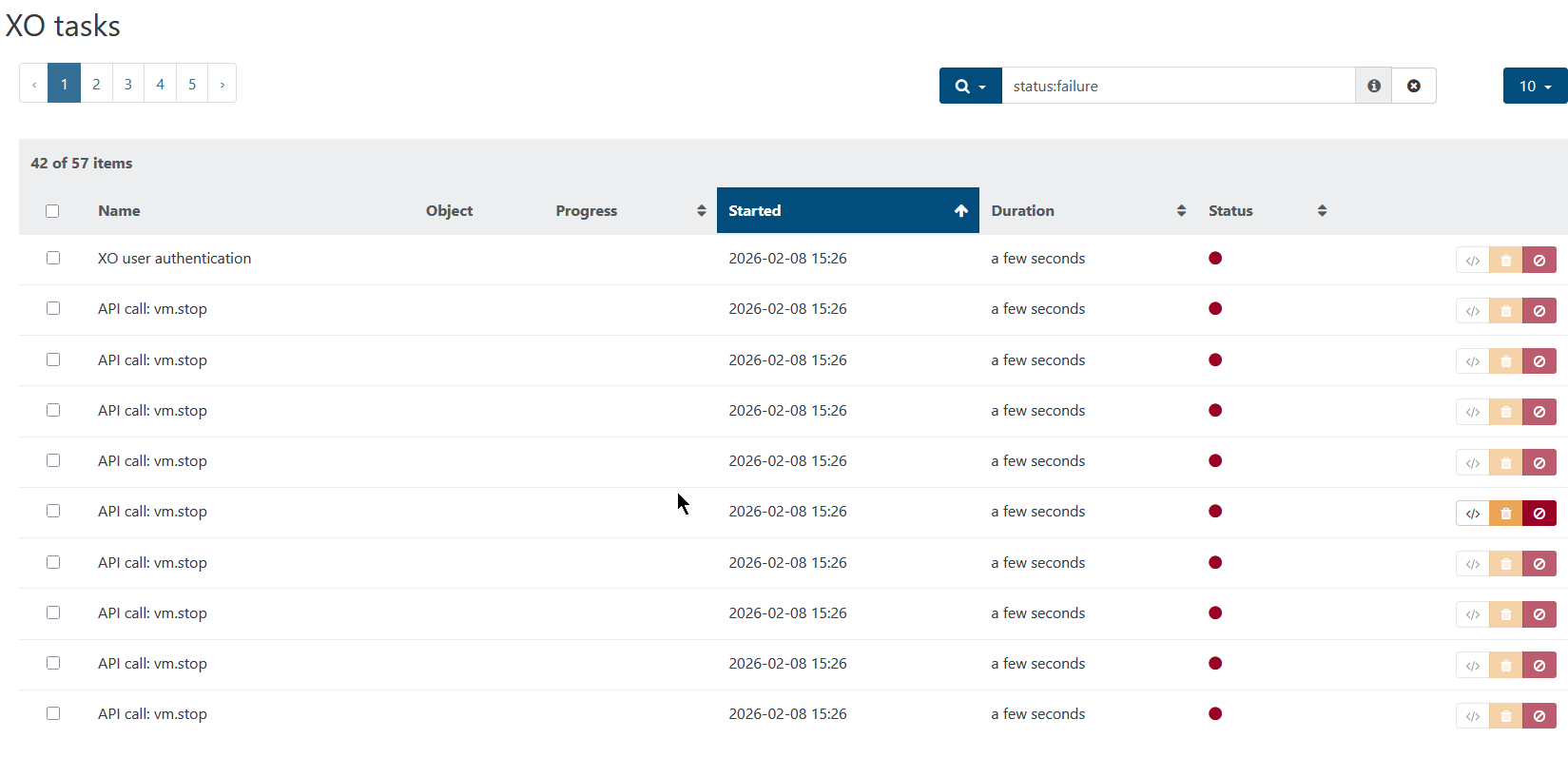
Some kind of status would be nice on the "update" tab of the vm, as well on the pool "update" tab.
-
Hi,
It's already planned, but in XO 6, you already have better tasks displayed (you can even track an entire RPU there)
-
@olivierlambert great news, I had a feeling this was in the works! Thanks for the info.


Hello! It looks like you're interested in this conversation, but you don't have an account yet.
Getting fed up of having to scroll through the same posts each visit? When you register for an account, you'll always come back to exactly where you were before, and choose to be notified of new replies (either via email, or push notification). You'll also be able to save bookmarks and upvote posts to show your appreciation to other community members.
With your input, this post could be even better 💗
Register Login