VM Disk Not Migrating due to Backup Running
-
@Danp I don't have that option in the Advanced Tab.
-
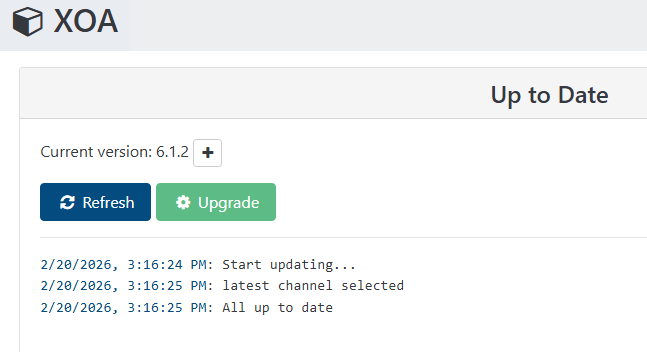
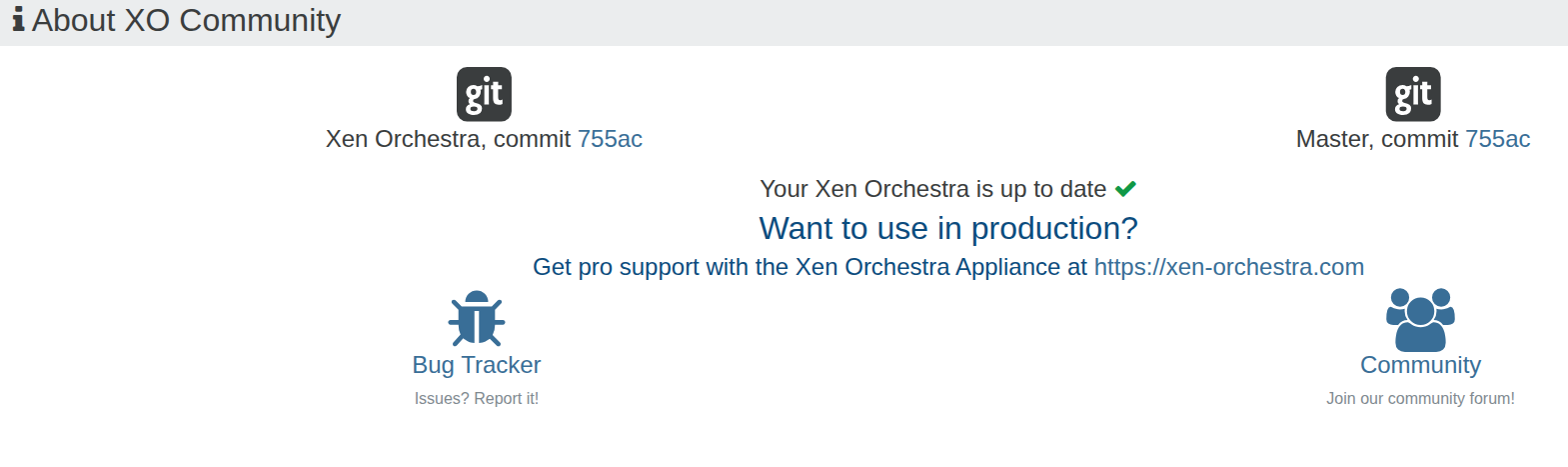
@allySalami I'm not sure how that could be. You checked the VM's Advanced tab, correct? Are you running XOA or XO from sources? What is your current version / commit?
-
@Danp I'm using version 8.3
-
-
-
Let someone else comfirm but think you are way out of date on xo. Might be best to deploy a new one.
-
@acebmxer Yeah, I definitely believe this is not the latest version, but I was told it was kept like that for a reason. Can't quite remember what the reasoning is, as this is for another company who utilizes xoa.
But, would running this command ' xe vm-reset-powerstate uuid=<VM_UUID> --force ' reboot the vm?
-
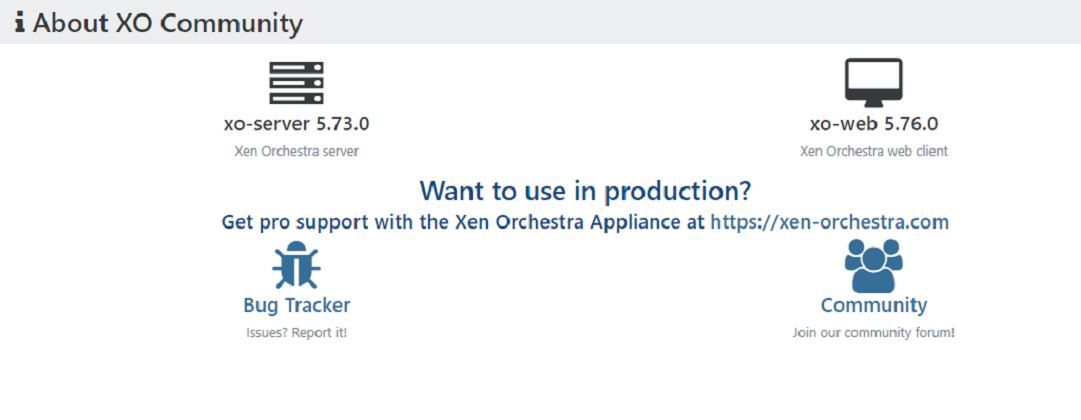
That XOA version was released over 5 years ago. You really should share these kind of details in advance to avoid nonproductive exchanges. I recommend that you revisit the reason that they are "stuck" on this old version.
In current releases of XOA, you can resolve the issue by running a successful backup job that includes the affected VM.
To manually resolve the issue, you need to clear the left over keys in the
blocked-operationparameter. For example, this will clear these keys for a VM with UUID be0a9812-fd14-be75-e2fa-40c31ce8875c --vm_uuid=be0a9812-fd14-be75-e2fa-40c31ce8875c xe vm-param-remove uuid=$vm_uuid param-name=blocked-operations param-key=migrate_send xe vm-param-remove uuid=$vm_uuid param-name=blocked-operations param-key=pool_migrate -
I think we got a new record here

XO 5.73 was indeed released in July 2022: https://xen-orchestra.com/blog/xen-orchestra-5-73/
-




Hello! It looks like you're interested in this conversation, but you don't have an account yet.
Getting fed up of having to scroll through the same posts each visit? When you register for an account, you'll always come back to exactly where you were before, and choose to be notified of new replies (either via email, or push notification). You'll also be able to save bookmarks and upvote posts to show your appreciation to other community members.
With your input, this post could be even better 💗
Register Login