[dedicated thread] Dell Open Manage Appliance (OME)
-
@TheMonkeyBrain Hi !
Let me find the link I had or reupload the file. I'll give it to you via DM ASAP

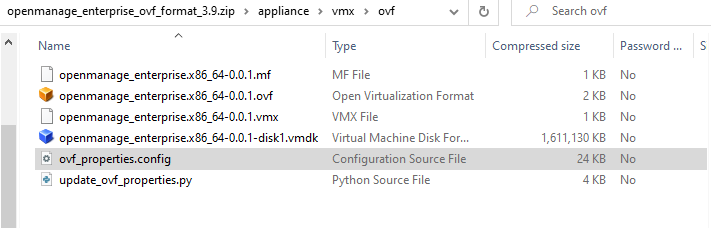
If you need to uplaod the appliance, you need to replace sda to xvda on this two files:
/opt/dell/omc/utilities/tui/bin/ome_disk_config.sh /opt/dell/mcsi/appliance/scripts/appliance_ressource.sh -
@AtaxyaNetwork
Did try to change those files and add the missing drivers, but couldn't get it to work with plugins.
I think I will just have a look at you image when I have it and see what I am missing -
@AtaxyaNetwork Was looking to get OME installed in my homelab and came across the post on your site, which led me to this topic here.
Can you also share the link with me?
PS Nice to see you are using Bookstacj as well. I really like that tool for my online notes and howto writeups
-
@HeMaN Yes, I just need to reupload it somewhere. I'll send you a DM with the link
-
@AtaxyaNetwork
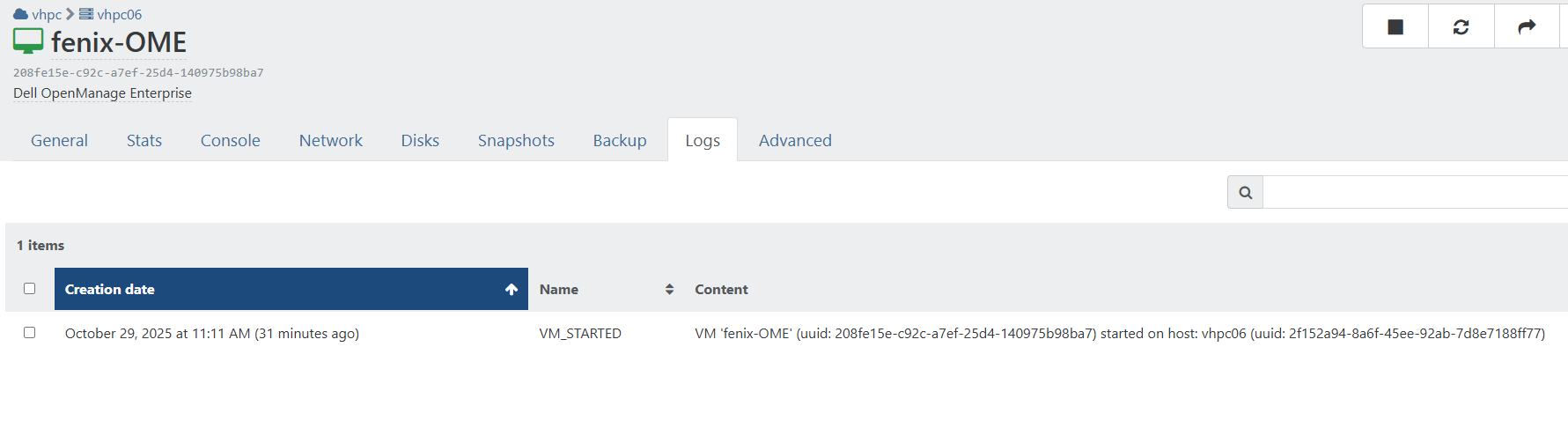
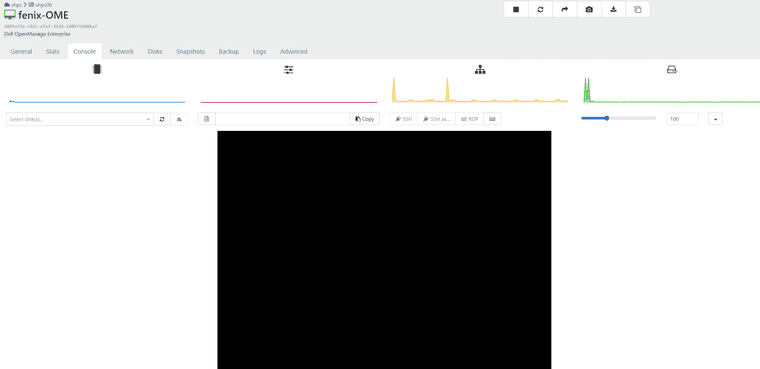
Found your blog post and then reading through your efforts here I wanted to express my thanks, and ask if you had VHD for OME 4.5?I was able to follow your steps, got GRUB but even after 30 minutes my VM still hasn't booted, with ample CPU/mem assigned. Just a flashing cursor and small bit of occasional disk activity.
-
@dreddpenguin Hi !
I didn't see that a new version was released

I'll try to rebuild one from scratch with the latest version, maybe they changed something
If people reading this thread want the last version, please ping me here !
-
Ok got it, it boots now
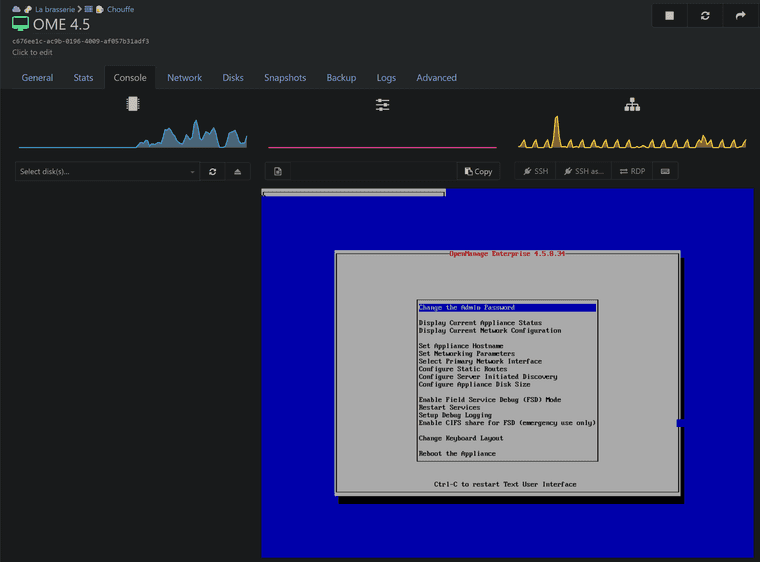
I just need to add the tool and ssh support, and the patched version should be available tomorrow
-
@AtaxyaNetwork speedy work! Thanks
Please DM when link is available.Do you have any buy me a coffee links? lol
-
Also still interested

 ️
️ -
ALso interested. Please send link.
-
New version release !
A new patch version of the OME appliance is now available

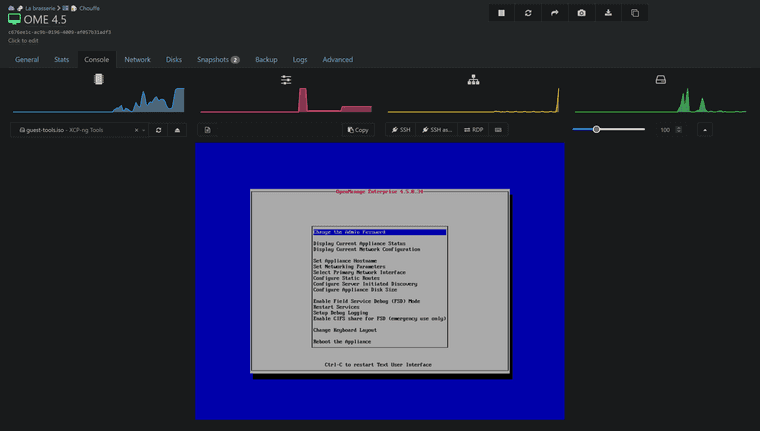
What I changed:
- Add xen-blkfront and xen-netfront driver
- Add guest tool (so RAM/network is reported, soft shutdown is working)
- /dev/sd* is replaced by /dev/xvd*
- Remove grub password
- Change admin and root password
- SSH is now enabled
- SElinux is working correctly
- DHCP is enabled by default
As usual, please send a DM if you want the link to the vhd
Feedback is welcome !
-
Hello everyone !
I rebuild a new OME appliance with the latest version (4.6)
Dell decided to give this appliance Proxmox, Nutanix and OpenShift compatibility, but no XCP-ng yet... If someone from Dell want to reach out about this, please contact me !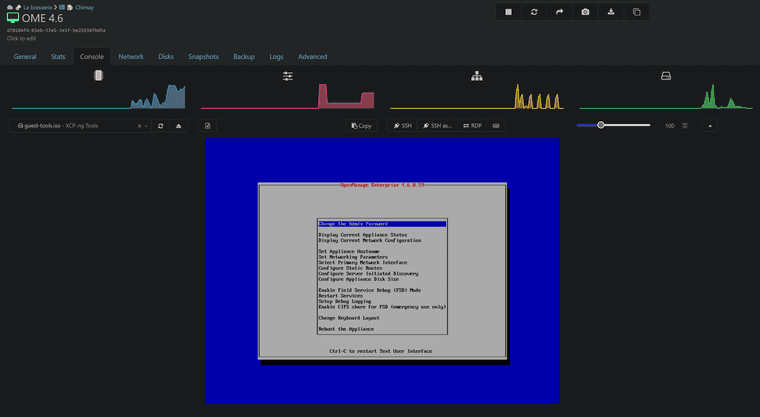
What i did on the rebuild:
- Via live CD
- add xen-blkfront and xen-netfront driver, and rebuild the initrd
- change root password
- activate SSH.
- Via SSH
sed -i -e 's/sda/xvda/g' /opt/dell/omc/utilities/tui/bin/ome_disk_config.sh
sed -i -e 's/sda/xvda/g' /opt/dell/mcsi/appliance/scripts/appliance_resources.sh
bash /mnt/Linux/install.sh # To install XCP-ng tools
As usual, please send a DM if you want the link to the VHD
Feedback is welcome !
(Disclamer: This build is something I create on my free time and to help people who have difficulty running Dell appliances on XCP-ng. I do not guarantee a fully functional appliance, but I do my best to make it work. If you have a support contract with Dell and require official support for OME, please contact Dell and request compatibility with XCP-ng.)
- Via live CD
-
@AtaxyaNetwork - Have you been able to get this to work with the second hard drive? It is required for it to load plugins (it needs it for storage).
-
Nevermind.
I forgot your previous post about:
You'll need to modify two files (via SSH):
    /opt/dell/omc/utilities/tui/bin/ome_disk_config.sh
    /opt/dell/mcsi/appliance/scripts/appliance_ressource.sh

In these files, replace /dev/sd with /dev/xvd.
I went and made these changes, and now the Data drive is loading after doing the drive scan.
I should mention that doing this BEFORE first logging into the OME web interface and completing the initialization seems to be best (no further errors appear once logged in).
-
Please be gentle....I am a newbie to almost everything XCPNG and Linux...
I got to this part of the guide located at https://blog.ataxya.net/add-xen-driver-to-ome-dell-open-manage-enterprise/
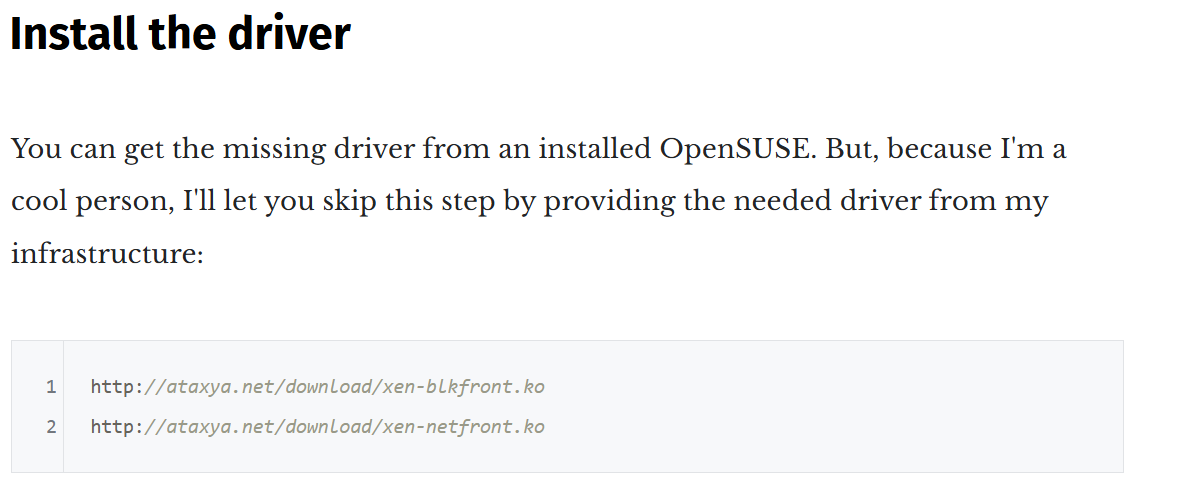
....and those links don't work for me. I'm sure I'm doing something wrong.
-
Ping @ataxyanetwork to the rescue
-
@olivierlambert Guess who migrated her website and forgot to migrate this folder ?

@tiki1469 i'll reupload the drivers somewhere, i'll ping you when it's ready
-
Well you both just made my Friday! I can follow directions after all!

-
@ataxyanetwork , just checking in on this. No rush at all. Thanks!
-
I got this running and when I set up a catalog and baseline the report tells me that it has nothing in the catalog. Is that because it doesn't understand XCP-ng or because my hardware is old enough that it has dropped out of the catalog? I have two PE R630 and one PE R730. I tried both the full default Dell catalog as well as the one that limits to BIOS and firmware updates.




Hello! It looks like you're interested in this conversation, but you don't have an account yet.
Getting fed up of having to scroll through the same posts each visit? When you register for an account, you'll always come back to exactly where you were before, and choose to be notified of new replies (either via email, or push notification). You'll also be able to save bookmarks and upvote posts to show your appreciation to other community members.
With your input, this post could be even better 💗
Register Login