Warning during backup. What does it mean?
-
Hi,
I had a failed delta backup job (because of reboot) and next time XOA did a delta backup it complained about wrong size.
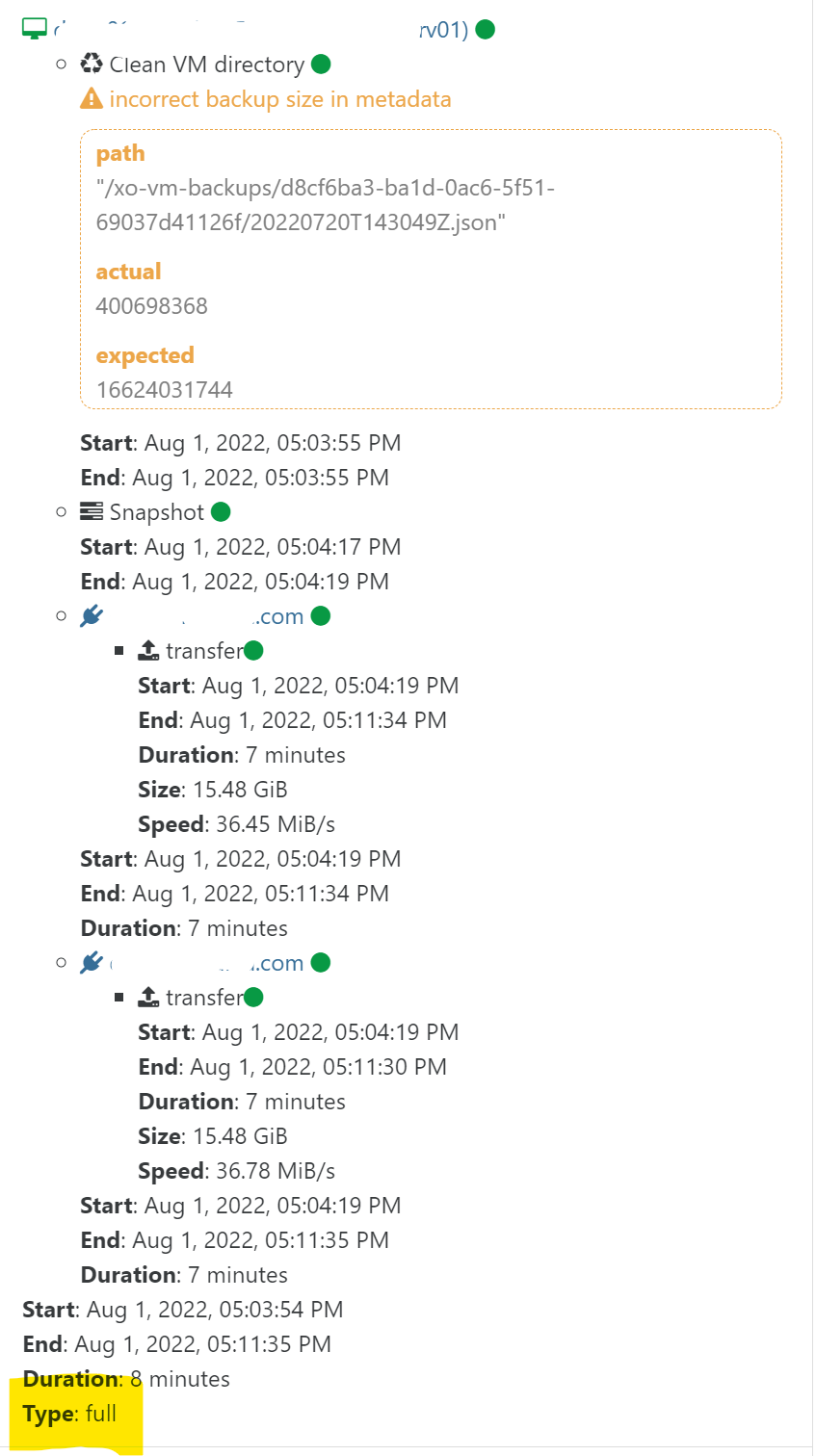
Does it mean it automtically cleaned out the bad backup files, or should I do something manually?
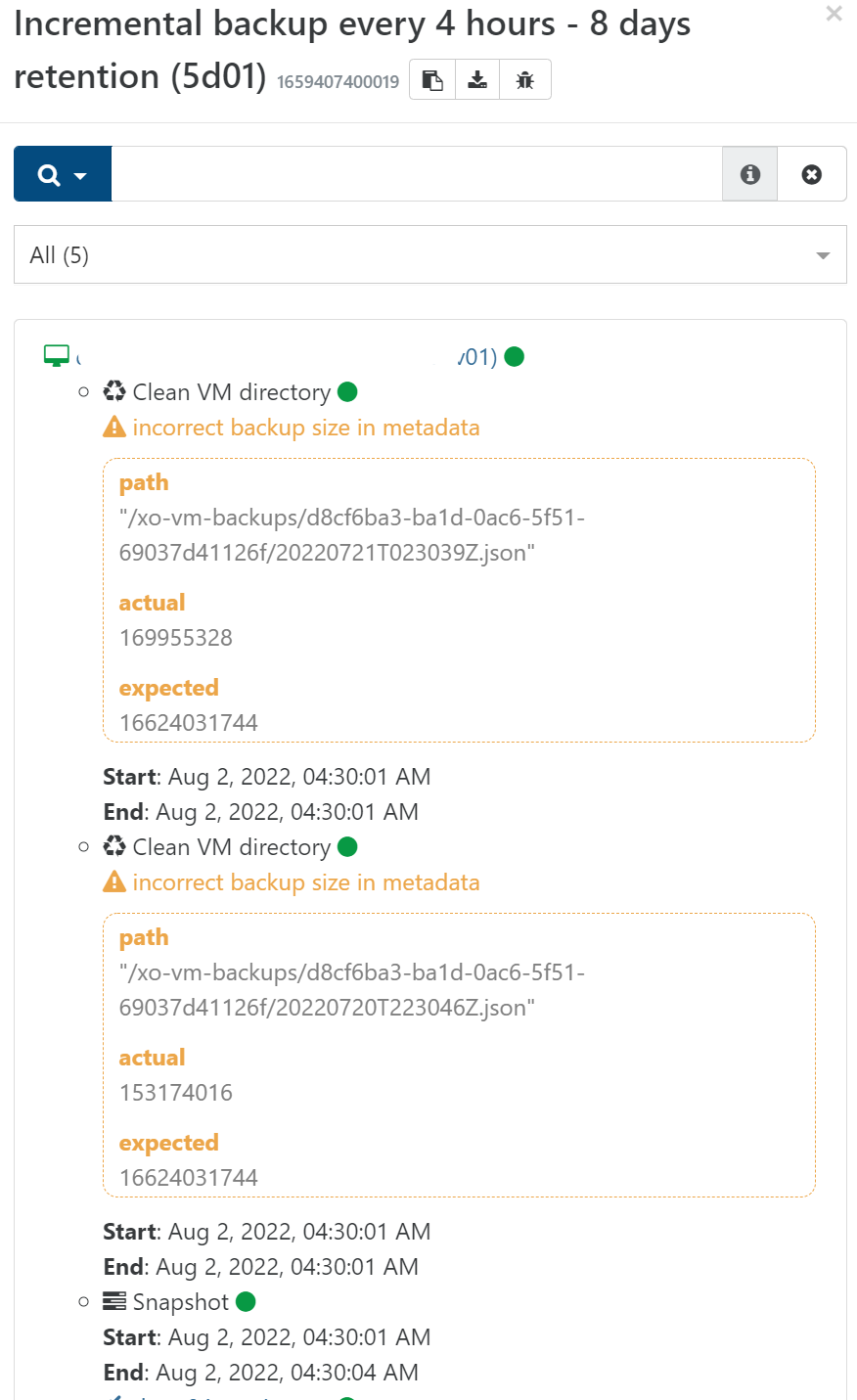
I can see in the subsecuent Delta backup runs that it continues to complain, although all backup status is green.
-
-
@Darkbeldin said in Warning during backup. What does it mean?:
@Forza It's part of the news warning that as been implemented in backup job, normally you can ignore them but if you see them regularely you should take a look because you could be having an issue.
@florent is working on this and will have more infos.Thanks for your reply.
Looking at each run, it seems to be noting that the oldest incremental is at fault. So I suppose the whole backup chain would then be broken!
EDIT: Tried a few more incremental backups and the error message keep refering to the last two incrementals. However while I could restore and boot a vm, fsck complained about a few errors.
@Darkbeldin should I open a support ticket to have a look at this? I know what happened to cause it, but it might be good to look at the situation to improve the backup code to fix this issue? I also tried backup-healthcheck which did not show any errors.
-
HI @Forza ,
the problem is identified and will be merged in master soon https://github.com/vatesfr/xen-orchestra/pull/6331
Regards
-
@florent Thanks!
-
Hi.
The problem was solved when I removed all deltas that were made before the last full backup. So perhaps it was just a similar problem and not identical?
-
@Forza tu problem was during an update of the size ( in the metadata) of a backup after a merge
I think this is the same here, since you removed a lot of backup , so there aren't any merge for now.
I will make a patch release with this fix this afternoon -
Hi @florent,
I updated my XO install yesterday following the merge of #6331, but I'm still getting the "incorrect backup size in metadata" message in the backup logs. Are there any additional actions required to resolve this issue?
Thanks,
Dan
-
@Danp the first backup after the fix will show the warning ( since it controls the data of the previous backup)
the following backups should be ok




Hello! It looks like you're interested in this conversation, but you don't have an account yet.
Getting fed up of having to scroll through the same posts each visit? When you register for an account, you'll always come back to exactly where you were before, and choose to be notified of new replies (either via email, or push notification). You'll also be able to save bookmarks and upvote posts to show your appreciation to other community members.
With your input, this post could be even better 💗
Register Login