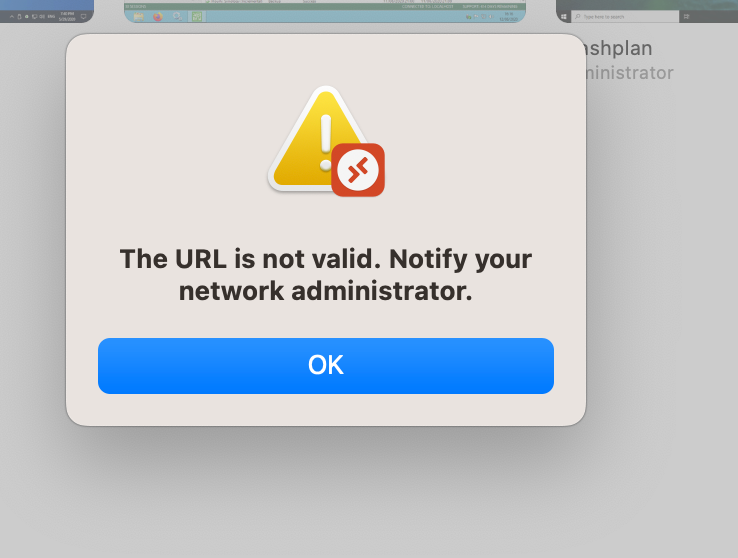
RDP not working
-
@Danp Firefox on macos (also tried chrome)
MRD Version 10.8.1
No proxies -
Can you manually enter the RDP URL in your "MRD" client?
-
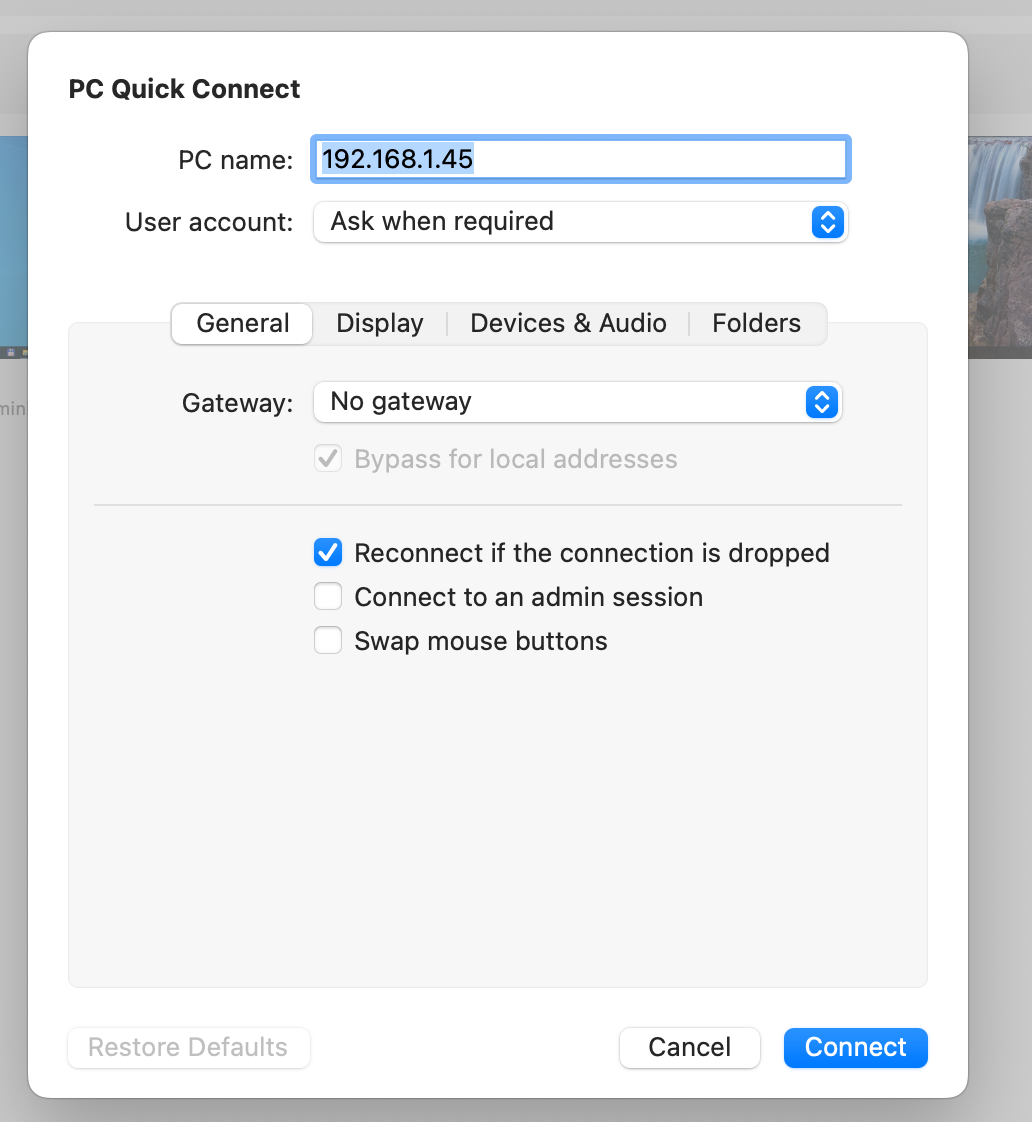
@olivierlambert I can do "PC Quick Connect" and enter just the IP of the VM:
-
If you use
rdp://192.168.1.45? -
@olivierlambert I get the above error message when I enter rdp://192.168.1.45 in the browser
-
@manilx In MRD I can only enter the IP
-
 there's little we can do if your RDP client doesn't support the RDP URL format
 -
@olivierlambert I understand!
Is there anyone out there that can suggest a working one for macos? -
I don't use MacOS neither RDP, so I can't tell you, but maybe someone in the community can

-
@olivierlambert Is there another way to open a console window from XOA? Like Vmware Remote Console (from where I'm coming from)
-
XOA will only expose the VNC console, which is OK to make basic actions, but not meant to be a full fledged remote working thing (like RDP protocol).
I would stick to RDP for that usage (on what I know on Windows, which is not a lot)
-
@olivierlambert OK. Will have to find a working macos rdp client then. Will report.

Hello! It looks like you're interested in this conversation, but you don't have an account yet.
Getting fed up of having to scroll through the same posts each visit? When you register for an account, you'll always come back to exactly where you were before, and choose to be notified of new replies (either via email, or push notification). You'll also be able to save bookmarks and upvote posts to show your appreciation to other community members.
With your input, this post could be even better 💗
Register Login