@RobWhalley I think in the beginning i had that option enabled in my backup jobs, but found it was a hassle to move VMs between hosts with it on so i turned it off for all backups. Might be why my jobs worked because i had already done that switch in the past.
 M
Offline
M
Offline
marcoi
@marcoi
Regular IT Guy with a passion for hardware and all things tech.
-
RE: XO Community edition backups dont work as of build 6b263
-
RE: XO Community edition backups dont work as of build 6b263
posted in the other thread as well but Xen Orchestra, commit 1a7b5 backups are working again. I tested configure and vm backups. They are being backup to NFS share.
-
RE: XCP-ng 8.3 updates announcements and testing
updated my two hosts without issues.
-
RE: XCP-ng 8.3 updates announcements and testing
updated on my three servers no issues.
-
RE: XCP-ng 8.3 updates announcements and testing
We pushed the updates to the
xcp-ng-updatesrepository: https://xcp-ng.org/blog/2026/05/21/may-2026-updates-3-for-xcp-ng-8-3-lts/Changed since the initial announcement,
xenwas updated with the proper vulnerability fix and an update tosmwas added to fix an issue on LVM-based SRs with CBT enabled.Thanks everyone for your feedback!
update main pool. so far so good. updates went well and vms are running.
-
RE: XCP-ng 8.3 updates announcements and testing
New security update candidates for XCP-ng 8.3 LTS (kernel, xen, intel-microcode)
i tested on one of my extra pools and so far i didnt see any issues. Grated i dont do much on that pool but i created a ubuntu 26 VM without issues.
Ill wait for full release to do my main pool.
-
RE: Unable to fetch latest master commit.
Same for me.
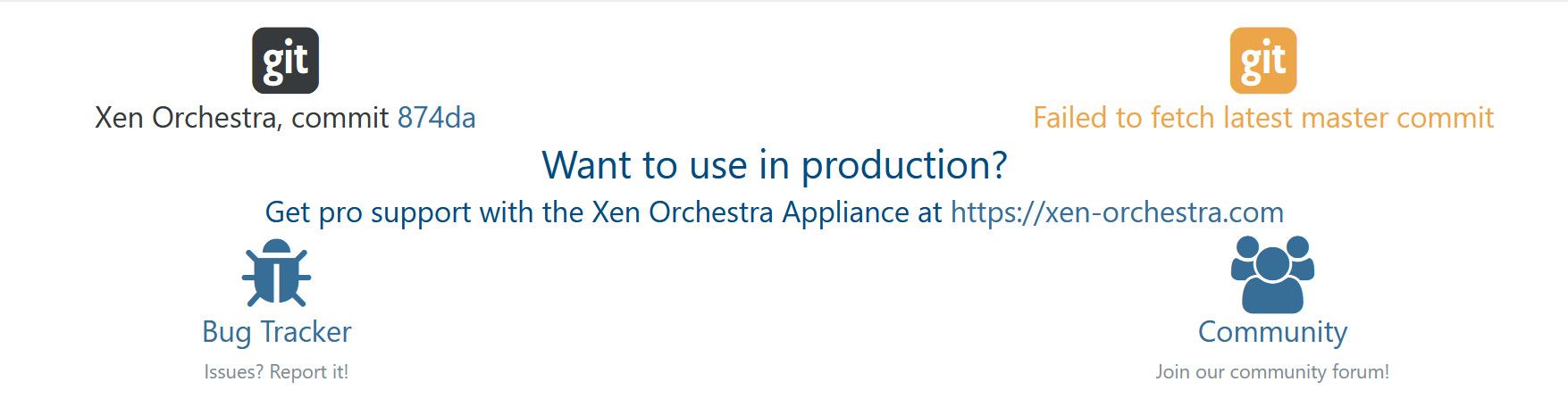
ill try to update manually and see if it changes.
-
RE: Backups started to fail again (overall status: failure, but both snapshot and transfer returns success)
try downgrading your nfs to use version 3. I think version 4.x has performance issues.
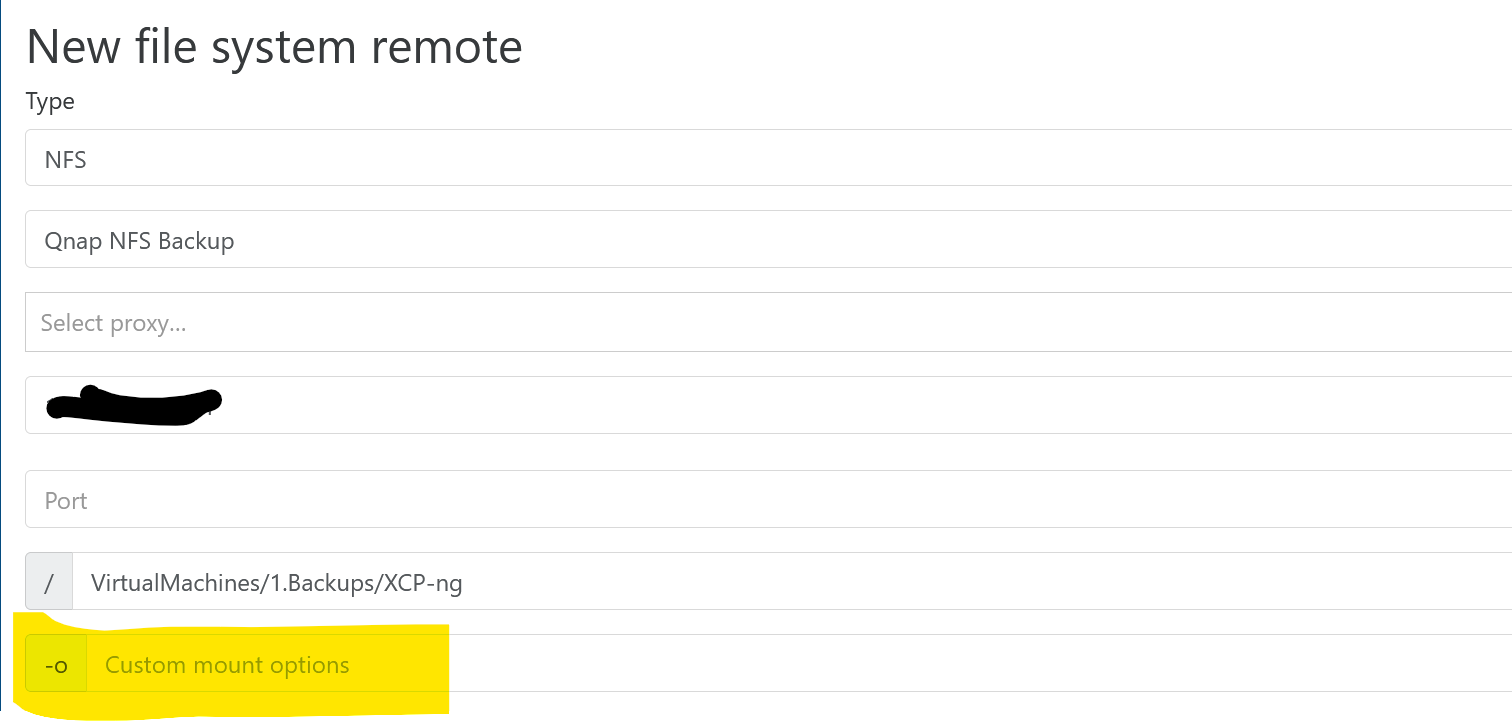
in you settings-->remote, you can edit the nfs mount for backups and add in the -o options section.I dont know the exact command but you can try using nfsvers=3 and see if that helps.
-
RE: XO Community edition backups dont work as of build 6b263
scratch that prior comment. My backups are all setup as delta backup with schedule 2nd run that forces full backup. So i believe both are working correctly.
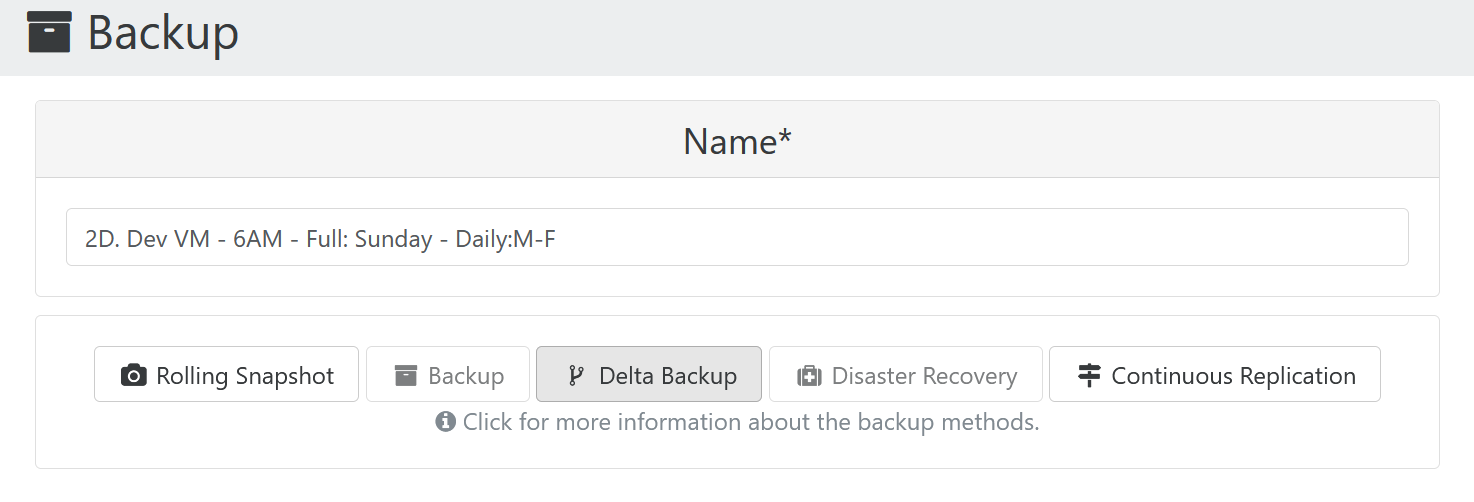
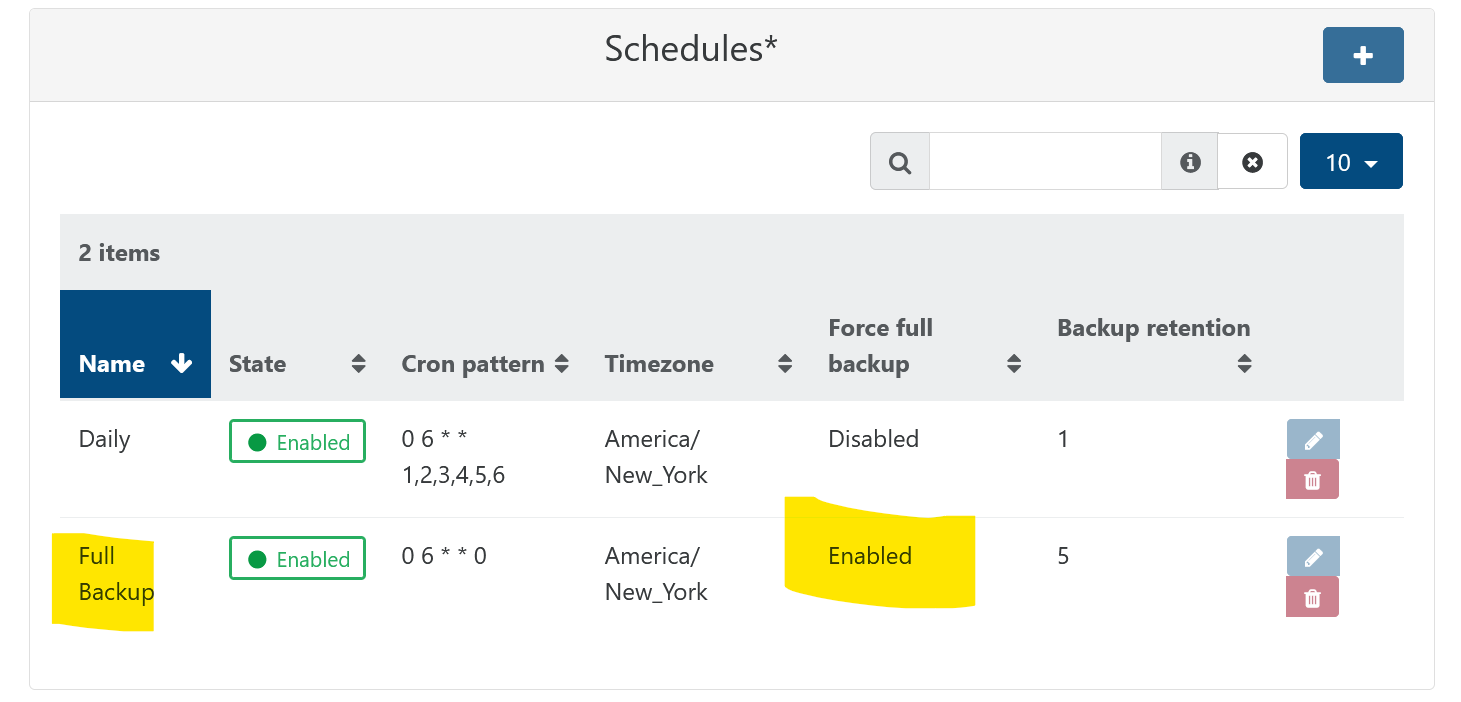

if you can also try deleting all the backup snapshots of the VMs in the backup and running full backup then the delta backup jobs.
-
RE: Master, commit a3139 failing backups
Updated to commit -db8ad this morning and backup is working.
-
RE: XO Tasks - backups just pilling up
as for how long they stay, i been clearing my old ones out manually, so not sure.
-
XO Tasks - backups just pilling up
Not sure if this is normal or what. but under Xo Tasks. when i clear the filter i see a lot of tasks from backups. i just delete them but not sure why they are just hanging around.
Backup seem to be normally working.
Xen Orchestra, commit 2bd4e
Master, commit 989cd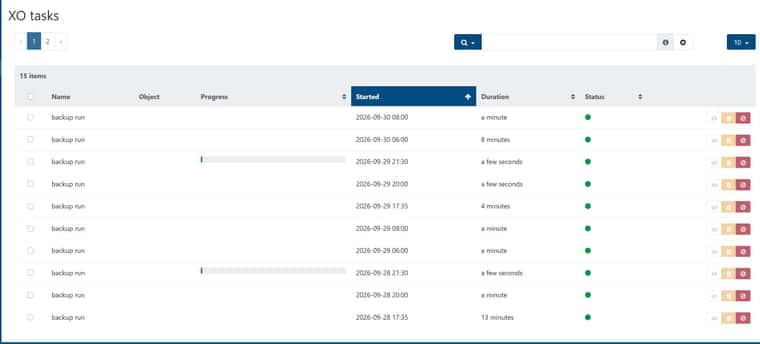
-
RE: XCP-ng 8.3 updates announcements and testing
for the latest updates. the test pool didnt move the vms when i went to reboot. so i moved them manually. rebooted master, move vms back patched and reboot 2nd test server in the pool.
Skipped trying rolling reboot in prod and followed the same process. both pools went well without other issues. -
RE: Backup fails with "Body Timeout Error", "all targets have failed, step: writer.run()"
i switched one of the backups for my extra pool from nfs to smb and its been sitting so i expect it to fail. might be a smb issue. ill update this post with results once it either fails or works
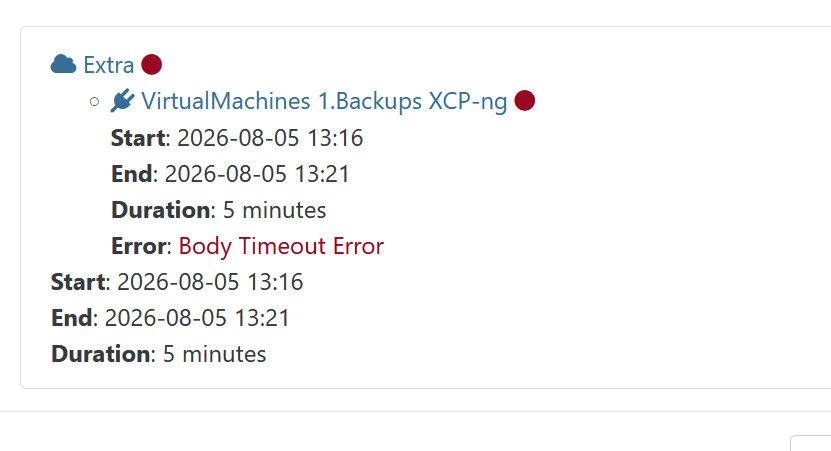
i did test smb and it works.
back to nfs works
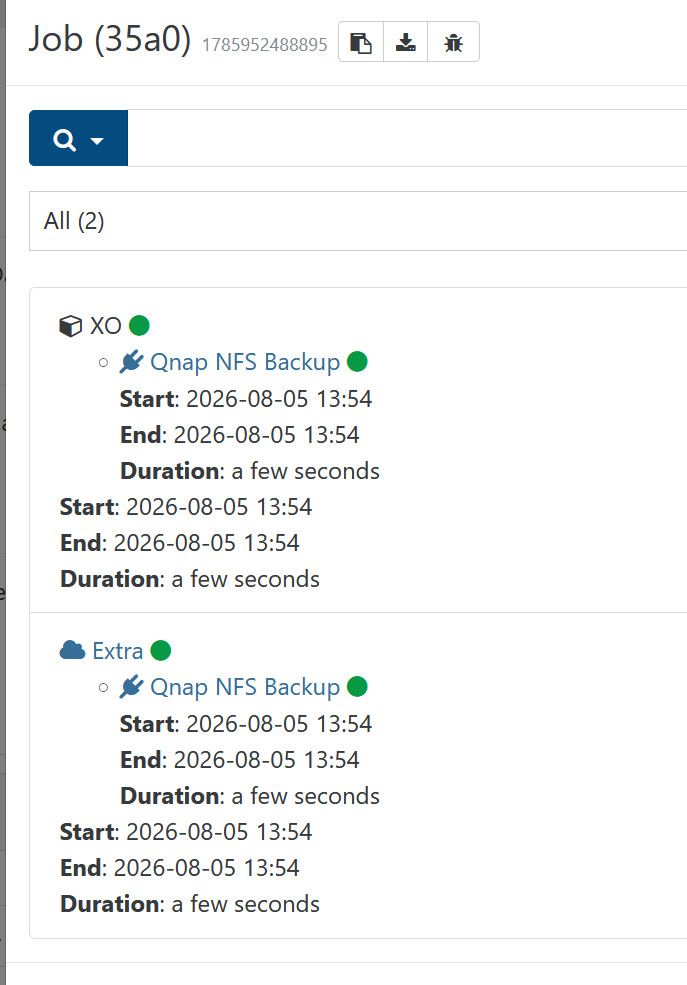
-
RE: Backup fails with "Body Timeout Error", "all targets have failed, step: writer.run()"
@JB both
Also Xen Orchestra, commit be960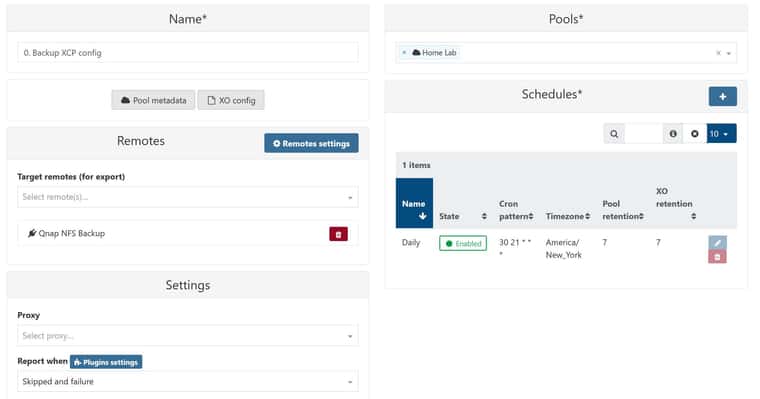
-
RE: Backup fails with "Body Timeout Error", "all targets have failed, step: writer.run()"
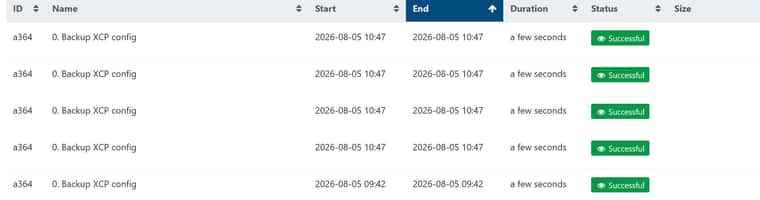
@JB seems okay after a few back to back runs.
-
RE: Backup fails with "Body Timeout Error", "all targets have failed, step: writer.run()"
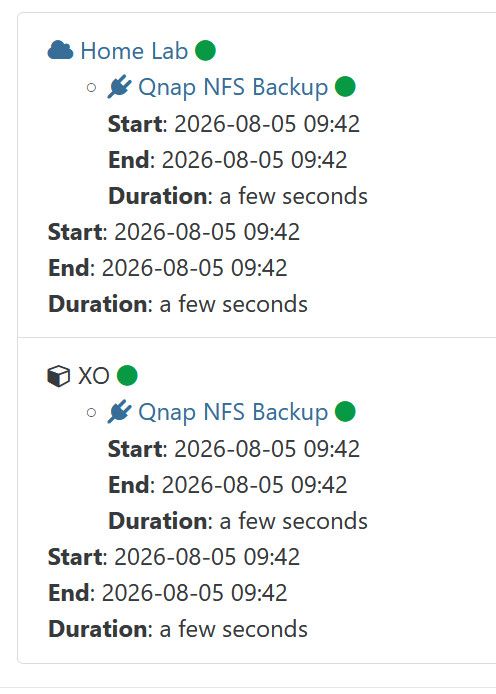
looks like mine also just started working.
-
RE: Backup fails with "Body Timeout Error", "all targets have failed, step: writer.run()"
looks like im getting the xo config backup body timeout error as well.
Xen Orchestra, commit a94eb
Master, commit 9c6d1"result": { "message": "backup task failed with undefined error", "name": "Error", "stack": "Error: backup task failed with undefined error\n at forwardResult (file:///opt/xo/xo-builds/xen-orchestra-202608030700/packages/xo-server/src/_handleBackupLog.mjs:37:25)\n at handleBackupLog (file:///opt/xo/xo-builds/xen-orchestra-202608030700/packages/xo-server/src/_handleBackupLog.mjs:68:12)\n at onTaskUpdate (file:///opt/xo/xo-builds/xen-orchestra-202608030700/packages/xo-server/src/xo-mixins/metadata-backups.mjs:133:13)\n at onTaskUpdate (file:///opt/xo/xo-builds/xen-orchestra-202608030700/@xen-orchestra/mixins/Tasks.mjs:205:23)\n at Task.onProgress [as _onProgress] (/opt/xo/xo-builds/xen-orchestra-202608030700/@vates/task/combineEvents.js:61:5)\n at Task.#emit (/opt/xo/xo-builds/xen-orchestra-202608030700/@vates/task/index.js:157:10)\n at Task.#end (/opt/xo/xo-builds/xen-orchestra-202608030700/@vates/task/index.js:168:15)\n at Task.run (/opt/xo/xo-builds/xen-orchestra-202608030700/@vates/task/index.js:190:16)\n at Jobs.runJob (file:///opt/xo/xo-builds/xen-orchestra-202608030700/packages/xo-server/src/xo-mixins/jobs/index.mjs:297:7)\n at Jobs.runJobSequence (file:///opt/xo/xo-builds/xen-orchestra-202608030700/packages/xo-server/src/xo-mixins/jobs/index.mjs:339:7)\n at Task.runInside (/opt/xo/xo-builds/xen-orchestra-202608030700/@vates/task/index.js:204:22)\n at Task.run (/opt/xo/xo-builds/xen-orchestra-202608030700/@vates/task/index.js:188:20)\n at Api.#callApiMethod (file:///opt/xo/xo-builds/xen-orchestra-202608030700/packages/xo-server/src/xo-mixins/api.mjs:475:18)" }
-
RE: XCP-ng 8.3 updates announcements and testing
went well with test systems. going to do prod soon.
-
RE: CPU Usage of empty server
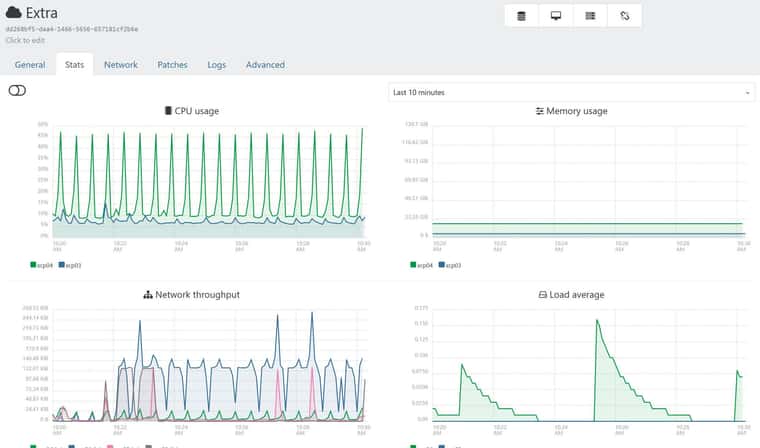
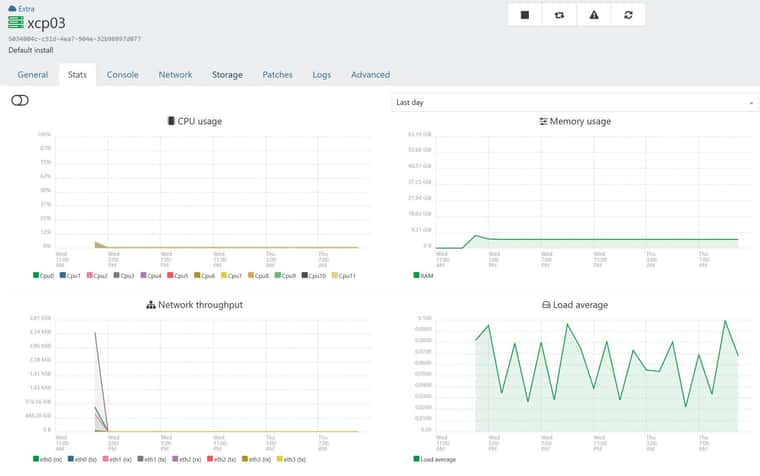
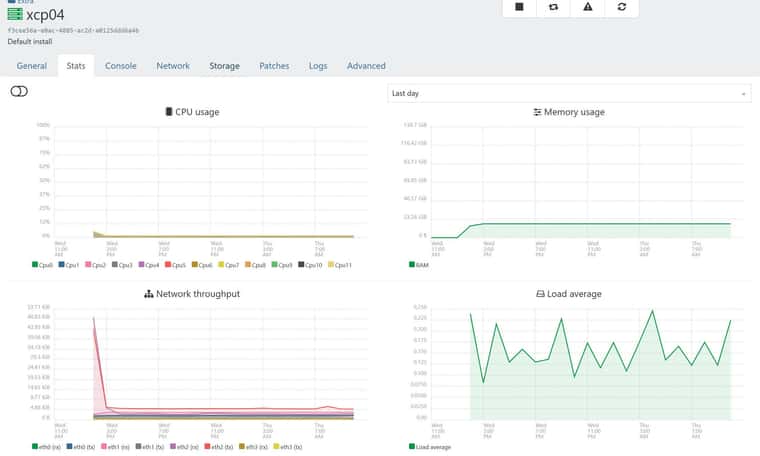
i think im seeing the same with fake cpu spikes. I started a second pool yesterday to patch and left it on over night. typically i just shut it down once done so the servers dont get too far behind patching.
Under the pool stats im seeing spikes but under hosts nothing.
It doesnt really bother me, but figure i add to the thread that im also seeing it.