🛰️ XO 6: dedicated thread for all your feedback!
-
@erwi_2026 I'm not expert on the Networking side so I may be wrong.
I believe this is the expected behavior : the slave interfaces will show as disconnected because only the bonds containing these interfaces should be used.
You may see the difference between the PIF status and Physical interface status in XO6 > Host > Network > PIF details (right side panel) for your bond.

-
Hi!
In XO-5 you can see clearly if a host is in maintenace mode" or not. I'm missing a similar thing to the little green/gray dot from XO-5 in the XO6 treeview.
You can see it in the System- Tab under General Information, but only if the host is already selected.I personally find it difficult to distinct between hosts and VMs in the treeview if a large amount entries are shown. Especially while scrolling.
Hi @jacob.becker, this is going to be fixed in XO 6.9 (ie. the Disable state for a host).
I share your point of view about hosts & VM icons, we should also change them.
Thanks ! -
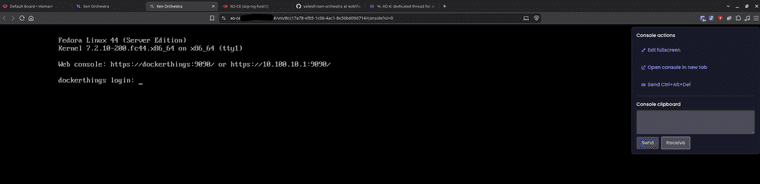
@julienxovates - playing around some more in XO6. I have quite a list I want to submit for feature enhancements (needs, really). One you all already have is being able to open a VM Console in another Tab. I attempted to but it keeps spinning & Console never displays:
I'm using Brave browser. Sometimes this particular browser can cause issues loading pages because of its security. But, I also tried Chrome and same behavior. Thoughts?
-
Same here on XO from sources - commit
f93bb -
@acebmxer Thank you for confirming as well "Ace". And, I am also running XO from Sources, same build (4 commits behind is all)
-
@julienxovates - playing around some more in XO6. I have quite a list I want to submit for feature enhancements (needs, really). One you all already have is being able to open a VM Console in another Tab. I attempted to but it keeps spinning & Console never displays:
I'm using Brave browser. Sometimes this particular browser can cause issues loading pages because of its security. But, I also tried Chrome and same behavior. Thoughts?
@acebmxer @coolsport00 Just like Microsoft Edge, Brave and Google Chrome both share the same upstream Chromium codebase. If there is an underlying bug in Chromium itself, it can potentially affect both browsers simultaneously.
However, because this involves the XO6 VM Console spinning indefinitely, it is usually caused by environment configurations or active development bugs. Here are the best steps to troubleshoot:
• Update XO From Sources: If you are running XO from sources, try updating by building from the head of the master branch. XO6 is moving fast, and this console bug may already have a fix waiting for you in the latest commit.
• Self-Signed Certificates: Open a new tab and navigate directly to your XO instance's IP/domain to explicitly "Accept the risk and continue". Chromium browsers often silently block background Console WebSocket connections if the root SSL certificate isn't trusted.
• WebSockets & Proxies: Ensure your reverse proxy, firewall, or ad-blocker isn't dropping or blocking wss:// (Secure WebSocket) connections, which the console relies on to stream the visual data.
-
Updated to latest commit did not help as expected... Also tried firefox an with out reverse proxy...
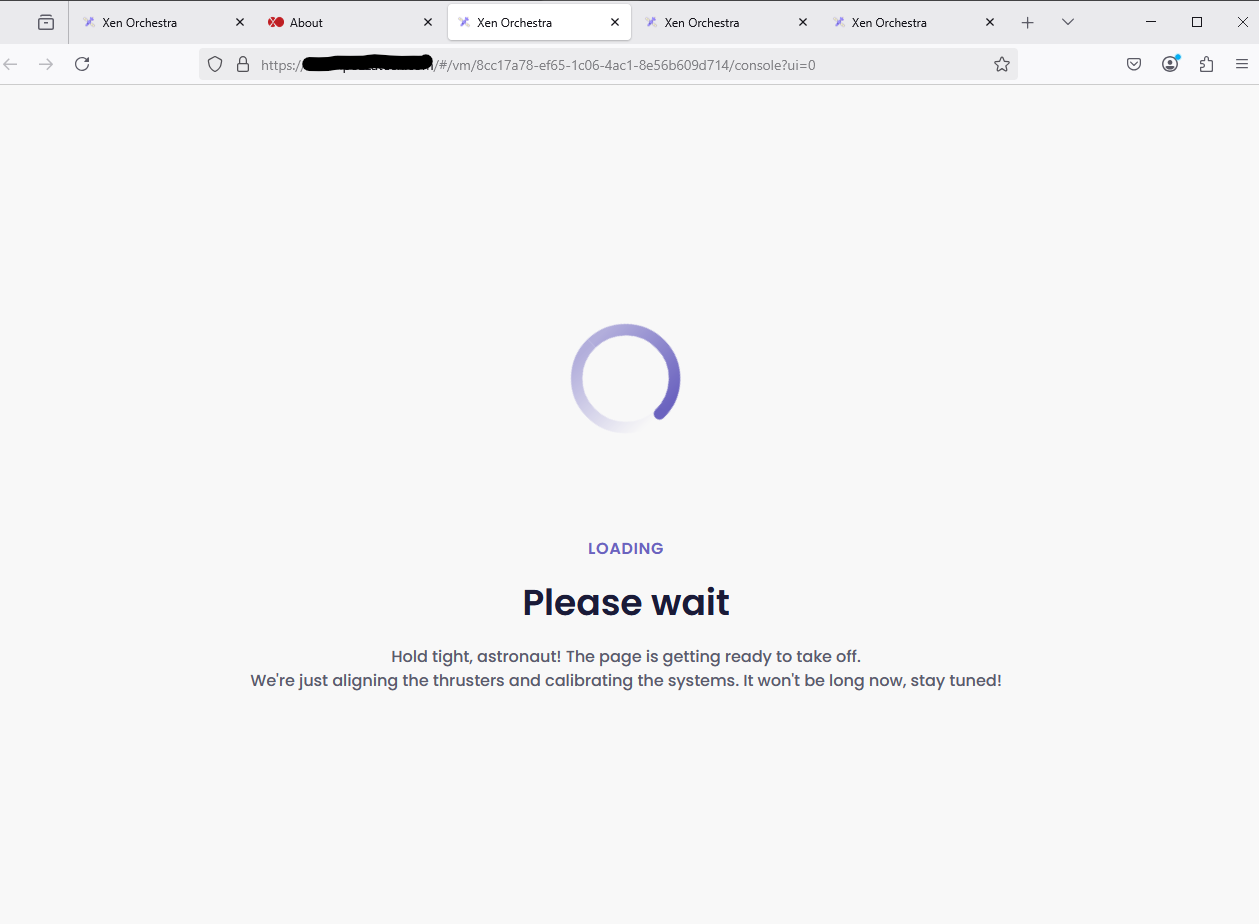
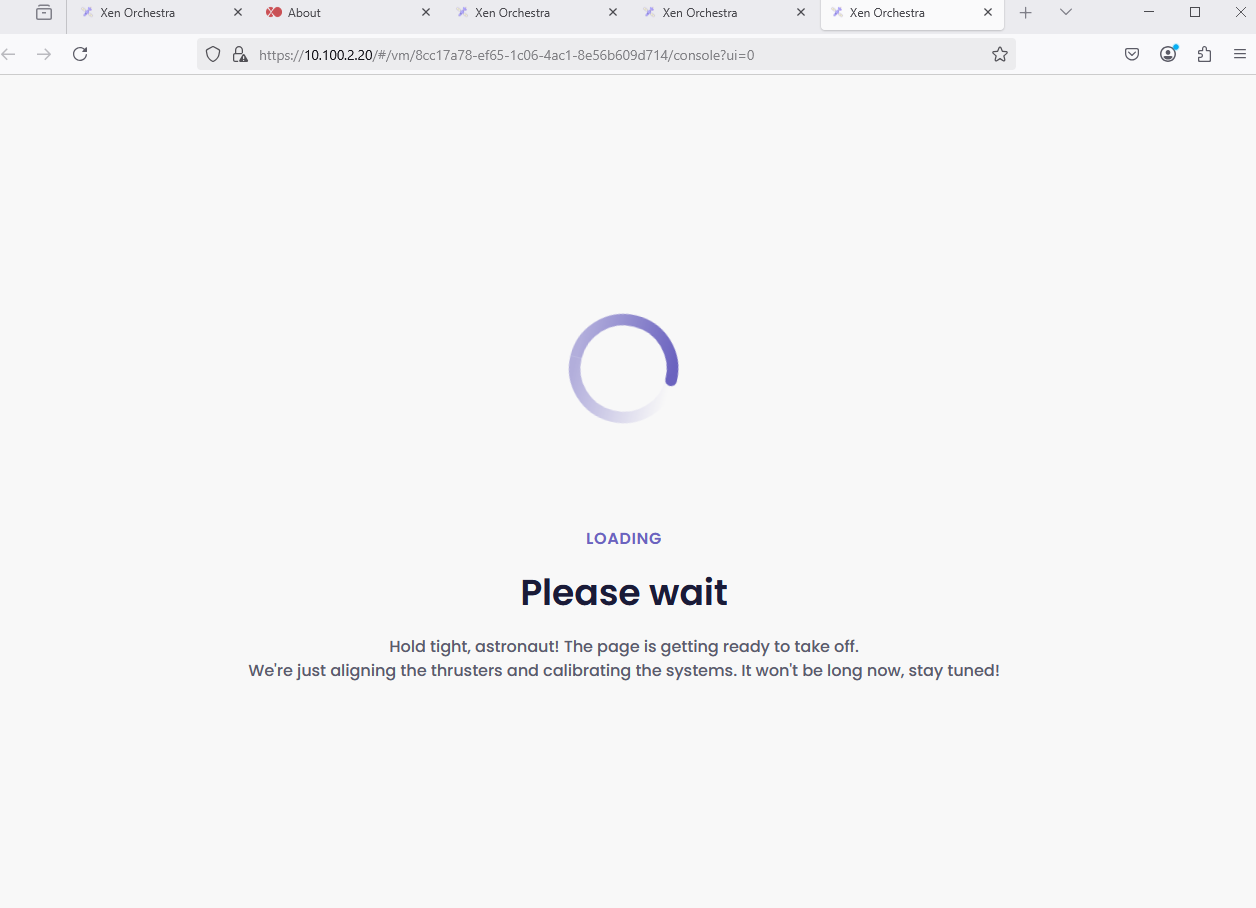
-
Updated to latest commit did not help as expected... Also tried firefox an with out reverse proxy...
If you’re using a script to help with compiling Xen Orchestra From Sources, please check whether there’s been any compilation issues when compiling it (especially ones related to the VM and Host Consoles). If there are any please grab a copy of the logs from the compilation, update the script and try compiling again.
-
Updated both of mine yesterday and no issues, Debian 12 for both. One of them is an ancient HP T630, the other a vm as BIOS boot. Here might be the wrinkle, I haven't applied the latest XCP-ng updates, haven't had the time when things are clear enough to handle it.
-
I am also able to reprodduce in XOA... I can open a support ticket and/or open a support tunnel.
-
@john.c I'm up to date on both XO on Sources and XCP Hosts. Still same issue. Let me know if you need anything further.
Also..question about Templates in general. When I delete a Template I created, it deletes the associated VDI with that Template, correct? What about any snaps I created on the VM before I made it a Template? Maybe I have to delete that Snap separately from the SR? All of that is confusing, and documentatino doesn't cover details. If I delete a Template (VM), it should just delete everything with it imo. Ugh. And thanks!

-
I would delete the snapshots just to make sure they are gone.
-
@Greg_E Hi Greg...thanks for the info.


-
@coolsport00 sorry for late reply, we can reproduce this issue, so we're going to investigate and get back to you. Thanks for raising this !
-
@julienXOvates Thank you Julien...really appreciate it.
-
@coolsport00 can you try if issue is fixed in branch xo6/fix-opening-console-in-new-tab ?
-
@julienXOvates Hi Julien. I'm on XOS, branch 05aef, and it still doesn't work. Let me know if you need anything.
BTW..I went to the github url (I think it's right - https://github.com/vatesfr/xen-orchestra/actions/runs/38920726809) , but I'm not sure how to add that to my XO to test with. I'm not too knowledgeable about github...even tho I took some vid training on it several mos ago. Still confuses me
-
-
What script are you using for your xo? if my script edit your xo-config.cfg file and change branch to
xo6/fix-opening-console-in-new-tabthat is just the branch name...
-
@acebmxer I use XOS. To update, I run the "xo-install.sh" script. Is there something else I need to try/do? Thanks.
Update - so, in my XenOrchestraInstallerUpdater folder, I have an "xo-install.cfg" file. In there...I see "BRANCH=master". Do I change from "master" to "xo6/fix-opening-console-in-new-tab"?


Hello! It looks like you're interested in this conversation, but you don't have an account yet.
Getting fed up of having to scroll through the same posts each visit? When you register for an account, you'll always come back to exactly where you were before, and choose to be notified of new replies (either via email, or push notification). You'll also be able to save bookmarks and upvote posts to show your appreciation to other community members.
With your input, this post could be even better 💗
Register Login