XCP-ng
    • Categories
    • Recent
    • Tags
    • Popular
    • Users
    • Groups
    • Register
    • Login

    CPU radio buttons on usage graph

    Scheduled Pinned Locked Moved Xen Orchestra
    15 Posts 5 Posters 1.6k Views 4 Watching
    Loading More Posts
    • Oldest to Newest
    • Newest to Oldest
    • Most Votes
    Reply
    • Reply as topic
    Log in to reply
    This topic has been deleted. Only users with topic management privileges can see it.
    • B Offline
      blueh2o
      last edited by

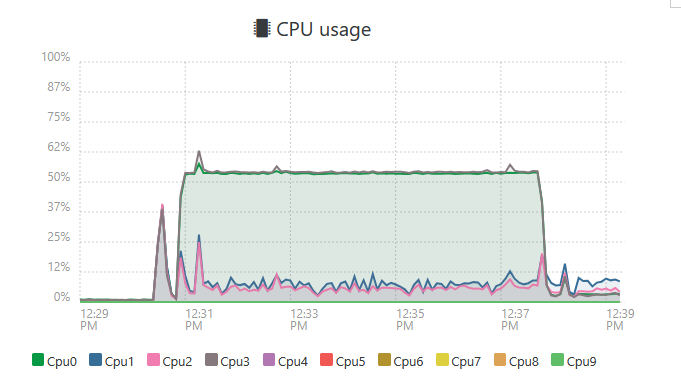
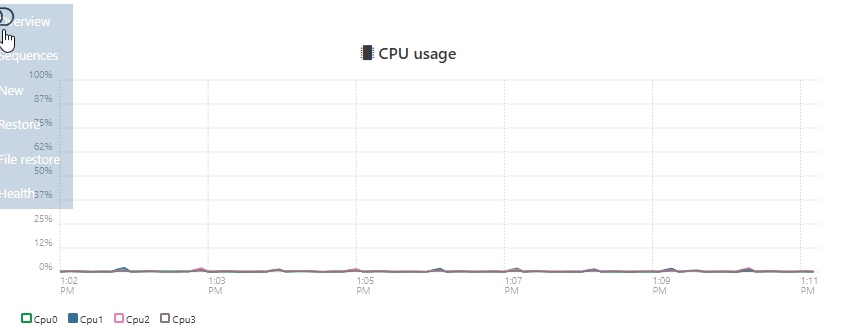
      a807057b-4917-4a5a-a20a-9cada208ddfb-image.png
      What are these buttons actually supposed to do? When I toggle them, the graph changes for a moment then goes right back to how it was before.

      1 Reply Last reply Reply Quote 0
      • olivierlambertO Online
        olivierlambert Vates 🪐 Co-Founder CEO
        last edited by

        Hi,

        I suppose you are talking about the graph legend?

        D 1 Reply Last reply Reply Quote 0
        • D Offline
          DustinB @olivierlambert
          last edited by

          @olivierlambert I think so.

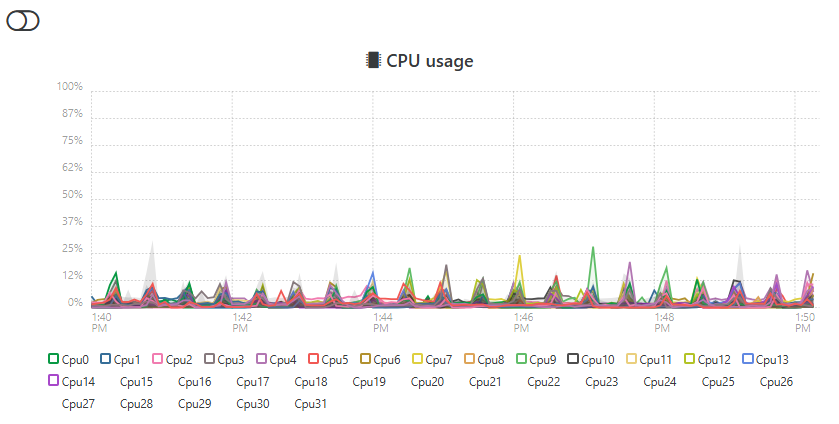
          @blueh2o you should be able to disable a specific CPU graph to see what your other (or a specific Core is doing).

          For example I have 32 cores on my hypervisor and while I can't disable every core, ideally you can take a look to see if a specific core is getting slammed with work.
          5fecb277-9749-4b3c-846d-24bceccffb82-image.png

          B 1 Reply Last reply Reply Quote 0
          • B Offline
            blueh2o @DustinB
            last edited by

            @DustinB exactly. I figured that's what they were for but they don't seem to work for me.

            D 1 Reply Last reply Reply Quote 0
            • D Offline
              DustinB @blueh2o
              last edited by

              @blueh2o said in CPU radio buttons on usage graph:

              @DustinB exactly. I figured that's what they were for but they don't seem to work for me.

              What version of XO are you using?

              B 1 Reply Last reply Reply Quote 0
              • B Offline
                blueh2o @DustinB
                last edited by

                @DustinB commit 8f2b8

                D 1 Reply Last reply Reply Quote 0
                • D Offline
                  DustinB @blueh2o
                  last edited by

                  @blueh2o said in CPU radio buttons on usage graph:

                  @DustinB commit 8f2b8

                  This looks like it was released on Sept 16, if you update to the latest is this still an issue?

                  B 1 Reply Last reply Reply Quote 0
                  • B Offline
                    blueh2o @DustinB
                    last edited by

                    @DustinB Still there in commit d77d6. The deselected CPU disappears from the graph but reappears when it refreshes.

                    D 1 Reply Last reply Reply Quote 0
                    • D Offline
                      DustinB @blueh2o
                      last edited by

                      @blueh2o said in CPU radio buttons on usage graph:

                      @DustinB Still there in commit d77d6. The deselected CPU disappears from the graph but reappears when it refreshes.

                      "refreshes" like when you press F5 in your browser?

                      1 Reply Last reply Reply Quote 0
                      • A Offline
                        acebmxer
                        last edited by acebmxer

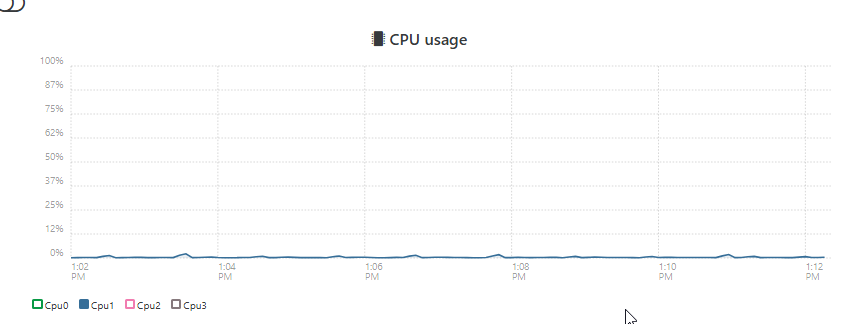
                        I just tried this myself and noticing the same outcome. If you deselect a core. That line will remove from the graph momentarily. Then the graph will refresh and that core will be show in the graph while deselected.

                        no page refresh needed.

                        https://drive.google.com/file/d/1DzoLItM8fpj0Jn04L_tv31mUjcUxo1cC/view?usp=sharing

                        D 1 Reply Last reply Reply Quote 1
                        • D Offline
                          DustinB @acebmxer
                          last edited by

                          Hrm...

                          Same thing here too, never noticed it until now.
                          8215e43a-b987-4db4-9a9e-ec0136e0be29-image.png

                          f5d0fdcb-494b-4318-8beb-3a6e6808d708-image.png

                          Must be some sort of bug

                          1 Reply Last reply Reply Quote 0
                          • A Offline
                            acebmxer
                            last edited by acebmxer

                            I posted a video recording of it, hope that helps.

                            1 Reply Last reply Reply Quote 0
                            • olivierlambertO Online
                              olivierlambert Vates 🪐 Co-Founder CEO
                              last edited by

                              Those graph are 10y old, and XO 6 will be the default UI in XO 6, so I think we can confidently said we won't take time to debug those old graphs.

                              D 1 Reply Last reply Reply Quote 1
                              • D Offline
                                DustinB @olivierlambert
                                last edited by

                                @olivierlambert said in CPU radio buttons on usage graph:

                                Those graph are 10y old, and XO 6 will be the default UI in XO 6, so I think we can confidently said we won't take time to debug those old graphs.

                                Kind of what I had figured. That XO6 is the way forward.

                                P 1 Reply Last reply Reply Quote 0
                                • P Online
                                  Pilow @DustinB
                                  last edited by

                                  @DustinB with Easyvirt integrated in the stack ♥

                                  1 Reply Last reply Reply Quote 0

                                  Hello! It looks like you're interested in this conversation, but you don't have an account yet.

                                  Getting fed up of having to scroll through the same posts each visit? When you register for an account, you'll always come back to exactly where you were before, and choose to be notified of new replies (either via email, or push notification). You'll also be able to save bookmarks and upvote posts to show your appreciation to other community members.

                                  With your input, this post could be even better 💗

                                  Register Login
                                  • First post
                                    Last post