🛰️ XO 6: dedicated thread for all your feedback!
-
@acebmxer Thank you!
Will check our your script...thanks!

-
BTW @julienxovates - the same behavior happens in XO-Lite, but even when going to the Console tab normally, not opening in a 2nd tab. It just spins:
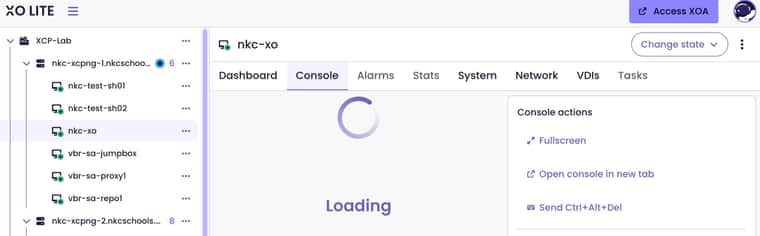
Has been happening for quite a while. I just don't get in XO-Lite often so have never mentioned it. Thanks!
-
Also...I performed an update yesterday afternoon and ever since then...my XO v6 webUI spins now as well:
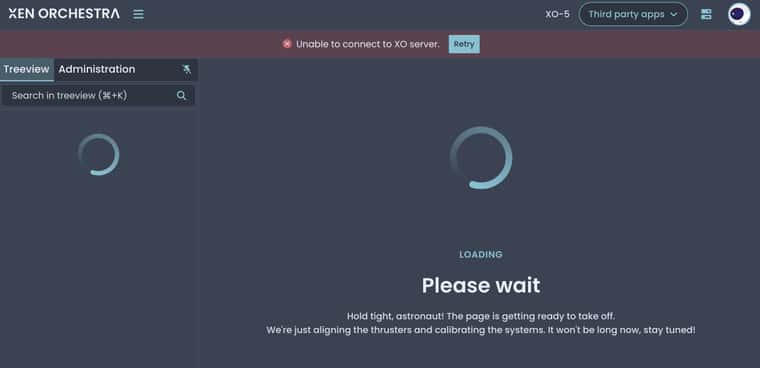
I had a tab open with my v5 web UI & it seemed to work, but I closed it and can't remember the URL to get back to it. But I think the v5 UI is fine. The reason I ask for the v5 URL is because the "XO-5" link in the v6 UI is now not clickable. Anyone else having this issue?
UPDATE: I ran another XO update on my XOS VM, and still have same behavior in v6 web UI

-
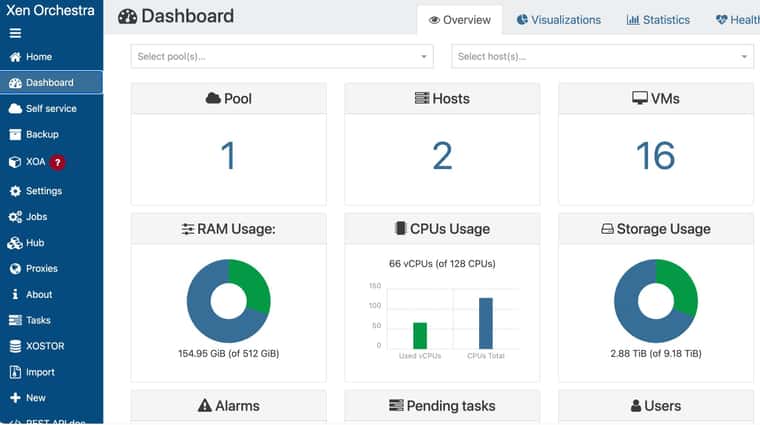
Found my v5 URL. Yep...that UI seems fine:
-
@coolsport00 I think I had this from time to time since a few. I could resolve it by closing my browser completely (not only the XO tab). Can you give a try ? We'll investigate this issue anyway. Thanks
-
@julienXOvates Hi Julien. Sorry for the late response. Yep...that did it.. Sorry I didn't try that initially (I even rebooted my XO VM & still didn't fix it initially). I was hesitant to close out my browser because of all tabs/sessions I'm working on
 hahaha
But yep...that worked. Thanks!
-
Found another issue testing, or maybe it's known behavior? This is in both v6 and v5 webUI -- if I create a new Linux VM from an Ubuntu 24 Template I created, and I installed xe-guest-utilities (v.7.20.2-0ubuntu1) in the Template, the web UI does not display the IP under the Network tab in v5, nor when clicking the 'eye' in the Networking tab in v6.
But, if I install the guest utilities via the guest-iso via the cdrom (v.7.30.0-19_amd64.deb) in XOS, the IP then shows. Is there a different utilties pkg to install in Ubuntu, or just go the cdrom route?
The Windows guest agent downloaded from github, after install, shows IP in Network tab for Win VMs.
Thanks!
-
@julienxovates @olivierlambert -- where is the page you all want us to go to provide feature requests/enhancements? I have accumulated quite a few the past yr (some of which you've addressed!
). Thought I'd go ahead and get them posted. Hopefully I don't have to create a request for each one? Thank you. -
@coolsport00 Hi ! This is https://feedback.vates.tech
Maybe you can regroup them by theme/category ? (and so people can still upvote based on "theme/category")
Thanks! -
@julienXOvates Hey there..yeah...ended up finding it. Crap...looks individualized. Which, I get it. The amt of requests you all must get is crazy I'm sure. Let me go through all my notes and try and consolidate some into a single maybe?...at least where it makes sense. Appreciate it!
-
Anyone else having XO6 > Pool > Dashboard data just spin? I'm up to date as of this morning; on build 2e672. This happened on my previous build (I updated yesterday morning). Thoughts?
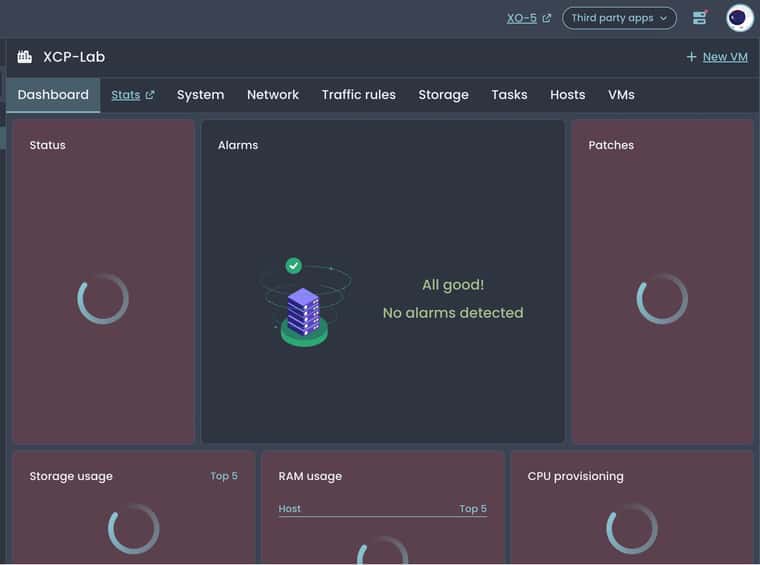
XO > Dashboard; Host > Dashboard; VM > Dashboard are all normal. Just Pool > Dashboard shows the above behavior.
-
I just updated mine was only 3 commits behind, no issues here.
-
Not spinning, but the backups tab is gone, It was really only good to see the green check marks or red x, but gone as of the update I did about 24 hours.
-
Not spinning, but the backups tab is gone, It was really only good to see the green check marks or red x, but gone as of the update I did about 24 hours.
I didnt notice the backup tab missing at first but also for me.
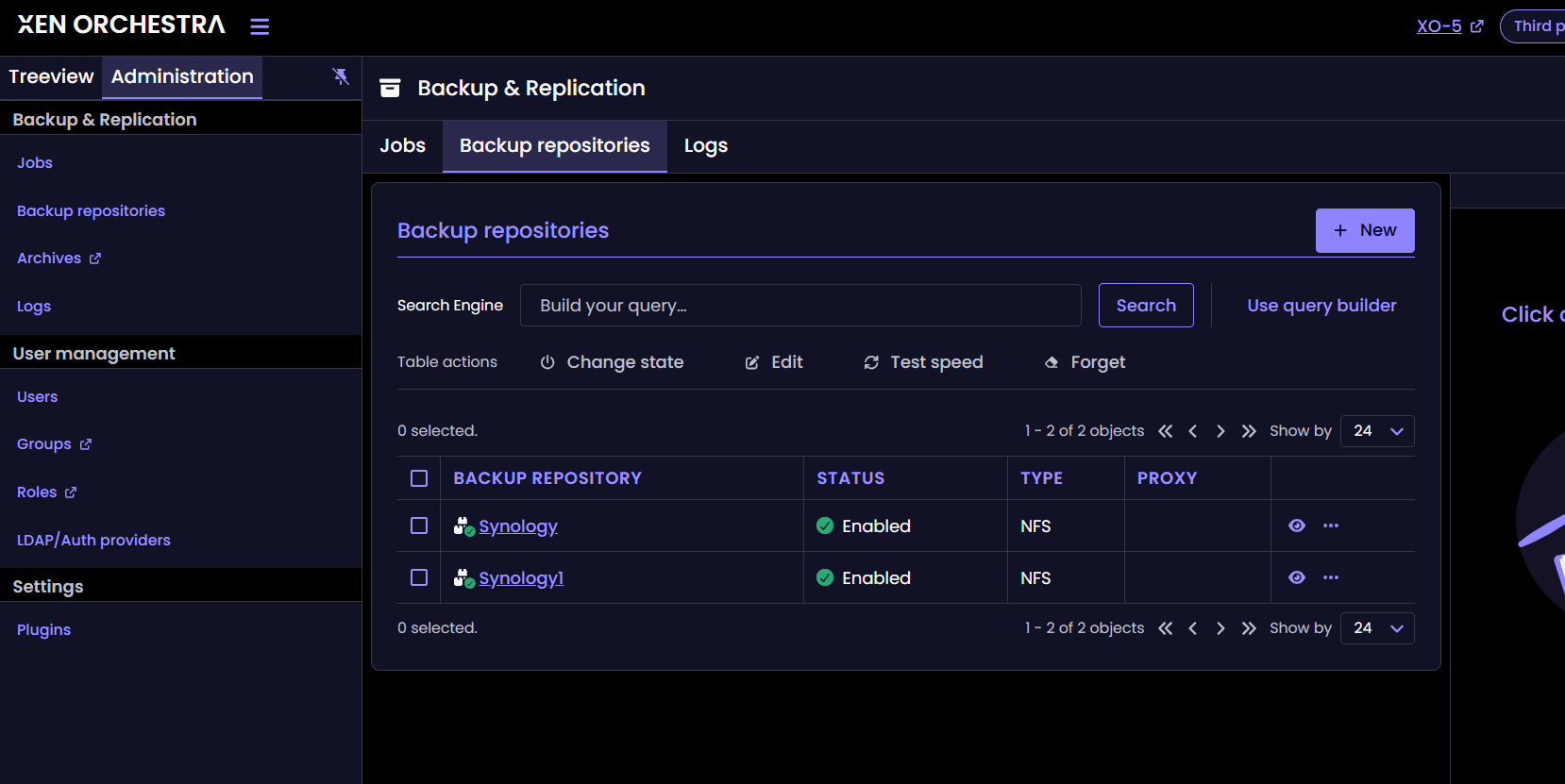
Edit - Found
-
right, we are moving all Backup pages in Administration tab (https://xen-orchestra.com/blog/xen-orchestra-6-10/), but we probably forgot to say we removed this "Backups" tab from the Site view...!
Create/restore backup is in progress...! -
I'm using Brave browser - v5 is fine but v6 XO is not. Not sure what the deal is. I cleared my XO cookies but still have the issue. Actually, it's now wholistic..not just Pool > Dashboard.
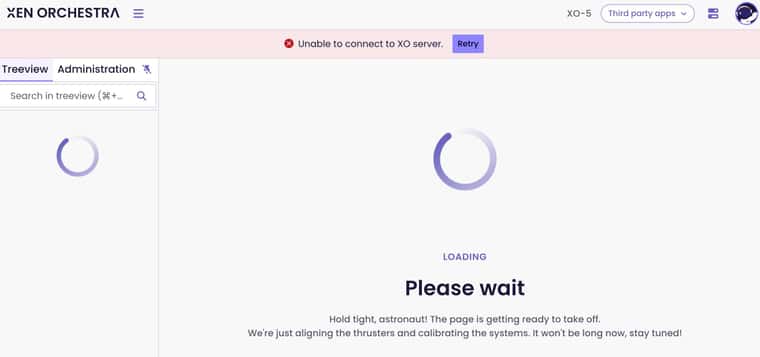
Chrome works so I don't know. Weird.
Thanks for confirming all is well guys. Appreciate you all! -
I'm using Brave browser - v5 is fine but v6 XO is not. Not sure what the deal is. I cleared my XO cookies but still have the issue. Actually, it's now wholistic..not just Pool > Dashboard.
Chrome works so I don't know. Weird.
Thanks for confirming all is well guys. Appreciate you all!Brave has an inbuilt tracker list blocker, as well as either built-in or as an extension a script blocker. Worth checking in case it’s blocking things that Xen Orchestra needs.
-
-
@john.c which is why I use it
 It's been perfect up until yesterday..not sure what's going on. Will check that though @john.c . Thanks!
Your welcome. Also if using a Web Application Firewall (WAF) would be best if you switched it to BunkerWeb, due to them being on Vates VAN! So will be highly tested for support of protecting Xen Orchestra and certified as compatible with such.
-
@john.c Nah..don't use those thankfully. Appreciate it!


Hello! It looks like you're interested in this conversation, but you don't have an account yet.
Getting fed up of having to scroll through the same posts each visit? When you register for an account, you'll always come back to exactly where you were before, and choose to be notified of new replies (either via email, or push notification). You'll also be able to save bookmarks and upvote posts to show your appreciation to other community members.
With your input, this post could be even better 💗
Register Login