XCP-ng
    • Categories
    • Recent
    • Tags
    • Popular
    • Users
    • Groups
    • Register
    • Login

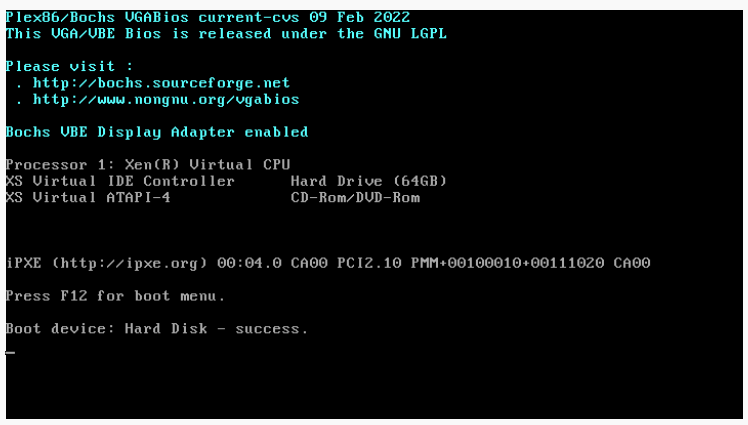
    Stuck on boot : Hard Disk - Success
    Scheduled Pinned Locked Moved Compute
    19 Posts 6 Posters 5.2k Views 5 Watching
    Loading More Posts
    • Oldest to Newest
    • Newest to Oldest
    • Most Votes
    Reply
    • Reply as topic
    Log in to reply
    This topic has been deleted. Only users with topic management privileges can see it.
    • alpenliebeanjA Offline
      alpenliebeanj @olivierlambert
      last edited by

      @olivierlambert Selected 4gb and 2core, forced reboot still stuck in this view

      1 Reply Last reply Reply Quote 0
      • DanpD Offline
        Danp Pro Support Team
        last edited by

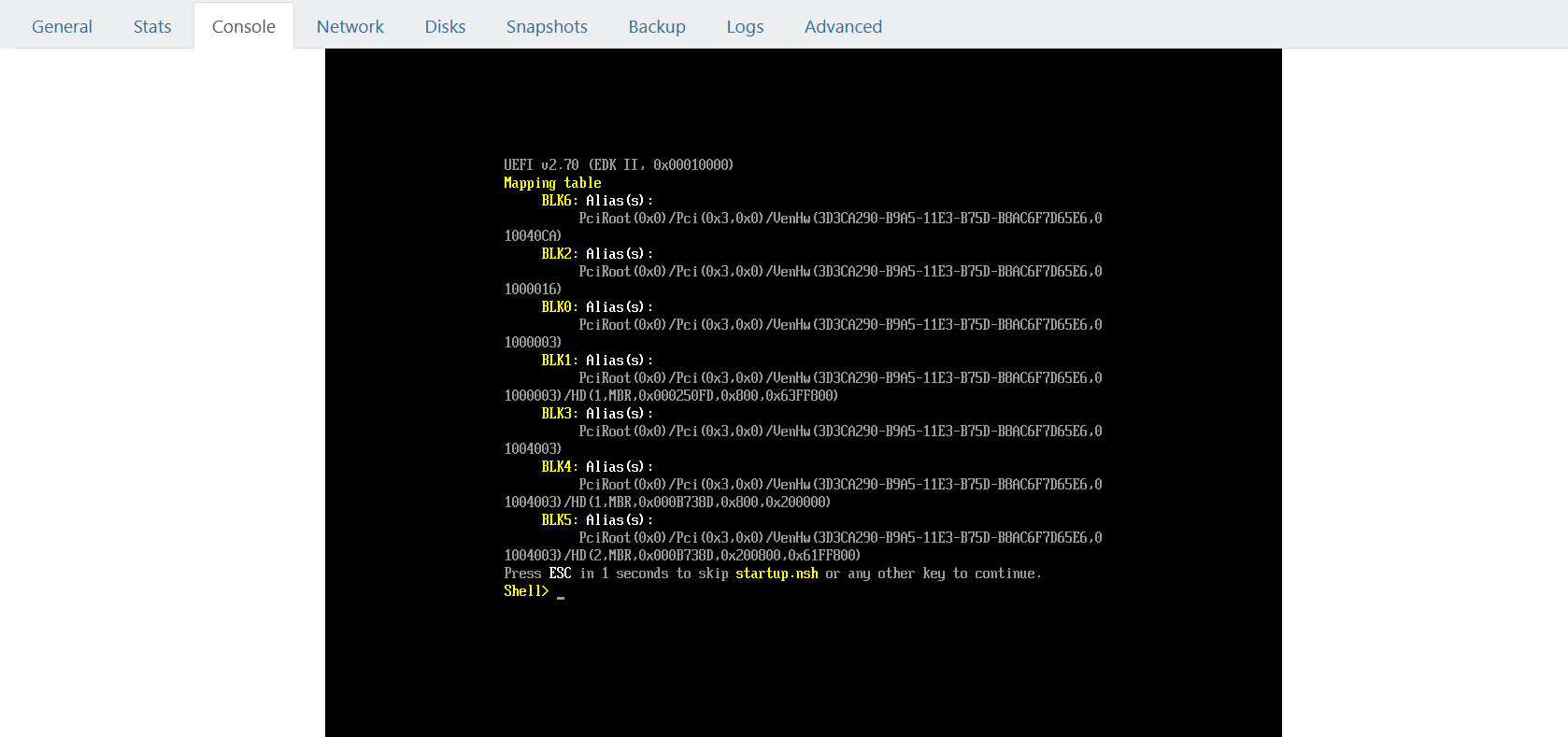
        Could this be a BIOS vs UEFI issue.

        alpenliebeanjA 1 Reply Last reply Reply Quote 0
        • alpenliebeanjA Offline
          alpenliebeanj @Danp
          last edited by

          @Danp during the boot we cant select UEFI bios for debian, it's as default selection unselected... so

          DanpD 1 Reply Last reply Reply Quote 0
          • DanpD Offline
            Danp Pro Support Team @alpenliebeanj
            last edited by

            @alpenliebeanj This setting can be viewed / changed from the VM's Advanced tab in XO.

            alpenliebeanjA 1 Reply Last reply Reply Quote 0
            • alpenliebeanjA Offline
              alpenliebeanj @Danp
              last edited by

              @Danp You mean to try to allow UEFI bios during the boot for this istance of Debian11?

              D 1 Reply Last reply Reply Quote 0
              • D Offline
                dejavju @alpenliebeanj
                last edited by

                @alpenliebeanj did you find a solution? Having the same issue after moving from KVM and following the migration guide https://xcp-ng.org/docs/migratetoxcpng.html#from-kvm-libvirt.

                Tried changing to UEFI aswell but no luck

                Bios:
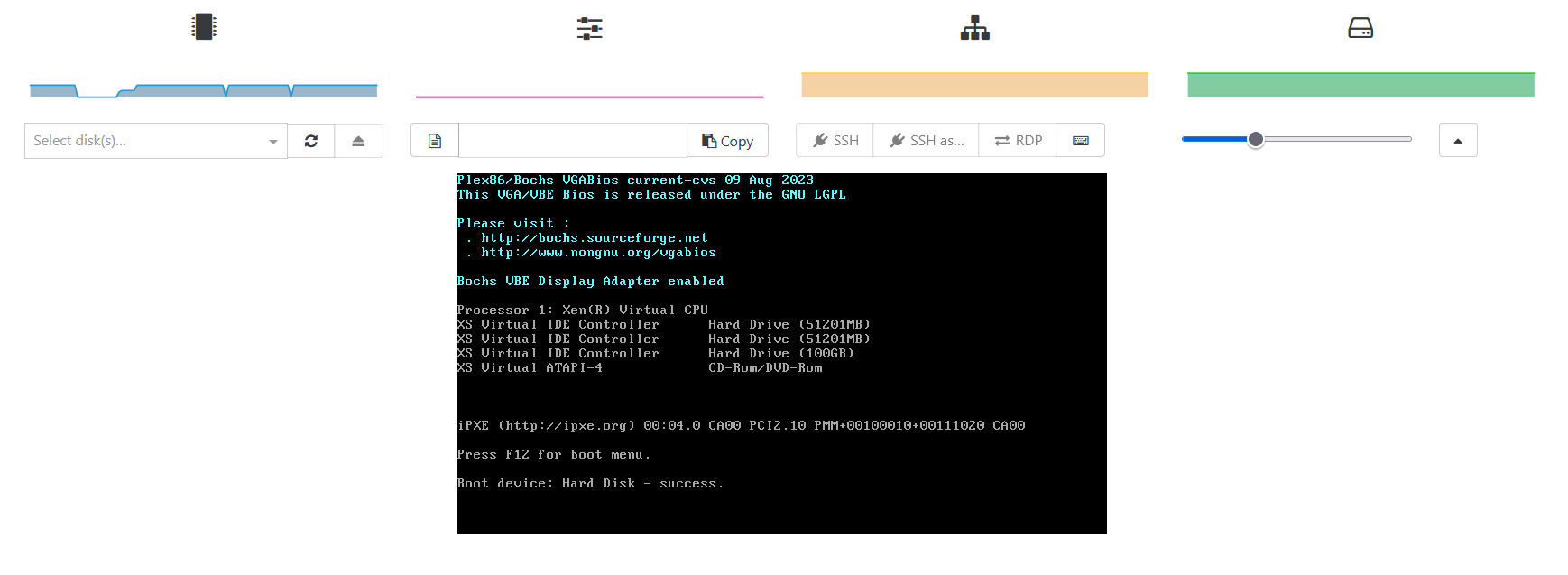
                347c9106-4a56-4151-bfa6-709ba8aec106-image.png

                UEFI:
                1607556c-63e6-4184-89d9-8d29bbc90eb3-image.png

                D 1 Reply Last reply Reply Quote 0
                • D Offline
                  dejavju @dejavju
                  last edited by

                  @dejavju FYI Converted the qcow disk to vhd again and tried and this time it booted, so something perhaps went wrong in the conversion. All is good now.

                  1 Reply Last reply Reply Quote 1
                  • olivierlambertO Online
                    olivierlambert Vates 🪐 Co-Founder CEO
                    last edited by

                    Ah good to know, thanks for your feedback @dejavju 🙂

                    1 Reply Last reply Reply Quote 0
                    • E Offline
                      erik.lukes
                      last edited by

                      This post is deleted!
                      D 1 Reply Last reply Reply Quote 0
                      • D Offline
                        dejavju @erik.lukes
                        last edited by

                        This post is deleted!
                        1 Reply Last reply Reply Quote 0
                        • A Offline
                          akoala
                          last edited by

                          @alpenliebeanj

                          I know you resolved this a different way but what I did when migrating P2V from a bare metal debian system to xcpng is using clonezilla I transferred the image via the network to the VM which was booted to clonezilla as well. Then I changed the boot option to UEFI in advanced, pressed escape on startup and then proceeded to add a boot menu entry for grub of the Debian system. I would assume the process would have been similar in your case as well to resolve.


                          1 Reply Last reply Reply Quote 0

                          Hello! It looks like you're interested in this conversation, but you don't have an account yet.

                          Getting fed up of having to scroll through the same posts each visit? When you register for an account, you'll always come back to exactly where you were before, and choose to be notified of new replies (either via email, or push notification). You'll also be able to save bookmarks and upvote posts to show your appreciation to other community members.

                          With your input, this post could be even better 💗

                          Register Login
                          • First post
                            Last post