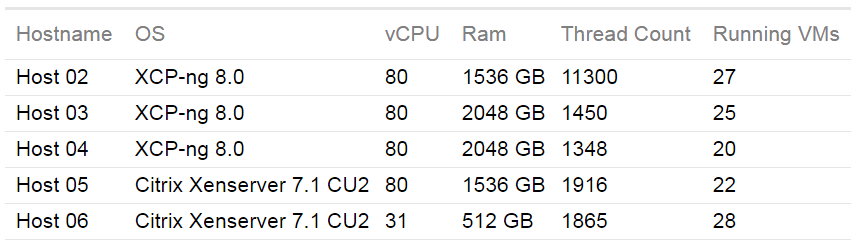
In other words, you must empty the host before add it to the primary pool, of course, you can migrate VM from one pool to another. And if your hw is not the same, but similar, you'll have an heterogeneous pool.
That's because UEFI is almost by default on HyperV since longer in XenServer/XCP-ng. When Windows 2012R2 was out, only BIOS was available on XenServer. So they put the template using UEFI.
Again, with Xen Orchestra, you should have been able to enable UEFI with it.
@Ascar said in Disk Usage for Control Domain on server 'abc.mydomain.com' has reached 92%.:
If you see any deficiency in my plan please share your view.
The main drawback I see is that you may have to reboot that VM from time to time, so the SR will become unresponsive and maybe hang some tasks until it's back. And when you reboot your hosts they will try to connect to a VM that may not be available yet.
I would say definitely no for use of a VM as shared storage, but for an ISO SR that may be usable enough.
To answer your last question, you can sort of make this work, you can set a "home" server for each VM where it will try to start first, if home server isn't available it will start on any other available server. If you want absolute separation then you'll have to make 2 pools and split them there. You should still be able to live migrate the VMs between pools but you won't be able to share your SR between pools.
@jstorgaard Updated packages are now available for you to test: https://github.com/xcp-ng/xcp/issues/434#issuecomment-688786905
olivierlambert created this issue in xcp-ng/xcp
closed
Backport Xen patch to support Ice Lake and Comet Lake CPUs
#434
Just wanted to bump the post
I get his error too.
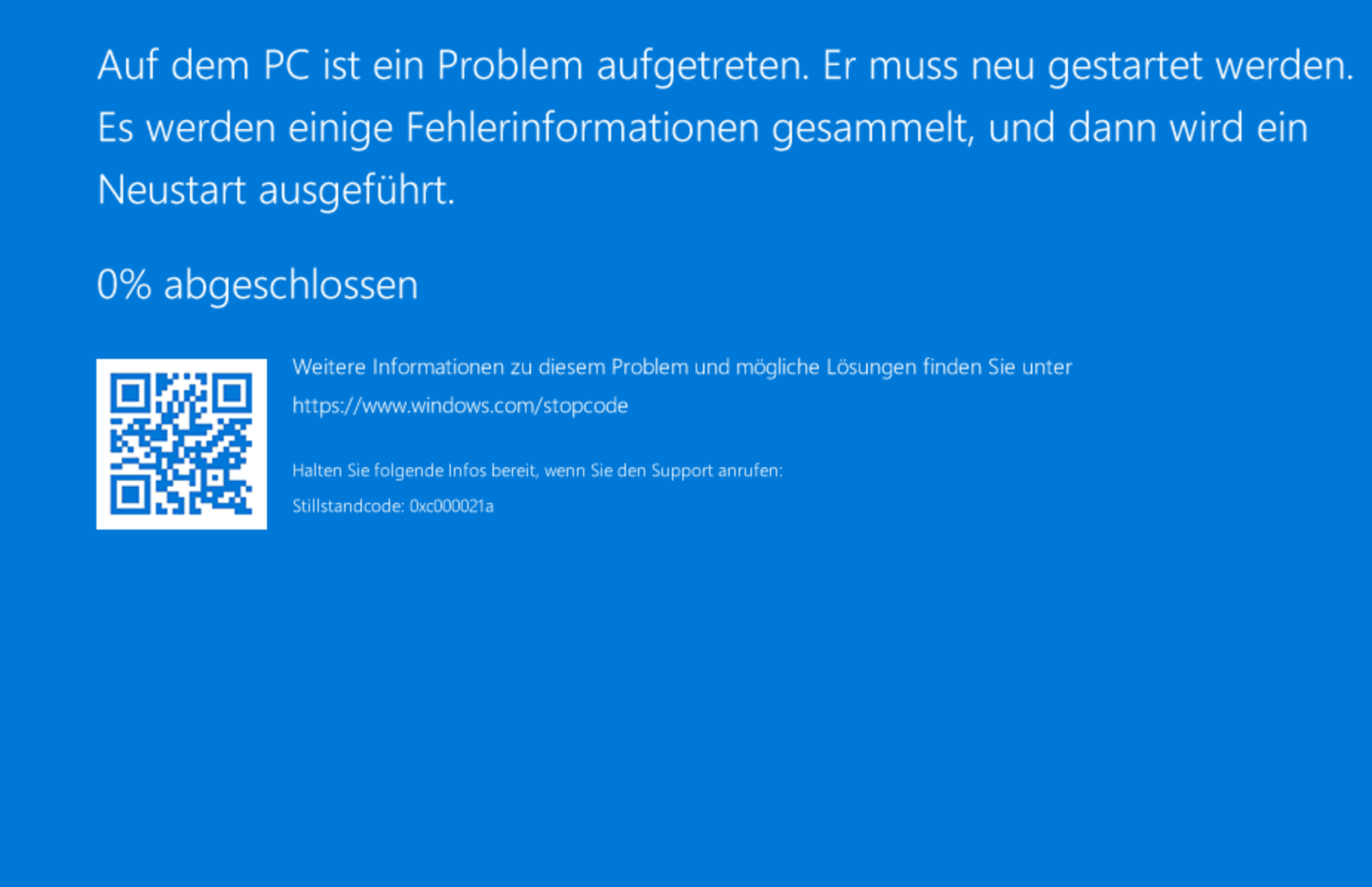
Doesn't really affect my situation much, I'm able to access XOA just fine after rebooting the server, but the one time I had the computer hooked up to a screen I did notice the message last a long time, and actually never reached the console.
Just nothing right now. VMs will continue to run. You won't be able to send orders (like moving VM, stop, or start new VMs).
If your master is down for good, you can emergency transition the master to a slave (but you must be SURE the previous master won't come back!).
Shutdown the host properly and report if those VM boots. Try to disable/enable power on via Xen Orchestra, there's an issue in XCP-ng Center with this setting.
RTFM
https://xcp-ng.org/docs/compute.html#pci-passthrough
You can also passtrough multiple devices. If you wanted to passtrough another device at 00:19.0 just append it to the parameter.
[root@xen ~]# xe vm-param-set other-config:pci=0/0000:04:01.0,0/0000:00:19.0 uuid=<vm uuid>
@xTITUS-MAXIMUSx
Thanks for the tip. I went to the bios and enabled the Intel Virtualization Technology and I thought I was done. After further research I recognized there are two steps to Enable the Intel Virtualization Technology. https://us.informatiweb.net/tutorials/it/bios/enable-iommu-or-vt-d-in-your-bios.html
Advanced >> CPU configuration >> Intel Virtualization Technology >> Enable
Advanced >> System Agent Configuration >> VT-d >> Enable