🛰️ XO 6: dedicated thread for all your feedback!
-
I have a
TrueNas (T1)and aQnap (Q1)with all kind of stuff in them
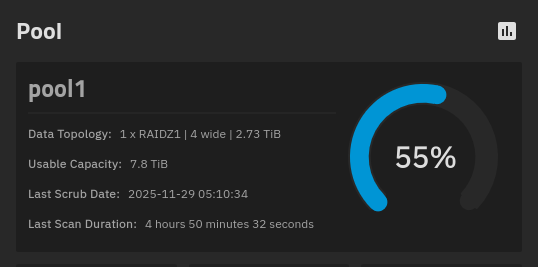
TheTruenasis using 55% of storage.
In
XO5andXO6theTrueNasdoesn't show all storage used


It is only showing the amount of storage used in each dataset


The
Qnapseems to be showing the correct values -
-
@ph7 Thanks for all the feedback! We took notes of everything, and we're already fixing some of them

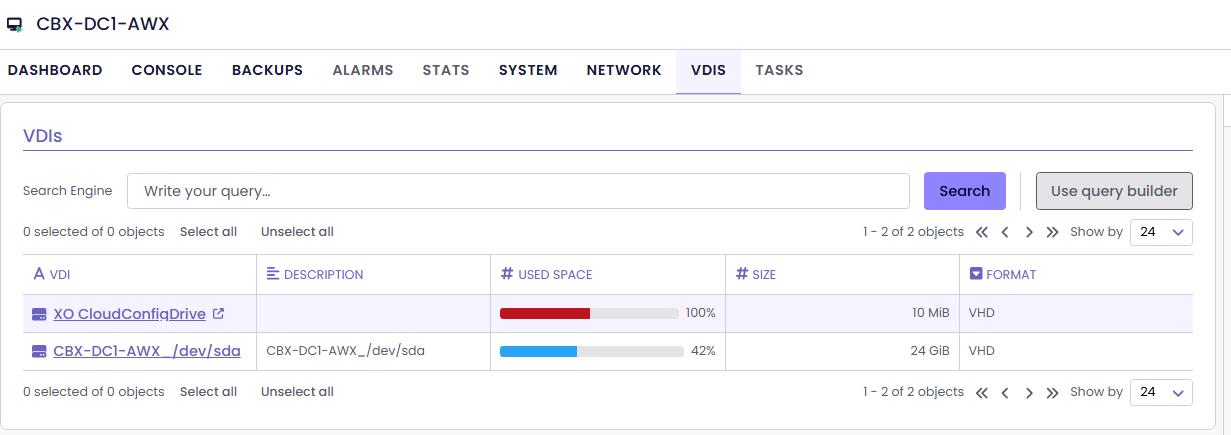
@jr-m4, @probain and @acebmxer We were eventually able to reproduce the VDI name bug, we'll fix that!
@Davidj-0 said in
 ️ XO 6: dedicated thread for all your feedback!:
Should we add this to https://docs.xen-orchestra.com/installation#installing-dependencies ? Or will it not be necessary after the next release?
It won't be necessary after we merge this PR, which should be very soon.
-
First of all thanks for all the hard work that has been done towards reaching the XO 6 milestone!
I think you guys nailed it visually.
The difference between XO 5 and XO 6 is night and day!I am not sure if you already noticed but in XO 6 when you click on pool --> storage and then click on one of your SR it will open XO 5 in a new tab and show the SR there.
That is something that I noticed today when I was trying to perform a task in XO 6.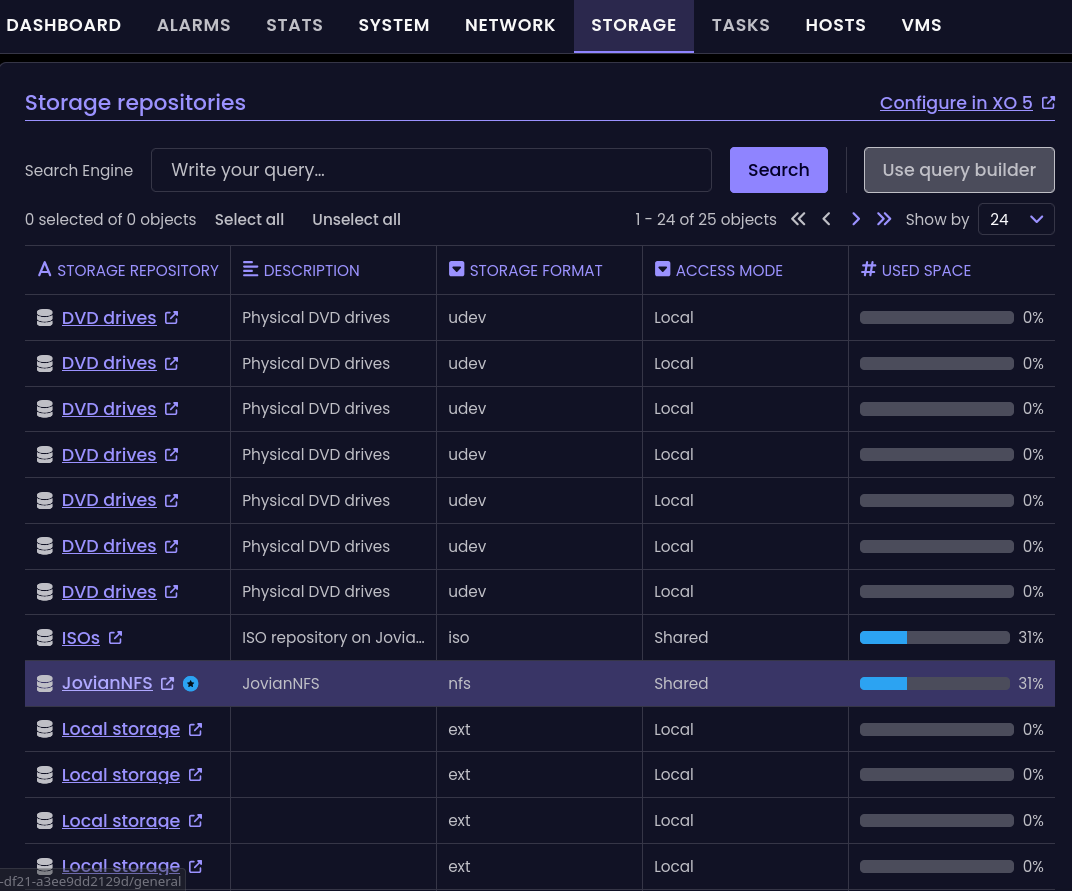
Best regards
-
@MajorP93
If You press the link underStorage repositorycolumn, it will open in XO5
I think it's by design until XO6 is fully "released"
If You press inside of the other 4 columns, it will show info about that repo. -
I like darkmode, but honestly, the purple on purple is too much. Is there ever a plan to allow for custom theme's to be applied?
-
Udated to commit
1640aand it seems like there is a small "defect" to the right
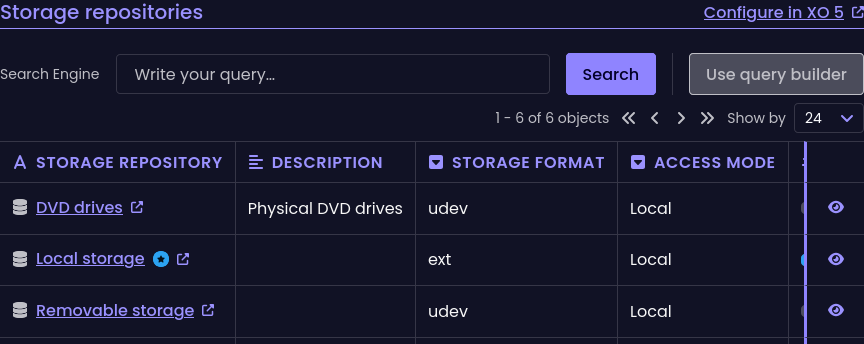
I have an old monitor 1680x1050
If I increase width of the window, the "line" will disappear but then the window is to wide -
It's under POOL/STORAGE
-
There is a scroll bar, I didn't see it
I can also use the hamburger button to close the side menu -
If I click on an element, I don't get any info in this window