XCP-ng
    • Categories
    • Recent
    • Tags
    • Popular
    • Users
    • Groups
    • Register
    • Login
    • Profile
    • Following 1
    • Followers 0
    • Topics 100
    • Posts 509
    • Groups 0
    ForzaF Offline
    1. Home
    2. Forza
    3. Topics

    Topics

    • ForzaF

      Mirror of full backups with low retention - copies all vms and then deletes them

      Watching Ignoring Scheduled Pinned Locked Moved Backup
      4
      1
      0 Votes
      4 Posts
      703 Views
      Bastien NolletB
      I confirm that this is the current behaviour, as @pilow reported here https://xcp-ng.org/forum/post/99446 We might change it in the future to make it better, but it won't be trivial to change.
    • ForzaF

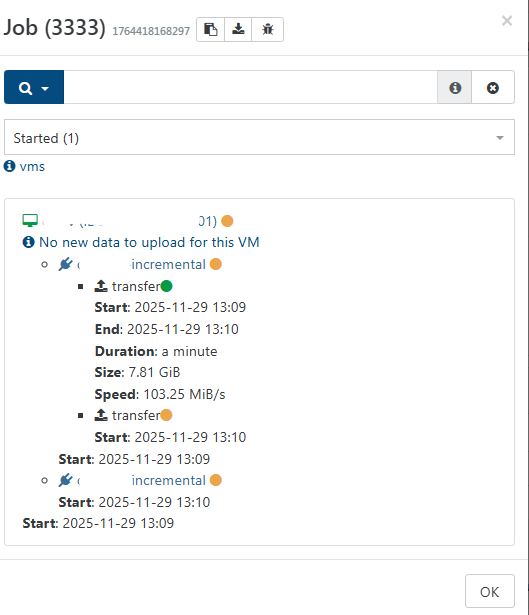
      Mirror backup: No new data to upload for this vm?

      Watching Ignoring Scheduled Pinned Locked Moved Backup
      12
      1
      0 Votes
      12 Posts
      2k Views
      P
      @Forza you will have to switch to LATEST to profit from end month release STABLE is one version behind LATEST both are production ready.
    • ForzaF

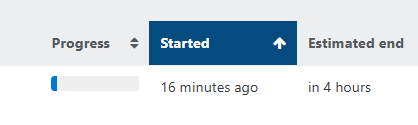
      Mirror backup: Progress status and ETA

      Watching Ignoring Scheduled Pinned Locked Moved Backup
      8
      1
      1 Votes
      8 Posts
      1k Views
      M
      @poddingue I see backups in the tasks view fine, just not mirror ones. I'm talking about v5, haven't converted to v6 yet because of missing features.
    • ForzaF

      Xen 4.21

      Watching Ignoring Scheduled Pinned Locked Moved Compute
      2
      0 Votes
      2 Posts
      522 Views
      G
      @Forza I keep hoping to see an Alpha or Beta of XCP-ng 9 soon, but I think there is still a lot of work to be done on the host side and on the Xen Orchestra 6 side.
    • ForzaF

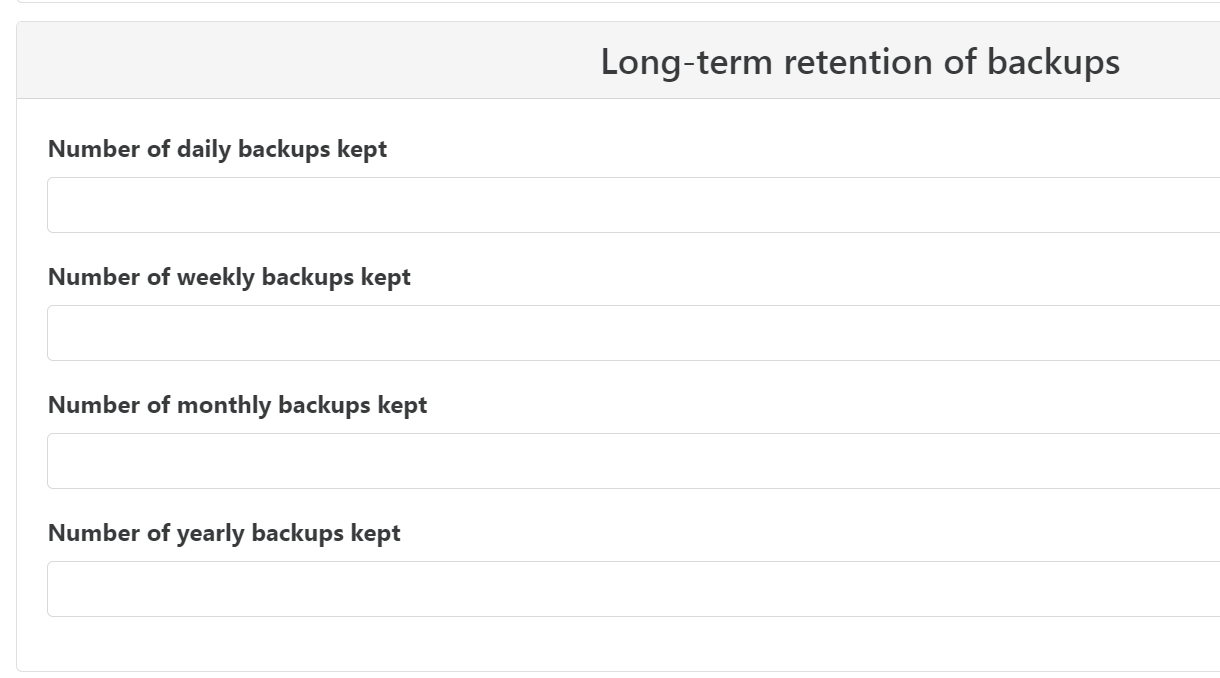
      Full backup - new long-retention options

      Watching Ignoring Scheduled Pinned Locked Moved Backup
      24
      2
      0 Votes
      24 Posts
      6k Views
      olivierlambertO
      \o/
    • ForzaF

      Migrating logs and history between XOA instances?

      Watching Ignoring Scheduled Pinned Locked Moved Xen Orchestra
      8
      0 Votes
      8 Posts
      2k Views
      ForzaF
      @olivierlambert said in Migrating logs and history between XOA instances?: Hi, VM stats aren't store on XOA but on your pools, and they should be there with the same history as the old one Can you tell exactly what kind of logs are you talking about? Thanks. I had looked on the wrong VM. The stats are indeed retained. Originally I was thinking of audit logs, but I realized they can be exported and imported. So for m point of view it is enough for now. Other logs that are missing is for example backup logs.
    • ForzaF

      Update XOA OS via apt update?

      Watching Ignoring Scheduled Pinned Locked Moved Xen Orchestra
      12
      0 Votes
      12 Posts
      3k Views
      olivierlambertO
      @thomas-dkmt we might need to make sure XO docs tell how system updates are handled and proxy config
    • ForzaF

      Location for "snapshots with memory"

      Watching Ignoring Scheduled Pinned Locked Moved Management
      8
      3
      0 Votes
      8 Posts
      2k Views
      olivierlambertO
      It might record the max static RAM (IDK)
    • ForzaF

      Retention for log files and audit logs

      Watching Ignoring Scheduled Pinned Locked Moved Xen Orchestra
      6
      0 Votes
      6 Posts
      1k Views
      eveaneE
      I would like to suggest to configure a remote syslog server. it centralizes all the log s and give you full control over the retention. It would also avoid situation where a disk full would impact your logging as well XCP-ng or XOA host operations. For your XCP-NG host go to you POOl, select Advanced tab and configure the Remote syslog host section to point to your syslog server. For XOA, you can follow the instruction here : https://docs.xen-orchestra.com/backups#send-xo-logs-to-an-external-syslog-server
    • ForzaF

      ACPI Error: SMBus/IPMI/GenericSerialBus

      Watching Ignoring Scheduled Pinned Locked Moved XCP-ng
      5
      0 Votes
      5 Posts
      2k Views
      ForzaF
      @dinhngtu Yes, looks like it. I stopped Netdata and the problem went away. But it is strange it started after the latest set of updates.
    • ForzaF

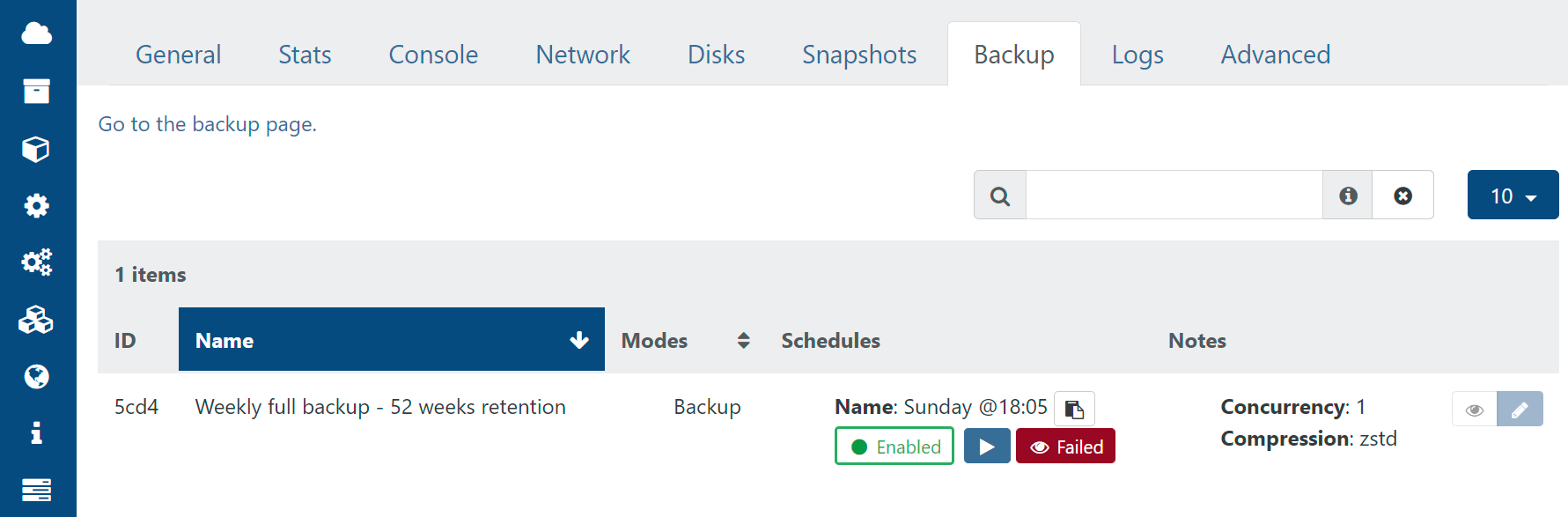
      Misleading status in VM->Backup screen

      Watching Ignoring Scheduled Pinned Locked Moved Backup
      7
      1
      0 Votes
      7 Posts
      1k Views
      J
      @olivierlambert @DustinB @Forza May I suggest that it goes a bit further, unless it already does so. Can the VMs in Xen Orchestra show if it was backed up successfully in the most recent job. As well as when it was last backed up, if you happen to not have the report yet (or read it) you can see at a glance. That way it makes decoding the orange status for the backup job easier, so you know which ones you need to do a backup job run for. Alternatively show which ones failed and were successful, when you get the details for the job (task) in Xen Orchestra following an orange status on Xen Orchestra 6.
    • ForzaF

      Migrating an offline VM disk between two local SRs is slow

      Watching Ignoring Scheduled Pinned Locked Moved Unsolved Xen Orchestra
      34
      1
      0 Votes
      34 Posts
      9k Views
      ForzaF
      @olivierlambert said: Follow-up on the questions left open in this thread. Three things came out differently from what I said above, so corrections first, and my earlier headline numbers need revising upward. My earlier ratios were too low: the rig was the bottleneck Everything I posted before ran NVMe to NVMe, where the destination disk saturates around 250 to 300 MB/s and degrades as it fills. That capped the faster arms, arm C worst of all. Rebuilt with RAM-backed SRs on both hosts, no storage ceiling, full four-arm matrix on one rig, 3 runs per arm, interleaved. arm build MiB/s range vs stock stalls B/seg A stock control 71.3 71.2-71.4 1.00x 78.3% 1441.6 B TCP_NODELAY only +socket 303.8 303.1-305.0 4.26x 1.5% 1426.6 C NODELAY + pipelining both 526.6 522.8-528.5 7.39x 1.1% 1425.7 D pipelining only +pipeline 528.3 523.0-531.9 7.41x 16.1% 1442.0 [image: 1788093035722-af369410-36dc-4a28-b822-35a00f7098f3-image.jpeg] Per-arm spread is 0.3% to 1.7%. The full stack is worth 7.4x, not 5.51x, and TCP_NODELAY alone is worth 4.26x, not 2.80x. The two changes are substitutes, not complements: TCP_NODELAY alone: 4.26x pipelining alone: 7.41x both together: 7.39x So: Pipelining alone captures the whole win. Adding the socket option on top of it is 0.997x, with overlapping ranges. Nothing. The reverse is not true: pipelining on top of NODELAY is still worth 1.73x. NODELAY does not substitute for pipelining. Pipelining substitutes for NODELAY, on throughput. [image: 1788093043264-2ab335d6-fe4b-4019-a8f9-c32d12e971bd-image.jpeg] What the socket option still does after pipelining is remove the stall, 16.1% of samples down to 1.1%, for 1.14% more segments. On this rig that buys no throughput. See the RTT caveat before writing it off. Correction 1: I said Chunked might regress. It does. xe vdi-copy between two host-local SRs, 100 GiB, interleaved A/B/A/B. @TeddyAstie was right. arm transfer data_segs_out B/seg stalls A control 442.1 s 74,746,948 1438.5 0.0% A2 control 439.4 s 74,677,058 1439.9 0.0% B NODELAY 449.5 s 75,205,400 1430.1 0.0% B2 NODELAY 455.5 s 75,260,858 1428.7 0.0% [image: 1788093061682-872deeb0-4514-4f82-96c0-ca3f96564f07-image.jpeg] Both controls beat both patched runs with no overlap, so this is not drift. TCP_NODELAY costs +2.7% wall clock and +0.70% segments here, and buys nothing. Nothing, because the stall it fixes does not occur on this path: Sub-MSS stalls are 0.0% in every arm, including the unpatched control. Chunked writes a 12 byte header then data, with no per-request reply. So the send queue stays backed up (median notsent about 3.3 MB, rwnd_limited 99.7%). Nagle never faces a small-segment decision. Packing is already 0.993x MSS before the patch. Where the extra packets come from, and it is not mainly the headers: The disk is fully allocated, so expand_copy (f.ml:2745) splits at its 2 MiB cap: 51,200 chunks. That is only 9.8% of the 521,126 extra segments. The rest is TLS record boundaries. The channel is unbuffered (channels.ml:129), so each 16 KiB TLS record is its own 16,413 byte write, 11.33x MSS, leaving a sub-MSS remainder. With Nagle those coalesce with the next record. With NODELAY they go out uncoalesced whenever the send queue drains. strace confirms both shapes: 41 byte writes are the headers (12 plus 29 of AES-GCM), 16,413 byte writes are the bulk records. Data is correct either way: the patched copy md5s identical to the source, ce647d9436b48401cd4b489c955ef0f7. Protocol confirmed two ways, for anyone reproducing: An https destination not advertising transfer-encoding: nbd yields [Chunked; NoProtocol] (impl.ml:1084), and the code takes List.hd. At runtime the receiver runs vhd-tool serve --source-format raw --source-protocol chunked --source-fd 8. Correction 2: my reasoning for "NODELAY is a no-op after pipelining" was wrong I said that with 8 requests in flight there is almost always an MSS queued, so the sub-MSS condition rarely arises. Not what happens. Arm D is pipelining with the socket patch removed, and it still stalls on 16.1% of samples against 1.1% with it. Depth 8 does not keep the queue above MSS. The conclusion survives, the reasoning does not: NODELAY after pipelining gives no throughput gain because the stall stops being the limiting factor, not because the stall goes away. Correction 3: the export path needs nothing Export runs stream_raw (impl.ml:335) : export_raw_vdi.ml:56 passes "none" as the destination protocol. No headers, no replies, so no write-write-read pattern. The patch could not cover it anyway: --destination-fd becomes fd://N, then File_descr, then Channels.of_raw_fd (impl.ml:991), never touching the socket helper. It does not need to. http_svr.ml:624 already sets TCP_NODELAY on the listening socket and Linux passes it to accepted sockets. Verified on the 4.19 kernel these hosts run, with a listener without the option as a control returning 0. stunnel sets it independently too (xapi_stunnel_server.ml:66-68). The cost of TCP_NODELAY, every test we ran path Nagle on TCP_NODELAY cost NBD 107 GiB, NVMe 1441.7 (0.996x MSS) 1425.2 (0.984x) +1.16% segments NBD pipelined, RAM 1442.0 (0.996x) 1425.7 (0.984x) +1.14% segments NBD 6-pair repeat, RAM 1441.9 (0.996x) 1424.6 (0.984x) +1.20% segments Chunked 100 GiB 1438.5-1439.9 (0.993x) 1428.7-1430.1 (0.988x) +0.70% segments [image: 1788093077310-865bccc1-8e7e-4948-b329-50ad84a56e25-image.jpeg] About 1.2% more segments, reproducible to three digits across four independent experiments. Small, and it is the real permanent cost of the option. Where the ceiling is now At 7.4x we are at about 525 MiB/s, and it is not the obvious things: Not the network: 10G link, roughly 46% utilised. Not the sender: sparse_dd at mean 57%, peak 64% of one core. On the receiving host, tapdisk is roughly 72% of all busy CPU (python3 9%, xapi 6%, stunnel 6%). That sample spans more than one leg and sums several tapdisk processes, so read it as dominance rather than a precise figure. It is where we would look next. Our reading Both changes are worth having, they are independent, and they are not additive, so the order is a real decision. TCP_NODELAY Strongest argument is precedent, not the benchmark: vhd-tool is the only NBD client in the toolstack that leaves Nagle on. QEMU sets it unconditionally (nbd/client-connection.c:143) and forwards it through TLS. blktap treats failing to set it as fatal (drivers/block-nbd.c:793). xapi and stunnel both set it. 12 lines, 4.26x on code that ships today. Costs, now measured rather than assumed: about 1.2% more segments everywhere, and 2.7% wall clock on vdi-copy between two host-local SRs where it gains nothing. Pipelining 7.41x on its own, and it makes the socket option irrelevant to throughput. Less work than it looks: the multiplexer already exists and is unused (nbd/lib/client.ml:78), so this is not the NBD redesign it first appears to be. The real obstacle is buffer ownership. expand_copy hands out slices of one shared 2 MiB buffer, so a naive pipeline silently corrupts data while reporting success. Our prototype works around it with a local buffer pool and a memcpy per block. The proper fix belongs inside expand_copy in f.ml, a shared library with other consumers. The prototype is not mergeable as it stands: progress counts issued rather than completed work, and a failed write leaves its siblings unawaited. We will follow whichever route the XAPI team prefers and are happy to do the work either way. Our own order would be the socket option first, then pipelining done properly rather than our prototype. That is a sequencing preference, not a claim that the gains compose. If you would rather go straight to pipelining and skip the socket change, our data supports that: it reaches 7.41x on its own. One caveat that cuts in favour of the socket option, and our rig cannot measure it: Every number here is from a 0.2 ms RTT link. The Nagle stall costs a delayed-ACK round trip, so its cost scales with RTT. 0.2 ms is therefore the regime least favourable to fixing it. On a higher-RTT link (cross-rack, cross-site, DR replication) the same 16.1% stall rate that costs nothing here should cost real throughput. So read 4.26x as a floor for TCP_NODELAY, and "pipelining makes it redundant" as a statement about short links specifically. We have not measured a long-RTT link and would like to hear from anyone who has. Open questions Is the 2.7% on vdi-copy acceptable, or should the option be scoped to NBD? Unconditional is simpler and matches every other component. Scoping avoids a measured regression on a path that cannot benefit. Is the Chunked header worth batching regardless? It is a separate unbuffered 12 byte write before every chunk, which under TLS becomes its own 41 byte record. Writing header and payload together removes that independently of any socket option, and helps the Nagle-on case too. Should expand_copy own a buffer pool? Any pipelining implementation needs it. Fixing it in f.ml fixes it for every consumer, but that is a wider blast radius than we wanted to take unilaterally. Is the receiving tapdisk the next real ceiling? At 7.4x the sender and the network both still have headroom and tapdisk dominates destination CPU. We have not dug into why. Does the picture change on a high-RTT or faster link? Both conclusions, that NODELAY is worth 4.26x and that pipelining makes it redundant, are properties of a short fast link that never saturated. Rig Two host XCP-ng 8.3 pool, xapi 26.1.16, 10G, 0.2 ms RTT. Arms differ by exactly one setsockopt where relevant, same tree and toolchain. Every run verified by binary sha256 before it started, transfers checksum verified. RAM SRs are ext4 on a brd ramdisk. tmpfs does not work: no O_DIRECT, so VDIs can be written onto such an SR but never migrated back off. Excellent work. IMHO, disabling Nagle's algorithm is the best and least risky option. Application code paths and protocol behaviour stays exactly the same, except for the socket option. For a very risk free change we gain a lot or performance in a known bottleneck. Pipelining exposes a new code path which needs more debugging and verification before it should be deployed, especially in a LTS situation. Speaking as a paying enterprise customer, stability and predictably is important to us. Therefore I propose that the short-term solution is to disable Nagle's algorithm and ship it in the current LTS release as a normal bug fix. Then, in a longer term, develop the Pipelining option and ensure it get proper testing and verification before release, particularly if backporting it to current LTS.
    • ForzaF

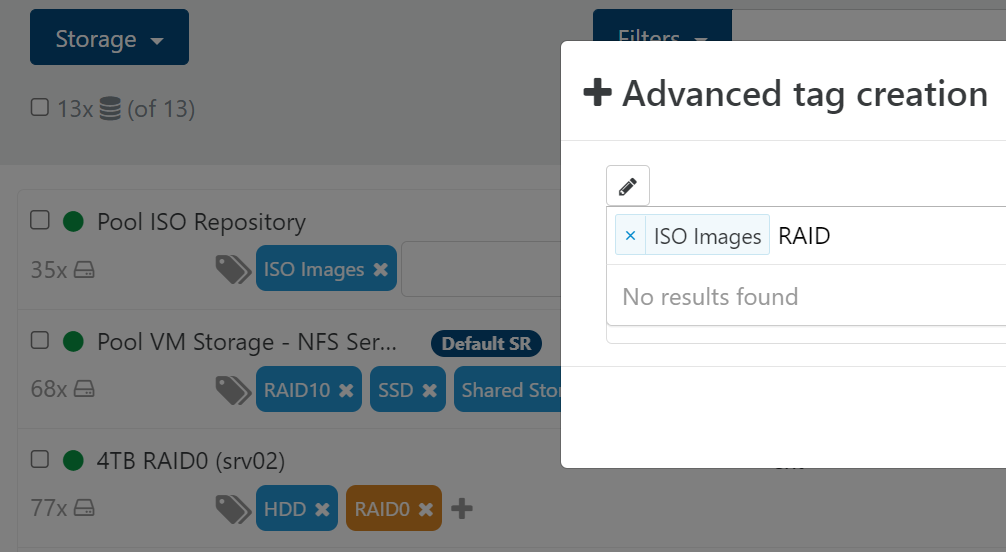
      Tag management for Storage not able to choose from existing tags

      Watching Ignoring Scheduled Pinned Locked Moved Xen Orchestra
      3
      1
      0 Votes
      3 Posts
      523 Views
      MathieuRAM
      Hi Indeed. We will see how we can fix this bug. Thanks
    • ForzaF

      Citrix or XCP-ng drivers for Windows Server 2022

      Watching Ignoring Scheduled Pinned Locked Moved XCP-ng
      19
      0 Votes
      19 Posts
      9k Views
      ForzaF
      @iams3le we have switched to the signed xcp-ng drivers. We also replaced our older 2022 servers.
    • ForzaF

      Local mirror for XOA and XCP-ng updates

      Watching Ignoring Scheduled Pinned Locked Moved Xen Orchestra
      3
      0 Votes
      3 Posts
      675 Views
      ForzaF
      @olivierlambert thanks. I'll read through the documentation and maybe contact support about this.
    • ForzaF

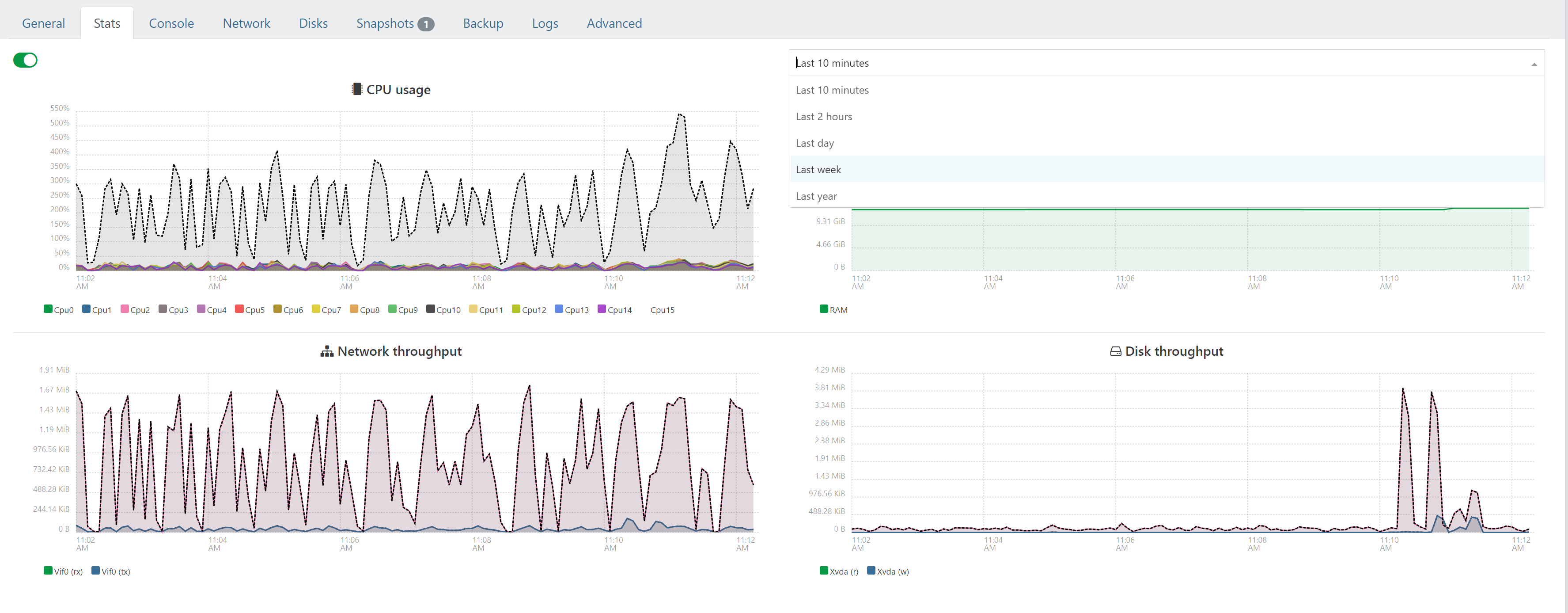
      Feat: Improvements to the VM statistics page:

      Watching Ignoring Scheduled Pinned Locked Moved Xen Orchestra
      4
      4
      0 Votes
      4 Posts
      1k Views
      ForzaF
      @julien-f said in Feat: Improvements to the VM statistics page:: Yes, I've noted this for XO6 Great. Thanks Now we just need a XO 6.0 release
    • ForzaF

      Does XOA pause scheduled backups during XOA upgrades?

      Watching Ignoring Scheduled Pinned Locked Moved Xen Orchestra
      7
      1
      0 Votes
      7 Posts
      1k Views
      julien-fJ
      XO does not pause backups during upgrades/restart, all currently running backups will be interrupted as @olivierlambert said. An interrupted backup is not a big problem by itself, nothing will be broken, and the next run will run properly. Backups are only run at the time they are scheduled, if XO is offline at this time, it will not automatically run them when restarted, it will wait for the next scheduled run.
    • ForzaF

      Updated XOA with kernel >5.3 to support nconnect nfs option

      Watching Ignoring Scheduled Pinned Locked Moved Xen Orchestra
      34
      1 Votes
      34 Posts
      13k Views
      M
      @manilx 2 more and yes seems to be confusing and just to round it up. Same VM as above Delta (full) backup using NBD without and with "nconnect=6" in the remote setting: [image: 1714397312022-screenshot-2024-04-29-at-14.27.19.png] with nconnect=6 [image: 1714397346566-screenshot-2024-04-29-at-14.28.57.png] nconnect=6 doesn't seem to do a lot.
    • ForzaF

      I/O errors on file restore

      Watching Ignoring Scheduled Pinned Locked Moved Backup
      14
      2
      0 Votes
      14 Posts
      3k Views
      ForzaF
      I re-checked again but the issue is unfortunately not resolved. It does not happen on all VMs and files, so maybe there is something wrong somehow in the VDI?