🛰️ XO 6: dedicated thread for all your feedback!
-
Thanks @Baronvaile. Can i restart xo-server?
-
Sorry, I was out for a bit. Yes, you can restart my xoa.
-
If you still are waiting i have opened a support tunnel - 35965 this is for my home lab. You may reboot XOA if needed.
-
Thanks @Baronvaile, the fix seems to work.
@acebmxer i will also patch your XOA, It's better to have several confirmations
-
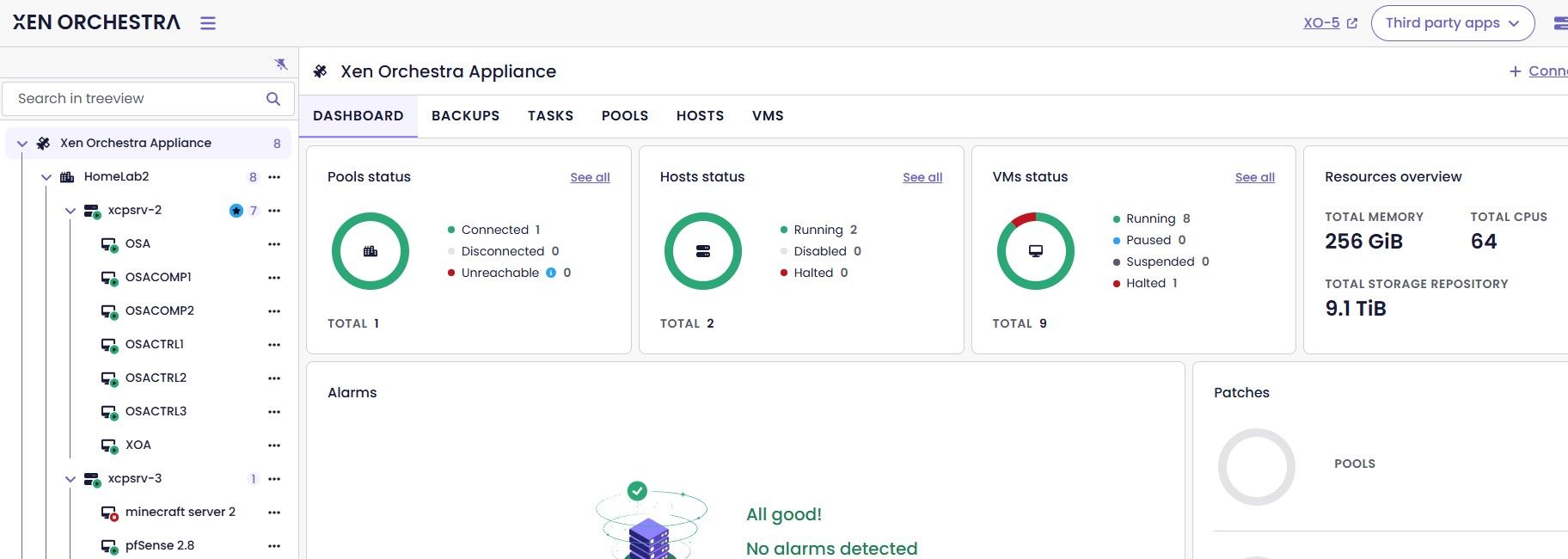
Can confirm that XOA v6 looks good now.
-
@acebmxer It also works on your XOA.
Thank you both for your availability for testing. I will see with the XO team when to release a fix.
We apologize for any inconvenience
-
@MathieuRA Thank you for the team's and specifically your dedication to the project and the quick turn around time.
-
Confirmed Dashboard now loads correctly.
-
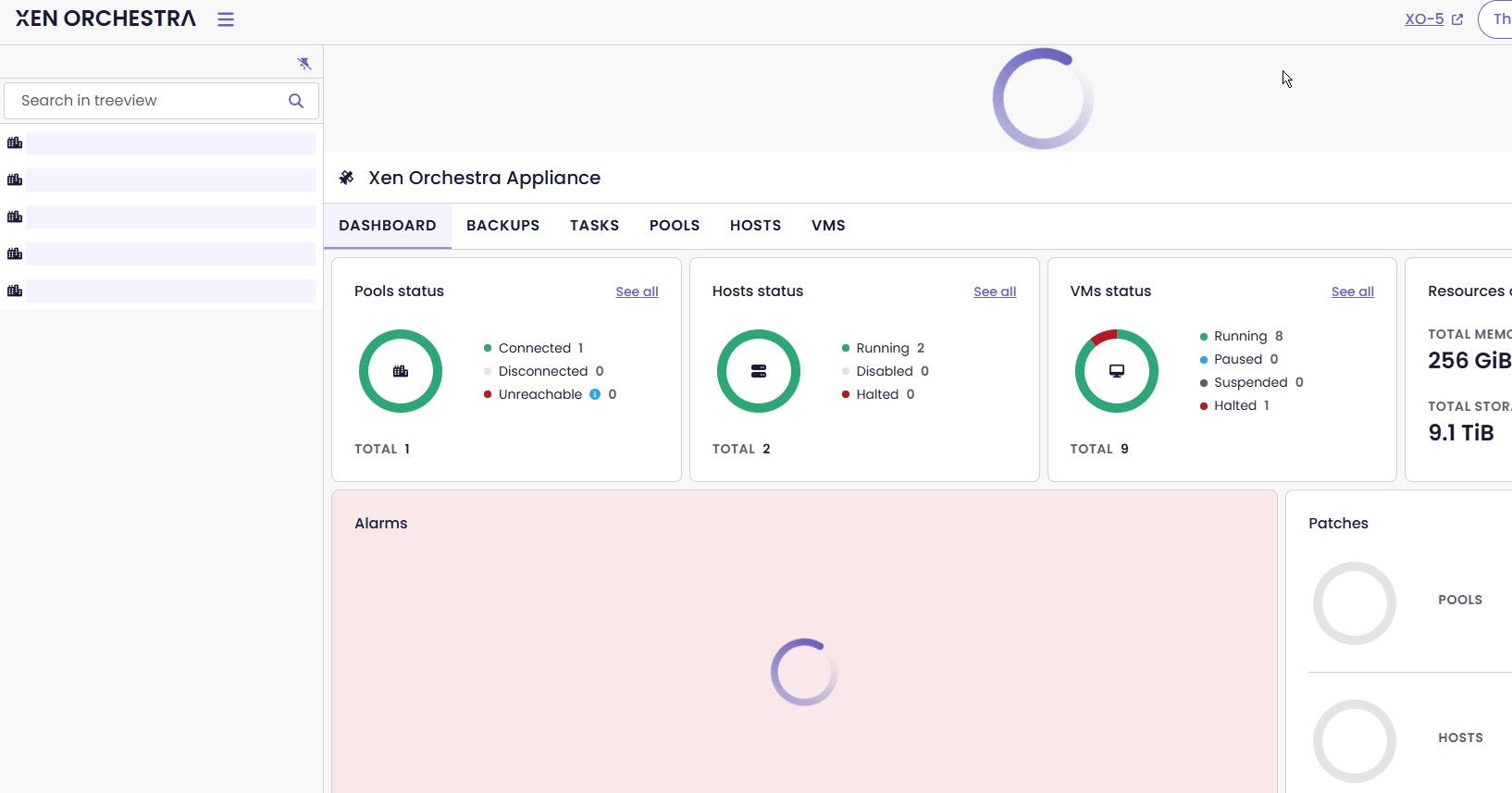
After upgrading from 6.3.3 to the new 6.4.0 release, the dashboard page for xoa 6 is just spinning. v5 seem unaffected after the update. I have restarted the xoa vm. The xoa-updated show all up to date and xoa check shows healthy.
Thanks for the detailed report and the journalctl output, and to @acebmxer and @ph7 for the confirmations. I've filed this upstream as GitHub issue #9799 so the dev team can track it properly. The in-thread fix from @mathieura got your instances running again, but the root cause is worth investigating so it doesn't come back in a future update. I'll update the issue if anything changes on that front.
-
probain said:
Unfortunately, commit https://github.com/vatesfr/xen-orchestra/pull/9727 doesn't fix this issue of the VM-console reloading constantly. With loss of focus as a result. At least not on XO6..
PR #9727 was supposed to fix this but it sounds like the problem is still there on XO 6 for you. I've filed it as GitHub issue #9800 so the team can take another look with fresh eyes. If you have any more details about when the reload triggers (for example, whether it happens more on certain browsers or VM types) adding them to the issue would probably help narrow it down.
-
Before the LTS release UEFI worked extremely well, something kind of went sideways when it hit release. I only have a single UEFI VM, it was created under version 8.2 and does not give me trouble.
I guess I need to get my lab back up, had a UPS fail and shut everything off a few days ago. Then I need to test UEFI VMs and see what I can see. But back when it went LTS I reinstalled from scratch and tried to do everything through XO-lite to get the first VM running and found that Debian 13 or Windows Server 2022 would not boot if I created them with UEFI. Since then I haven't tested this again.
I'm also tempted to just move my whole lab to version 9, waiting for the next ISO to land and I may do this. I can run real testing workloads on Harvester for the time being and maybe play around migrating back and forth between both systems.
Logged this as GitHub issue #9801. The detail that 8.2-era UEFI VMs still work but new ones created through XO Lite don't is a useful clue for the team to narrow the scope. Worth checking if the same behavior shows up when creating the VM through XO 5 vs XO Lite, in case it's a frontend difference rather than hypervisor-level. Either way, the issue is now tracked.
-
Slow booting on Debian 13 VM created from a template
I recently tried cloning a VM from a template (created from a full install of Debian 13). What was noticed was that the system takes forever to boot when the VM is created from XO-6. The issue does not happen in XO-5. The VM seems to hang at the TianoCore boot screen
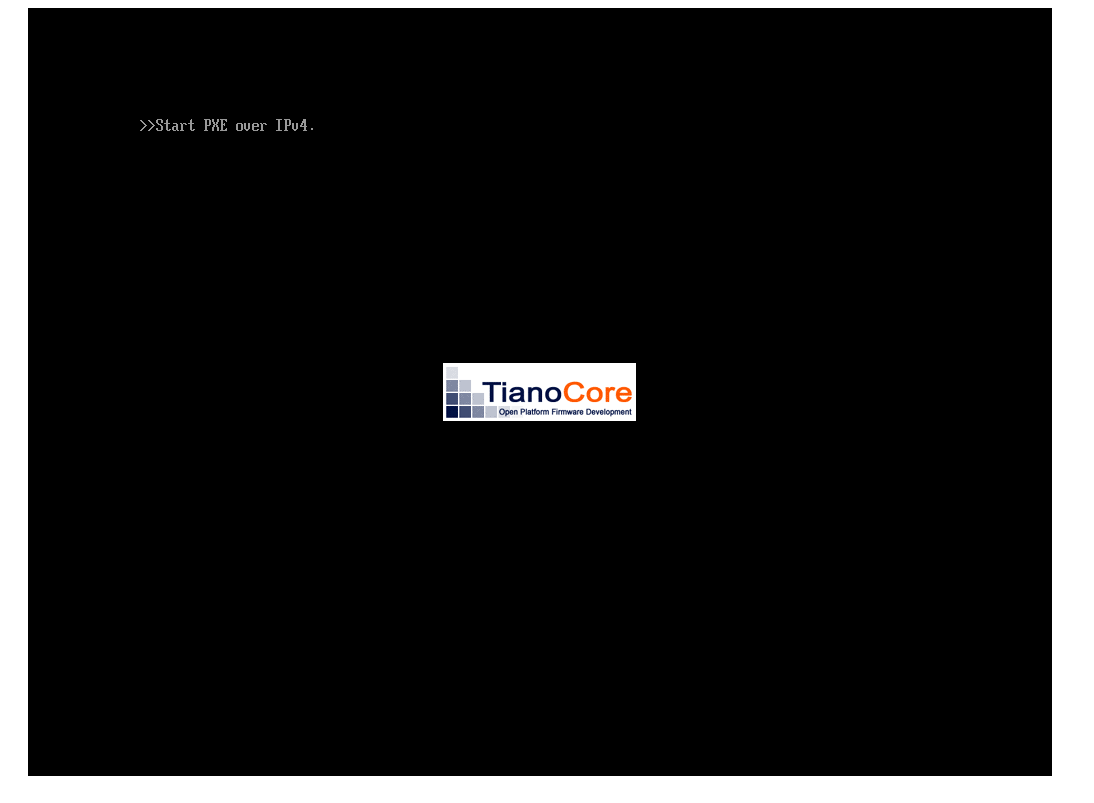 .
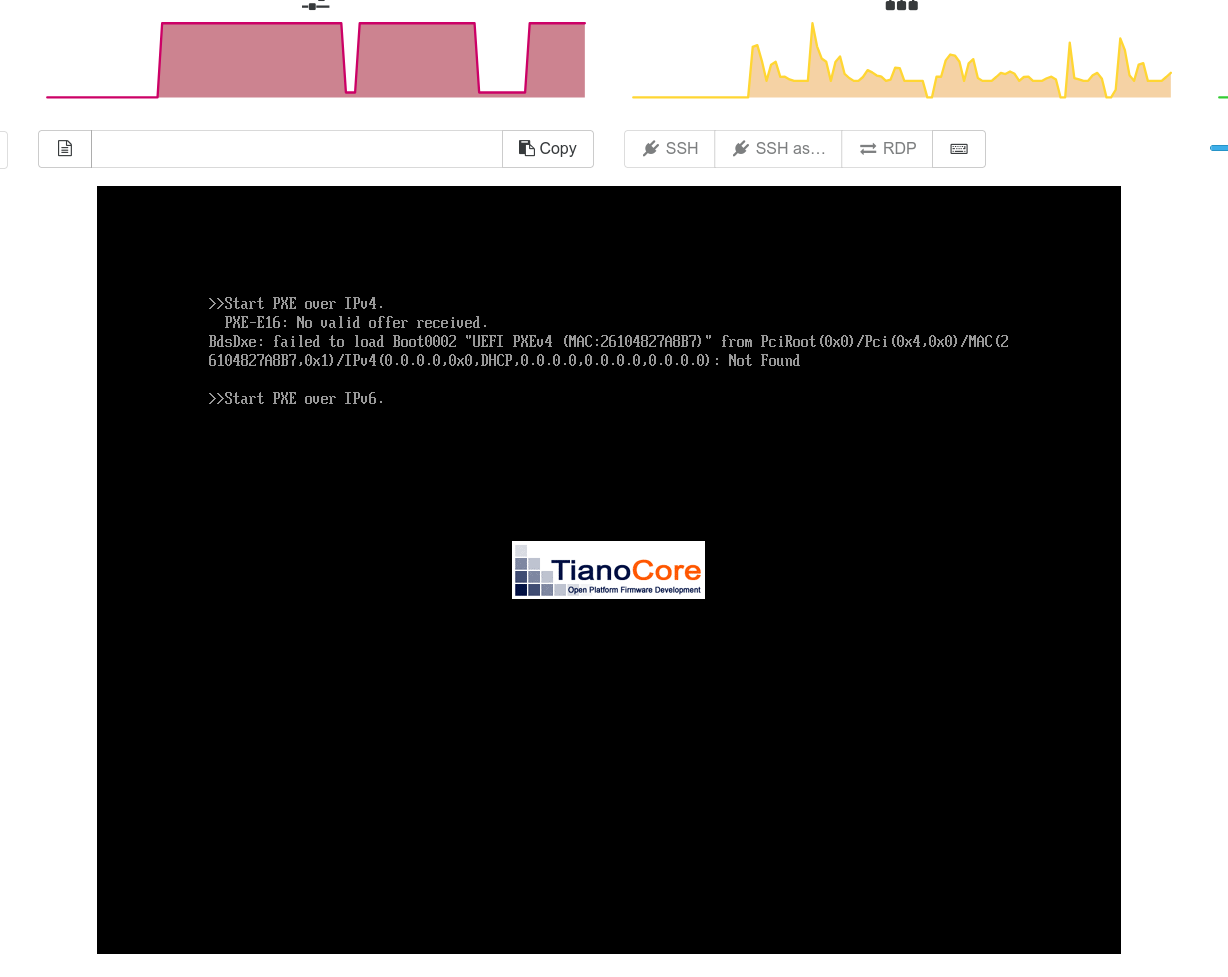
.What I noticed is that when the VM is cloned with XO-6 the boot order somehow changes to Network boot as the first option

This does not happen (change of boot order) if the VM is cloned from XO-5 and there is no boot delay. The boot process seems to wait for more than 2 minutes before it fails network boot and then proceeds normally to boot from the Hard drive
Thanks
This one's filed as GitHub issue #9802. The clone inserting Network Boot as the first option is reproducible and @MajorP93 confirmed the extended boot time with spinlock messages too, which strengthens the report. Both symptoms are in the issue. If you find a workaround in the meantime (like manually reordering boot entries post-clone), adding it to the issue would be useful for others hitting the same thing.
-
@poddingue Hello, while I -as a user- appreciate that you coordinate these bug reports I do wonder: is the GitHub issues section of Xen Orchestra really the preferred way of reporting issues?
This is also a valuable information for me personally.
In the past I felt like issues at the XO github repository often did not get the level of attention by the developers compared to reporting the issues here on the forums.
I wrote some XO github issues in the past as well and noticed that some never got any response and/or update.
Reporting these things here on the forums mostly felt more "productive".
Looking forward to getting some insights in this regard.
Thanks and best regards -
@MajorP93: Thanks for expressing yourself regarding that, and I'll be transparent about the thinking behind it.
Filing those on GitHub isn't me asking anyone to stop using the forum, quite the opposite in fact.

The forum is where real conversations happen, and that's valuable in a way a GitHub issue never quite is. But forum threads scroll, get buried, and developers can't easily maintain a stable backlog out of them. GitHub gives the team a place where things don't disappear or get buried.Think of it as belt and suspenders (which I need now that I'm getting old
 ). The discussion lives here, the tracking lives there. My goal as community manager is to be the relay between the two, so you don't have to worry about it.
File things here, talk about them here, and I'll make sure what matters makes it into the right repo.
Or at least, that's the plan. Mine.
-
@acebmxer this should be fixed in the latest 6.4 release. Can you please confirm ?
-
@acebmxer this should be fixed in the latest 6.4 release. Can you please confirm ?
Could you provide more context? Which problem are you referring to?
Edit - Just updated home lab XOA to 6.4.1 no issues with v6 dashboard loading.
-
@acebmxer https://xcp-ng.org/forum/post/103160
no, that was about this:
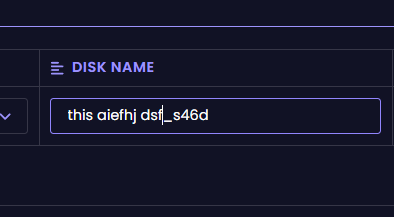
"When creating vm in v6 and renaming the disk name. You can only enter 1 letter at a time. You have to keep clicking then typing the next letter. No other field has this issue." -
Ok that was in xo from sources and yes issue is fixed...
Confirmed is working in XOA in 6.4.1
-
I really miss the description column XO5 has in the default/home view. I understand space is limited for the tree view, but maybe it could appear when a host is selected in the tree view?
-




Hello! It looks like you're interested in this conversation, but you don't have an account yet.
Getting fed up of having to scroll through the same posts each visit? When you register for an account, you'll always come back to exactly where you were before, and choose to be notified of new replies (either via email, or push notification). You'll also be able to save bookmarks and upvote posts to show your appreciation to other community members.
With your input, this post could be even better 💗
Register Login