• Need Help Understanding the VM Suspend Process

    Solved
    11
    2
    0 Votes
    11 Posts
    2k Views
    K
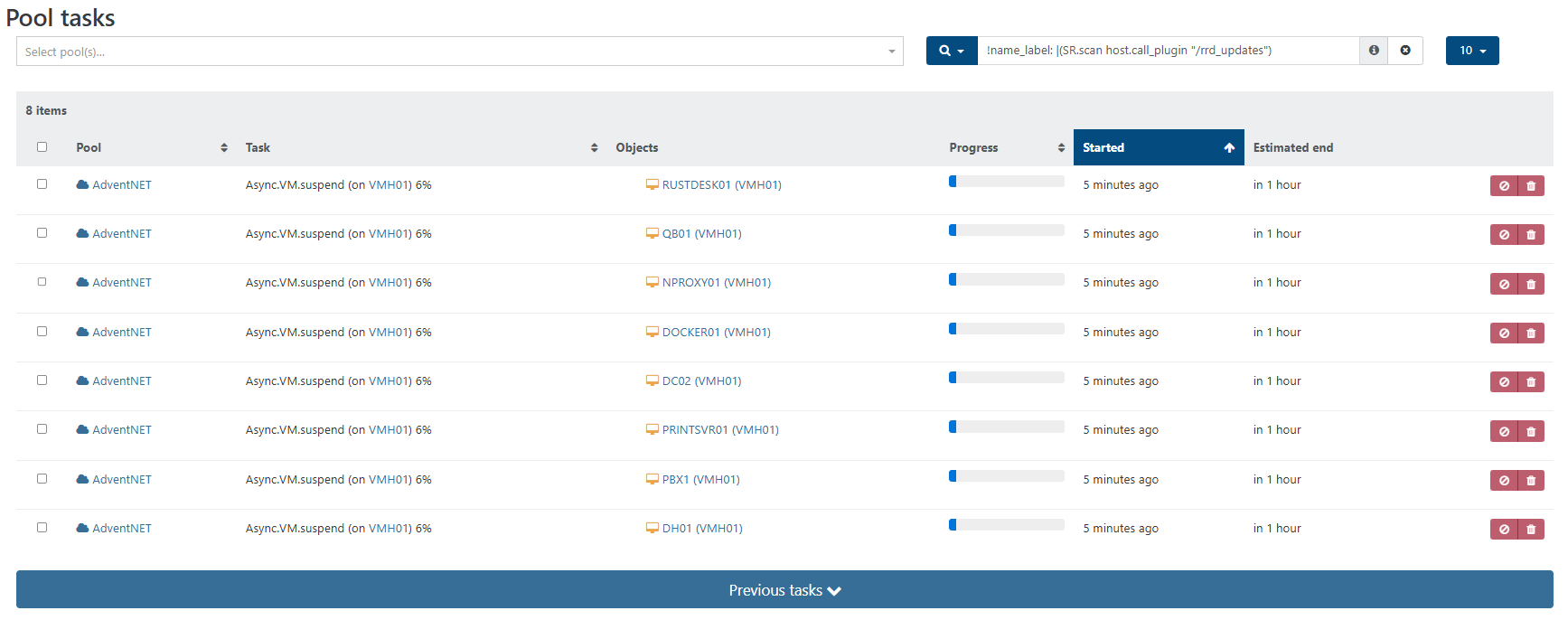
    @olivierlambert Yes sir, it is and I'm glad I confirmed this for myself. Thanks also for helping me understand how the VM Suspend process works. Hopefully this post helps other newbies with the same understanding in the future.
  • SR Garbage Collection running permanently

    36
    1
    0 Votes
    36 Posts
    10k Views
    dthenotD
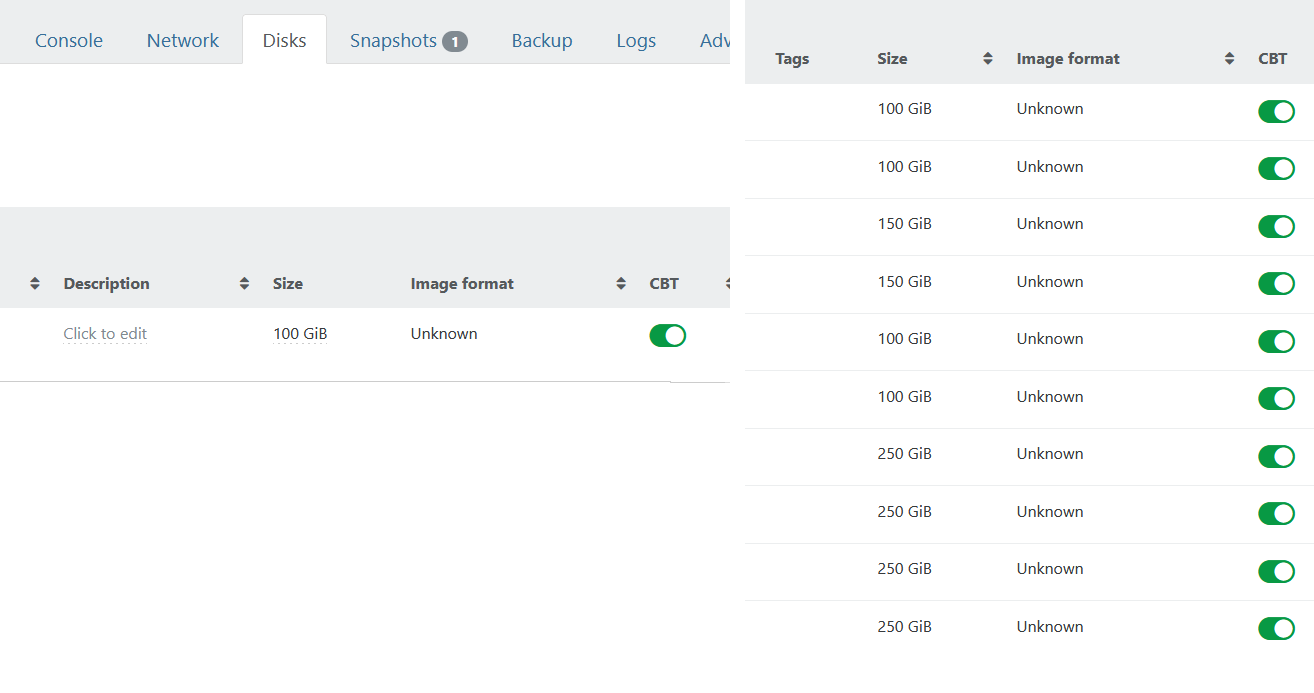
    @Razor_648 While I was writing my previous message, I have been reminded that there are also issues with LVHDoISCSI SR and CBT, you should disable CBT on your backup job and on all VDI on the SR. It might help with the issue.
  • Windows11 VMs failing to boot

    Solved
    15
    0 Votes
    15 Posts
    2k Views
    M
    @dinhngtu Thank you so much. If you want me I'll be at the pub.
  • PCI Passthorugh INTERNAL_ERROR

    13
    1
    0 Votes
    13 Posts
    2k Views
    T
    @andriy.sultanov After running that command I didn't have anything returned.
  • DHCP Assigned ip is not showing in network interface

    Solved
    3
    4
    0 Votes
    3 Posts
    612 Views
    I
    @ph7 worked, ty.
  • XO6 Possible Issue with Lock Sidebar Button

    Solved
    8
    0 Votes
    8 Posts
    1k Views
    ?
    @lsouai-vates Duly noted. If amd when you do get a moment, could you have a look at https://xcp-ng.org/forum/post/94297 and offer up any guidance on how I can stop the debug log entries and also the double timestamp entries in the audit.log file? Thank you.
  • Shipping System Logs to a Remote Syslog Server

    Solved
    4
    0 Votes
    4 Posts
    993 Views
    T
    @kagbasi-ngc You are welcome.
  • 0 Votes
    8 Posts
    1k Views
    P
    @olivierlambert, yes, thank you. I will open that ticket.
  • Backup Network - Unable to add new network

    12
    0 Votes
    12 Posts
    2k Views
    olivierlambertO
    @AtaxyaNetwork It will/it does
  • Possible for a script on one host to test fr VM runnig on another host?

    7
    0 Votes
    7 Posts
    1k Views
    A
    @olivierlambert Thanks!
  • VM migration failure

    6
    0 Votes
    6 Posts
    1k Views
    B
    removed the failed server connection. Restarted xo-server service. Added new host again. Seems fine now. In hind sight, I could have very well recycled a DHCP ip here as well, if that is a known issue...
  • XOA Hosts giving different GUI views

    2
    2
    0 Votes
    2 Posts
    331 Views
    olivierlambertO
    Sounds a like a bug to me, we can maybe check what's displayed in there and take a look at xe level to see what's the problem Ping @lsouai-vates
  • Weird behavior on cpu usage

    Solved
    4
    1
    0 Votes
    4 Posts
    747 Views
    olivierlambertO
    Indeed, you are right and it's about to be fixed very soon. Thanks!
  • XOA not responding!

    6
    -1 Votes
    6 Posts
    895 Views
    olivierlambertO
    Okay so you deployed XOA, the turnkey VM with XO already installed in it. Are you sure you do not have an IP conflict? Make sure XOA IP is different than the host.
  • XeniFace Error Even on Updating Drivers

    6
    2
    0 Votes
    6 Posts
    1k Views
    MK.ultraM
    I had the same problem, I had to run the XenClean script and do a fresh install of 9.4.1 which resolved the issue. https://github.com/xcp-ng/win-pv-drivers/releases
  • Problem: XOA becomes unusable when XCP-ng master host is rebooted

    2
    0 Votes
    2 Posts
    608 Views
    olivierlambertO
    Hi, This is perfectly normal. Only the master is the contact point for the entire pool. I would advise to go for manual promotion if you consider your host dead. To do it, go on any slave you want to promote (just one) and type xe pool-emergency-transition-to-master. If you use HA, this will be done automatically, but HA can be tricky. The result will be the same, if the master is down, you'll lose the view in XO about what's going on the pool, until you get a master back.
  • 0 Votes
    9 Posts
    1k Views
    M
    @olivierlambert Interesting, thanks.
  • Reconfigure the XOA VM IP address?

    Solved
    5
    0 Votes
    5 Posts
    1k Views
    M
    I had a similar issue and found that after changing the static IP directly by editing the network config file inside the XOA VM, things worked fine, but I had to double-check routing afterward. I also ran a quick ip stress test with multiple devices to make sure the new config didn’t cause conflicts or drops on the network. Everything stayed stable after that.
  • How do you manage multiple VMs outside of Xen Orchestra?

    9
    0 Votes
    9 Posts
    2k Views
    olivierlambertO
    And that's the reason why we planned to keep displaying "out of sync objects" in XO 6
  • transfer vlan networks from one pool to another

    4
    0 Votes
    4 Posts
    700 Views
    T
    @bleader you have it right. I was checking before I started down the path of writing something myself. We are a public entity that operates very similar to an MSP so we have a ton of VLANs. We're migrating from vCenter/ESXi and have always used powerCLI with powershell to perform these functions.