Subcategories

  • VMs, hosts, pools, networks and all other usual management tasks.

    473 Topics
    4k Posts
    olivierlambertO
    Hi, IP conflict?
  • ACLs, Self-service, Cloud-init, Load balancing...

    104 Topics
    863 Posts
    laszlobortelL
    @florent Thanks for your reply! We have started to migrate thousands of VMs, so disk transfer speed is important for us.. We will also do our detailed tests soon with different threads setting and publish it here. I think threads=1 is a good and logical default, but not efficient. Others might complain if you set it to a higher value. Configuration option would be a real good solution.
  • All XO backup features: full and incremental, replication, mirrors...

    511 Topics
    5k Posts
    itservicesI
    Hi @pierrebrunet With commit c74a8 the problem is still present but the transfer was completed again. Unfortunately my installation does not recognize the "xen-bugtool" command. And both log files are not present. Is this something that needs enabling after install of XCP-NG? Unfortunately and unnoticed my syslog-server did not receive any messages from XCP-NG in the last 30 days. Other inputs work **Edit: I have deleted and re-added the syslog-server with port and now logs are being send to Graylog.** Thanks for your assistance y'all. Regards, Marc
  • Everything related to Xen Orchestra's REST API

    86 Topics
    645 Posts
    J
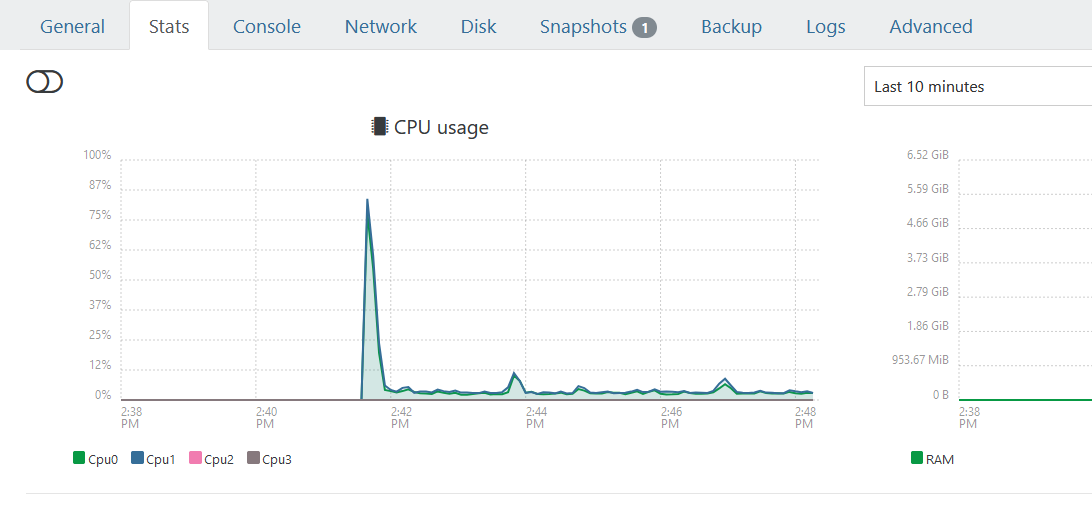
    Hello I'm pulling stats for all VMs to understand CPU usage. We're a bit behind the curve in terms of XO versions, but these questions hopefully are still relevant. If using a granularity of days, the interval is set to 86400 (understandably) but the endTimestamp varies. Running this on June 9th @ ~1740 we get timestamps for both Mon Jun 8 01:00:00 AM BST 2026 and Tues Jun 9 01:00:00 AM BST 2026. Does this average across the day? Why is the timestamp 0100? Why would there be different timestamps between VMs (all are running) and does that mean that the figures are misaligned in the results? These are retrieved via curl and a bash script, a bit hacky, but for clarity the request is: ++ curl -X GET -s -H accept:application/json -b authenticationToken=[[REDACTED]] -o [[REDACTED]] 'https://[[REDACTED]]/rest/v0/vms/[[REDACTED]]/stats?granularity=days' Really keen to know if we can control the start and endtime, as well as provide a manual interval, as well as the aggregation strategy (min, max, average). Are any of these possible? Lastly, is cpuUsage the percentage as per the dashboard, but averaged over all CPUs? Thanks so much in advance. James
  • Terraform, Packer or any tool to do IaC

    51 Topics
    471 Posts
    poddingueP
    The Kubernetes CSI driver for Xen Orchestra just hit v0.4.0, and we want it on more real clusters before it reaches a stable release candidate. If you run Kubernetes on XCP-ng VMs, this is a good time to give it a proper workout. What's new in v0.4.0: Local-storage support Automatic pool-discovery fallback Kubernetes metadata now lives in Xen Orchestra VDI tags instead of the deprecated other_config. That change also drops the old requirement for Xen Orchestra 6.4 or newer, so the driver runs on more deployments now. ️ Read this before you upgrade. v0.4.0 is a breaking change. The Kubernetes metadata moved from other_config to VDI tags, so you must migrate before upgrading from v0.3.0. Do not upgrade in place: follow the v0.3.0 to v0.4.0 migration guide in the release notes, then move to v0.4.0. What helps us most is hearing how it behaves on your own setup: what works, what breaks, which storage backend you use, and which flavour of Kubernetes you run (k3s, full k8s, or something else). Edge cases on real clusters are the ones we don't see in our own testing. Where to report: start right here in this thread. It keeps everything visible to the community and lets others on the same setup jump in. If something turns out to be a reproducible bug, we'll move it to a GitHub issue on the repo so the team can track it to a fix. Release notes and migration guide: https://github.com/vatesfr/xenorchestra-csi-driver/releases/tag/v0.4.0
  • Can backups be "imported"?

    4
    0 Votes
    4 Posts
    1k Views
    J
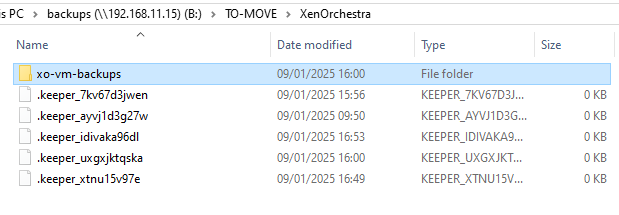
    @olivierlambert Based on what you mentioned about losing everything and rebuilding, if you reconnect to the NFS share, will you be able to see the VMs listed below, or would additional steps be required to recover them? Thanks! [image: 1733646346634-a2bede49-af10-45e8-9014-7c70143688cf-image.png]
  • pool cpu usage vs host cpu usage

    2
    3
    0 Votes
    2 Posts
    266 Views
    J
    figured it out... When under "Pool" view its displaying the "stacked" value and not the average value.
  • SR NFS Creation Error 13

    Solved
    19
    5
    0 Votes
    19 Posts
    4k Views
    T
    I ran into this problem with a fresh install of XCP-ng and TrueNAS last night. The fix is on TrueNAS, NFS Advanced Options, set the maproot user to 'root' and maproot group to 'wheel'. By default the fields are empty.
  • Remote not working

    1
    0 Votes
    1 Posts
    234 Views
    No one has replied
  • XOA Quick Deploy

    29
    1
    0 Votes
    29 Posts
    16k Views
    M
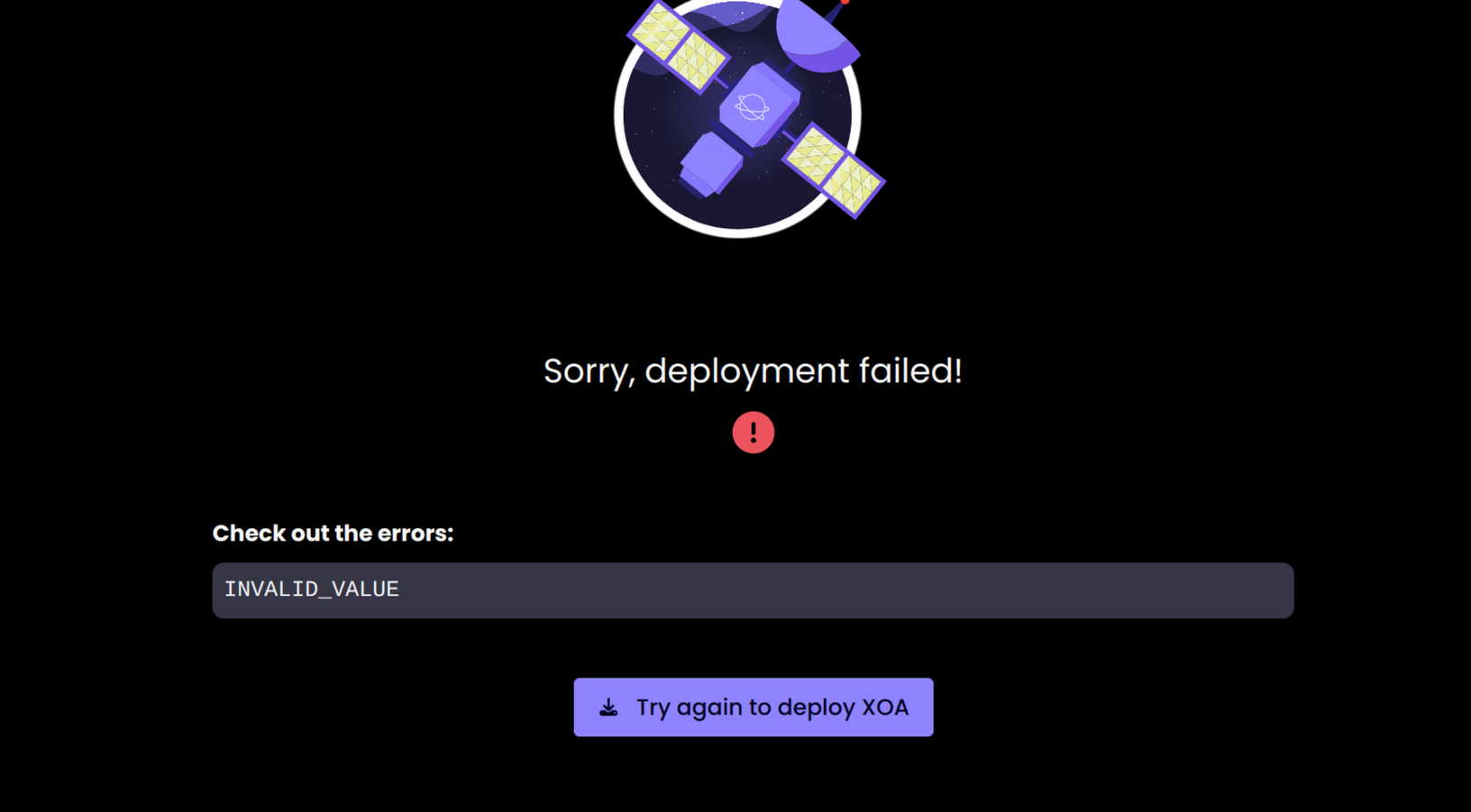
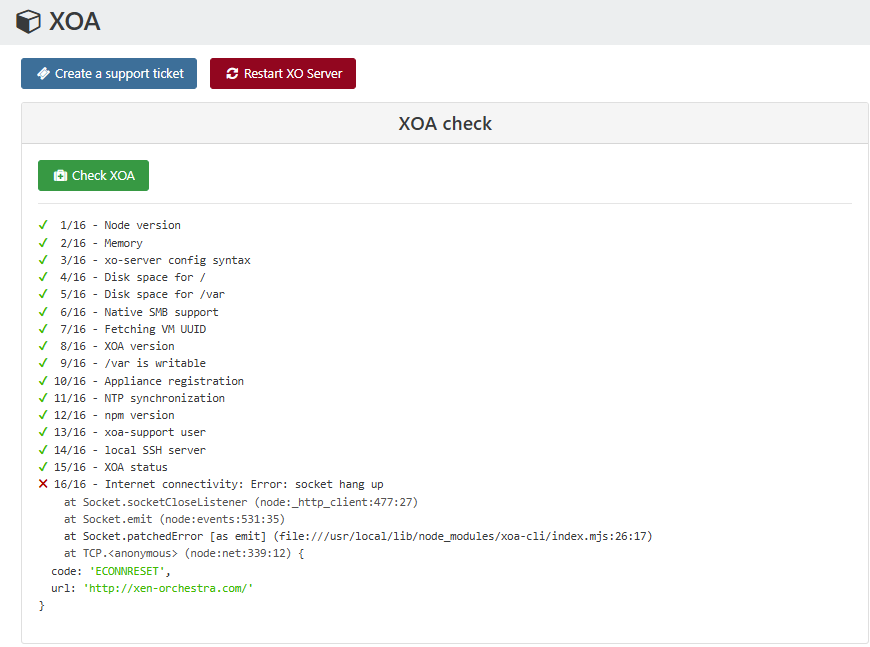
    I know this is quite old but wanted to update with additional findings. I had the same error and it turns out you are using a non-standard port. In this case, tcp/8888 which I have blocked on my perimeter firewall.
  • No plugins visible on XOA [SOLVED]

    Solved
    3
    1
    0 Votes
    3 Posts
    456 Views
    T
    That must explain one or two things Thx
  • Some VMs Booting to EFI Shell in Air-gapped XOA Instance

    7
    0 Votes
    7 Posts
    1k Views
    ?
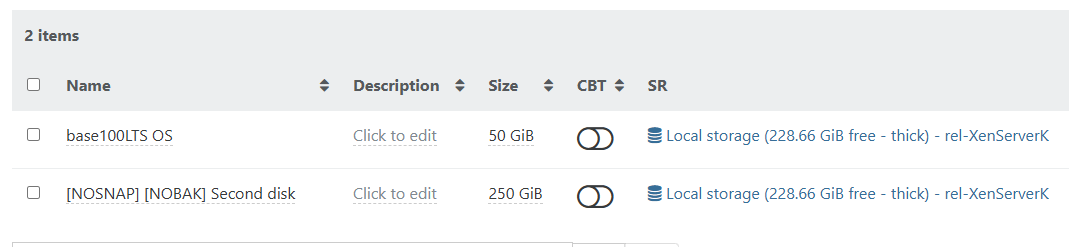
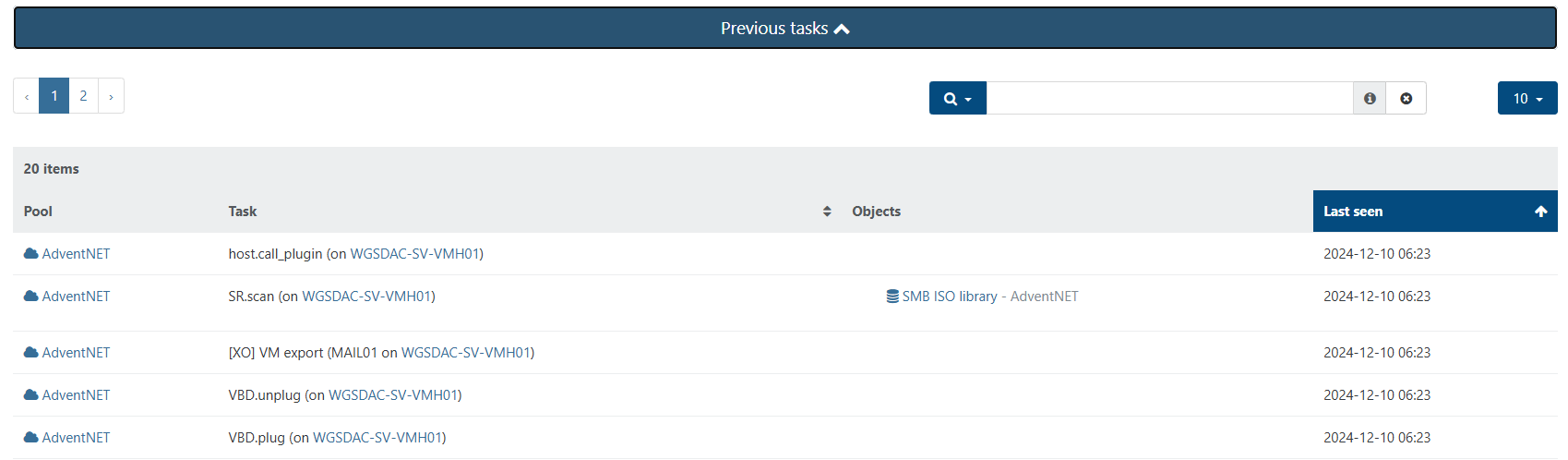
    Good-day Folks, While troubleshooting this issue with my sales rep, I shared a screenshot of one of my VMs and he noted that it was odd that the boot disk was connected as device xvdb instead of xvda. So he asked me to go through and check if the VMs that were having problems booting, looked similar. I went through and confirmed that all the VMs that were failing to boot did not have an “xvda” device. I went through the Storage menu and found a few disks that did not have a name or description, which was quite odd (to say the least). I mounted each disk, one at a time, to one of the VMs and booted until I identified and renamed each of them. As it stands now, I’ve been able to get all the VMs back up and running again. However, that leaves some unanswered questions: How does taking a snapshot of a the MAIL01 VM (which was built with two disks – Disk1 for OS and Disk2 for Data), cause the VM to have its xvda device detached, and snowball that to other VMs? How is it that VDIs that I name myself during VM creation, all of a sudden become detached from their VMs and lose their name and description? How does a VM Template lose its disk? Because I was able to identify the disk that’s supposed to be attached to the template, but now it’s orphaned, and I don’t know how to re-attach it to the template. In any case, I’m glad this happened in this lab environment, so I'm willing to work with you all at Vates to see if we can do a root cause analysis to prevent this in the future. All I did was take a snapshot, and this is certainly not the experience I should have had (nor is what I'm used to seeing). Some screenshots to illustrate what I saw: [image: 1732747097783-screenshot_netxms01_no_vdi.png] [image: 1732747097860-screenshot_netxms01_no_vdi_2.png]
  • new smb remote fails

    4
    0 Votes
    4 Posts
    851 Views
    G
    @gonzametal I modified sudoers and could create the folder in the terminar but the error still there (I think because the syscall). I will install as root again to avoid this kind of issues in the future
  • VDI migration

    8
    0 Votes
    8 Posts
    3k Views
    DanpD
    @sb2014 I've encountered this particular issue once before, and these were the steps we used to correct it -- Shutdown the VM Export the snapshot's VDI from the SR's DIsks tab using XVA file format Forget the snapshot Import the XVA file created in the earlier step Attach the newly imported disk to the target VM Start the VM to verify that it boots correctly Regards, Dan
  • Changing the VM Advanced setting "Viridian" doesn't stick

    2
    0 Votes
    2 Posts
    643 Views
    DanpD
    I confirm this behavior. Checking with the dev team to see if this is by design.
  • Active directory authentication

    12
    0 Votes
    12 Posts
    3k Views
    G
    @dinhngtu LDP is using SSL, and no firewall between, so I think there be a ldaps misconfiguration
  • Deleting a VM template?

    Solved
    3
    0 Votes
    3 Posts
    665 Views
    W
    @Danp Thanks. My fault, I didn't notice the 2nd page of templates where it was.
  • This topic is deleted!

    1
    0 Votes
    1 Posts
    1 Views
    No one has replied
  • xo-server-auth-saml

    2
    0 Votes
    2 Posts
    373 Views
    olivierlambertO
    Hi, You should use the UI to config the plugin, but I suppose you are asking to pass extra parameters that aren't displayed/existing?
  • Change the network device for remotes throws "mount.nfs: Connection timed out"

    Solved
    5
    0 Votes
    5 Posts
    959 Views
    R
    @olivierlambert Oh my... I totally forgot to change the network interface on XO after the change. That was my mistake. Sorry. But thanks a million for pointing it out.
  • Tag management for Storage not able to choose from existing tags

    3
    1
    0 Votes
    3 Posts
    478 Views
    MathieuRAM
    Hi Indeed. We will see how we can fix this bug. Thanks
  • Intermediate cert xen orchestra

    Solved
    4
    0 Votes
    4 Posts
    849 Views
    A
    I bundled the cert and it is working as expected now. Thanks!
  • Sum of actuall provisioned SR space compared to used space

    2
    0 Votes
    2 Posts
    304 Views
    ForzaF
    I haven't seen it in XOA, but in XCP-ng Center, this information is available: [image: 1731271441742-f7ec1a2b-1d23-4258-93e4-a29f5ba00a48-image.png]
  • Commit Number Not Updating?

    5
    2
    0 Votes
    5 Posts
    814 Views
    A
    @Danp Sorry for the delay, in the end I waited for a nother commit to come out and update to it, once I'd done so the issue was fixed. Thanks for your help either way.
  • "Xenserver 8" with PVS Accelerator showing Full Orphan VDIs

    Solved
    7
    0 Votes
    7 Posts
    2k Views
    M
    Hi @infecticide, the fix for this issue has been been merged and will be available in the next release (5.100.1)